
Introduction
With the rise of USB-C fast charging technology, choosing an efficient and durable cable has become increasingly important. Whether for smartphones, tablets, or laptops, the right cable ensures faster charging, safety, and longer device lifespan. This guide will cover USB-C cable features, use cases, buying tips, and FAQs, helping you select the perfect fast charging cable.
Features and Performance
USB-C cables are more than just charging lines; they enable high-speed data transfer and multi-device compatibility. Key considerations include power rating, material, length, and protocol compatibility.
Cable Length and Charging Speed
Cable length affects charging efficiency. Short cables (0.5–1 meter) are ideal for laptops, power banks, and travel, ensuring stable high-power PD charging. Longer cables (2–3 meters) are better for desks or home use but may slightly reduce fast charging efficiency.
Material and Durability
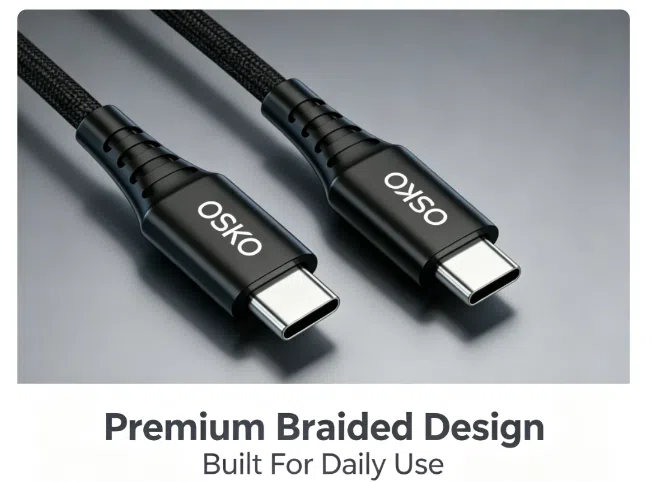
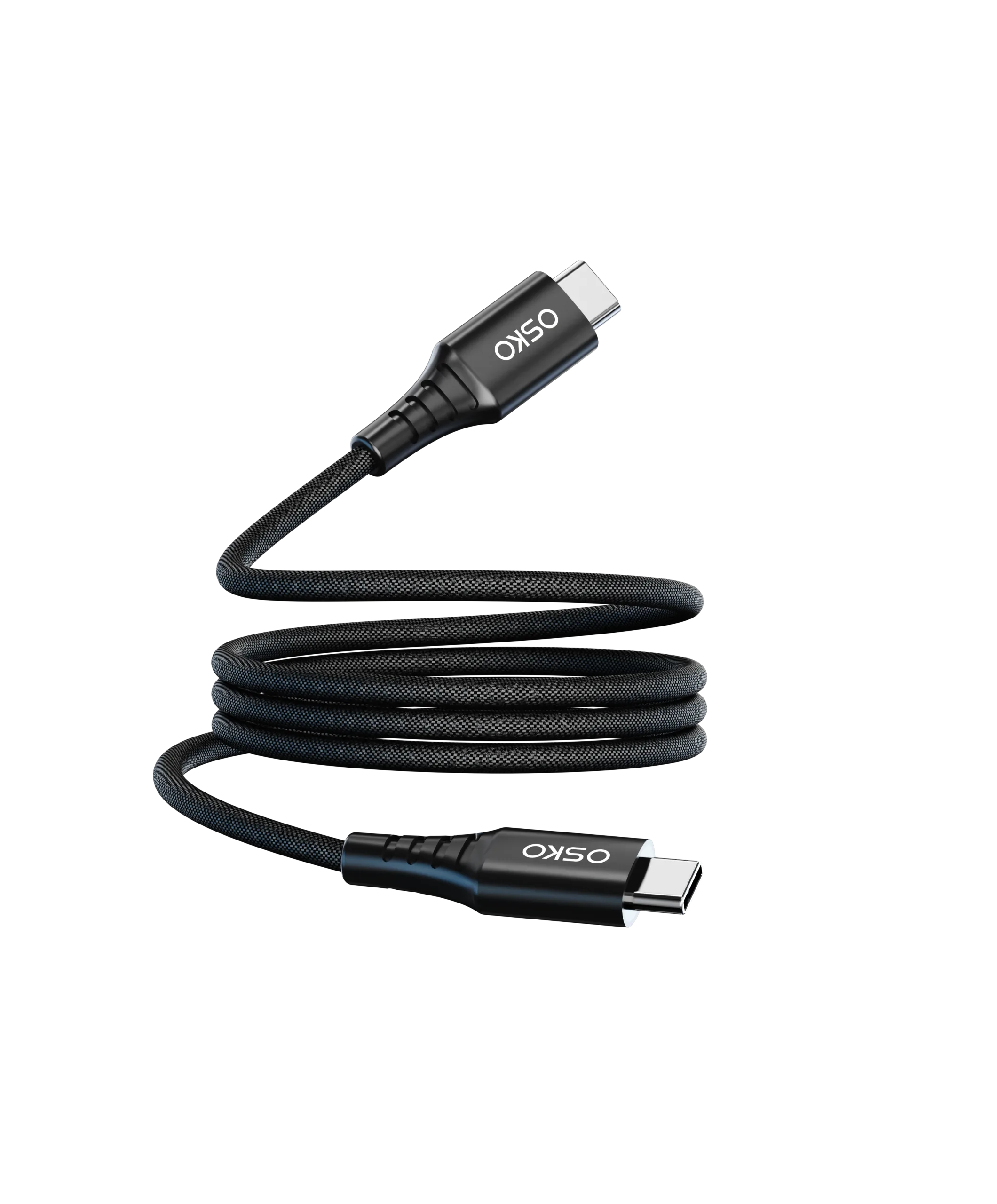
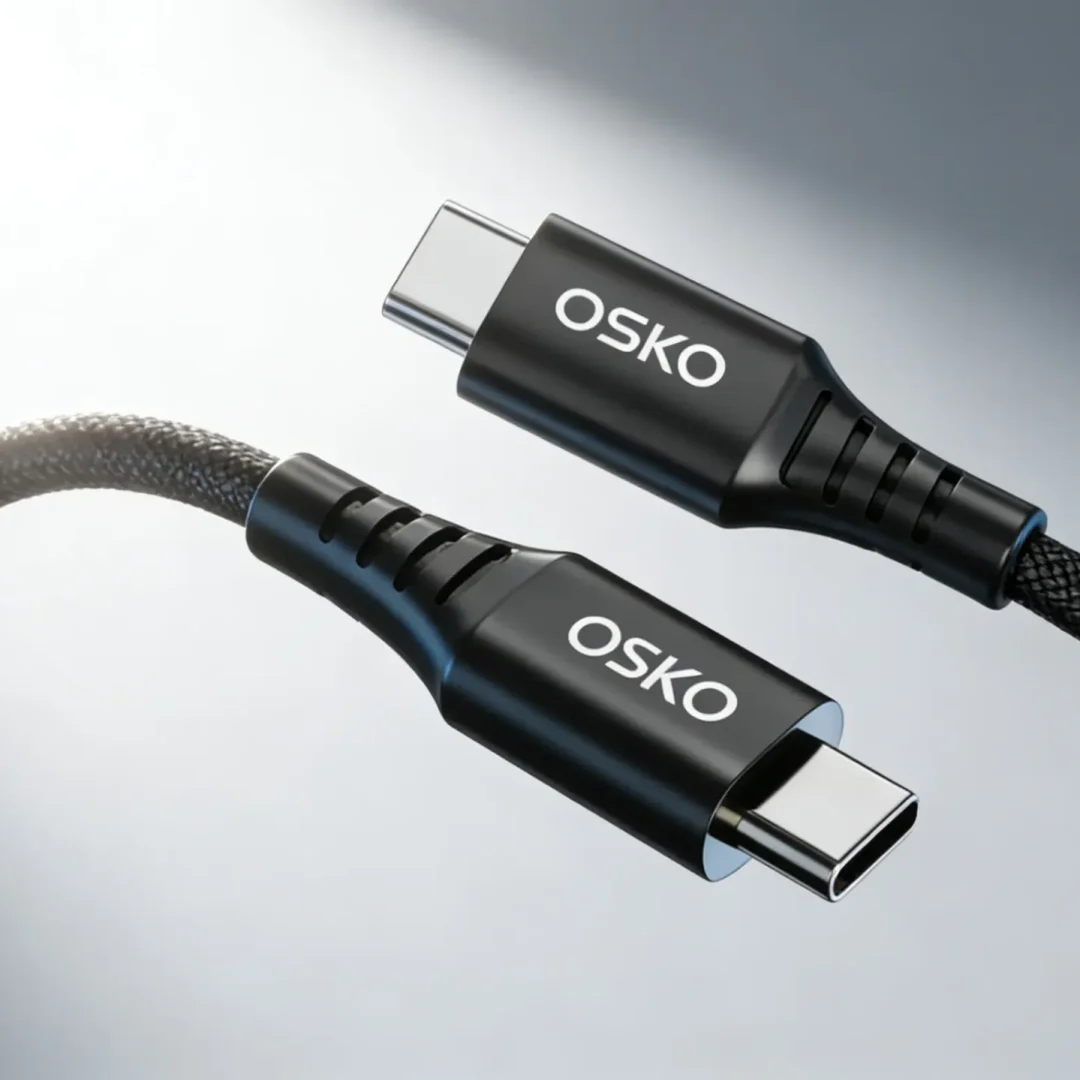
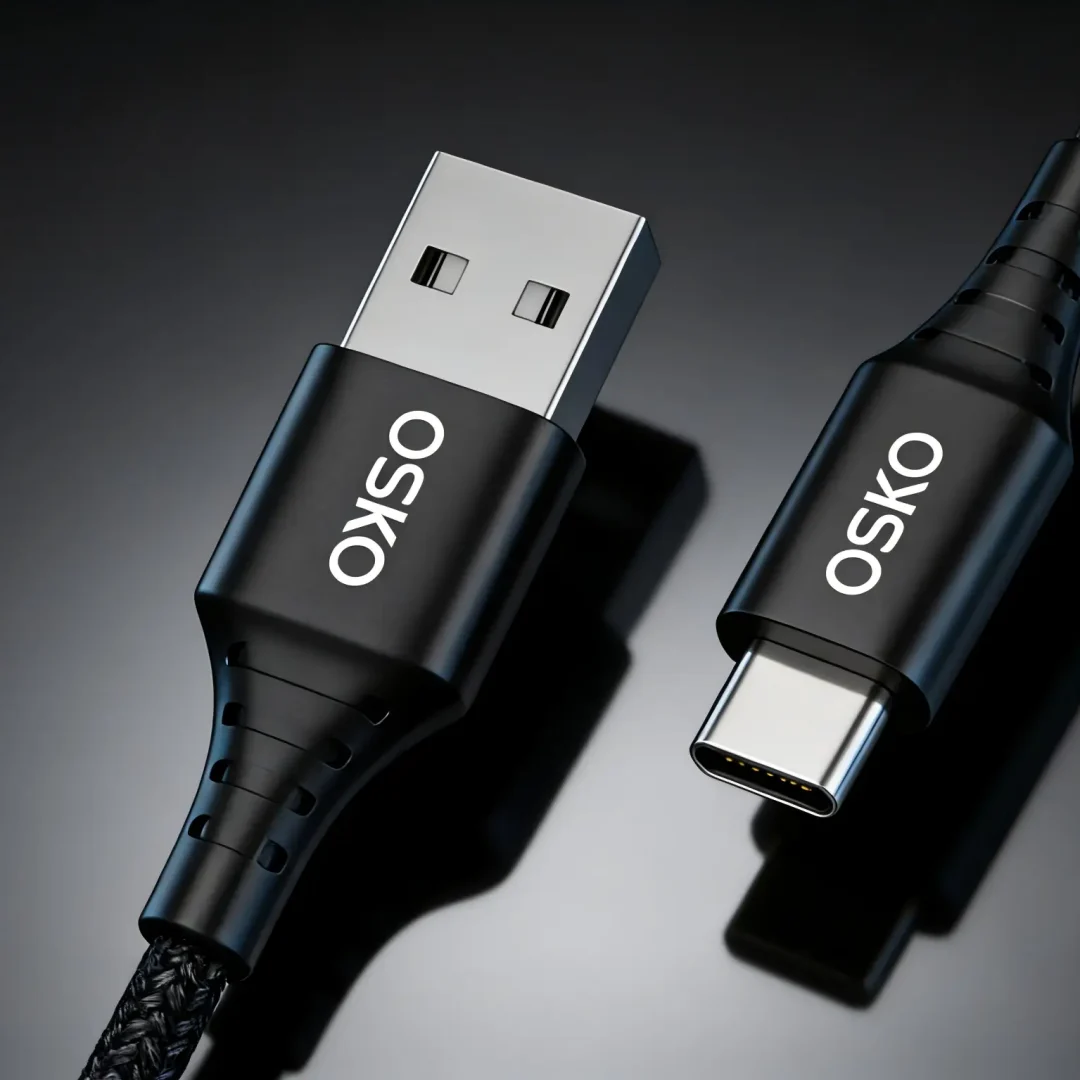
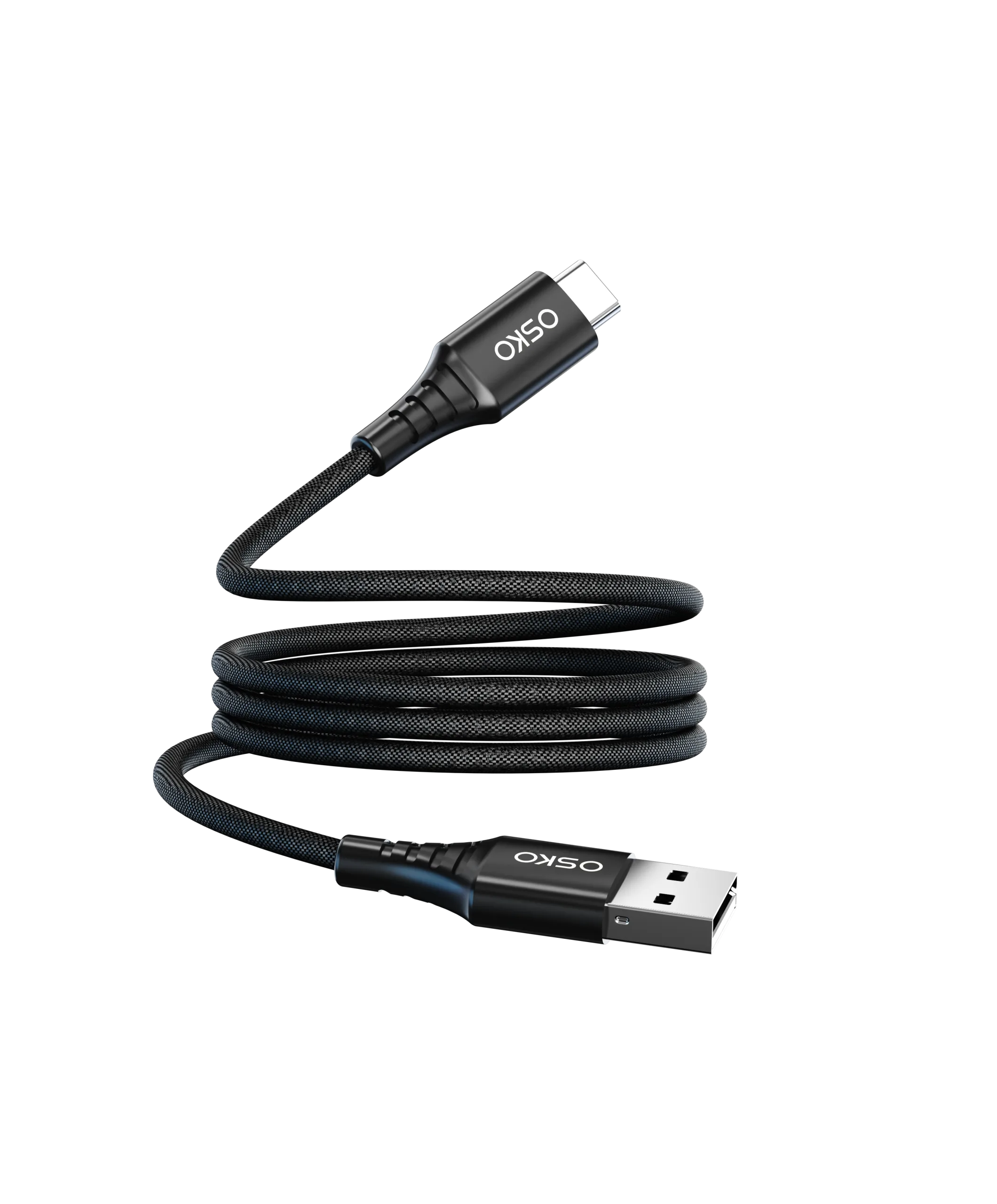
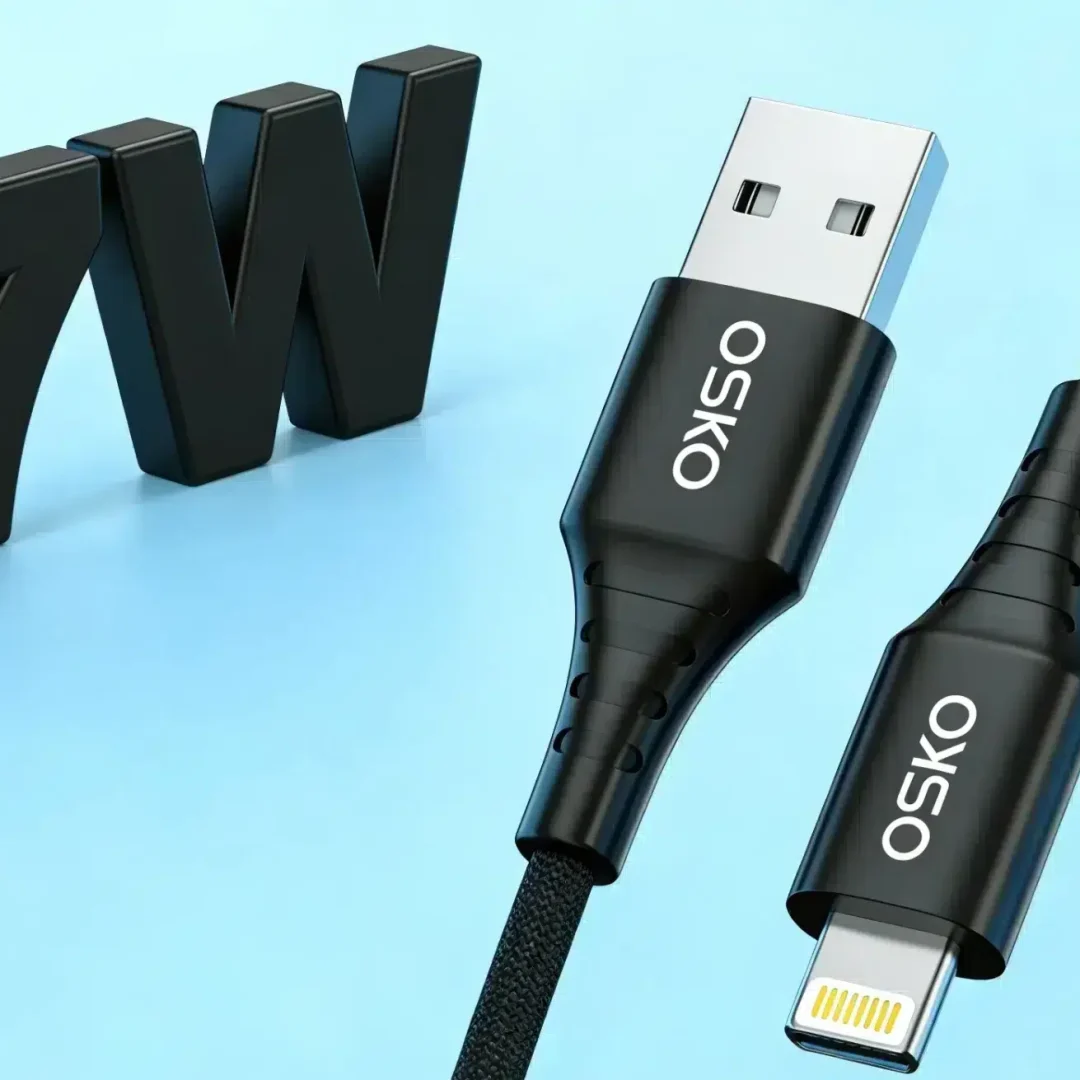
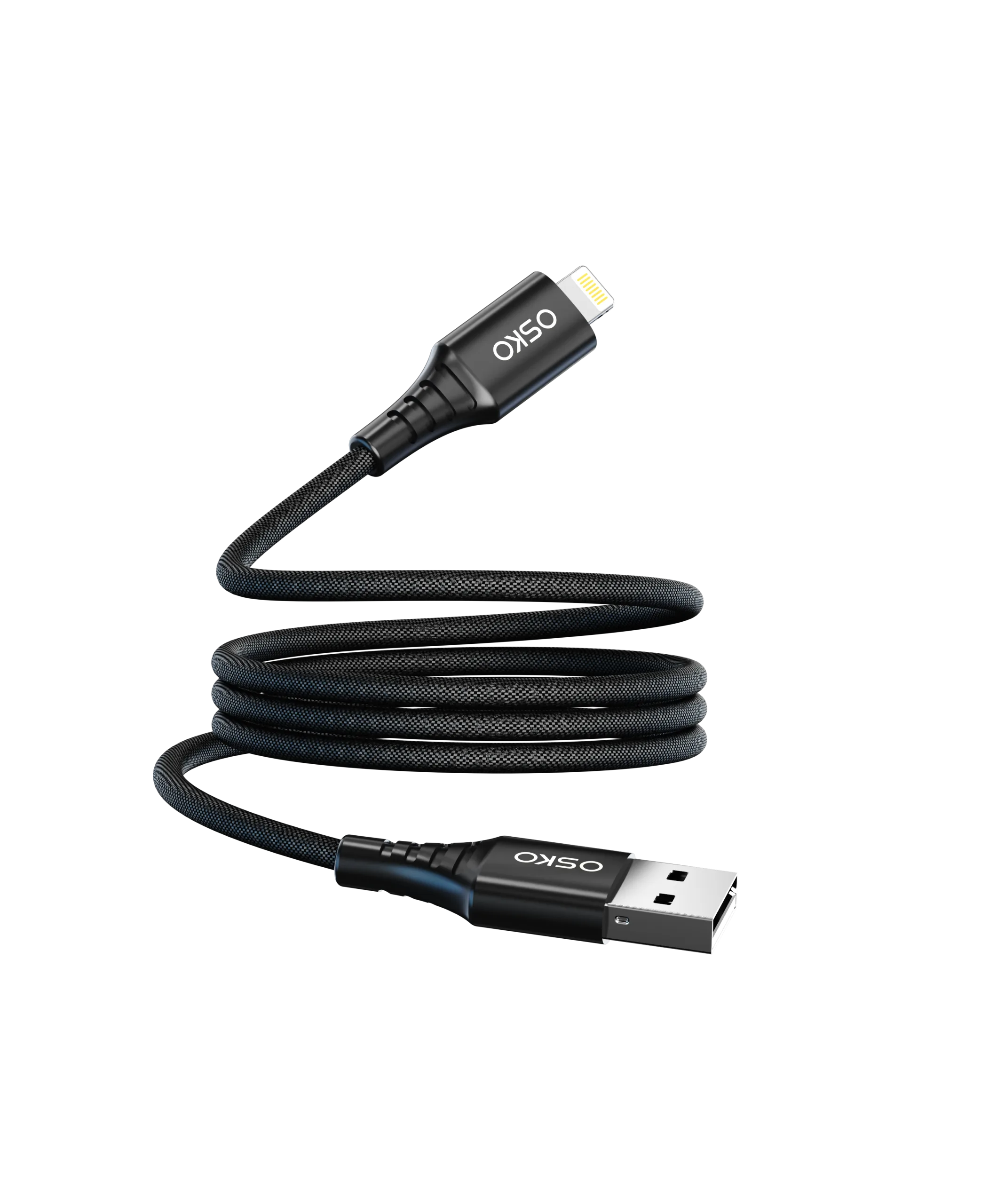
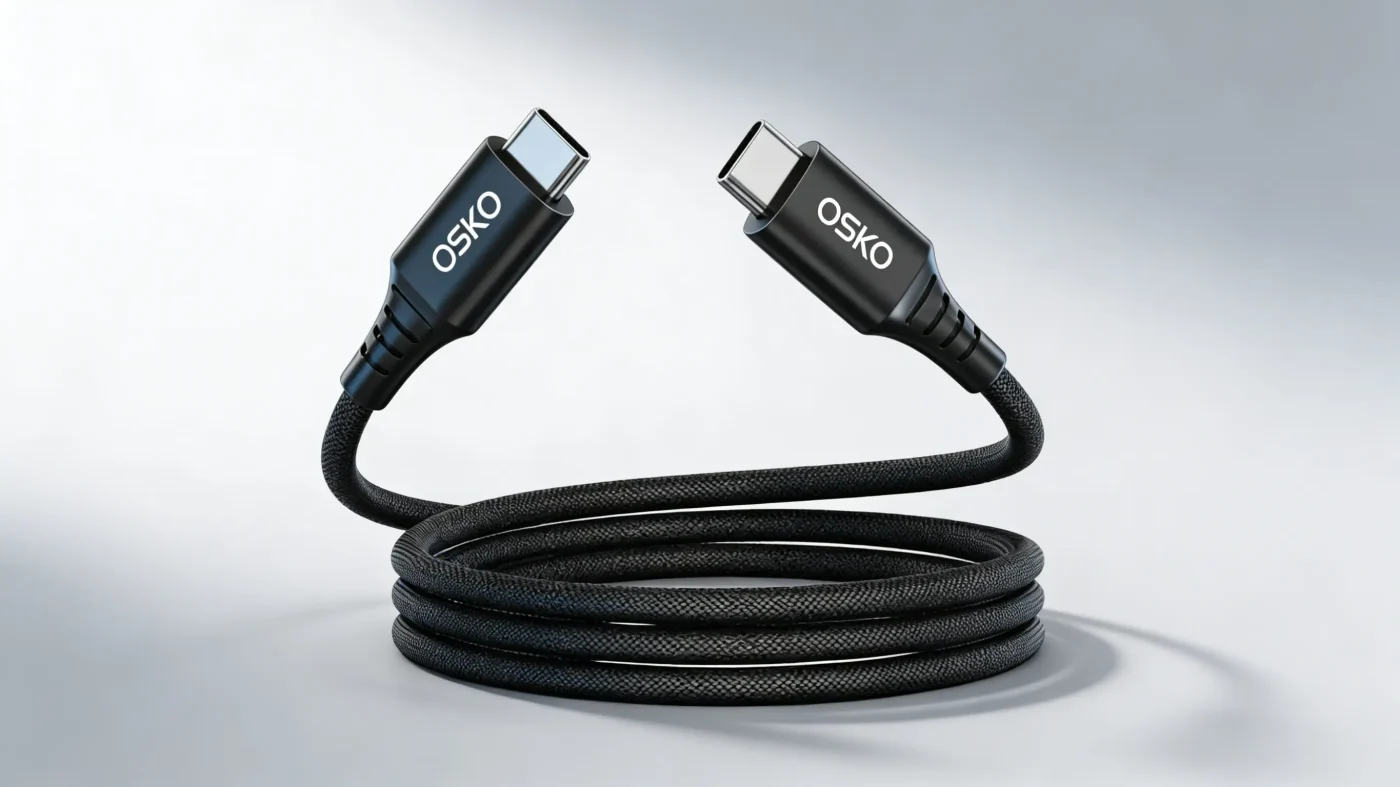
Durability is critical. Nylon braided jackets, and reinforced connectors reduce wear, breakage, and power loss. Braided cables prevent tangling and last longer, making them ideal for frequent use.
PD Protocol and Device Compatibility
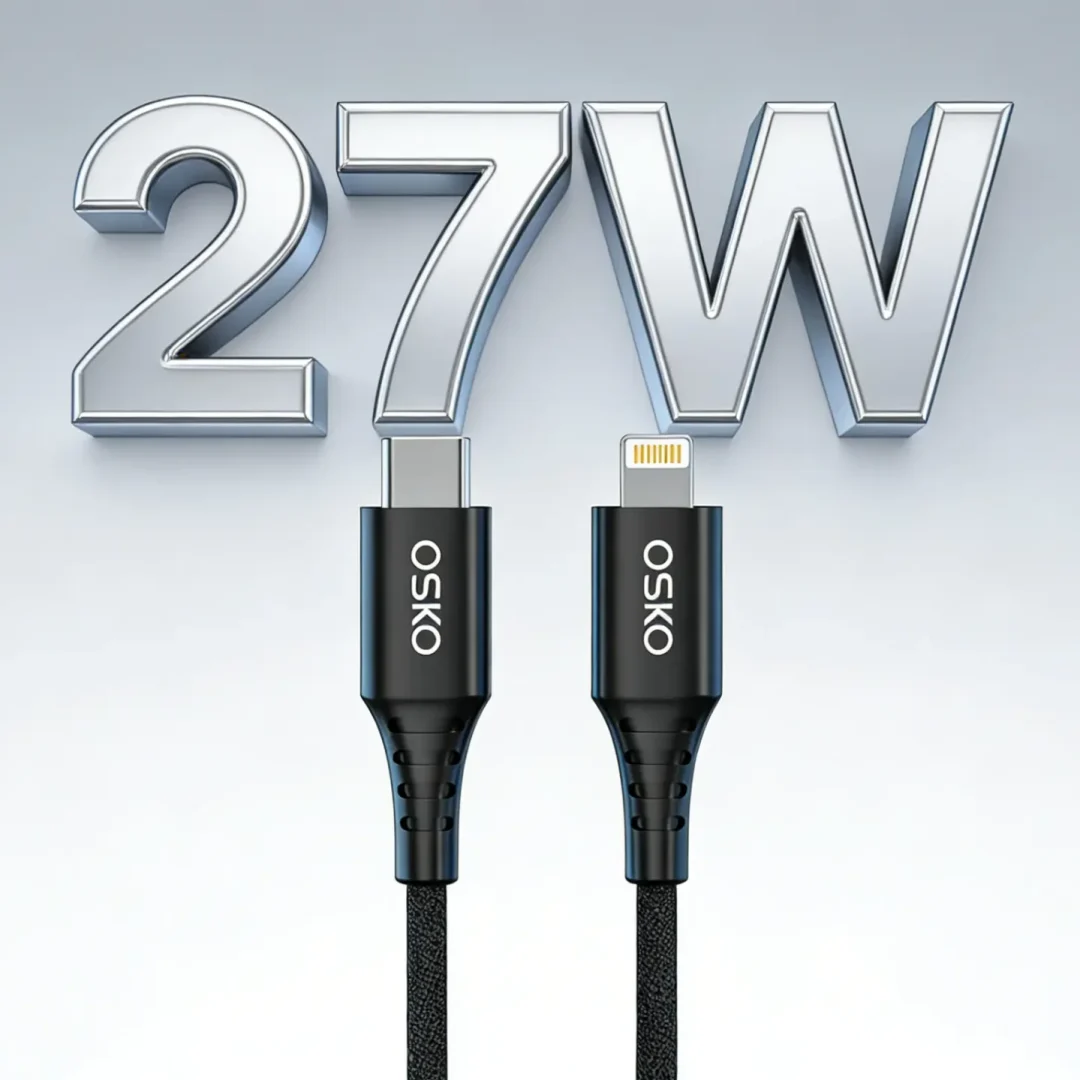
USB-C supports Power Delivery (PD), automatically adjusting voltage and current according to the device. Common power ratings:
60W: ultrabooks, tablets, smartphones
100W: medium laptops, multi-port chargers
240W: high-performance laptops or multiple devices
QC 2.0 / QC 3.0 compatible cables provide fast charging for Android devices.
High-Speed Data Transfer
Many USB-C cables support up to 40Gbps transfer rates, compatible with USB4 and Thunderbolt 4, suitable for video output, file transfers, and more.
Use Cases
Different scenarios require different cable types for optimal performance.
Home & Office
1–2 meter cables keep desks tidy while supporting PD fast charging. Durable nylon braided cables with reinforced connectors ensure long-term use.
Travel & Mobile Use
Short 1-meter cables are perfect for travel. Lightweight, portable, and supporting high-power fast charging for phones and power banks.
Gaming & High-Performance Devices
For gaming laptops or multi-device setups, 2-meter 240W high-power cables ensure stable long-term power and fast data transfer. Heavy-duty braided cables reduce wear and maintain performance.
Buying Tips
Reference table for USB-C cable selection:
| Model | Power | Length | Features | Use Case |
|---|---|---|---|---|
| OSKO-60W | 60W | 1m | Fast charging, durable | Home, Office |
| OSKO-100W | 100W | 2m | High-power PD, braided | Office, Gaming |
| OSKO-240W | 240W | 2m | Ultra-fast PD, anti-interference | Gaming, Laptops |
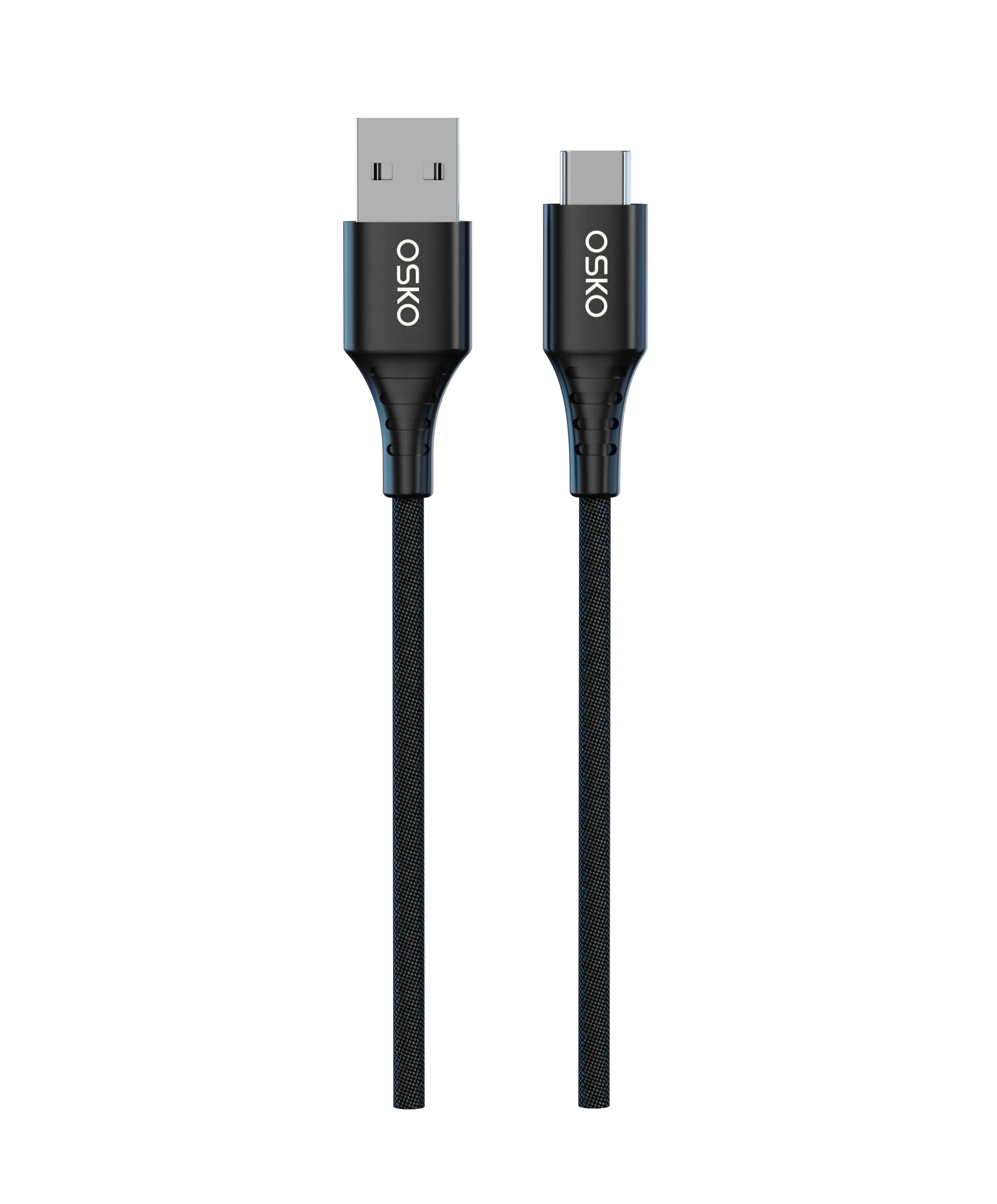
| OSKO-USB-A | 18W | 1m | MFi certified, durable | iPhone, Tablet |
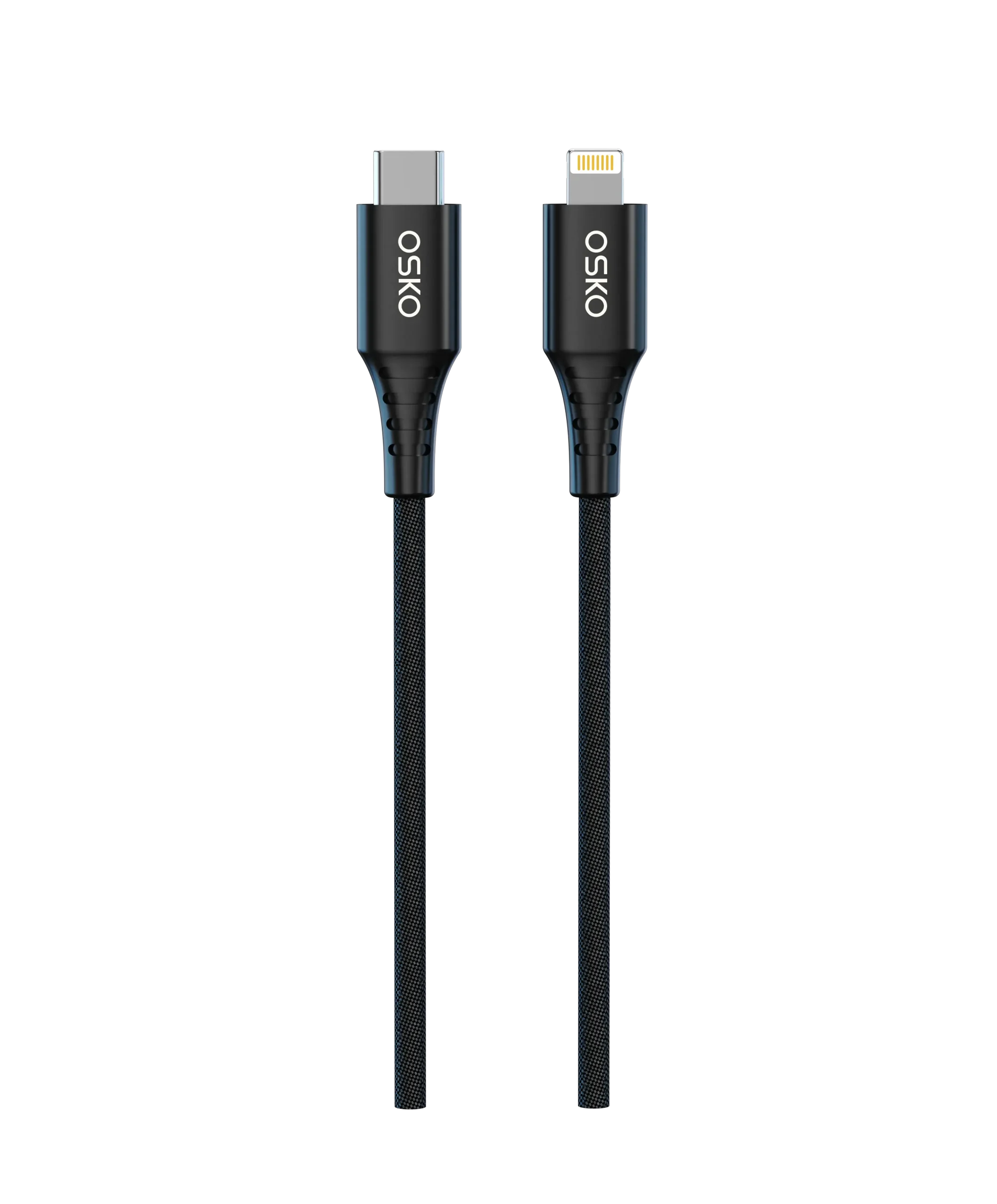
| OSKO-3in1 | 65W | 1.5m | USB-C / Lightning / USB-A multi-use | Travel, Multi-device |
Buying tips:
- Match cable power with device requirements for PD fast charging.
- Choose braided or reinforced cables for durability.
- Short cables for portability, long cables for desk use.
- Verify certifications (MFi, FCC, CE) for safety
FAQ
Q1: Can USB-C fast charging cables charge laptops?
A: Yes, depending on power rating. 60W suits ultrabooks, 240W suits high-performance laptops or multi-device setups.
Q2: Are nylon braided cables really durable?
A: Yes, low resistance and anti-break features make them ideal for frequent use, outperforming standard TPE cables.
Q3: Can USB-C cables charge multiple devices?
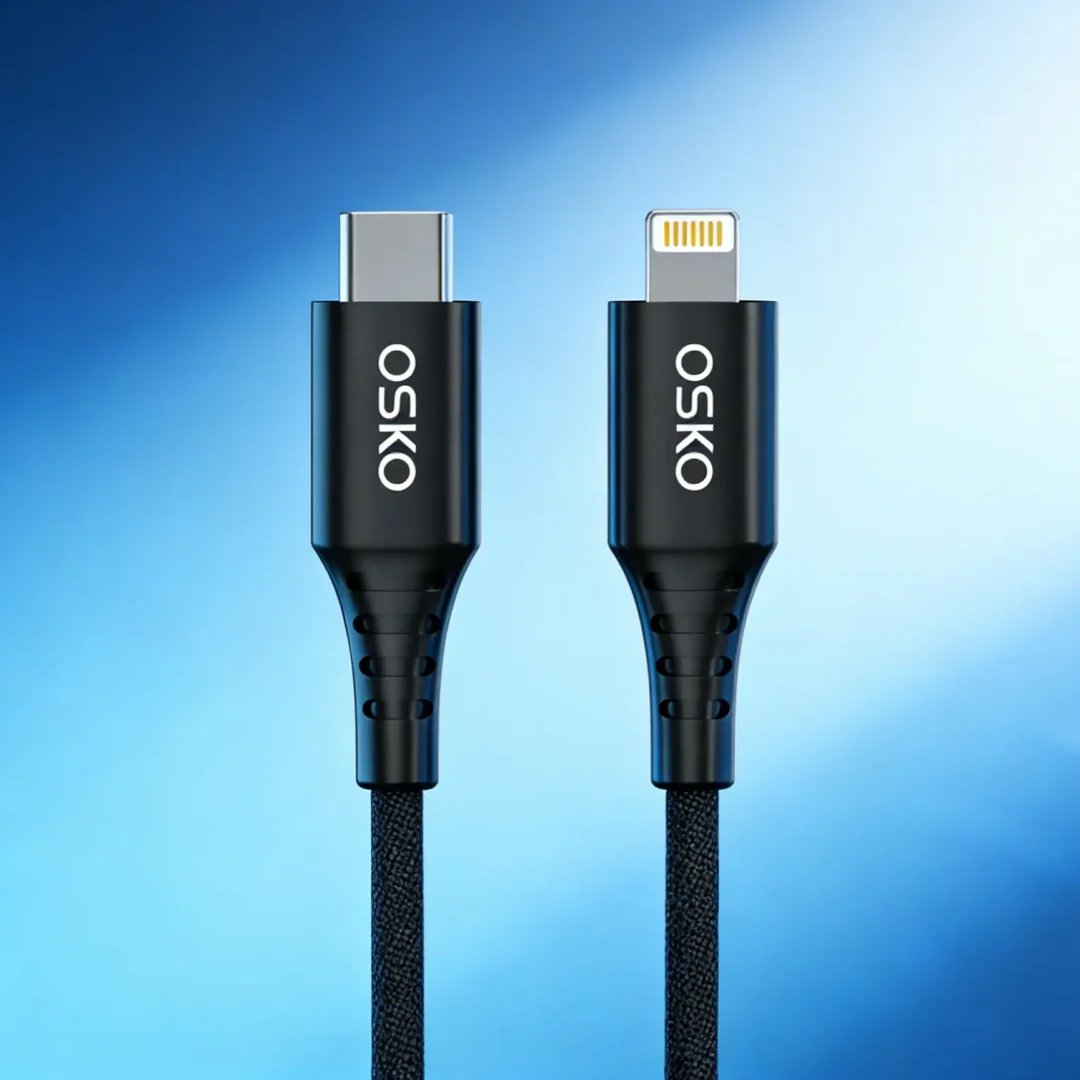
A: Yes, multi-function cables (USB-C / Lightning / USB-A) support phones, tablets, and laptops, perfect for travel.
Q4: Will fast charging cables damage devices?
A: No, PD protocols automatically regulate voltage and current. Always choose certified cables to ensure safety.
Conclusion
Choosing the right USB-C fast charging cable ensures faster, safer charging. Whether at home, office, travel, or gaming, understanding power, length, material, and compatibility helps you pick the best cable.
Explore our selected USB-C fast charging cables for optimal device performance and convenience.