
Introduction
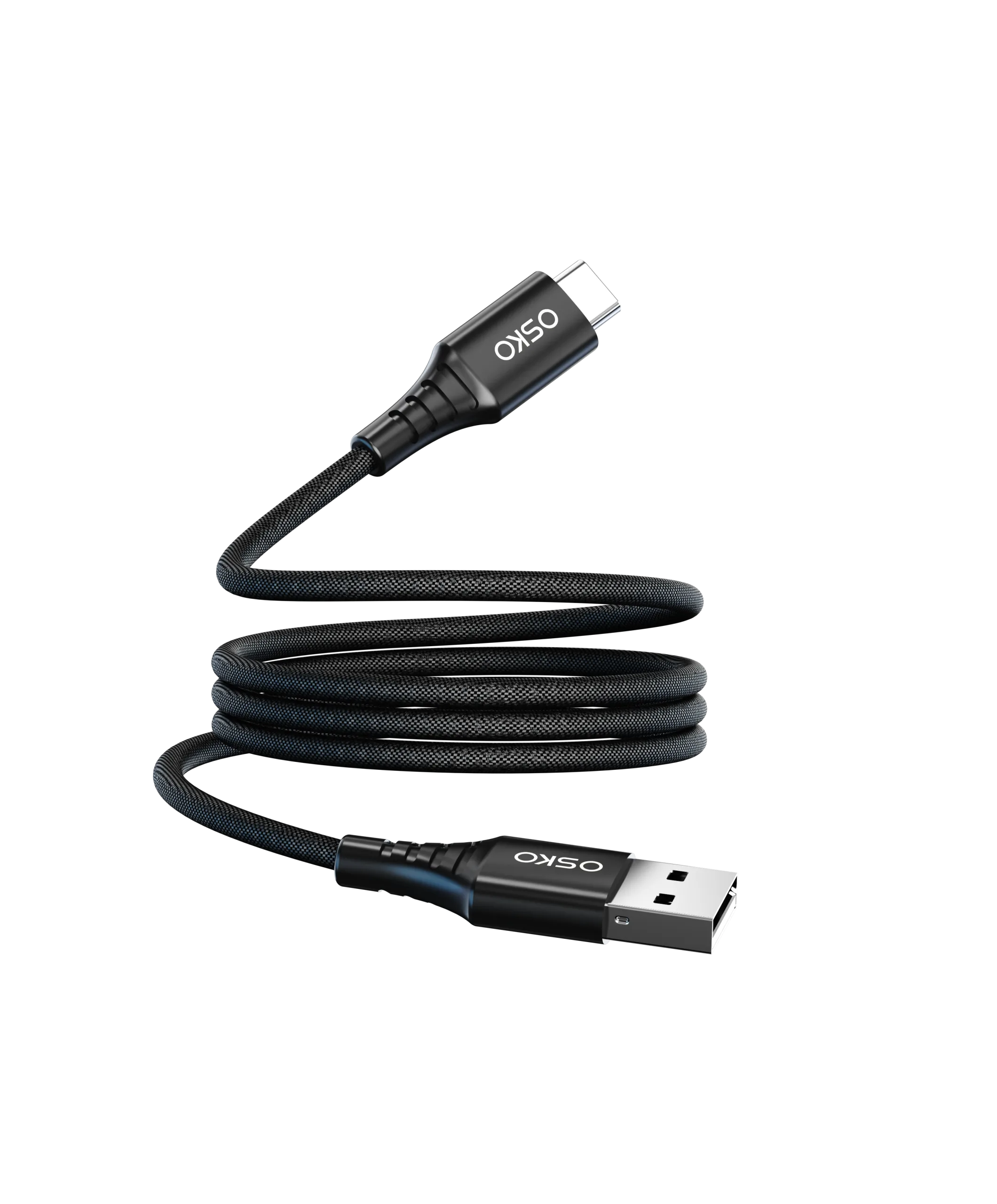
The USB to USB-C cable for data transfer is one of the most widely used connectivity solutions in today’s digital ecosystem.
It is commonly used to connect:
Laptops to smartphones
Desktop computers to external devices
Power banks to mobile devices
Cameras, storage devices, and accessories
Despite its widespread use, many users still misunderstand an important fact:
Not all USB to USB-C cables support the same data transfer speed.
Some cables only support charging, while others support high-speed file transfer. This difference is critical for both consumers and OEM buyers because it directly affects performance, user experience, and product value.

How USB to USB-C Data Transfer Works
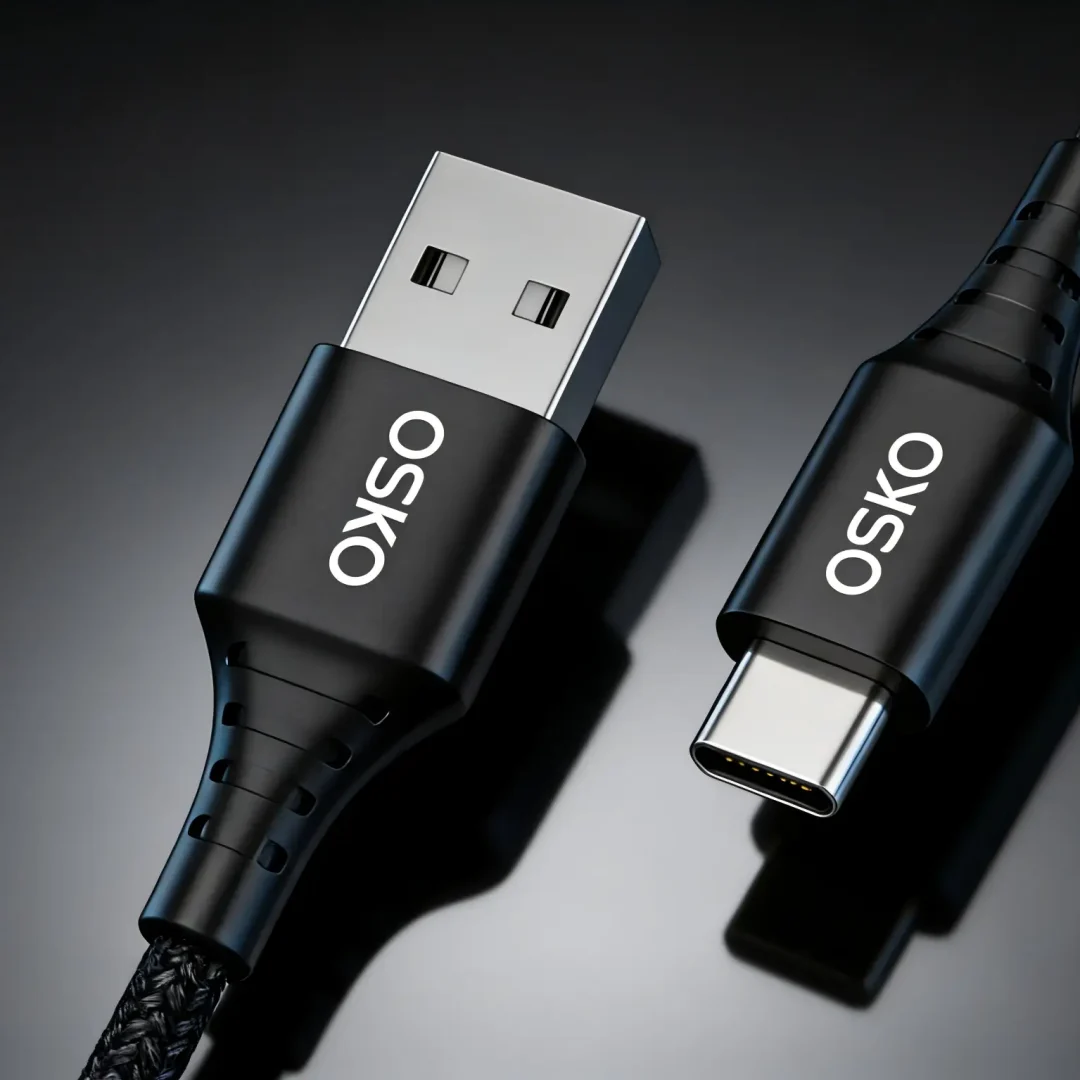
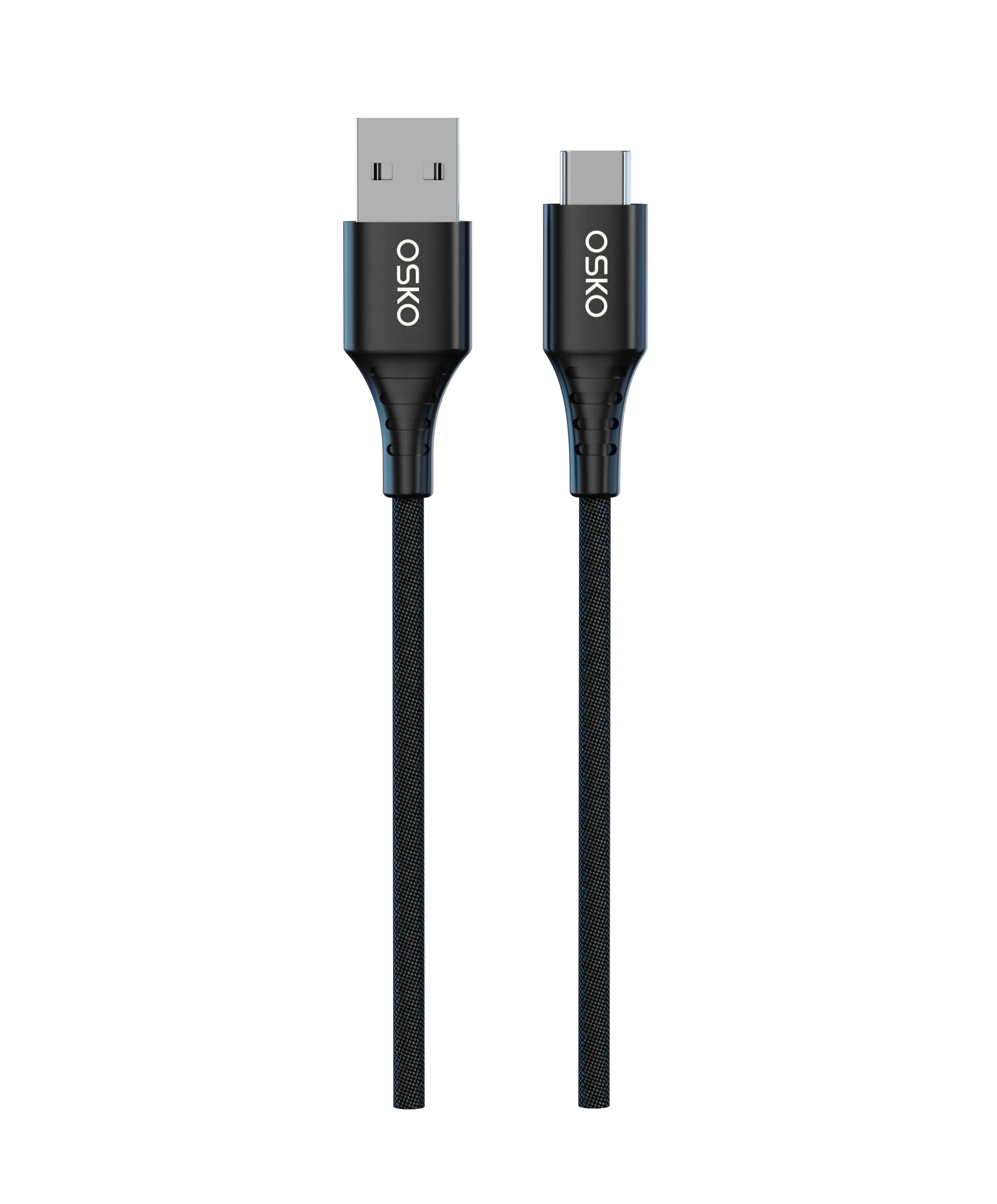
A USB to USB-C cable typically connects a USB-A port (older standard) to a USB-C device (newer standard).
Data transfer depends on three key components:
Cable internal wiring
USB protocol version
Device compatibility
The cable itself does not “decide” speed alone. Instead, performance is limited by the slowest component in the chain.
USB Protocol Versions and Speed
| USB Standard | Theoretical Speed | Real-World Use |
|---|---|---|
| USB 2.0 | 480 Mbps | Basic file transfer, charging cables |
| USB 3.0 | 5 Gbps | Fast file transfer, external storage |
| USB 3.1 | 10 Gbps | High-speed data sync |
| USB 3.2 | 20 Gbps | Professional workflows |
Most low-cost USB to USB-C cables only support USB 2.0, which is sufficient for charging but not ideal for large file transfers.
Charging vs Data Transfer: Key Difference
A major misconception is that all charging cables support data transfer.
In reality:
Some cables are charge-only
Some cables support charge + basic data (USB 2.0)
Some support high-speed data (USB 3.x)
Charge-Only Cable
No data wires (D+/D– missing)
Used only for charging
Common in low-cost accessories
Standard Data Cable
Supports USB 2.0 data transfer
Typical speed: 480 Mbps
Common in most USB-A to USB-C cables
High-Speed Data Cable
Supports USB 3.0 or higher
Uses additional internal shielding and wiring
Often includes blue USB-A connector
Why Data Transfer Speed Matters
Data transfer speed is important for:
File Backup and Sync
Users frequently transfer:
Photos and videos
Documents
App data backups
Slow cables significantly increase waiting time.
External Storage Devices
USB-C external SSDs or flash drives require high-speed cables to perform properly.
A slow cable becomes a bottleneck even if the storage device is fast.
Professional Use Cases
For creators and professionals:
Video editing
Large file movement
Device imaging
High-speed USB 3.x cables are essential.
Internal Structure of USB to USB-C Data Cables
A quality cable includes multiple internal layers:
Copper Conductors
Responsible for:
Power transmission
Data transmission
Higher-quality cables use:
Oxygen-free copper
Multi-strand conductors

Data Lines (D+ / D–)
These wires carry USB 2.0 signals.
If missing, the cable becomes charge-only.
Shielding Layer
Used to reduce interference:
Aluminum foil shielding
Braided copper shielding
Better shielding improves data stability.
Outer Jacket
Common materials include:
PVC
TPE
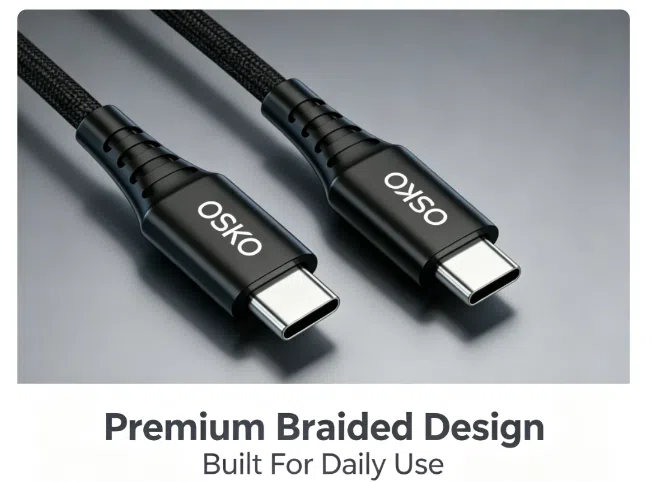
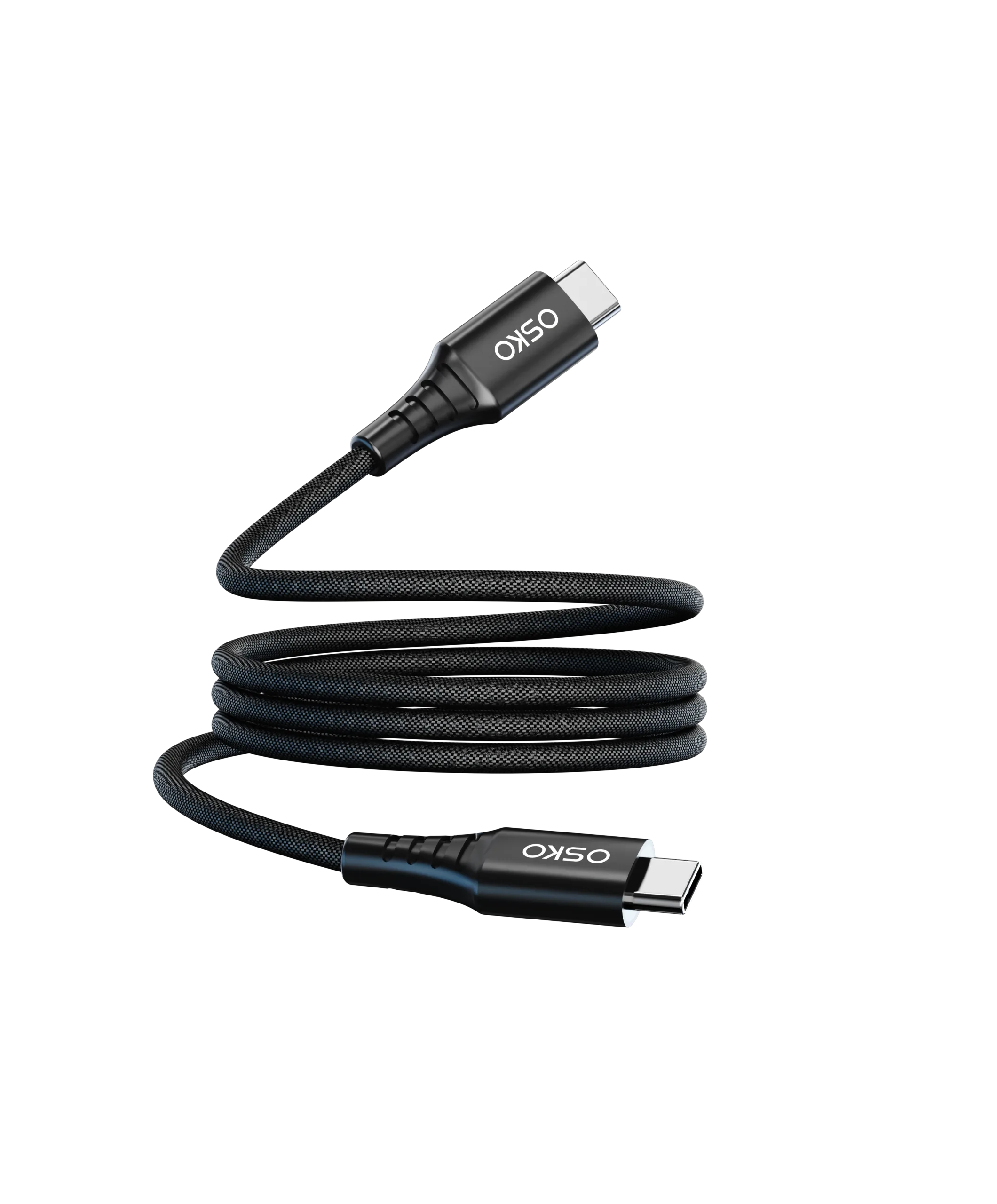
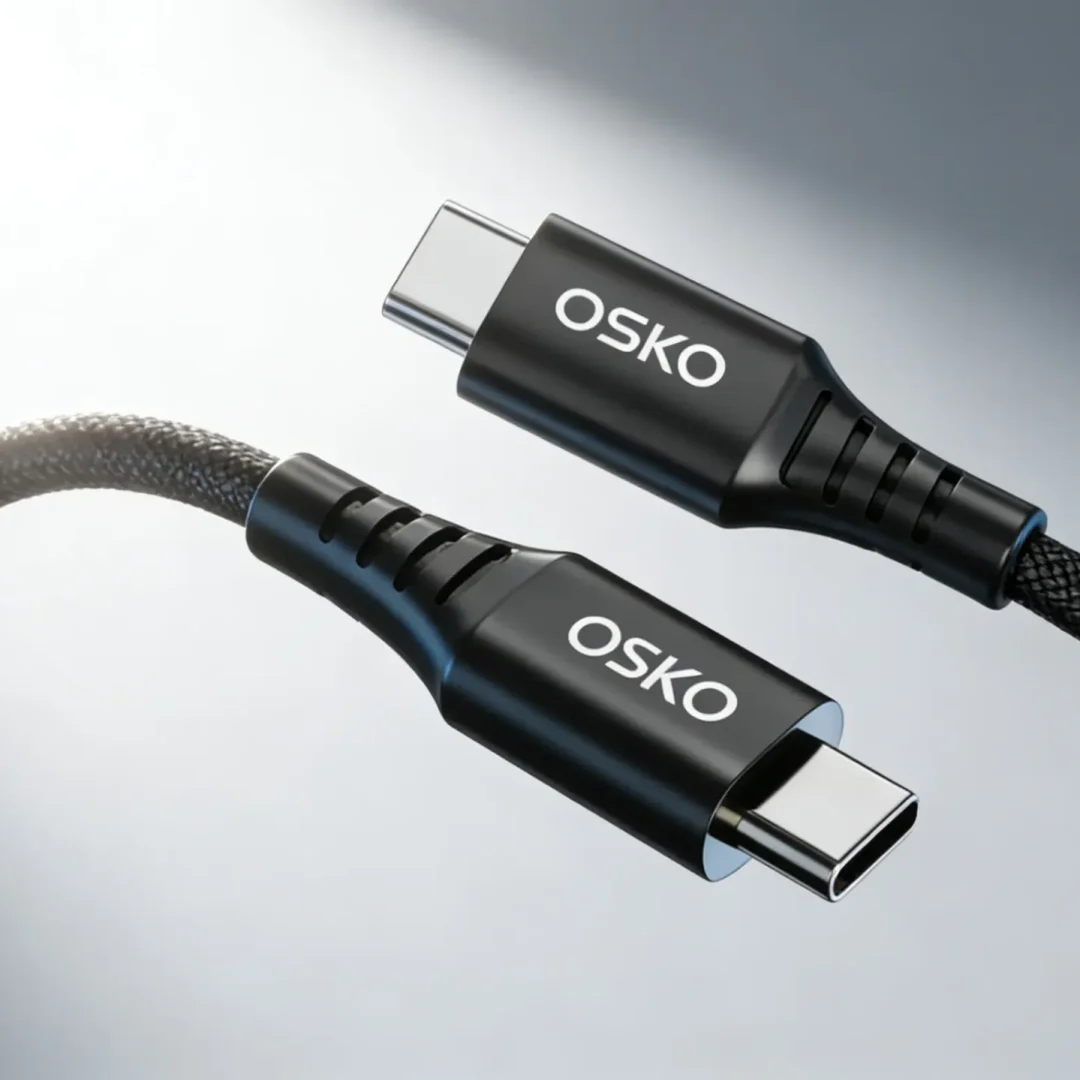
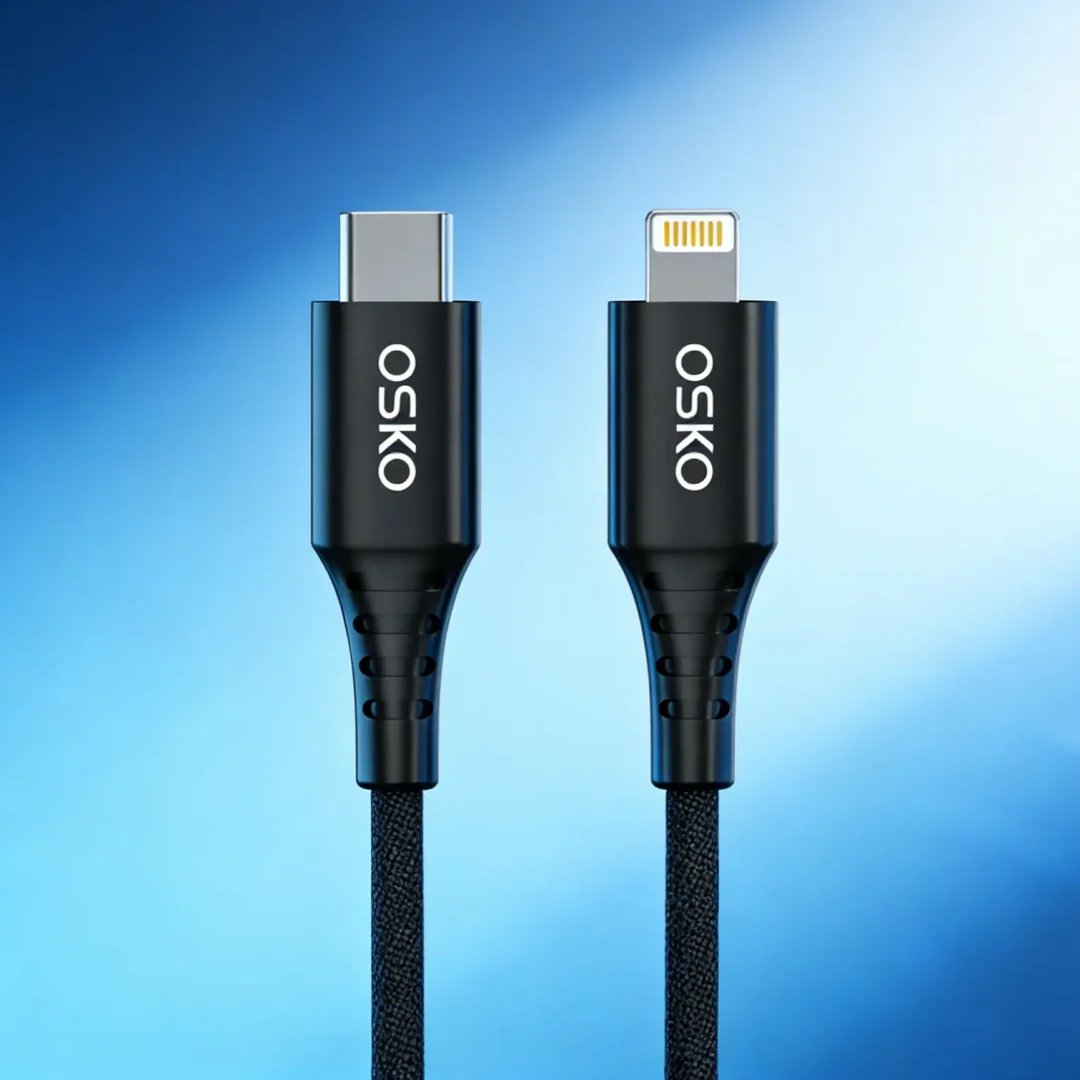
Nylon braided jacket
Braided designs improve durability but do not automatically improve data speed.
USB-A to USB-C Cable Performance Factors
Several factors determine real-world performance:
1. Cable Quality
Poor internal wiring leads to:
Data errors
Slow transfer speeds
Device disconnections
2. Connector Type
USB-A connectors can be:
USB 2.0 (black)
USB 3.0 (blue)
This directly affects speed capability.
3. Cable Length
Longer cables may experience:
Signal loss
Reduced stability
Typical optimal lengths:
0.5m–1m for high-speed transfer
1m–2m for general use
4. E-Marker Chips (USB-C Side)
For advanced cables, E-marker chips help manage:
Power delivery
Device communication
Applicable Scenarios
Home Use
Phone charging
Photo transfer
Everyday syncing
Most users are satisfied with USB 2.0 cables.
Office Environment
Document transfer
Device syncing
Peripheral connections
USB 3.0 is preferred for efficiency.
E-Commerce and Retail Products
Brands often sell:
USB-A to USB-C charging cables
Fast data + charging cables
Braided premium cables
High-quality OEM production is critical for customer satisfaction.
Industrial and OEM Applications
Manufacturers require:
Stable data transmission
High durability
Bulk customization
This includes:
Bulk USB cables supplier
OEM USB data cable factory
Custom length USB-C cables
Comparison Table: Data Cable Types
| Type | Charging | Data Speed | Use Case |
|---|---|---|---|
| Charge-only | Yes | None | Low-cost accessories |
| USB 2.0 Cable | Yes | 480 Mbps | Everyday users |
| USB 3.0 Cable | Yes | 5 Gbps | Fast transfer users |
| USB 3.2 Cable | Yes | 10–20 Gbps | Professional workflows |
OEM Manufacturing Considerations
For brands and distributors, selecting a USB to USB-C cable manufacturer requires attention to:
Material Quality
Copper purity
Shielding quality
Connector plating (nickel/gold)
Certification Requirements
For North America and Europe:
CE certification
FCC compliance
RoHS standards
USB-IF compatibility (preferred)
Product Variants
Manufacturers typically offer:
Braided USB-C cables
PVC standard cables
Short cables (0.5ft–3ft)
Long cables (6ft–10ft)
Custom color options
OEM Branding Options
Logo printing
Packaging customization
Retail-ready boxes
Private label design
Case Study: E-Commerce Cable Brand Optimization
Customer Background
A US-based e-commerce seller experienced high return rates for USB-A to USB-C cables.
Problem
Customers complained about slow file transfer
Cables were charge-only but not clearly labeled
Negative reviews impacted Amazon ranking
OSKO Solution
Upgraded to USB 2.0 + USB 3.0 mixed product line
Added clear labeling for data speed
Improved shielding and copper quality
Introduced braided premium SKU
Result
Reduced return rate
Improved customer satisfaction
Increased conversion rate on product listings
Purchase Recommendations
| Use Case | Recommended Cable |
|---|---|
| Charging only | Charge-only USB-A to USB-C |
| Everyday users | USB 2.0 data cable |
| Fast file transfer | USB 3.0 cable |
| Professional use | USB 3.2 high-speed cable |
FAQ
Why is my USB-C cable transferring data slowly?
Most likely it is a USB 2.0 cable or a charge-only cable with limited data lines.
Can all USB-C cables transfer data?
No. Some cables are designed only for charging.
Does braided design improve data speed?
No. Braiding improves durability, not data performance.
What is the best cable for fast file transfer?
USB 3.0 or higher USB-A to USB-C cables.
Summary
The performance of a USB to USB-C cable for data transfer depends not only on its appearance but on internal wiring, USB protocol support, shielding quality, and manufacturing standards.
For consumers, understanding these differences helps avoid slow or unreliable cables.
For OEM buyers and brands, offering clearly defined product tiers (charge-only, USB 2.0, USB 3.0) improves customer satisfaction and reduces returns.
High-quality manufacturing, proper certification, and transparent labeling are key factors for success in North American and European markets.
Request OEM USB Data Cable Solutions
OSKO provides:
USB-C fast charging cables
Braided premium USB cables
OEM & ODM manufacturing
Custom lengths and packaging
CE/FCC/RoHS certified production