
Introduction
Most users assume that USB cable performance depends only on the charger or device.
In reality, one of the most critical factors is hidden inside the connector itself: USB connector pins.
Whether it is a USB-A cable, USB-C cable, or Lightning cable, the number, arrangement, and quality of internal pins directly determine:
Charging speed
Data transfer speed
Power stability
Device compatibility
This is especially important in modern high-power ecosystems like USB-C Power Delivery used in laptops, tablets, and smartphones.
Understanding USB pin structure helps explain why two visually identical cables can perform very differently.

What Are USB Connector Pins?
USB connector pins are the metal contact points inside a USB plug that transmit:
Electrical power (VCC and GND)
Data signals (D+ / D− or high-speed lanes)
Communication protocols (USB PD, authentication signals)
Each USB standard uses a different pin configuration depending on its capabilities.
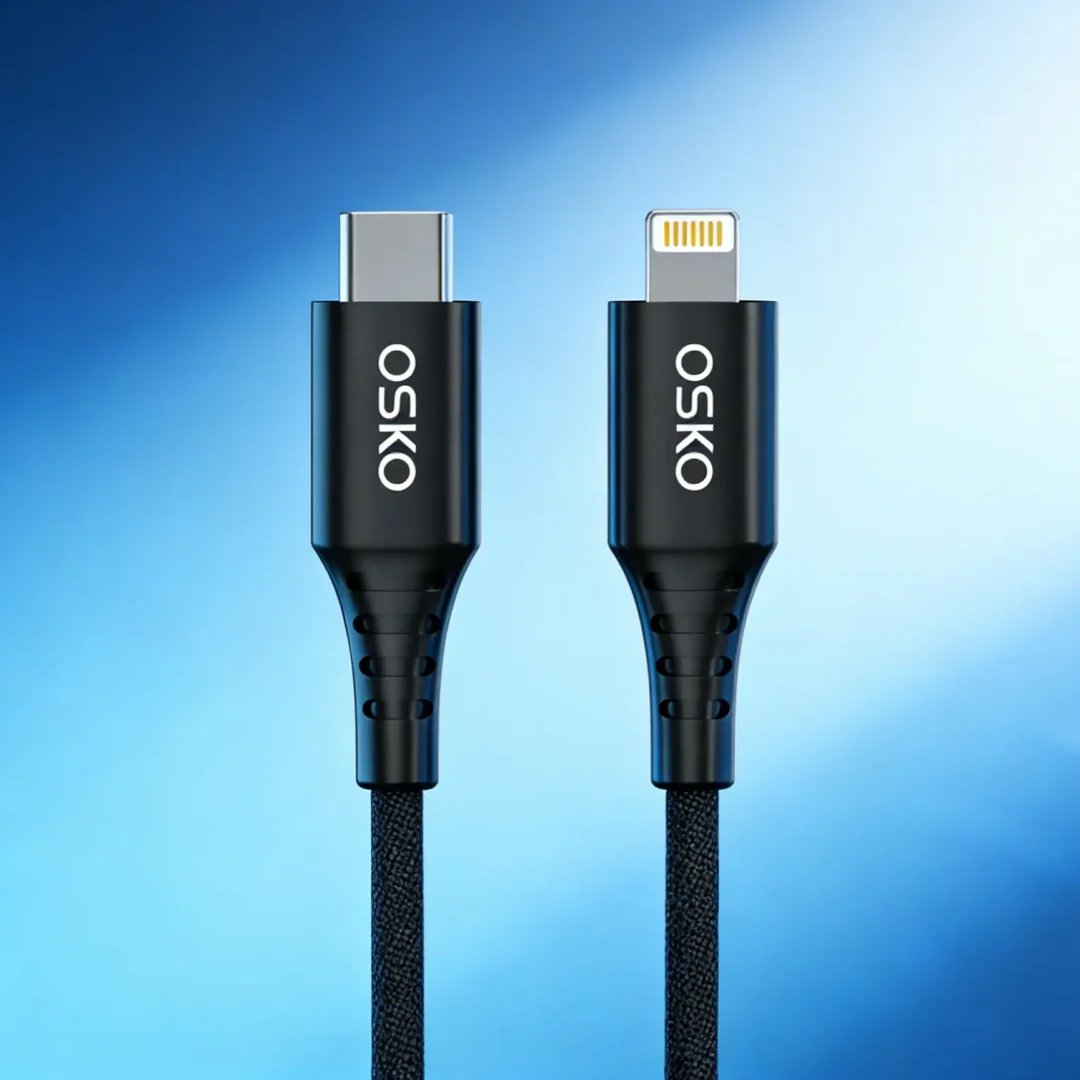
USB-A vs USB-C Pin Structure
USB-A Connector Pins
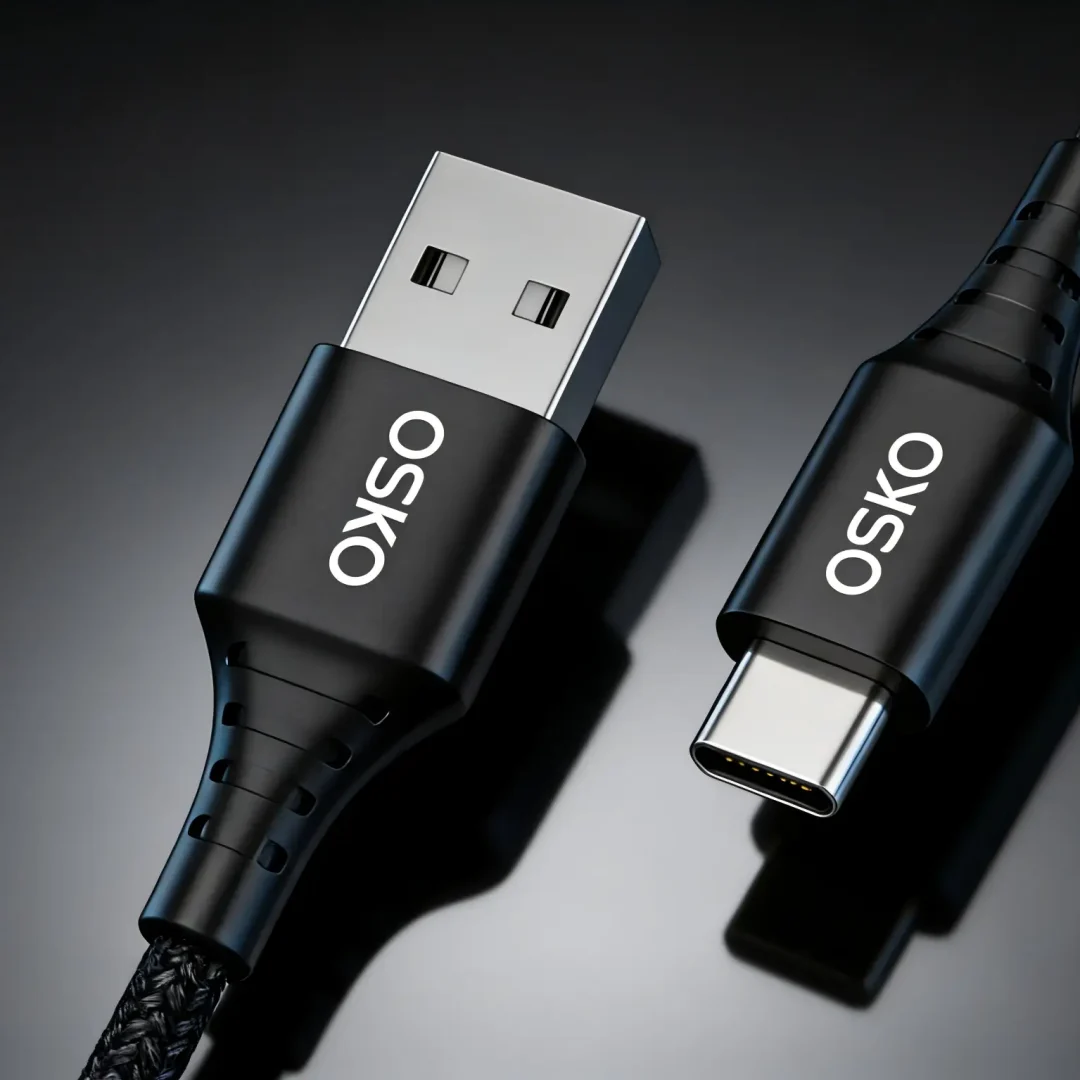
USB-A (traditional rectangular USB) typically includes:
4 to 9 pins depending on version
Power pins (5V + Ground)
Data pins (D+ / D−)
Optional SuperSpeed data pins (USB 3.0+)
Limitations:
One-direction insertion
Limited power delivery
Lower scalability for high-speed data
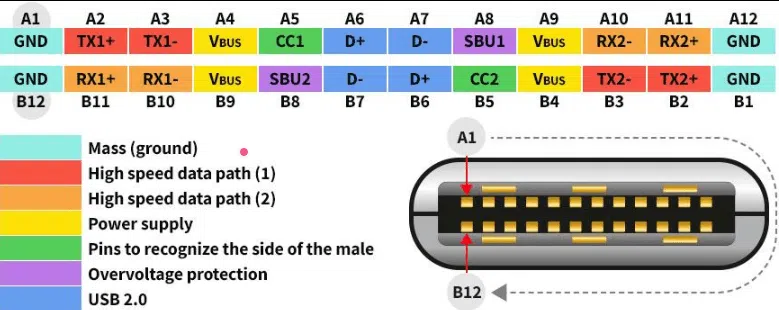
USB-C Connector Pins
USB-C is significantly more advanced.
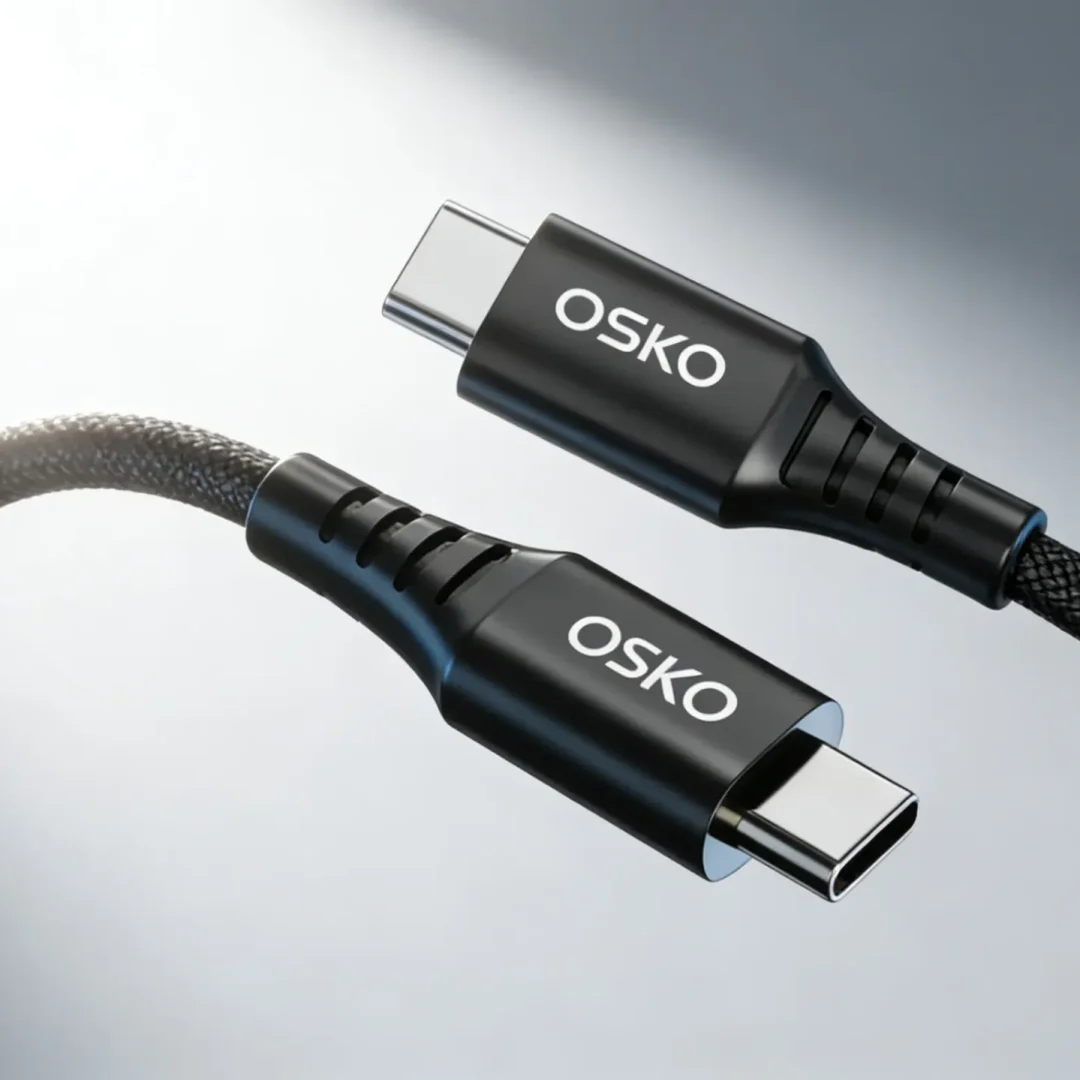
USB-C contains up to 24 pins, including:
Power delivery pins (VBUS, GND)
Configuration Channel (CC) pins
High-speed differential pairs
Sideband and auxiliary channels
How Pins Affect Charging Speed
1. Power Pins (VBUS and GND)
These pins carry electrical current.
Key Impact:
More stable power flow = faster charging
Poor contact = voltage drop = slow charging
In USB-C PD systems, power pins can support:
5V
9V
12V
15V
20V (and up to 48V in PD 3.1 systems)
2. Configuration Channel (CC Pins)
CC pins are responsible for:
Detecting charger type
Negotiating power levels
Enabling fast charging protocols (PD)
Without proper CC pin communication:
Device falls back to slow charging mode
PD fast charging cannot activate
How Pins Affect Data Transfer Speed
1. Data Pins (D+ / D−)
Used in USB 2.0 systems:
Maximum speed: 480 Mbps
Found in basic cables
If these pins are missing or poorly designed:
Data transfer fails or becomes unstable
2. SuperSpeed Differential Pairs
Used in USB 3.0 / 3.1 / 3.2:
Multiple high-speed lanes
Supports 5 Gbps to 20+ Gbps
These require:
Precise pin alignment
High-quality shielding
Short signal paths
3. Signal Integrity
Pin quality affects:
Noise resistance
Data stability
Error rate during transfer
Poor manufacturing leads to:
File corruption risk
Disconnection during transfer
Why Pin Quality Matters More Than Cable Appearance
Two cables may look identical externally but differ internally:
| Feature | Low-Quality Cable | High-Quality Cable |
|---|---|---|
| Pin plating | Thin nickel | Gold-plated precision |
| Contact stability | Weak | Strong and stable |
| Data speed | USB 2.0 only | USB 3.x / USB4 |
| Charging stability | Inconsistent | Stable PD output |
USB-C Power Delivery and Pin Interaction
USB-C PD relies heavily on pin communication.
Step-by-step process:
- Device connects to charger
- CC pins detect connection
- Device requests power profile
- Charger responds (e.g., 20V/3A)
- Power is delivered through VBUS pins
If CC pins fail:
Charging defaults to slow 5V mode
Engineering Structure of High-Quality USB Cables
Internal Layer Design
A premium USB cable includes:
Power conductors (thick copper wires)
Data wires (twisted differential pairs)
Shielding layers (foil + braided mesh)
Pin connectors (precision molded)
E-Marker Chip (for high wattage cables)
Used in 60W–240W cables:
Communicates cable capability
Prevents overcurrent damage
Ensures safe PD negotiation
OEM Manufacturing Perspective
For **Lenovo accessories and global cable markets, pin design quality is a core production standard.
Key Manufacturing Requirements
OEM USB cable factories must ensure:
Accurate pin alignment (±0.02mm tolerance)
Stable plating thickness
Low-resistance copper conductors
High-frequency signal integrity testing
Common OEM Product Categories
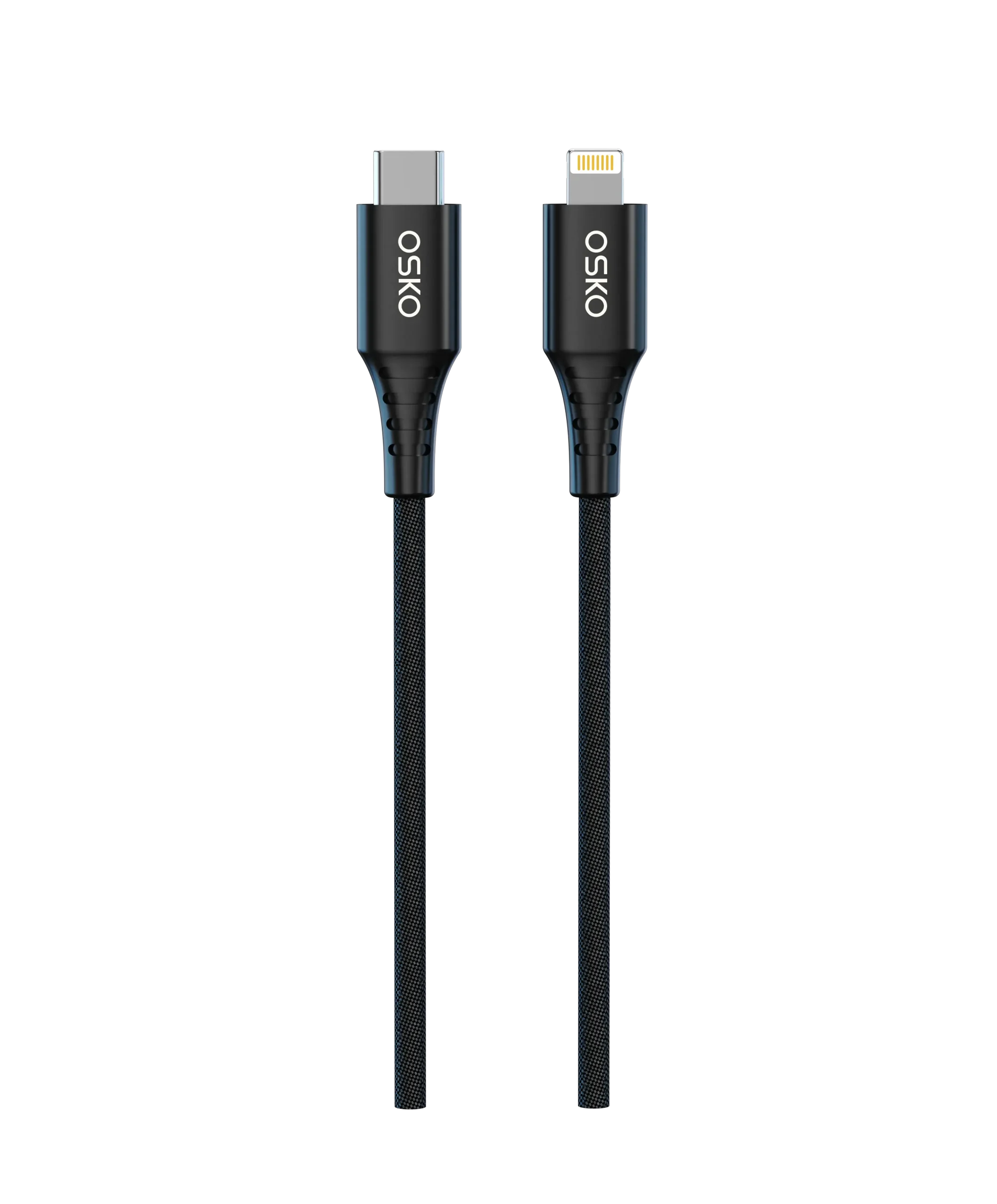
USB-C PD fast charging cables
High-speed data cables (USB 3.2)
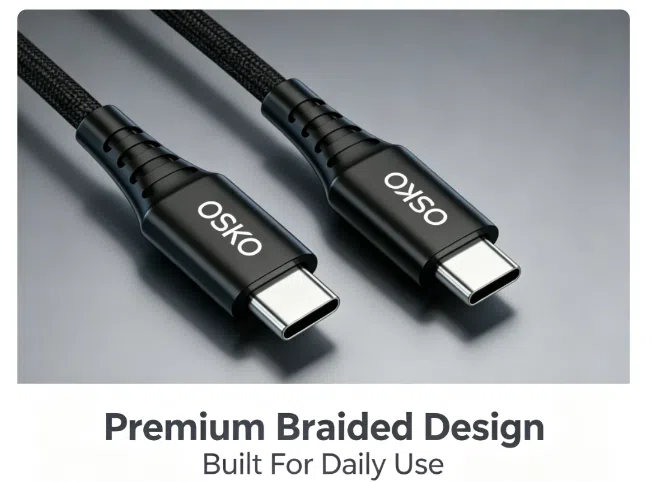
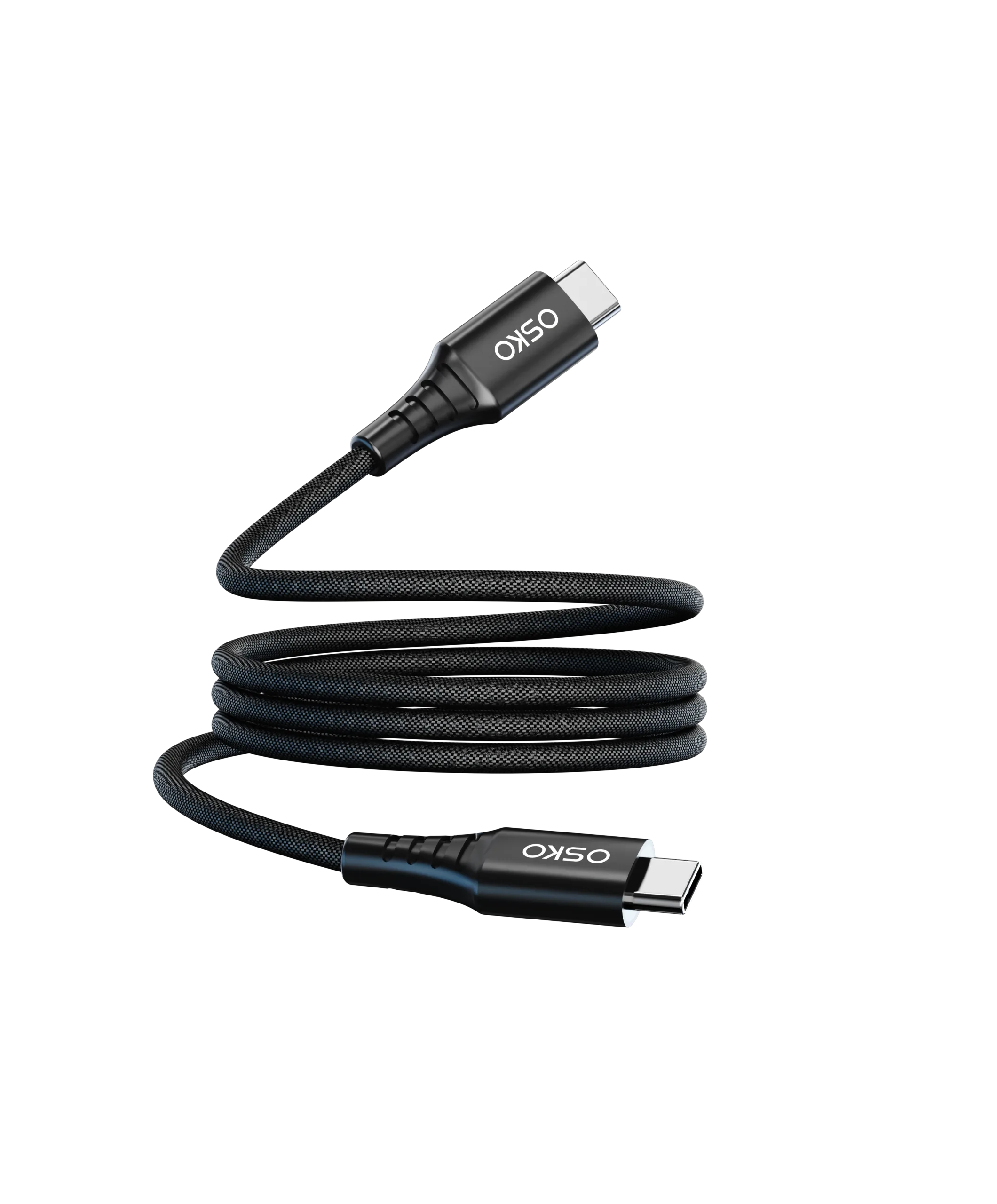
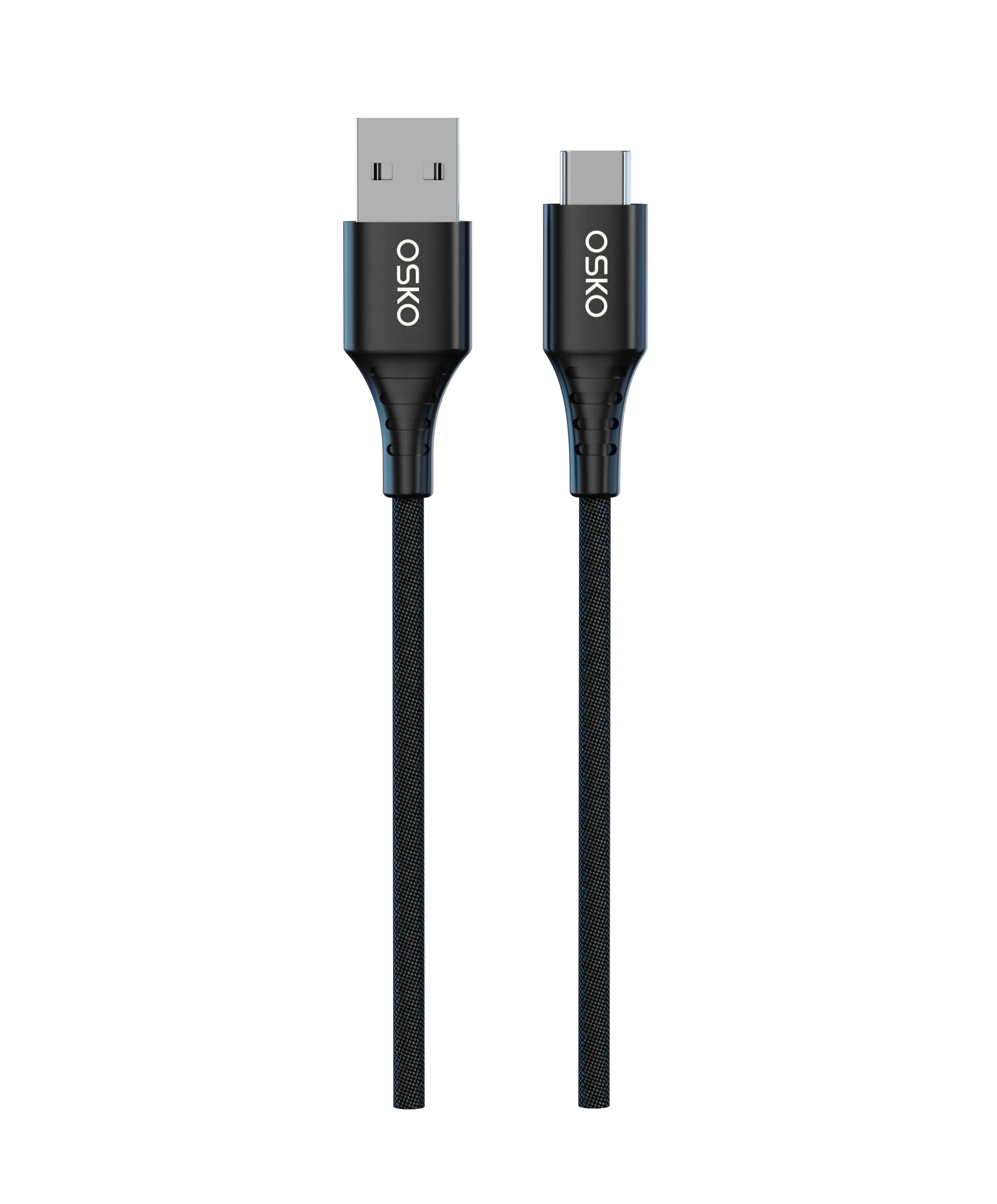
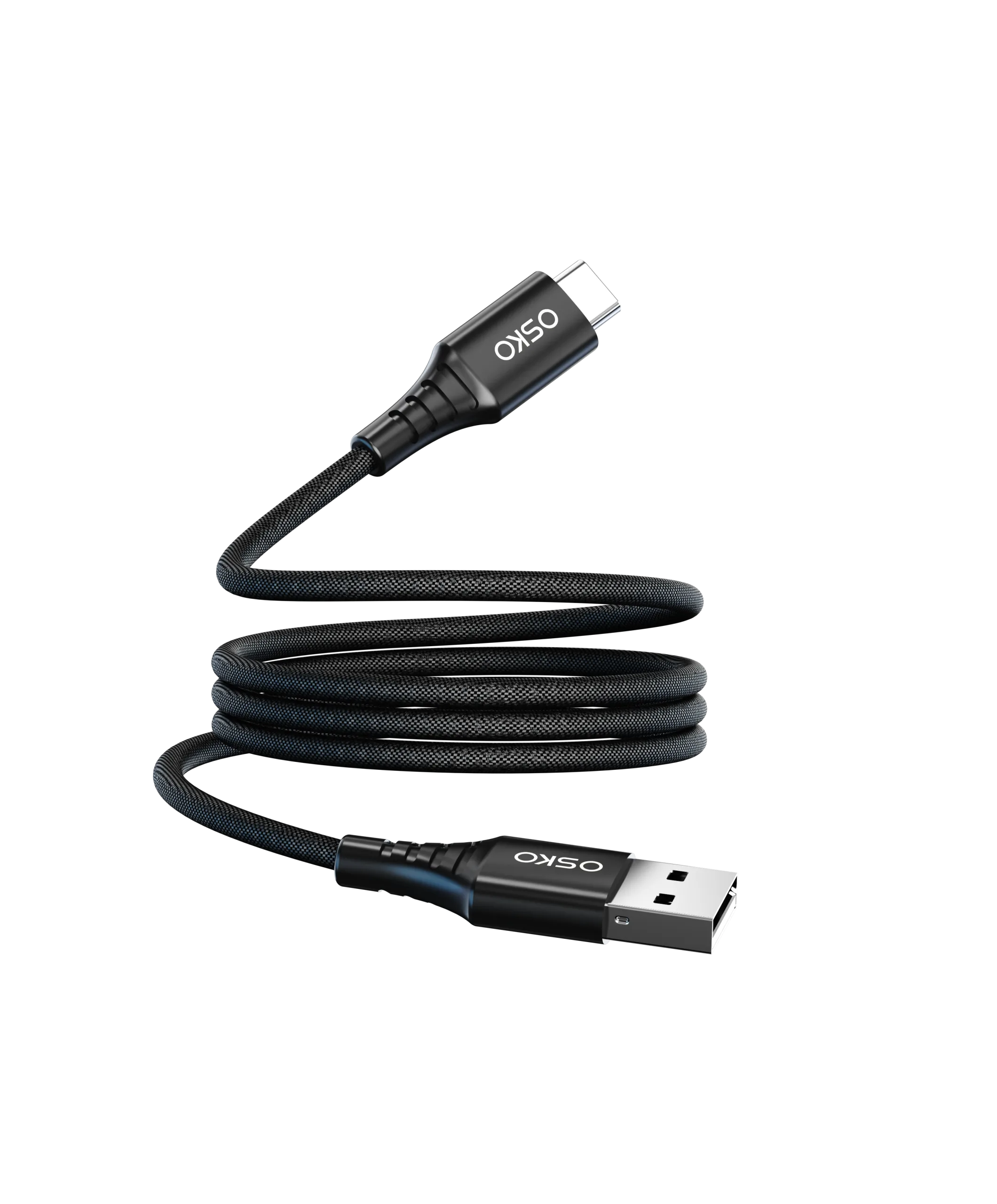
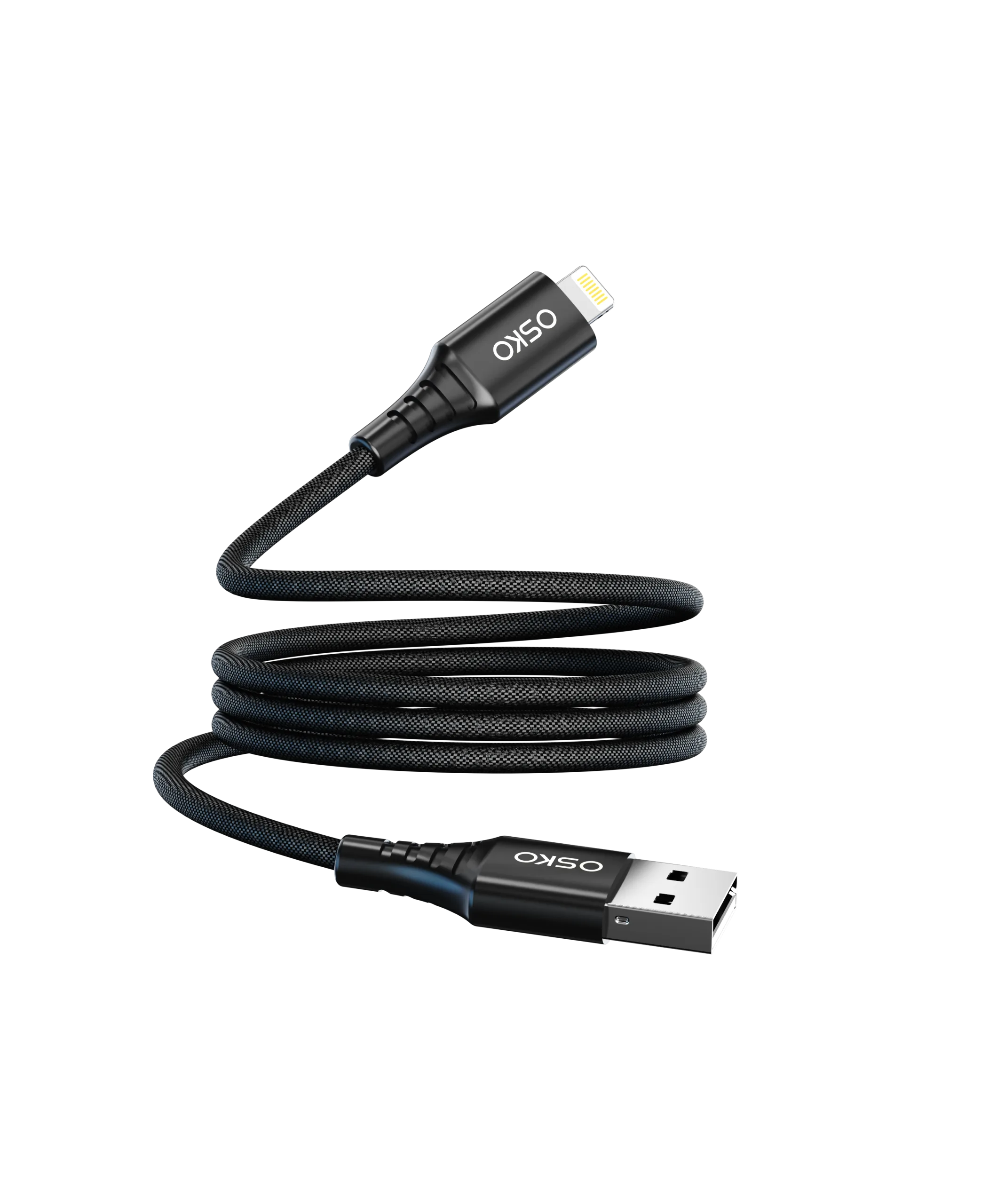
Braided premium cables for retail
Application Scenarios
Smartphone Charging
Requires stable VBUS + CC pin communication
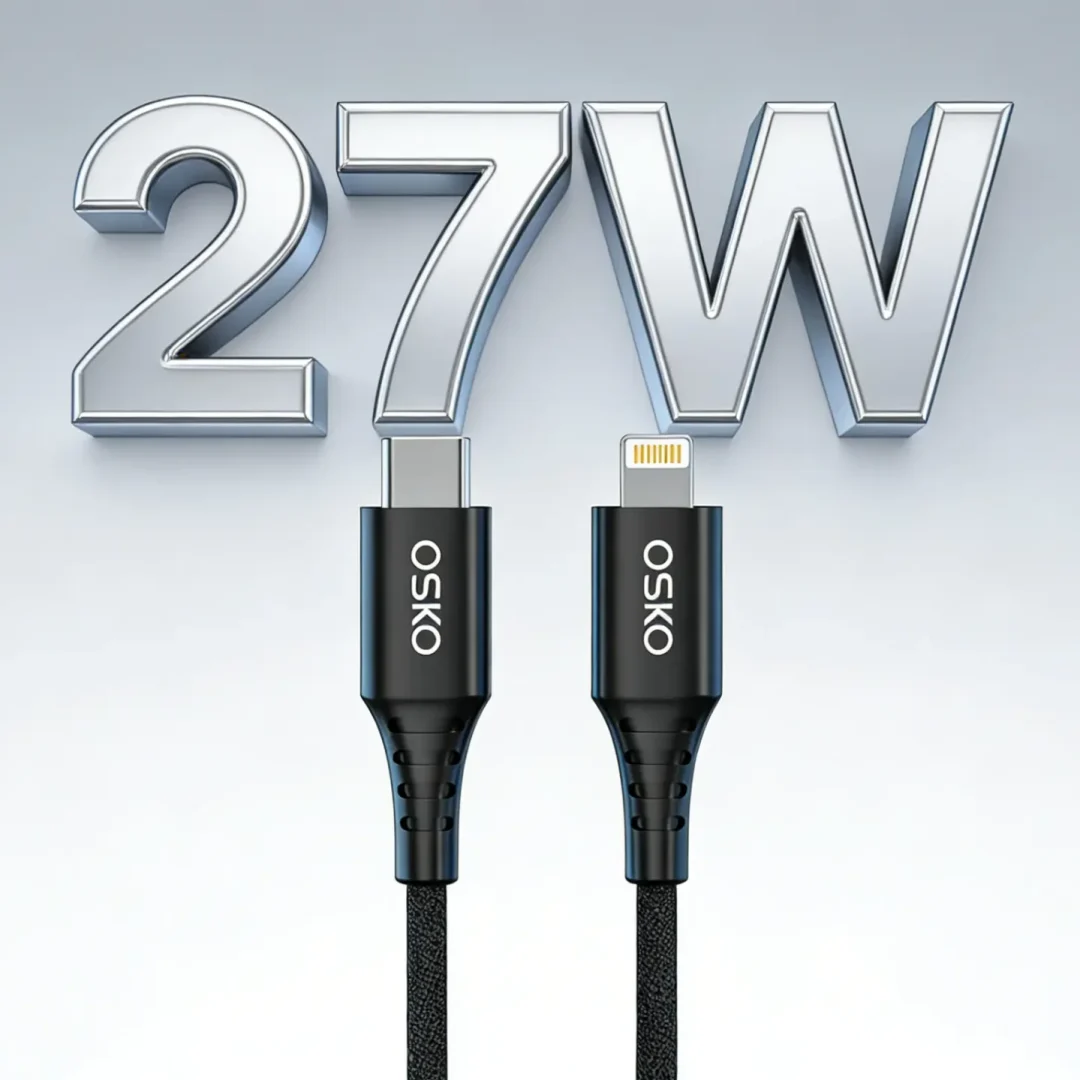
Typically uses USB-C PD 20W–30W
Laptop Charging
Requires full PD negotiation
High-current pin stability critical
Data Transfer (SSD / Storage)
Requires SuperSpeed pins
Poor pin design reduces speed dramatically
Retail & E-Commerce Products
Brands focus on:
Clear labeling of wattage and speed
Differentiation between USB 2.0 and USB 3.0 cables
Premium braided designs for higher margins
Common Problems Caused by Poor Pin Design
Slow charging despite PD charger
“Accessory not supported” errors
Intermittent charging connection
Reduced data transfer speed
Device overheating due to resistance
Best Practices for Buyers and Engineers
To ensure optimal performance:
Choose cables with certified USB-IF compliance
Use E-Marker chips for high-wattage cables
Ensure gold-plated precision connectors
Avoid ultra-cheap unverified cables
Match cable type with device requirement
FAQ
Do USB connector pins affect charging speed?
Yes. Power pins and CC pins directly control charging performance.
Do pins affect data transfer speed?
Yes. Data lanes determine whether a cable supports USB 2.0 or USB 3.x speeds.
Why do some USB-C cables charge slowly?
Usually due to missing PD communication or low-quality pin design.
Is USB-C better than USB-A in pin design?
Yes. USB-C supports more pins, higher power, and faster data transfer.
Summary
USB connector pins are the foundation of charging and data performance.
They determine:
Charging speed (via power and CC pins)
Data speed (via differential signal lanes)
Stability and safety of power delivery
In modern USB-C ecosystems, pin quality is more important than external cable appearance.
For OEM manufacturers and global brands, precision pin engineering, proper shielding, and certification compliance are essential to ensure performance in North American and European markets.
OEM USB Cable Solutions
We provide:
High-speed USB 3.2 data cables
Braided premium cable series
OEM & ODM manufacturing
CE/FCC/RoHS certified production
Custom branding and packaging