
Introduction
A USB-C to USB-C video cable can transmit video, charge devices, and transfer data through a single connection — but not every USB-C cable supports video output.
This is one of the most common misunderstandings among electronics buyers, distributors, and consumers.
A USB-C connector only describes the physical interface. It does not automatically mean the cable supports:
4K video output
DisplayPort Alt Mode
USB4 bandwidth
Thunderbolt compatibility
High-speed data transfer
For retailers, electronics brands, and B2B buyers sourcing USB-C cables, choosing the wrong specification can lead to product returns, customer complaints, and unnecessary costs.
A professional USB-C cable manufacturer should clearly define:
Video capability
Data speed
Power delivery
Cable construction
Testing standards
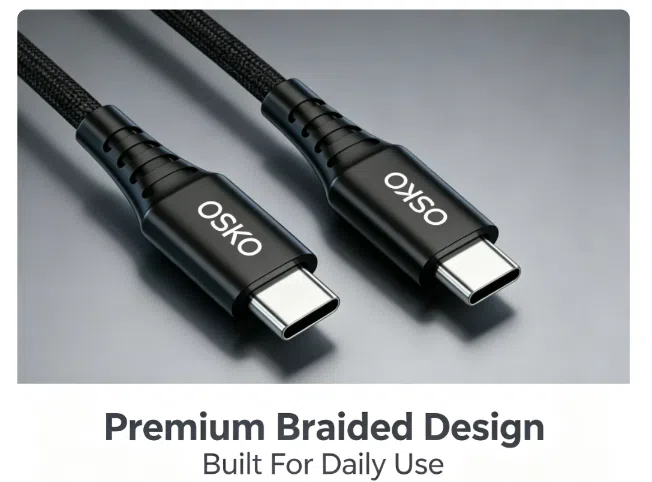
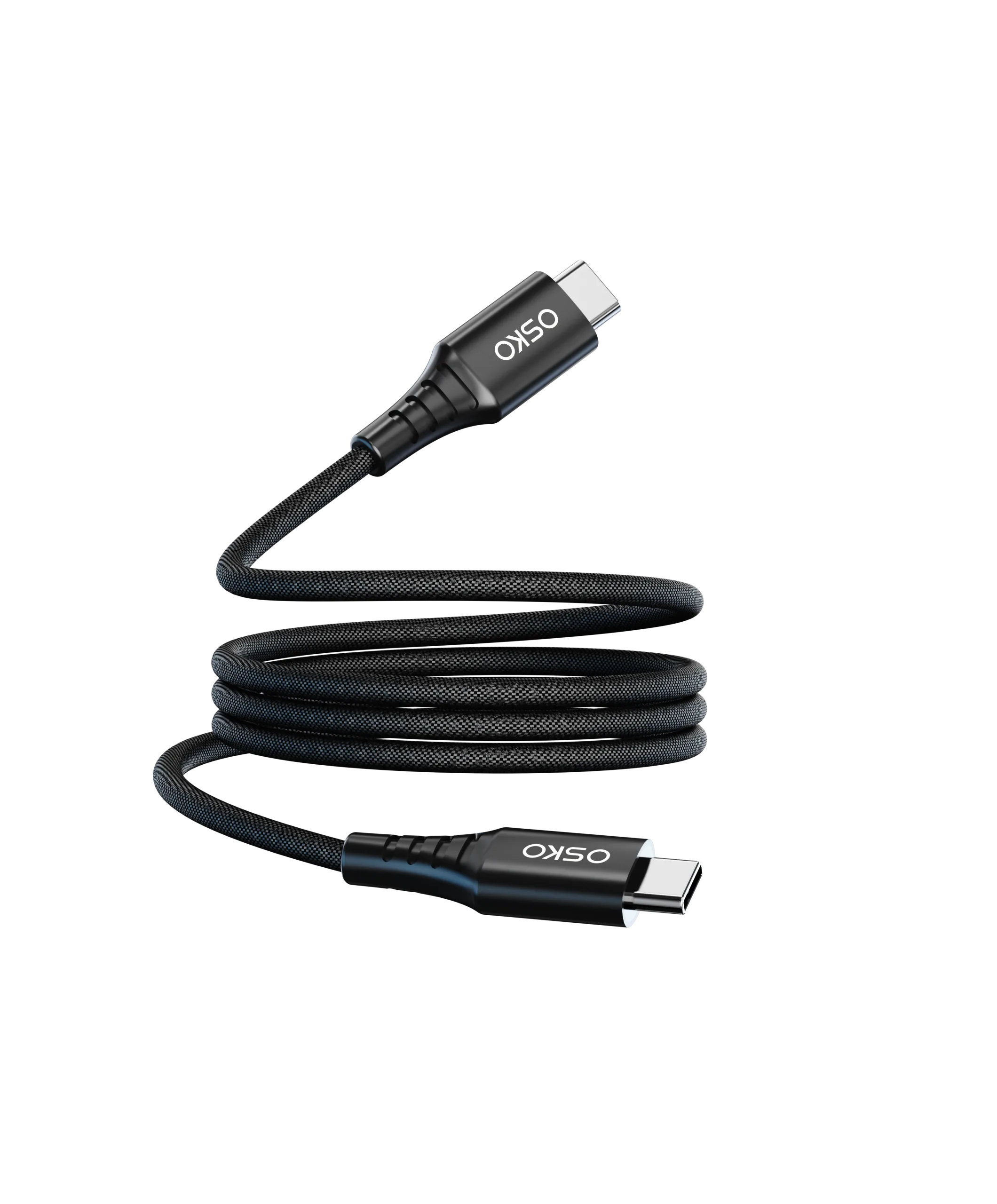
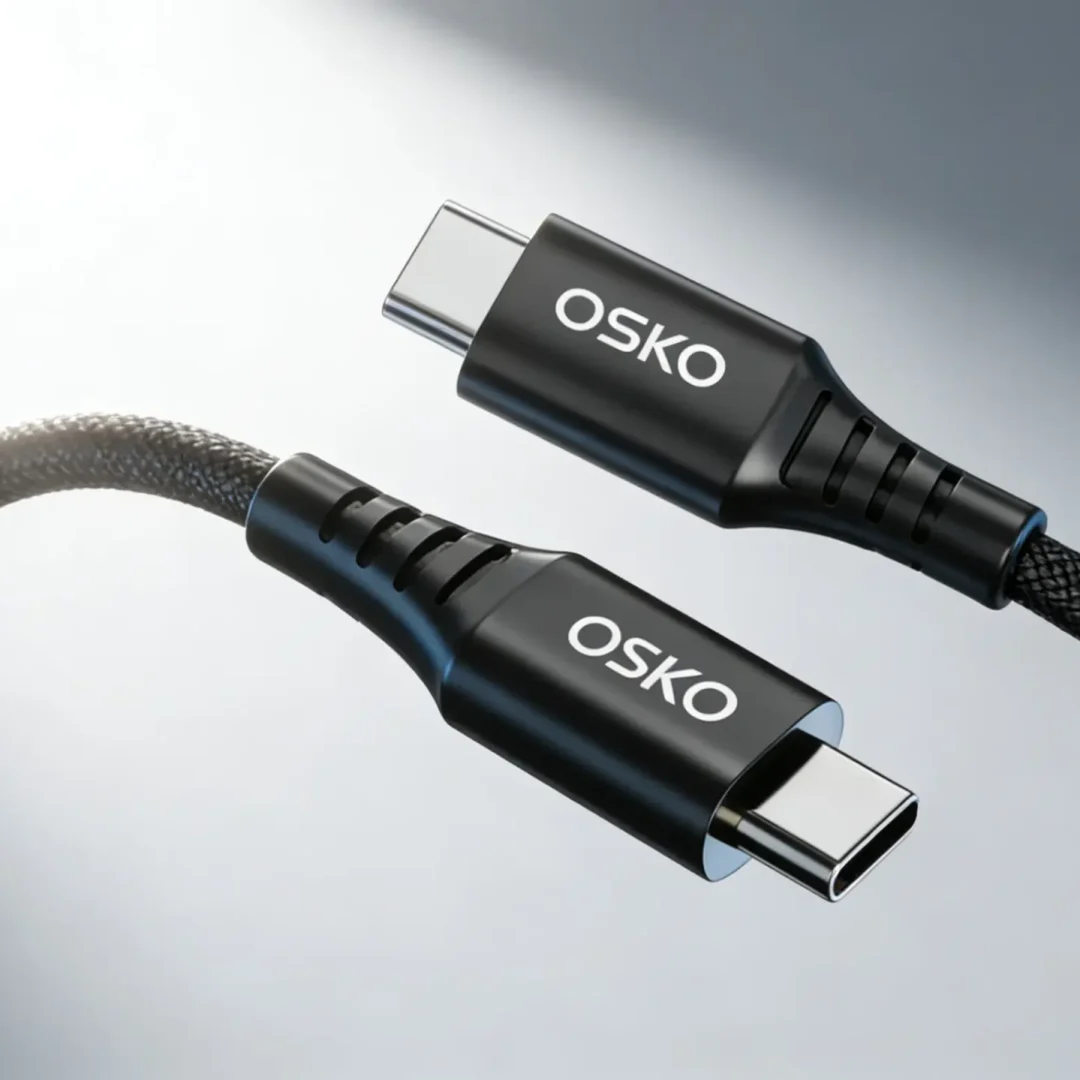
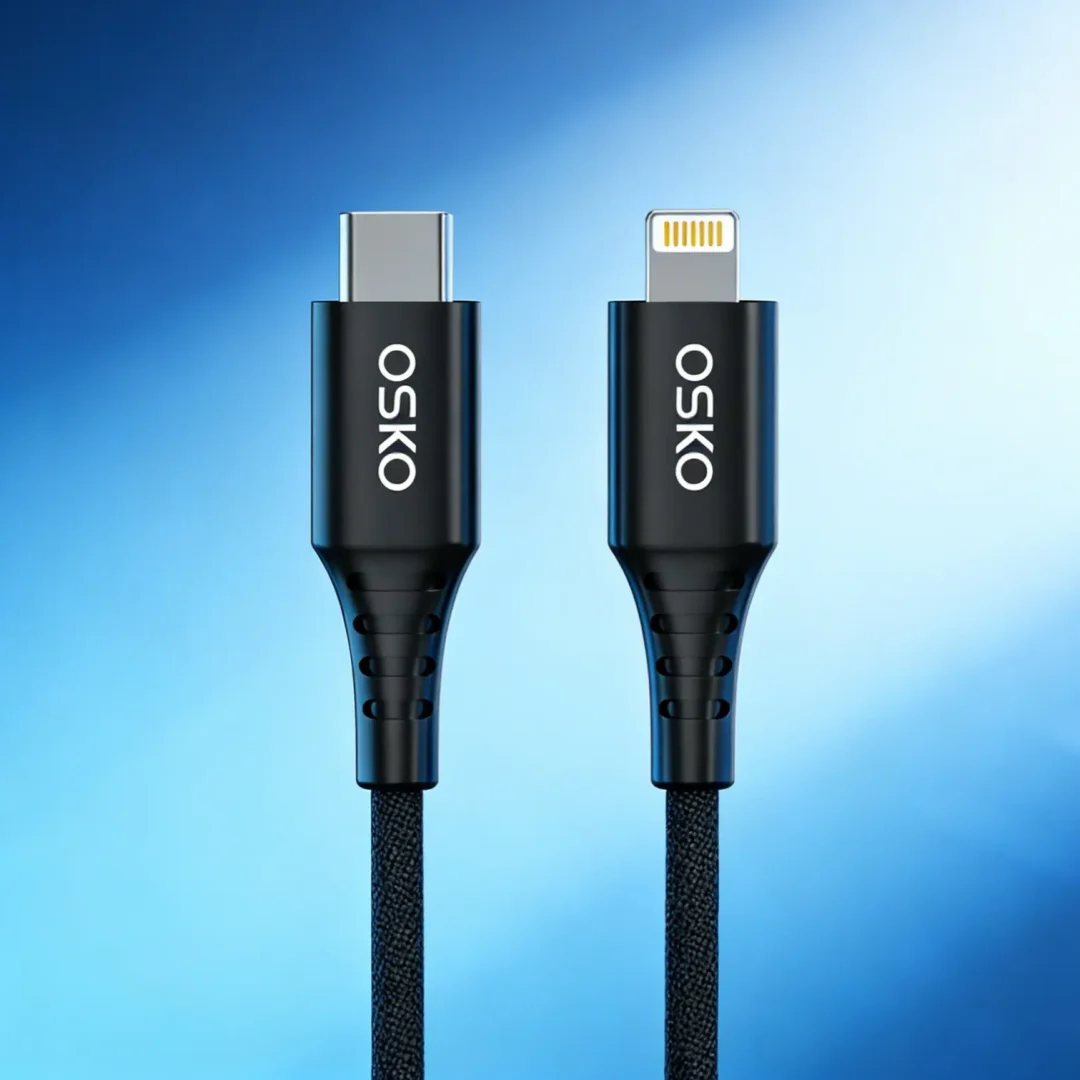
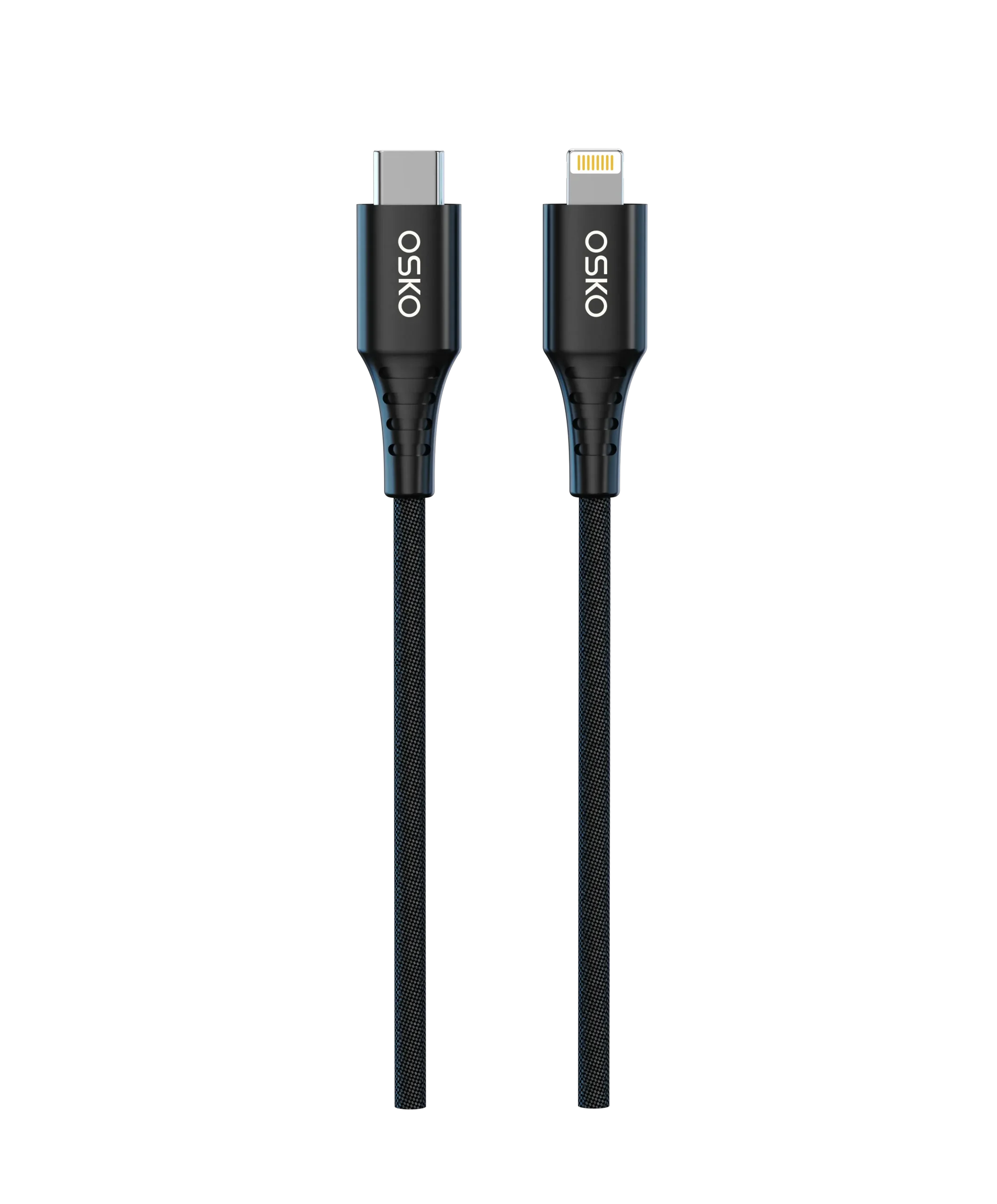
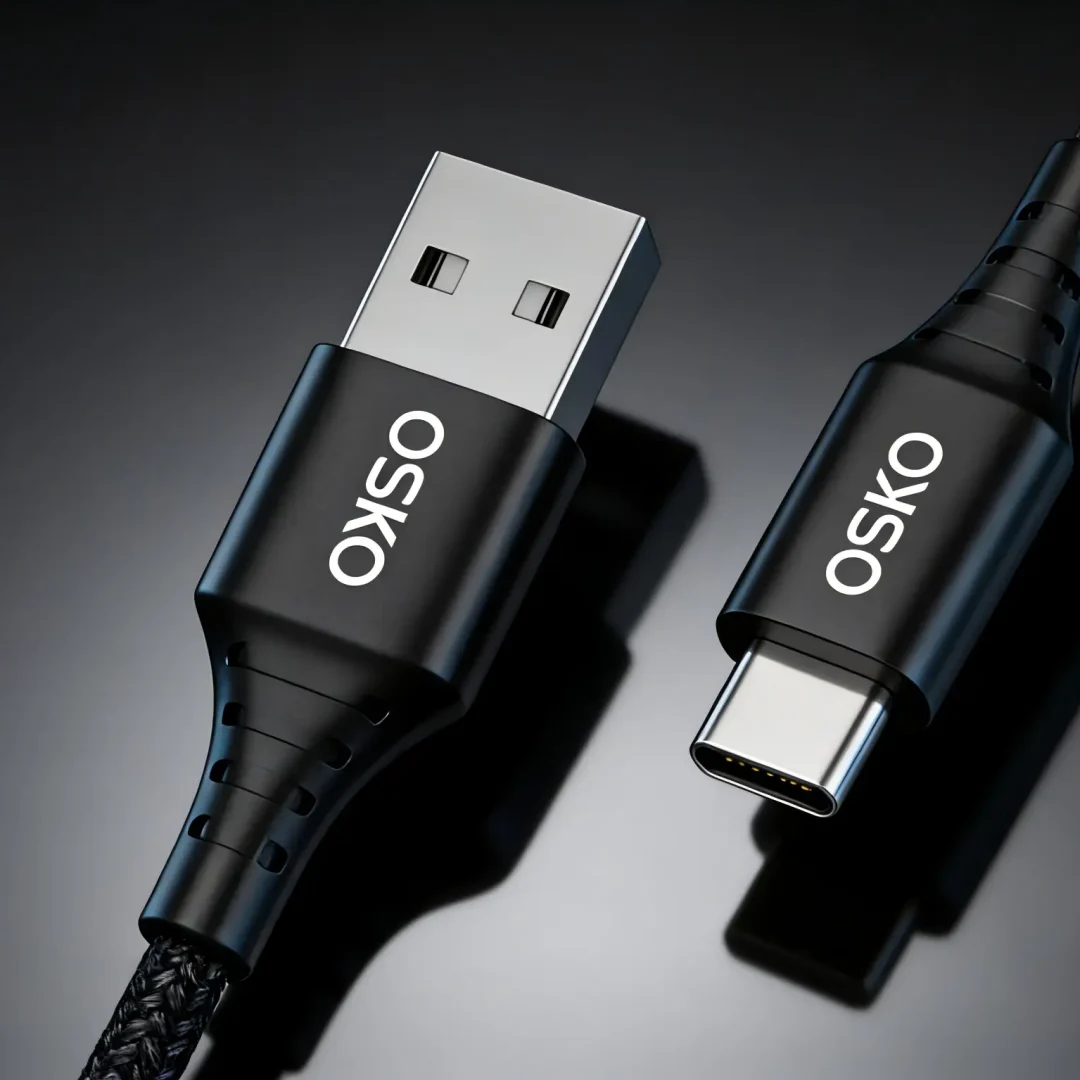
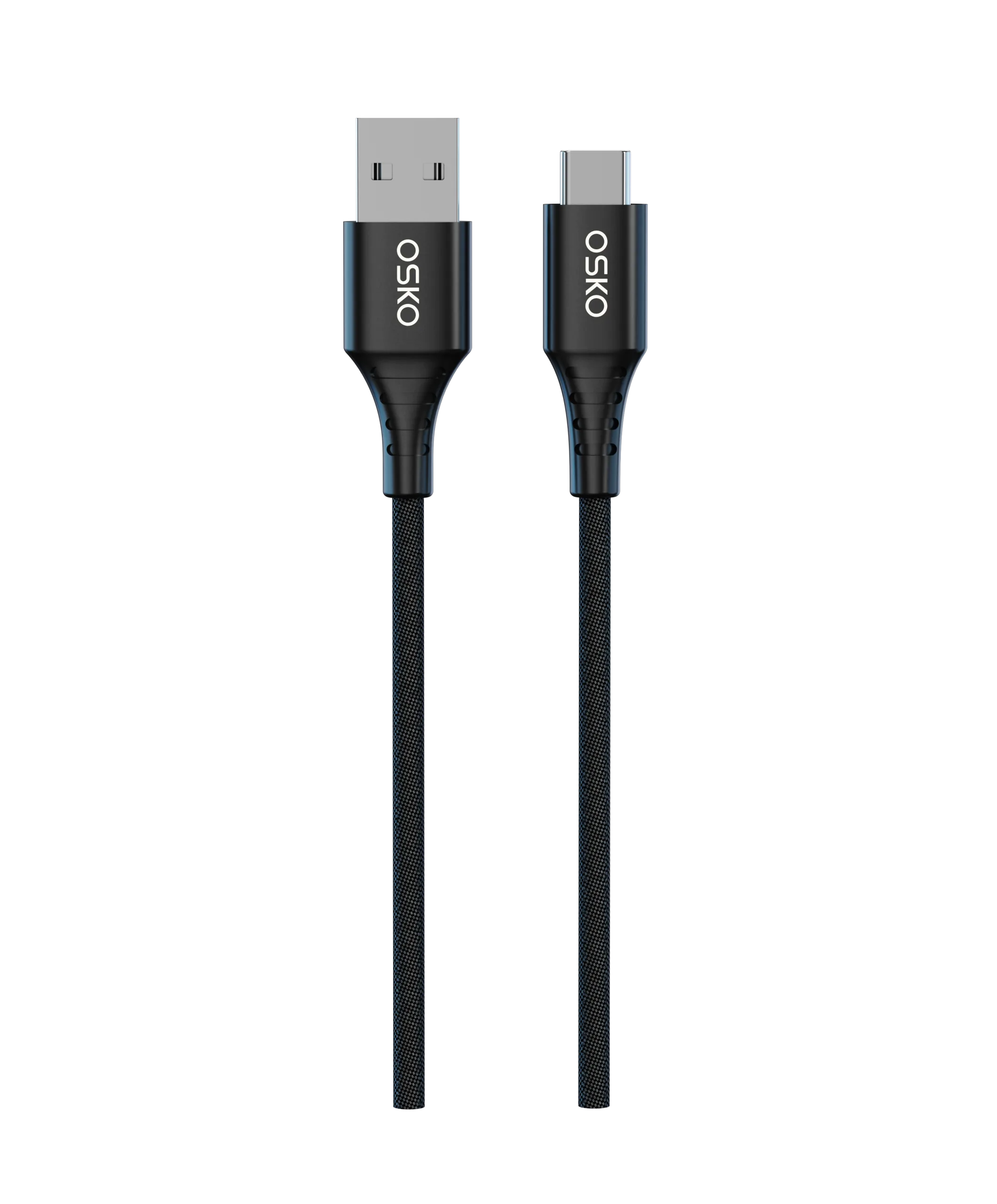
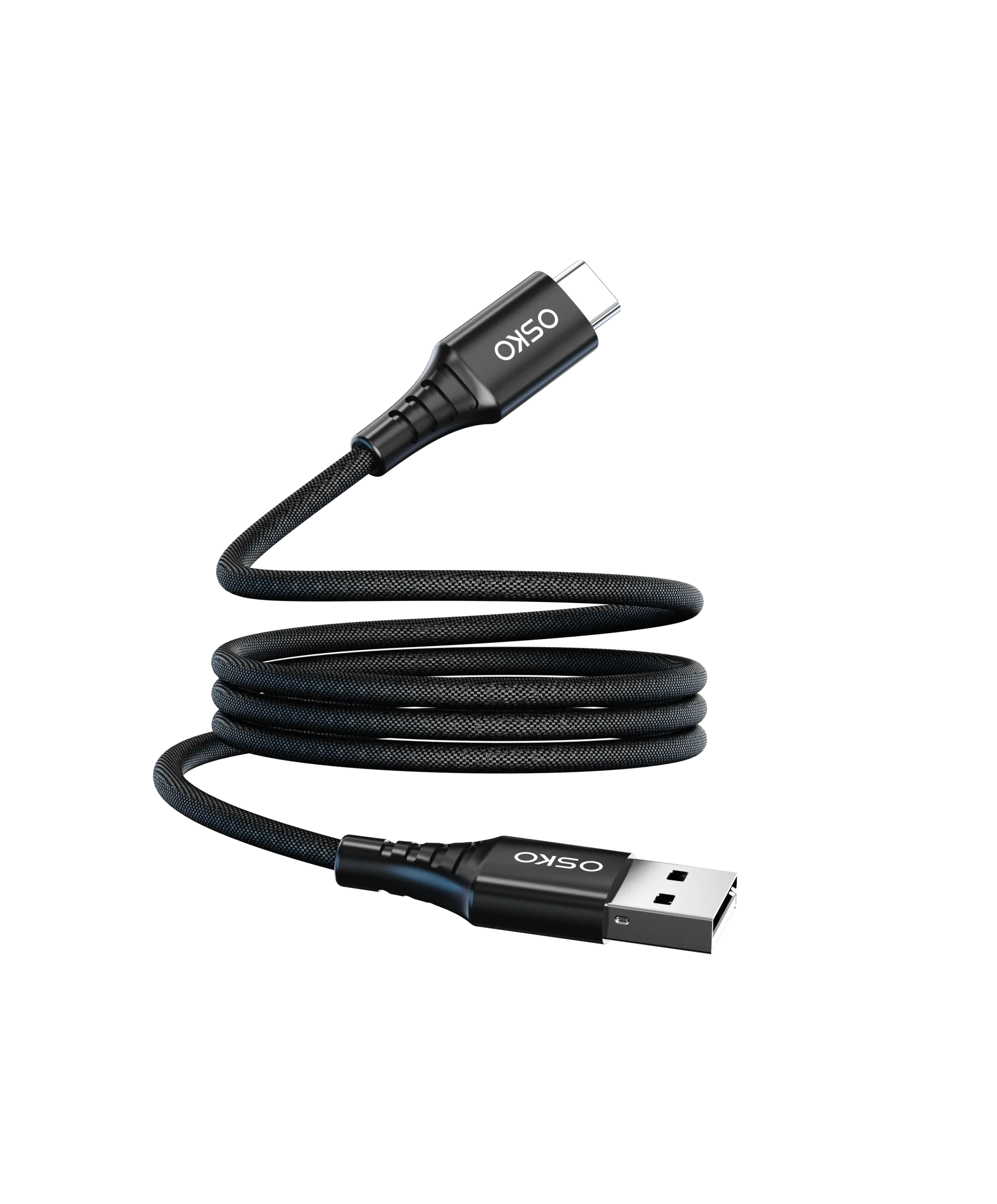
OSKO provides OEM and ODM USB-C cable solutions for global distributors, including USB-C charging cables, high-speed data cables, and video-capable USB-C solutions.
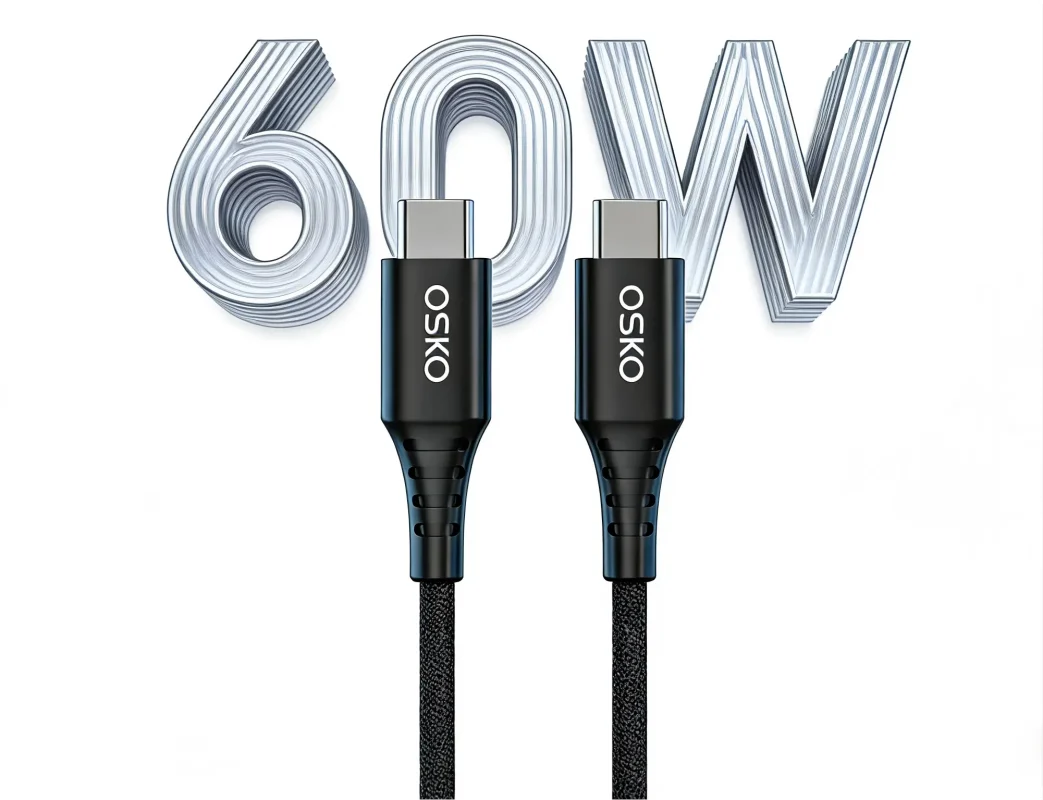
What USB-C to USB-C Cable Supports Video?
The correct answer is:
Only full-featured USB-C cables with high-speed wiring and compatible protocols can support video transmission.
A basic USB-C charging cable may have the same connector but cannot carry video signals.
For video applications, buyers should look for:
| Cable Type | Video Support | Application |
|---|---|---|
| USB 2.0 USB-C Cable | No | Charging and basic data |
| USB 3.2 USB-C Cable | Depends on design | Data + some display applications |
| DisplayPort Alt Mode Cable | Yes | Monitor connection |
| USB4 Cable | Yes | High-performance devices |
| Thunderbolt Compatible Cable | Yes | Professional displays |
For B2B procurement, the product description should not simply say:
“USB-C Cable”
Instead, specify:
“USB-C to USB-C Video Cable with DisplayPort Alt Mode Support”
How Does USB-C Video Transmission Work?
Unlike normal USB data transfer, USB-C video transmission usually works through:
DisplayPort Alternate Mode (DP Alt Mode)
When a compatible laptop, tablet, or smartphone connects to a monitor, the USB-C interface can switch into DisplayPort mode.
The cable transfers:
DisplayPort video signals
USB data
Power Delivery
through the same connection.
Typical applications include:
Laptop to USB-C monitor
MacBook docking station
Gaming monitor connection
Office workstation setup
Portable display solutions
This makes USB-C video cables popular in:
Business offices
Professional workstations
Education systems
Consumer electronics markets
Can Every USB-C Cable Connect a Laptop to a Monitor?
No.
This is a critical point for distributors and retailers.
A laptop-to-monitor connection requires three parts:
1. Compatible Laptop Port
The laptop USB-C port must support:
DisplayPort Alt Mode
USB4
Thunderbolt
A charging-only USB-C port cannot output video.
2. Compatible Monitor
The monitor must support:
USB-C video input
DisplayPort connection
USB-C docking features
3. Correct USB-C Cable Specification
The cable must support:
High-speed signal transmission
Required bandwidth
Proper internal wiring
A cable that only supports charging may still charge the laptop but show no image.
USB-C Video Cable vs Standard USB-C Charging Cable
Many purchasing mistakes happen because buyers compare only appearance.
Two cables can look identical but have completely different engineering structures.
| Feature | Charging Cable | USB-C Video Cable |
|---|---|---|
| Charging | Yes | Yes |
| USB 2.0 Data | Usually | Possible |
| High-speed data | No | Yes |
| DisplayPort Alt Mode | No | Yes |
| Monitor connection | No | Yes |
| Internal shielding | Basic | Advanced |
A professional USB-C cable supplier should clearly separate these product categories.
What USB-C Cable Do You Need for 4K 60Hz Video?
For 4K 60Hz applications, buyers should check:
DisplayPort Alt Mode support
USB protocol
Cable length
Signal integrity
Device compatibility
A typical specification may include:
USB-C to USB-C Video Cable
Video: DisplayPort Alt Mode
Resolution: Up to 4K @ 60Hz
Data: USB 3.2 Gen 2
Power: 100W PD
Length: 1m / 1.5m / 2m

However, the final performance depends on:
Laptop GPU
Monitor specification
DisplayPort version
Cable quality
Does 100W USB-C Cable Support Video?
No.
This is a common misunderstanding.
100W only describes charging capability.
A cable can support:
100W charging
USB 2.0 data
but still cannot transmit video.
For example:
A 100W USB-C charging cable may be suitable for:
Laptop charging
Tablet charging
Power delivery
but unsuitable for:
External monitor connection
Docking station
Display output
For B2B buyers, power rating and video capability must always be specified separately.
USB4 USB-C Cable for Professional Applications
USB4 represents a higher-performance USB-C cable category.
Applications include:
Professional monitors
High-speed storage
Laptop docking
Creative workstation systems
USB4 cables can support:
High-speed data
Display protocols
Power delivery
Typical target customers:
Computer accessory brands
Electronics distributors
Professional equipment suppliers
For premium markets in the USA, Germany, Australia, and Netherlands, USB4 cables are increasingly positioned as high-value accessories.
USB-C Video Cable Manufacturing: Engineering Requirements
For manufacturers and OEM buyers, video-capable USB-C cables require stricter engineering compared with standard charging cables.
High-Speed Conductor Design
Important factors:
Copper conductor quality
Pair structure
Impedance control
Signal stability
Shielding Structure
A professional USB-C video cable commonly uses:
Aluminum foil shielding
Braided shielding
Drain wire
Individual pair protection
Benefits:
Reduced interference
Better signal integrity
Stable video transmission
Connector Quality
USB-C connectors must maintain:
Accurate pin alignment
Strong mechanical structure
Stable contact resistance
Poor connector quality may cause:
Flickering display
Signal interruption
Charging instability
Quality Control for USB-C Video Cable Production
A professional USB-C cable manufacturer should perform:
Electrical Testing
Resistance test
Voltage test
Current test
Continuity test
High-Speed Testing
Signal integrity testing
Impedance testing
Crosstalk testing
Mechanical Testing
Bend test
Pull test
Plug cycle test
These tests are especially important for OEM and private-label products.
OEM USB-C Video Cable Solutions for Global Buyers
Brands and distributors often require:
Custom cable length
Logo printing
Packaging design
Material selection
Product specification customization
A reliable OEM supplier should support:
Prototype samples
Engineering evaluation
Mass production
Quality inspection
OSKO provides custom USB-C cable manufacturing solutions for:
Electronics brands
Mobile accessory wholesalers
Computer accessory distributors
Retail companies
Case Study: European Electronics Distributor Upgrades USB-C Cable Product Line
Customer Background
A Germany-based electronics distributor supplied:
Laptop accessories
Office connectivity products
Consumer electronics
The company wanted to introduce premium USB-C cables for:
Laptop users
Monitor users
Docking station customers
Customer Challenges
Previous suppliers mainly provided charging cables.
Problems:
Customers expected monitor support
Product descriptions were unclear
Return rates increased
The distributor needed a supplier that could provide:
Accurate specifications
Reliable video performance
OEM packaging
OSKO Engineering Solution
OSKO developed a USB-C product solution with:
Full-featured USB-C structure
Improved shielding design
Stable connector assembly
Complete specification documentation
The product range included:
USB-C charging cables
USB-C data cables
USB-C video solutions
Results:
Reduced customer confusion
Improved product positioning
Stronger distributor confidence
Selection Guide: How to Choose a USB-C Video Cable Supplier
Before placing a bulk order, buyers should confirm:
Product Specification
Ask:
Does it support DisplayPort Alt Mode?
What resolution is supported?
What USB data speed?
Does it include E-Marker?
Manufacturing Capability
Evaluate:
Factory experience
Testing process
Production consistency
OEM capability
Sample Testing
Before mass production test:
Monitor connection
4K output
Charging performance
Cable durability
FAQ
Can a USB-C to USB-C cable transfer video?
Yes, but only if it supports video protocols such as DisplayPort Alt Mode or compatible USB4 functions.
Does every USB-C cable support monitors?
No. Many USB-C cables only support charging and basic data.
What USB-C cable is needed for 4K monitor?
Choose a USB-C video cable with DisplayPort Alt Mode support and sufficient bandwidth for 4K resolution.
Is a 100W USB-C cable automatically a video cable?
No. Charging power and video transmission are separate specifications.
Can USB-C cable connect laptop and monitor?
Yes, if the laptop, monitor, and cable all support compatible video standards.
What should wholesalers ask a USB-C cable manufacturer?
Ask for:
Video specification
Data speed
Power rating
Test reports
OEM capability
Compliance documents
Summary
A USB-C to USB-C video cable is not simply a charging cable with a different connector. Video transmission requires the correct internal structure, bandwidth capability, and device compatibility.
For businesses sourcing USB-C cables, the key factors include:
DisplayPort Alt Mode support
USB4 capability
Signal integrity
Cable construction
Manufacturing quality
Choosing an experienced USB-C cable manufacturer helps brands, distributors, and retailers provide reliable products while reducing quality risks.
OSKO provides OEM and ODM USB-C cable solutions, including:
USB-C Video Cable
USB-C Charging Cable
USB4 Cable Solutions
Custom USB-C Cable Manufacturing
For global electronics businesses looking for a reliable USB-C cable supplier, OSKO supports product development, testing, customization, and mass production.