















Do USB-C Cables Charge Faster? Everything You Need to Know About USB-C Fast Charging
Have you ever plugged in your phone and wondered:
“Why is my charger so slow?”
“Why doesn’t my USB-C cable fast charge?”
“Does a USB-C cable actually charge faster than an old USB cable?”
You are not alone.
With modern smartphones, tablets, laptops, and portable devices increasingly adopting USB Type-C, many users assume that every USB-C cable automatically provides faster charging.
However, the reality is more complicated.
A USB-C cable can support faster charging, but charging speed depends on multiple factors:
Cable specification
Charger power output
Device charging protocol
Cable current rating
USB Power Delivery (USB PD) support
A high-quality USB-C fast charging cable can significantly improve charging performance, while a low-quality cable may limit charging speed even if the connector looks identical.
This guide explains how USB-C charging works, why some cables charge faster than others, and how to choose the right USB-C cable for smartphones, iPhones, laptops, and other devices.
Does USB-C Cable Charge Faster Than USB-A?
The short answer is:
Yes, USB-C cables can charge faster than traditional USB-A cables, but only when paired with compatible chargers and devices.
USB-C was designed as a next-generation connector with improved:
Power delivery capability
Data transmission speed
Device compatibility
Compared with older USB-A connections, USB-C supports much higher charging power.
For example:
| Cable Type | Typical Charging Power |
|---|---|
| USB-A to Micro USB | 5W–15W |
| USB-A to USB-C | Up to around 15W–18W depending on protocol |
| USB-C to USB-C | 60W–240W with USB PD |
The connector itself does not guarantee fast charging.
The entire charging system must support higher power.
How Does USB-C Fast Charging Work?
USB-C fast charging mainly relies on a technology called:
USB Power Delivery (USB PD)
USB PD allows the charger and device to communicate and negotiate the correct power level.
Instead of receiving a fixed amount of power, the device tells the charger:
How much power it needs
What voltage it supports
What current level is safe
This improves:
Charging speed
Safety
Energy efficiency
Modern USB-C PD charging can support:
20W smartphone charging
45W tablet charging
65W laptop charging
100W professional charging
140W–240W high-power devices
USB-C Connector vs USB-A Connector: What Is the Difference?
Understanding the two connectors helps explain charging performance.
USB Type-A Connector
USB-A is the traditional rectangular USB connector used for decades.
Common applications:
Desktop computers
Older wall chargers
Power banks
Car USB ports
Limitations:
Larger connector size
One-direction insertion
Lower power capability
USB Type-C Connector
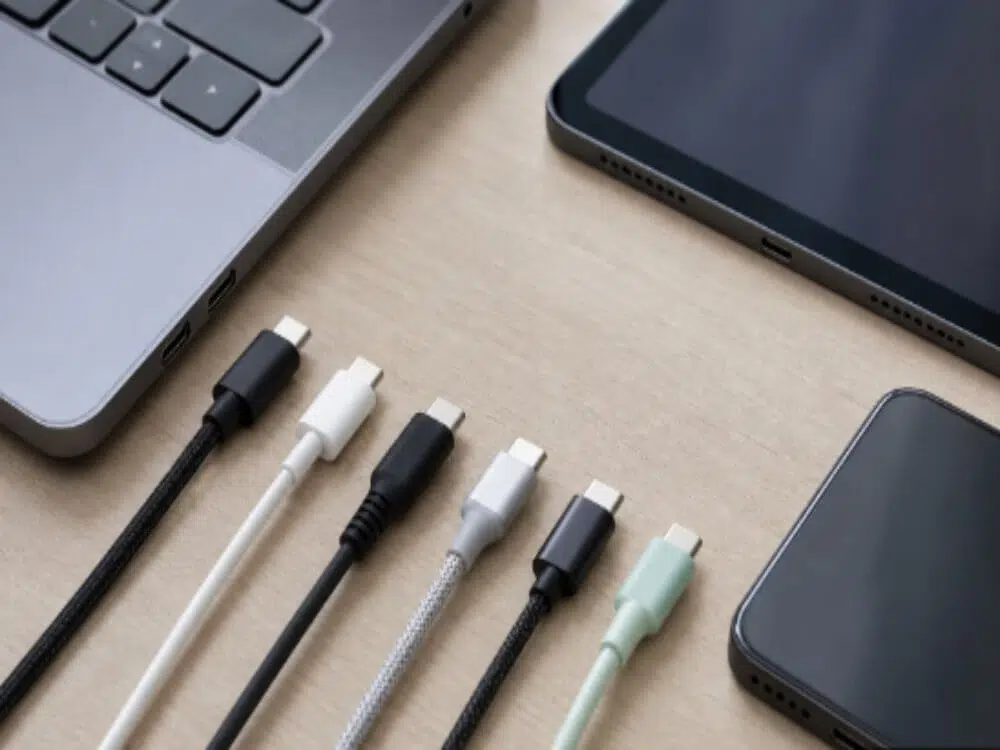
USB-C is the modern compact connector.
Advantages:
Reversible plug design
Higher charging capability
Faster data transfer
Supports advanced protocols
Common applications:
iPhone
Android phones
iPads
MacBooks
Windows laptops
Gaming devices
USB-C to USB-A Cable: What Is It Used For?
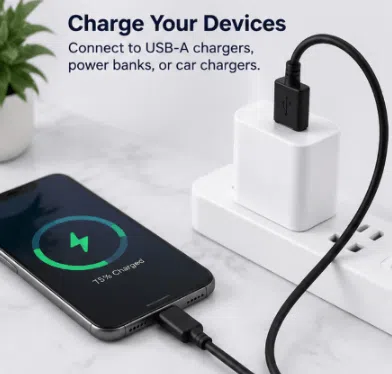
A USB-C to USB-A cable connects modern USB-C devices with older USB-A charging sources.
Common uses include:
1. Smartphone Charging
Examples:
iPhone charging from older USB-A adapters
Android phone charging
Tablet charging
2. Apple CarPlay and Android Auto
Many vehicles still use USB-A ports.
A USB-C to USB-A cable allows users to connect:
iPhones
Android smartphones
for:
Navigation
Music streaming
Hands-free communication
3. Data Transfer
Used for transferring:
Photos
Videos
Documents
Device backups
between USB-C devices and computers with USB-A ports.
Important: Not All USB-C Cables Support Fast Charging
One of the biggest misunderstandings is:
“USB-C cable = fast charging.”
This is incorrect.
USB-C cables have different internal designs.
Important specifications include:
1. Cable Current Rating
Charging current determines how much power a cable can safely carry.
Common ratings:
3A USB-C Cable
Supports:
Up to 60W charging with USB-C PD
Suitable for:
Smartphones
Tablets
Small laptops
5A USB-C Cable
Usually requires an E-marker chip.
Supports:
100W charging
140W charging
Higher-power applications
Suitable for:
MacBooks
Gaming laptops
Professional devices
2. E-Marker Chip
High-power USB-C cables include an electronic marker chip.
The E-marker communicates:
Cable capability
Current rating
Power limits
Without an E-marker chip, many chargers will reduce power output for safety reasons.
3. USB-C Cable Data Speed
Charging speed and data speed are different.
A USB-C cable can be:
Fast charging but slow data
Fast data but limited charging
High performance for both
Common USB data standards:
| Standard | Maximum Speed |
|---|---|
| USB 2.0 | 480 Mbps |
| USB 3.2 Gen 1 | 5 Gbps |
| USB 3.2 Gen 2 | 10 Gbps |
| USB4 | Up to 40 Gbps |
For basic charging, USB 2.0 is usually enough.
For transferring:
4K videos
Large files
SSD data
choose a higher-speed USB-C cable.
Does USB-C Cable Affect iPhone Fast Charging?
Yes.
Modern iPhones support fast charging when using:
Compatible USB-C power adapters
Proper USB-C cables
For example:
A USB-C to USB-C cable with a USB PD charger can provide much faster charging compared with older USB-A chargers.
However, a USB-C connector alone does not guarantee fast charging.
The charger and cable must both support the required power level.
USB-C Cable Build Quality Matters
Charging performance is not only about specifications.
Cable construction affects:
Safety
Durability
Charging stability
A high-quality USB-C cable should include:
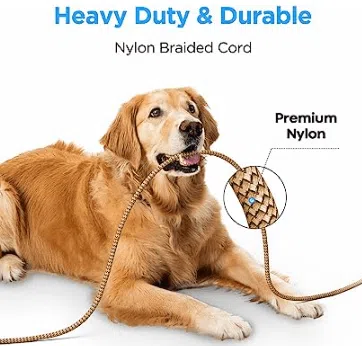
Braided Nylon Exterior
Benefits:
Better abrasion resistance
Less tangling
Longer lifespan
Suitable for:
Daily charging
Travel
Retail products
Reinforced Strain Relief
The connector joint is the most common failure point.
Good strain relief helps prevent:
Cable breakage
Internal wire damage
Connection problems
Quality Copper Conductors
Better copper wiring provides:
Lower resistance
More stable charging
Less heat generation
Shielding Protection
Proper shielding reduces:
Signal interference
Data transfer errors
Especially important for:
CarPlay
Android Auto
External storage devices
Does Cable Length Affect Charging Speed?
Yes.
Longer cables naturally have higher resistance.
This can cause:
Voltage drop
Reduced charging efficiency
Slower performance
Recommended lengths:
| Usage | Recommended Length |
|---|---|
| Smartphone charging | 1m–2m |
| CarPlay | Around 1m |
| Desk setup | 1.5m–2m |
| High-power charging | Shorter preferred |
For maximum charging performance, shorter high-quality cables are usually better.
Why Does My USB-C Cable Not Fast Charge?
Common reasons include:
1. Low-Power Charger
The charger may not provide enough wattage.
2. Cable Does Not Support Required Power
Example:
A 60W cable cannot provide full performance for a 100W laptop charger.
3. Device Does Not Support Fast Charging
Not every device supports high-speed charging.
4. Poor Quality Cable
Low-quality cables may have:
Thin conductors
High resistance
Poor connectors
which reduce charging performance.
How to Choose the Right USB-C Fast Charging Cable
Before buying a USB-C cable, check:
For Smartphones
Recommended:
3A USB-C cable
20W–45W support
For Tablets
Recommended:
60W USB-C cable
For Laptops
Recommended:
5A E-marker USB-C cable
65W–140W support
For Data Transfer
Choose:
USB 3.2
USB4
depending on your requirements.
USB-C Cable Solutions for Brands and Businesses
As USB-C adoption continues globally, businesses require reliable charging accessories for retail and OEM applications.
Professional USB-C cable manufacturers provide:
Private label USB-C cables
Custom lengths
Custom materials
OEM packaging
Bulk production
Applications include:
Consumer electronics brands
Amazon sellers
Mobile accessory distributors
Corporate gift companies
Frequently Asked Questions About USB-C Charging
Do USB-C cables charge faster?
USB-C cables can charge faster when combined with compatible USB PD chargers and devices.
Is USB-C faster than USB-A?
Yes. USB-C supports higher power delivery and faster data transfer compared with traditional USB-A
Can USB-A to USB-C support fast charging?
Yes, but charging power is usually more limited compared with USB-C to USB-C PD charging.
Do expensive USB-C cables charge faster?
Not always. Performance depends on specifications, not price alone.
What USB-C cable do I need for 100W charging?
You need a 5A USB-C cable with an E-marker chip and a compatible USB PD charger.
Final Thoughts: Choosing the Right USB-C Cable Matters
USB-C technology has changed how modern devices charge and communicate.
While USB-C cables can provide faster charging than older USB cables, performance depends on:
Cable design
Power rating
Charger compatibility
Device support
For everyday smartphone charging, a quality 3A USB-C cable is usually enough.
For laptops and high-power devices, choose a certified USB-C PD cable with proper current rating and E-marker technology.
A well-designed USB-C cable does more than charge your device—it provides safer charging, faster performance, and a more reliable connection.
