
Introduction
MacBook users often face slow charging or inconsistent data transfer when using USB-A to USB-C cables. Many common issues include:
MacBook charging slower than expected
Intermittent connection during file transfer
Cable failure after frequent use
Heat buildup and safety concerns
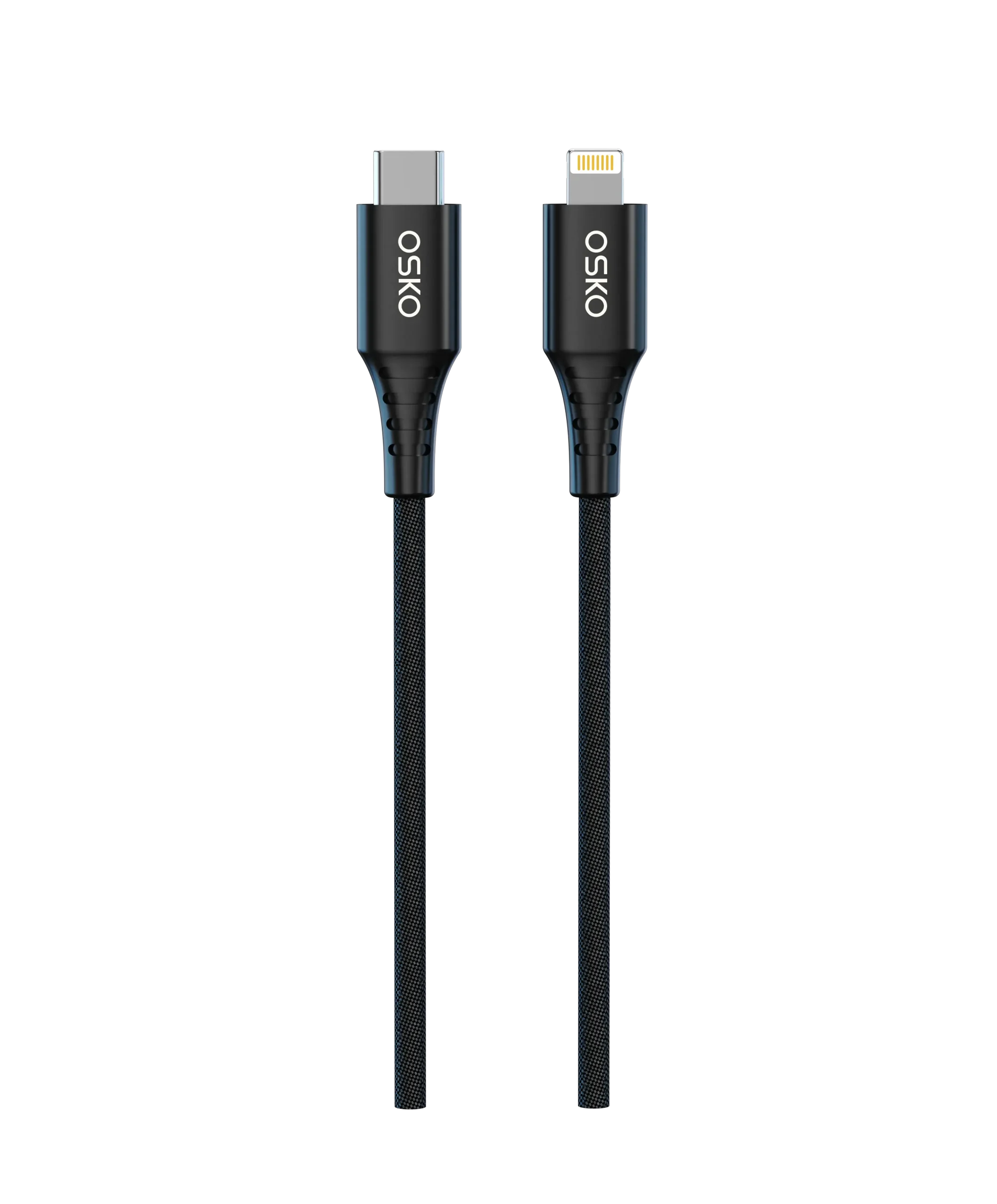
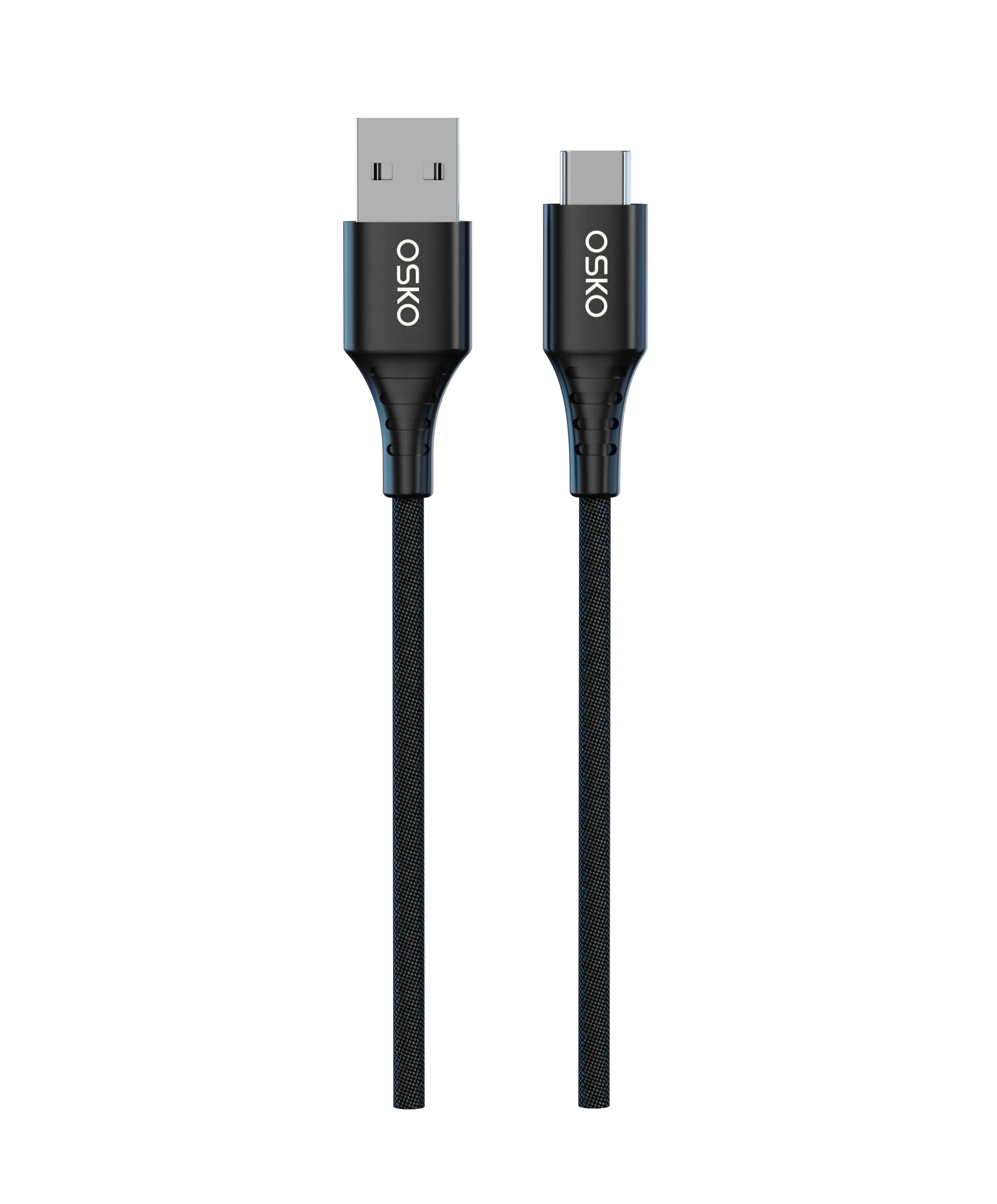
These issues are often caused by low-quality cables with insufficient conductors, inadequate shielding, or poor connectors. Choosing the right USB-A to USB-C cable for MacBook ensures faster charging, stable data transfer, and longer lifespan.
This guide explains everything buyers, retailers, and OEM brands need to know to select or source high-quality USB-A to USB-C cables optimized for MacBook performance.
Applicable Scenarios
Home and Office Use
USB-A to USB-C cables are often used for:
Charging MacBook at home using standard wall adapters
Connecting to office docking stations or USB hubs
Fast data transfer between MacBook and external drives
Shorter cables (3ft–6ft) are ideal for desktop setups, while longer cables (10ft+) suit flexible office layouts.
Travel and Remote Work
Travelers and remote workers need durable, portable cables:
Connect MacBook to power banks with USB-A output
Charge on airplanes or hotels using USB-A chargers
Transfer data to external storage devices
In these scenarios, durability and tangle-free designs become essential.
Retail and Wholesale Distribution
For North American and European e-commerce, USB-A to USB-C cables remain popular because:
Many legacy chargers still use USB-A
Retailers need fast shipping products compatible with multiple MacBook models
OEM branding and private label packaging increase perceived value
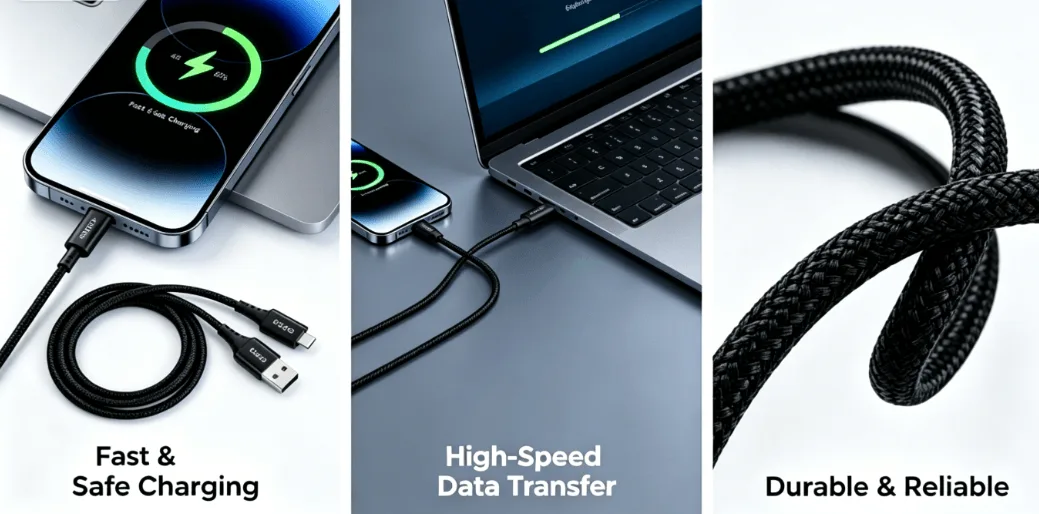
Technical Details: Cable Performance
To achieve reliable charging and high-speed data transfer, a USB-A to USB-C cable must meet several engineering requirements.
Conductor Quality
High-quality cables use:
Oxygen-free copper (OFC) conductors for low resistance
Multiple-strand wires to support high current and flexibility
This ensures:
Fast charging up to the cable’s rated wattage
Stable data transmission at USB 2.0 or USB 3.1 speeds
Reduced heat generation for safety
Connector Design
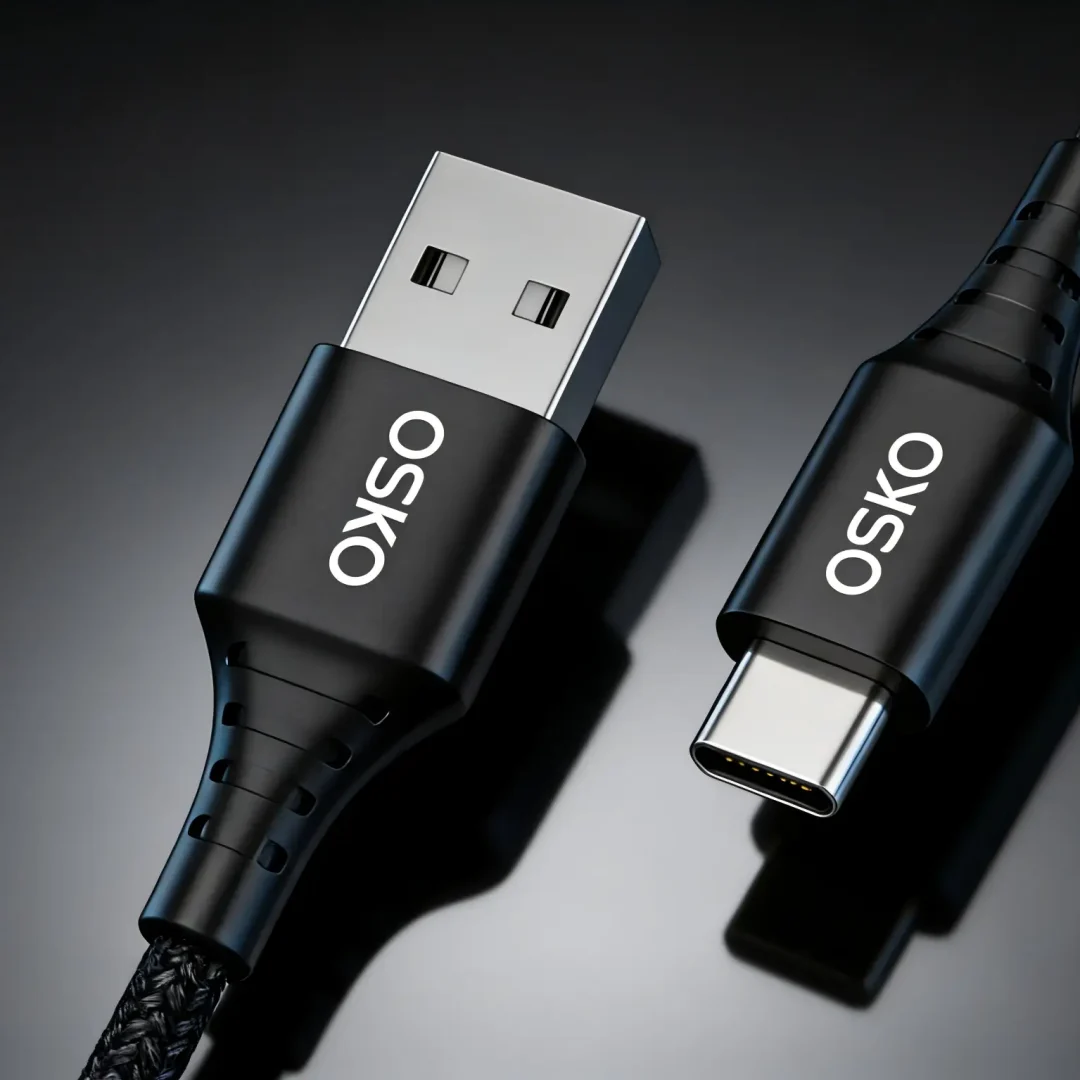
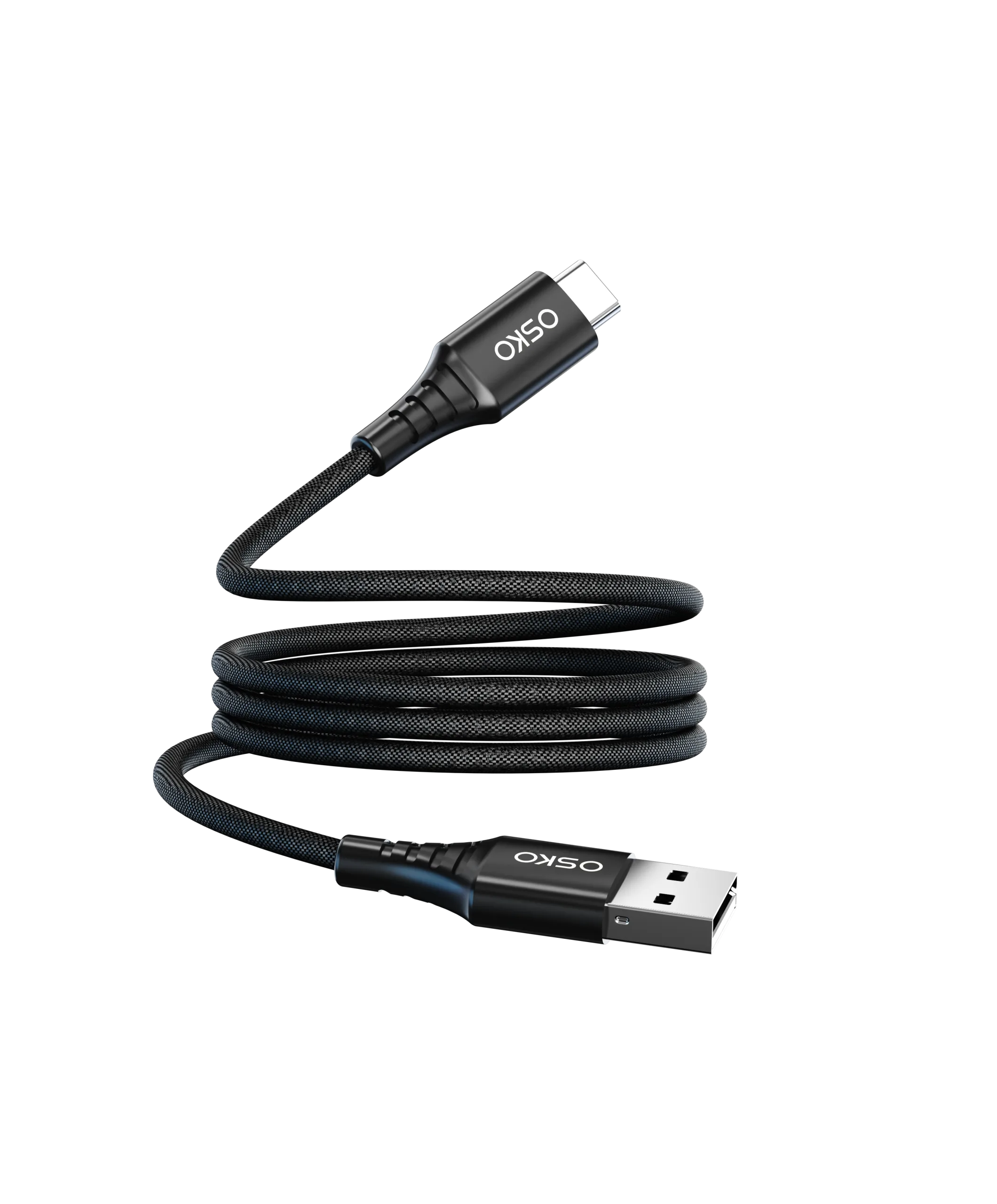
Connectors are the most common failure point. Look for:
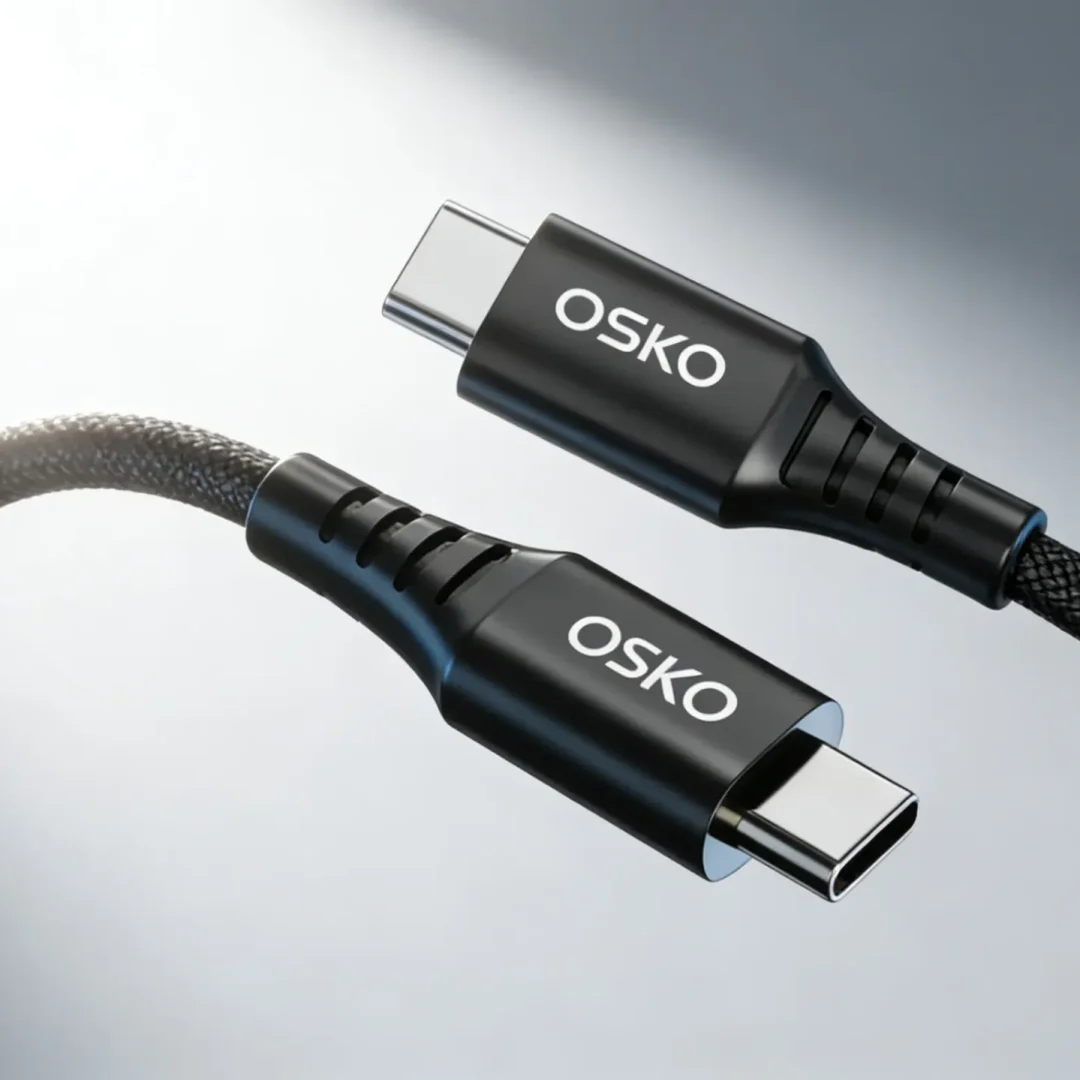
Reinforced strain relief
Nickel-plated or gold-plated contacts
Precise USB-C insertion tolerance
High-quality connectors reduce wear and prevent accidental disconnection during charging or data transfer.
Cable Insulation and Jacket Materials
Cable longevity depends on outer materials:
| Material | Advantages | Disadvantages |
|---|---|---|
| PVC | Cost-effective, flexible | Less durable, prone to fraying |
| TPE | Soft, flexible, durable | Higher cost |
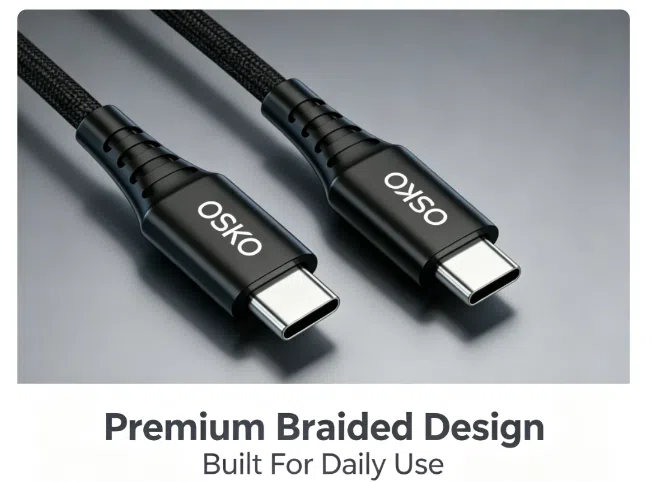
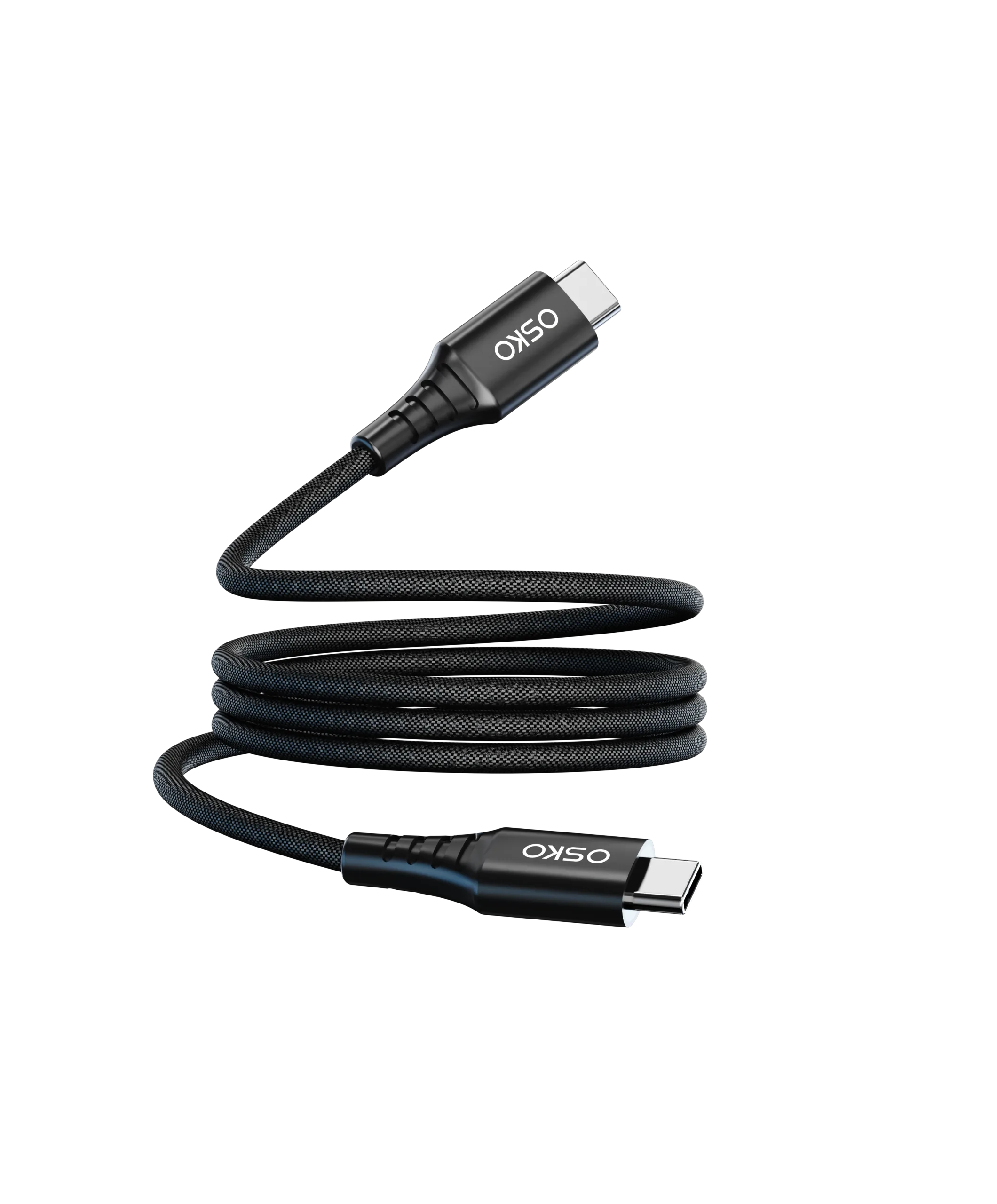
| Nylon braided | Extremely durable, tangle-resistant | Slightly heavier |
For MacBook users who carry cables daily, nylon braided cables are highly recommended.
Shielding Systems
Effective shielding minimizes interference for both charging and data transfer:
Aluminum foil + braided copper shielding
Multi-layer insulation for stable signal quality
Reduces electromagnetic interference (EMI)
Proper shielding is especially critical for data-intensive applications like video editing or large file transfers.
Charging Specifications
USB-A to USB-C cables are limited by USB-A output:
| USB-A Charger Output | MacBook Charging Capability | Notes |
|---|---|---|
| 5V/2.4A | Standard charging (12W) | Basic charging for older MacBooks |
| 5V/3A | Moderate charging (15W) | Faster for small MacBooks or iPads |
| 9V/2A | 18W fast charging | Compatible with PD-enabled MacBooks if supported |
Although USB-A cannot match USB-C PD full output, a well-designed cable ensures maximum safe charging and minimal voltage drop.
Fast Data Transfer Considerations
Data transfer depends on cable type:
USB 2.0: Up to 480 Mbps
USB 3.0 / 3.1: Up to 5 Gbps or 10 Gbps
For MacBook users transferring large files, ensure the cable is rated for USB 3.1 with proper shielding.
OEM and Wholesale Opportunities
Many brands prefer sourcing from Chinese manufacturers for customization:
Custom lengths: 3ft, 6ft, 10ft
Color options: Black, White, Grey, Blue
Braided jackets: Premium feel and durability
Logo branding: Molded or laser-printed logos
Retail packaging: Blister packs, eco-friendly boxes, or gift packaging
OEM and private-label solutions allow sellers to differentiate in North American and European markets.
Compliance for North America and Europe
Suppliers must comply with regulatory standards to reduce import and safety risks:
| Certification | Region |
|---|---|
| CE | Europe |
| RoHS | Europe |
| FCC | USA |
| ISO9001 | Global |
| USB-IF | USB-C and USB-A compliance |
Selecting a manufacturer with verified certifications is critical for fast customs clearance and market acceptance.
Case Study: E-Commerce Retailer
Customer Background
A European retailer wanted a MacBook accessory bundle featuring USB-A to USB-C cables for fast charging and data transfer.
Challenges
Existing suppliers delivered cables that frayed quickly
USB-A cables could not reliably charge newer MacBooks
Customer complaints affected online ratings
OSKO Solution
Oxygen-free copper conductors for maximum charging efficiency
Nylon braided cable jackets for durability
Reinforced USB-C connectors
Custom retail packaging and logo branding
Full testing for fast charging and data transfer compliance
Results
Reduced product returns by 40%
Customer ratings improved from 3.8 to 4.7 stars
Wholesale clients placed repeat orders
Brand established credibility in premium accessories
Purchase Recommendations
When sourcing USB-A to USB-C cables for MacBook, prioritize:
| Factor | Importance |
|---|---|
| Conductor quality | High |
| Charging efficiency | High |
| Connector durability | High |
| Braided jacket | Medium |
| Data transfer capability | High |
| Certification compliance | High |
| OEM customization | Medium |
| Price | Medium |
A focus on long-term quality and compliance ensures better market performance than simply choosing the lowest-cost supplier.

Recommended Internal Links
Cable Selection Guide: Explain technical differences between USB-A and USB-C cables
Product Collection: Display OEM USB-A to USB-C cables
OEM Inquiry Page: Enable bulk buyers to request custom specifications and pricing
FAQ
Q: Can a USB-A to USB-C cable fast charge a MacBook?
A: Partially. USB-A output is limited compared to USB-C PD chargers, but a high-quality cable ensures maximum safe charging efficiency.
Q: Are braided cables better than standard PVC?
A: Yes. Braided cables are more durable, tangle-resistant, and visually premium.
Q: Can OEM manufacturers provide custom packaging?
A: Yes. Many factories offer retail and private-label options, including logos and eco-friendly boxes.
Q: Is USB-IF certification necessary?
A: Yes. Certification ensures compliance, reliability, and market acceptance in North America and Europe.
Q: What length is recommended for MacBook cables?
A: 3ft–6ft is ideal for desk setups; 10ft is better for flexible or travel use.
Summary
Choosing the right USB-A to USB-C cable for MacBook requires attention to conductor quality, connector durability, cable jacket material, data transfer speed, and compliance standards. For retail and wholesale buyers in North America and Europe, prioritizing OEM-certified suppliers ensures reliable fast charging, safer usage, and higher customer satisfaction.
Investing in premium cables, such as nylon braided USB-A to USB-C cables, supports longer product lifespan and improves brand credibility in competitive e-commerce markets.
Request OEM USB-A to USB-C Cable Solutions
OSKO Offers:
High-quality USB-A to USB-C cables for MacBook
Nylon braided or TPE jackets
Fast charging and high-speed data transfer
Custom lengths and colors
Private-label packaging for retail
OEM & ODM manufacturing solutions
Request a Quote:
Name: ___________________
Company: ___________________
Email: ___________________
Cable Type: USB-A to USB-C
Required Length: 3ft / 6ft / 10ft
Estimated Quantity: ___________________
Target Market: North America / Europe / Global
Project Requirements: ___________________