
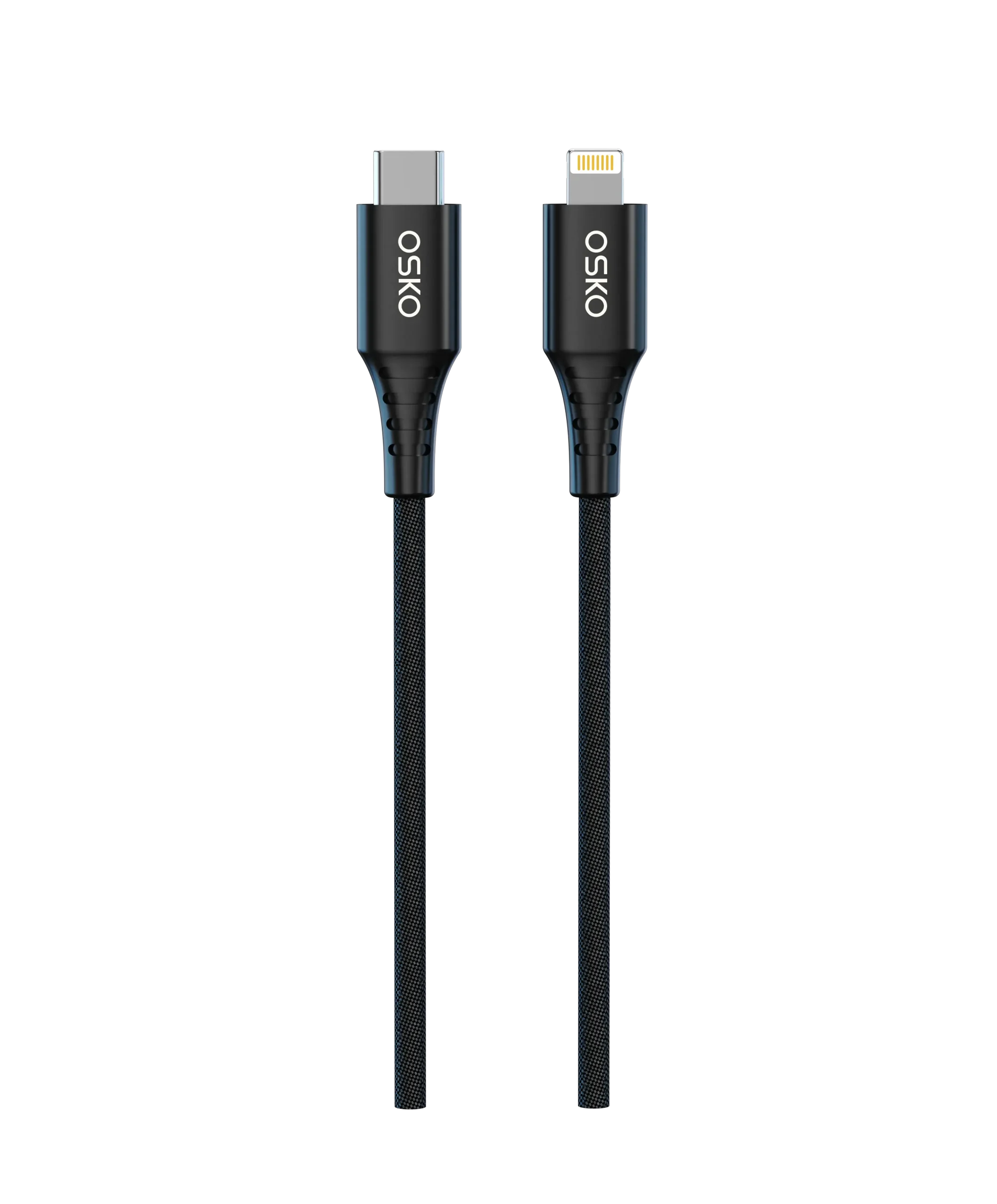
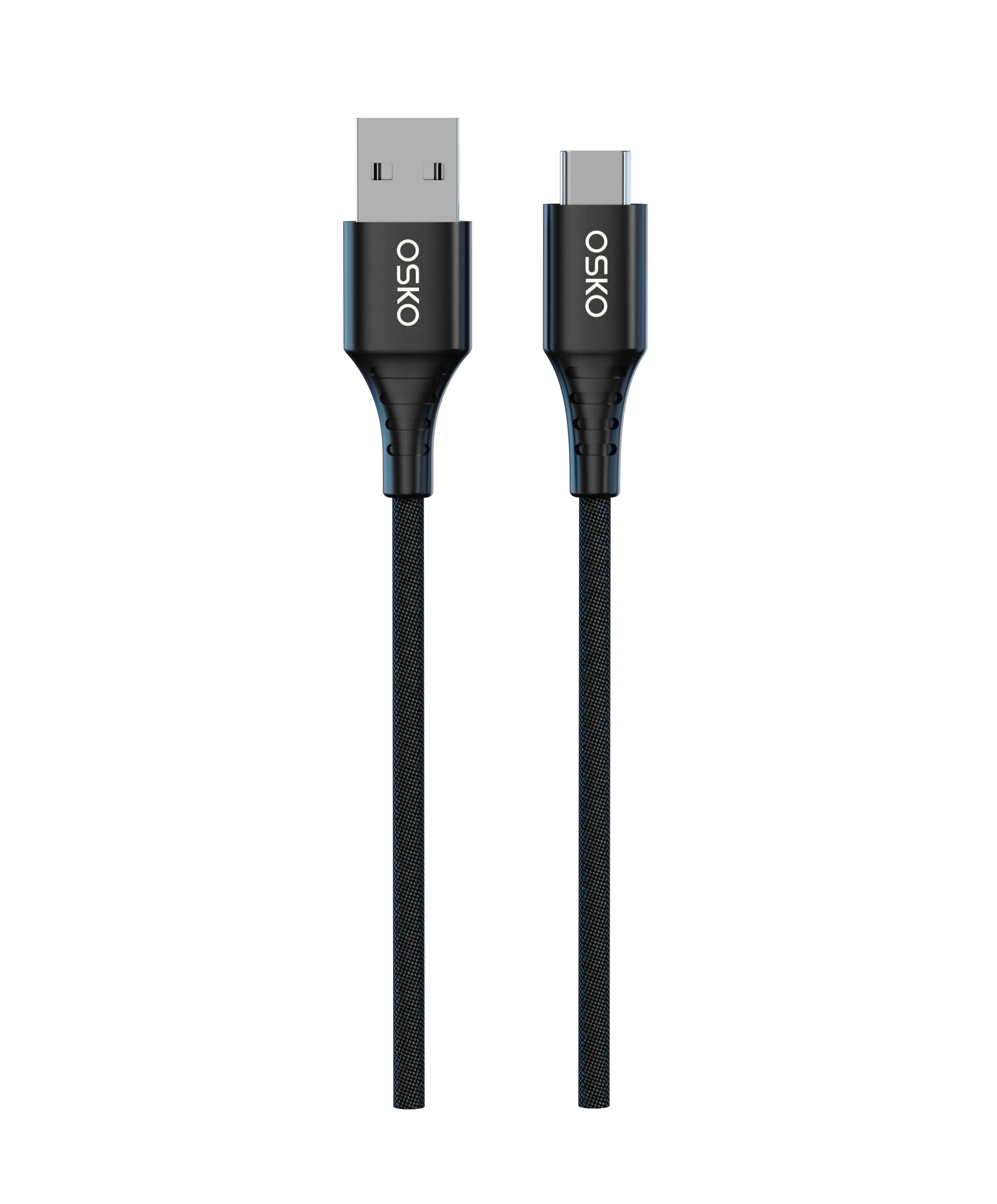
Introduction
Have you ever purchased a USB cable that claimed to support fast charging, only to discover that your phone charges slowly or your laptop displays a “Slow Charging” warning?
Many users immediately blame the charger or the device itself. However, one of the most overlooked factors affecting charging performance is the USB cable gauge.
For OEM buyers, distributors, and wholesale importers, understanding cable gauge is essential when sourcing products for smartphones, tablets, power banks, and high-power USB-C devices.
This guide explains how USB cable gauge works, how to measure it, and how to choose the appropriate wire size for different charging applications.

Applicable Scenarios
Different devices require different conductor sizes.
Selecting the wrong gauge can reduce charging efficiency and create customer complaints.
Smartphone Charging Cables
Most smartphones require:
18W charging
20W charging
30W charging
These applications typically use medium-sized conductors.
Tablet Charging Applications
Tablets generally require:
Higher charging current
Longer charging sessions
Better heat control
A larger conductor size improves charging stability.
Laptop Charging Systems
Modern laptops frequently support:
100W USB-C PD
140W USB-C PD
240W USB PD 3.1
These applications demand thicker conductors to minimize voltage loss.
Power Bank Charging
Power banks often operate at higher currents.
Using undersized conductors may result in:
Slower charging
Excessive cable heating
Reduced efficiency
OEM and Wholesale Projects
Professional buyers frequently specify conductor sizes to ensure:
Consistent charging performance
Product compliance
Customer satisfaction
Reduced return rates
What Does USB Cable Gauge Mean?
USB cable gauge refers to the thickness of the conductor inside the cable.
The industry typically uses the American Wire Gauge (AWG) system.
One important point often confuses buyers:
The smaller the AWG number, the thicker the wire.
For example:
| AWG Size | Wire Thickness |
|---|---|
| 30 AWG | Very Thin |
| 28 AWG | Thin |
| 26 AWG | Medium |
| 24 AWG | Thick |
| 22 AWG | Very Thick |
| 20 AWG | Heavy Duty |
This means a 20AWG conductor can carry more current than a 28AWG conductor.
Why Cable Gauge Affects Charging Speed
To understand gauge selection, it’s important to understand resistance.
Every conductor creates resistance as electricity flows through it.
When resistance increases:
Voltage drops
Power loss increases
Charging speed decreases
Heat generation rises
As a result, thicker conductors generally provide better charging performance.
Example of Voltage Drop
Imagine two 6ft USB-C cables.
Cable A:
28AWG power conductors
Cable B:
22AWG power conductors
Both may support the same charger and smartphone.
However:
Cable A experiences higher resistance.
Cable B experiences lower resistance.
The device connected to Cable B receives more usable power.
This often translates into noticeably faster charging.
How to Measure USB Cable Gauge
Many buyers ask whether cable gauge can be measured manually.
The answer is yes, although factories typically verify gauge during production.
Method 1: Check Product Specifications
The easiest method is reviewing technical specifications.
Manufacturers often indicate:
28AWG
26AWG
24AWG
22AWG
A professional supplier should provide conductor specifications.
Method 2: Use a Wire Gauge Tool
After removing the cable jacket, technicians can measure conductor diameter using:
Wire gauge tools
Calipers
Micrometers
The measurement can then be matched to AWG standards.
Method 3: Review Factory Engineering Drawings
OEM buyers often request cable drawings showing:
| Component | Specification |
|---|---|
| Power Wire | 22AWG |
| Data Wire | 30AWG |
| Shielding | Aluminum Foil |
| Jacket | Nylon Braided |
This provides the most accurate information.
Typical USB Cable Gauge Configurations
Most charging cables use separate conductor sizes for:
Power transmission
Data transmission
Example:
Standard Charging Cable
| Function | Gauge |
|---|---|
| Power Wire | 28AWG |
| Data Wire | 28AWG |
Suitable for:
Basic charging
Low-power devices
Fast Charging Cable
| Function | Gauge |
|---|---|
| Power Wire | 24AWG |
| Data Wire | 28AWG |
Suitable for:
Smartphones
Tablets
Fast charging applications
High-Power USB-C Cable
| Function | Gauge |
|---|---|
| Power Wire | 22AWG |
| Data Wire | 28AWG |
Suitable for:
Laptops
MacBooks
High-power PD charging
240W USB-C Cable
| Function | Gauge |
|---|---|
| Power Wire | 20AWG–21AWG |
| Data Wire | 28AWG |
Suitable for:
USB PD 3.1
240W charging systems
Cable Length and Gauge Selection
Gauge selection becomes increasingly important as cable length increases.
Why Length Matters
Longer cables create:
Higher resistance
Greater voltage drop
Reduced charging efficiency
For this reason, longer cables require thicker conductors.
Recommended AWG by Length
| Length | Recommended Power Wire |
|---|---|
| 0.5ft | 28AWG–26AWG |
| 3ft | 24AWG–26AWG |
| 6ft | 22AWG–24AWG |
| 10ft | 20AWG–22AWG |
Many buyers sourcing Bulk custom 6ft 10ft USB-C cables specifically request lower AWG conductors to maintain charging performance.
USB-C PD Charging and Conductor Requirements
USB Power Delivery technology places higher demands on cable construction.
60W USB-C Cables
Typically require:
24AWG power conductors
Suitable for:
Smartphones
Tablets
Ultrabooks
100W USB-C Cables
Typically require:
22AWG power conductors
E-Marker IC integration
Suitable for:
MacBook Air
MacBook Pro
Professional laptops

240W USB-C PD 3.1 Cables
Typically require:
20AWG–21AWG conductors
Advanced shielding
E-Marker 2.0 IC
Many buyers searching for a CE RoHS certified 240W USB C cable specifically verify conductor size before placing large orders.
Case Study: Laptop Charging Cable Project
Customer Background
A European distributor planned to launch a premium USB-C laptop charging cable.
The target market included:
MacBook users
Professional office users
USB-C docking stations
Engineering Problem
Their previous supplier used:
28AWG conductors
Low-cost cable construction
Customers reported:
Slow charging
Cable heating
Inconsistent performance
OSKO Solution
OSKO redesigned the cable using:
22AWG oxygen-free copper conductors
E-Marker 2.0 IC
Double-layer shielding
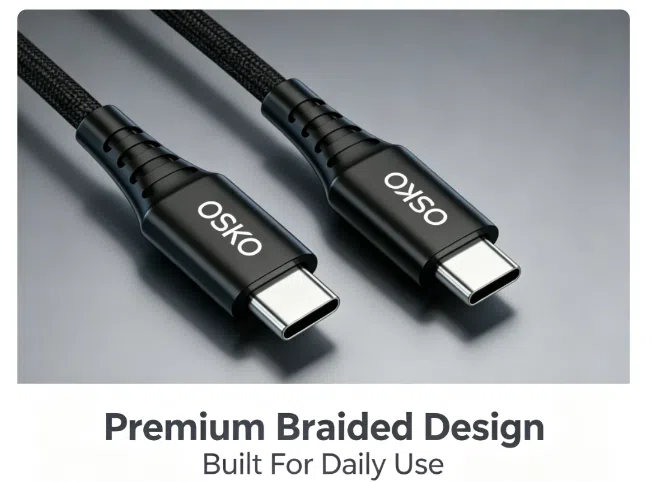
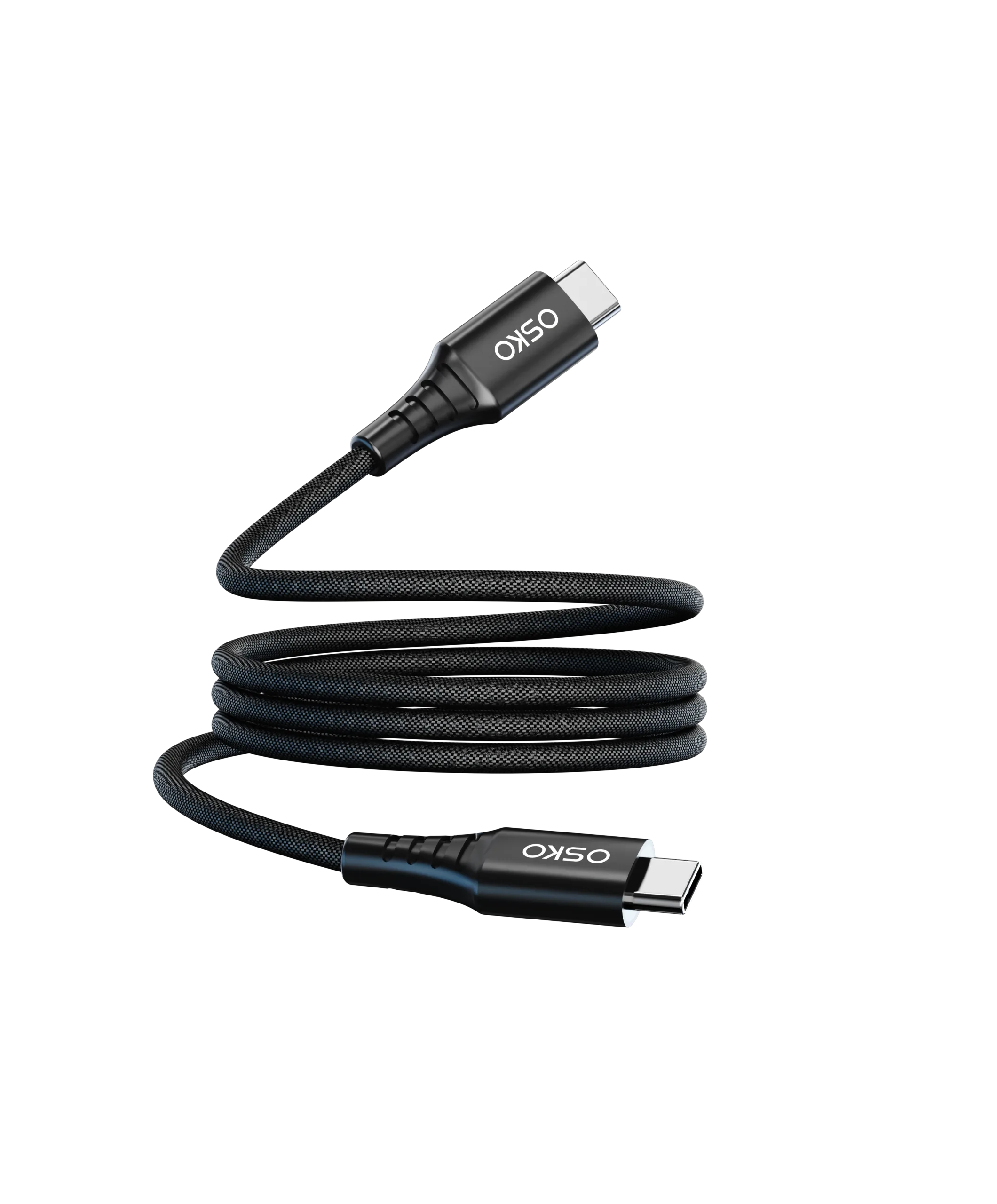
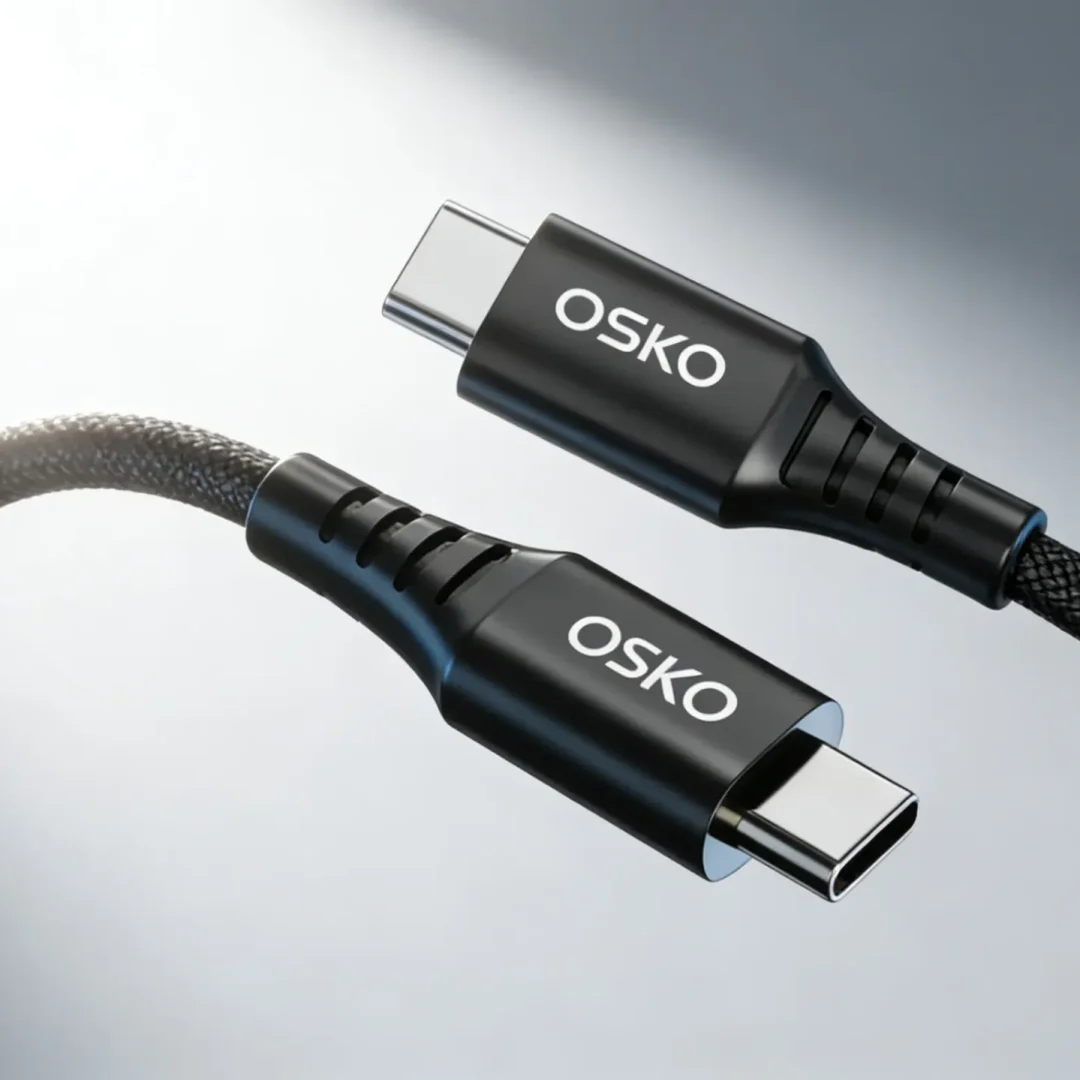
Nylon braided construction
Results
The upgraded cable delivered:
Improved charging speed
Lower operating temperature
Better voltage stability
Higher customer satisfaction
This project highlighted the direct impact of conductor gauge on charging performance.

Purchase Recommendations
When evaluating USB cable specifications, prioritize conductor size alongside charging power claims.
| Evaluation Factor | Importance |
|---|---|
| Power Wire Gauge | High |
| Copper Purity | High |
| E-Marker IC | High |
| Charging Certification | High |
| Shielding Quality | High |
| Cable Length | Medium |
| Jacket Material | Medium |
Recommended Internal Links
USB-C Cable Buying Guide
Help customers understand charging specifications.
240W Fast Charging Cable Collection
Explore high-power charging solutions.
OEM Inquiry Page
Request custom cable designs and engineering support.
FAQ
What AWG is best for fast charging?
For most fast charging applications, 24AWG to 22AWG power conductors provide excellent performance.
Does lower AWG mean faster charging?
Generally, yes. Lower AWG numbers indicate thicker conductors, which reduce resistance and voltage loss.
Is 28AWG suitable for laptop charging?
Typically no. Laptop charging usually requires thicker conductors such as 22AWG or 20AWG.
Why do longer cables charge slower?
Longer cables increase resistance, causing voltage drop and power loss.
Do 240W USB-C cables require thicker wires?
Yes. Most 240W USB PD 3.1 cables use 20AWG–21AWG power conductors combined with E-Marker technology.
Summary
Choosing the correct USB cable gauge is one of the most important factors affecting charging performance, safety, and customer satisfaction. While marketing often focuses on charging wattage, the internal conductor size determines how efficiently power reaches the device.
For smartphones, tablets, laptops, and high-power USB-C systems, selecting the proper AWG helps minimize voltage drop, reduce heat generation, and maintain stable charging speeds. OEM buyers and wholesale distributors should always verify conductor specifications, copper quality, and charging certifications before sourcing cables.
A well-engineered cable with the right gauge not only delivers faster charging but also improves product reliability, reduces returns, and strengthens brand reputation in competitive North American and European markets.
Request OEM USB Cable Solutions
OSKO Provides
60W, 100W, 140W, and 240W PD Solutions
Custom AWG Conductor Configurations
OEM & ODM Manufacturing
Private Label Packaging
CE, FCC, RoHS, REACH Compliant Products
Request a Quote
Name: ___________________
Company: ___________________
Email: ___________________
Required Cable Type: ___________________
Required AWG Specification: ___________________
Estimated Quantity: ___________________
Target Market: North America / Europe / Global
Project Requirements: ___________________
Contact OSKO today for samples, engineering drawings, conductor specifications, and customized OEM pricing solutions.