
If you’ve ever searched for “USB-C to USB-C vs USB-A to USB-C”, you’re not alone. Many buyers get confused when choosing charging cables because both options look similar but serve very different purposes.
With more smartphones, tablets, power banks, and laptops moving to USB-C, choosing the wrong cable can lead to:
Slow charging
Limited data transfer speeds
Incompatible charging adapters
Reduced fast-charging performance
Whether you are a retail buyer, wholesale distributor, Amazon seller, or OEM sourcing manager, understanding the difference between these two cable types helps you avoid compatibility problems and improve user experience.
What Is USB-C to USB-C?
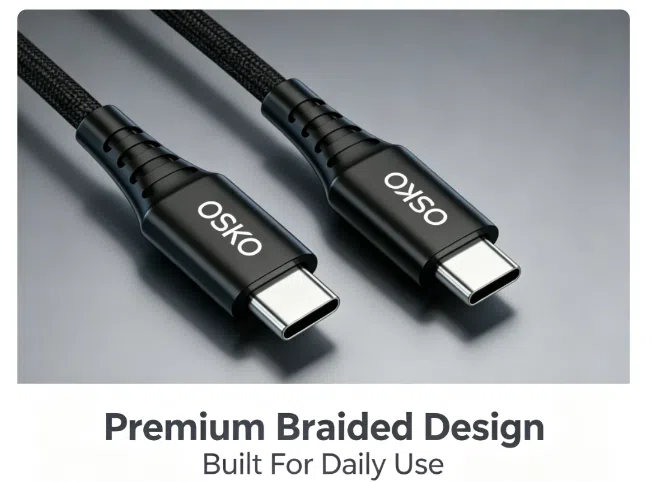
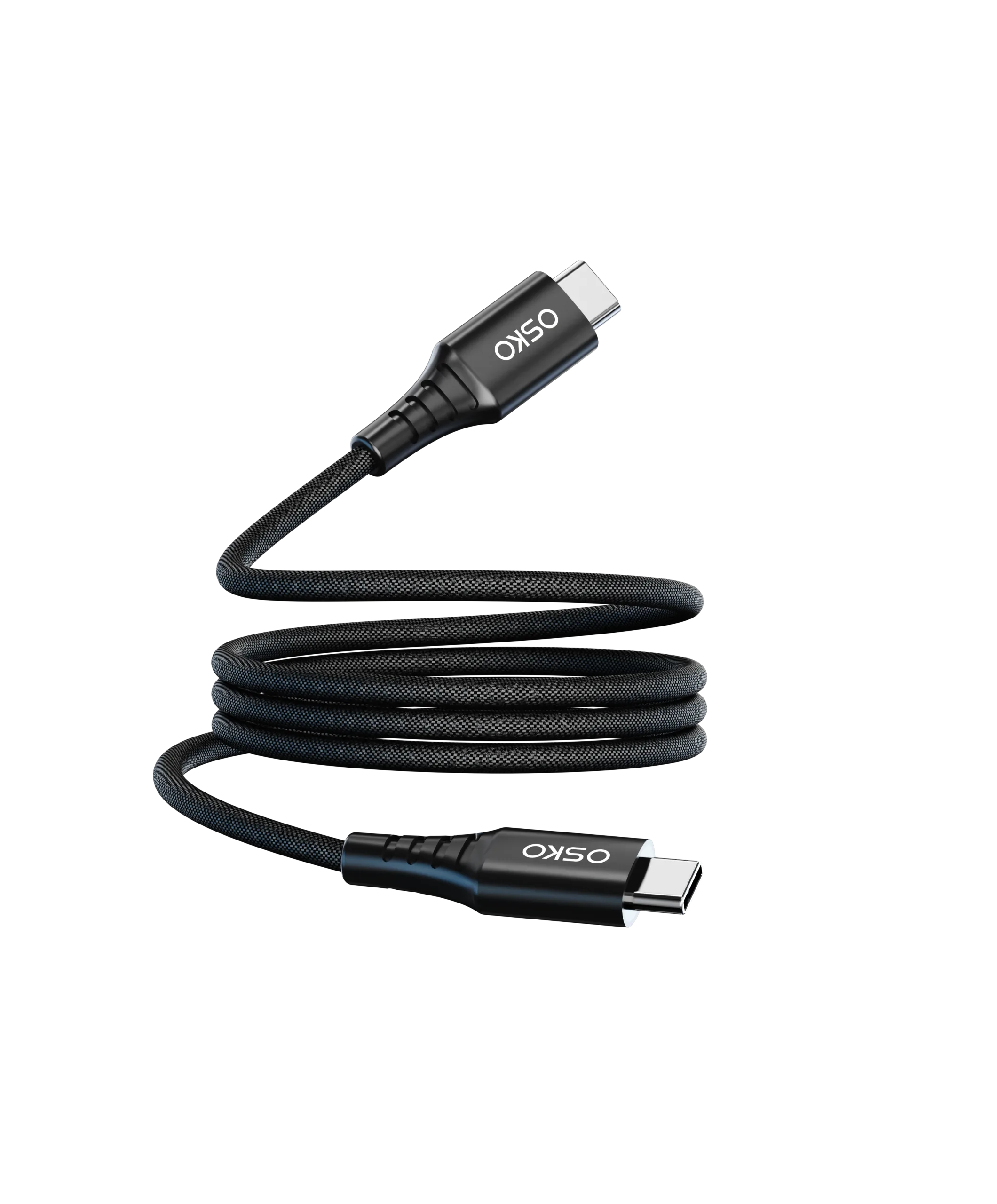
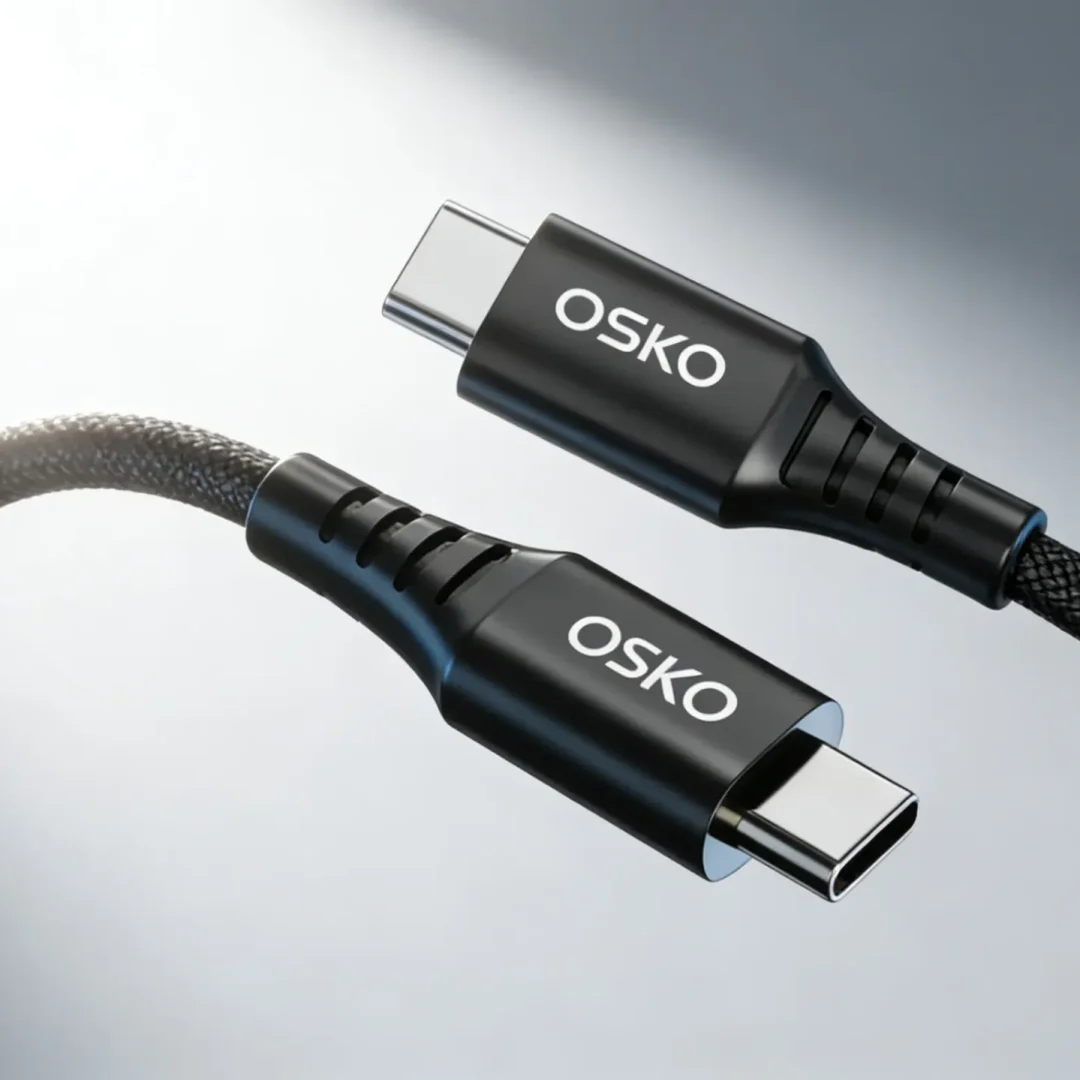
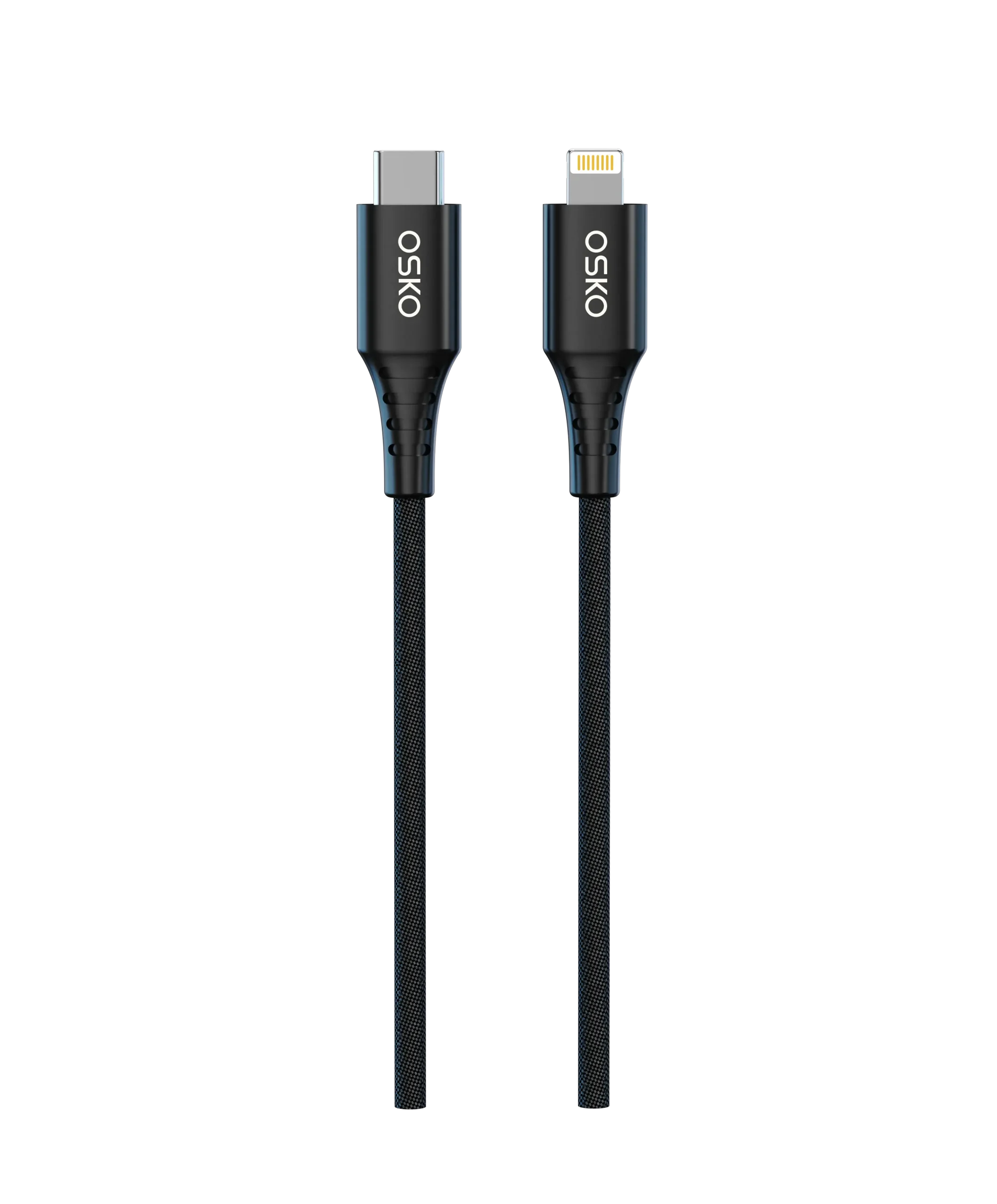
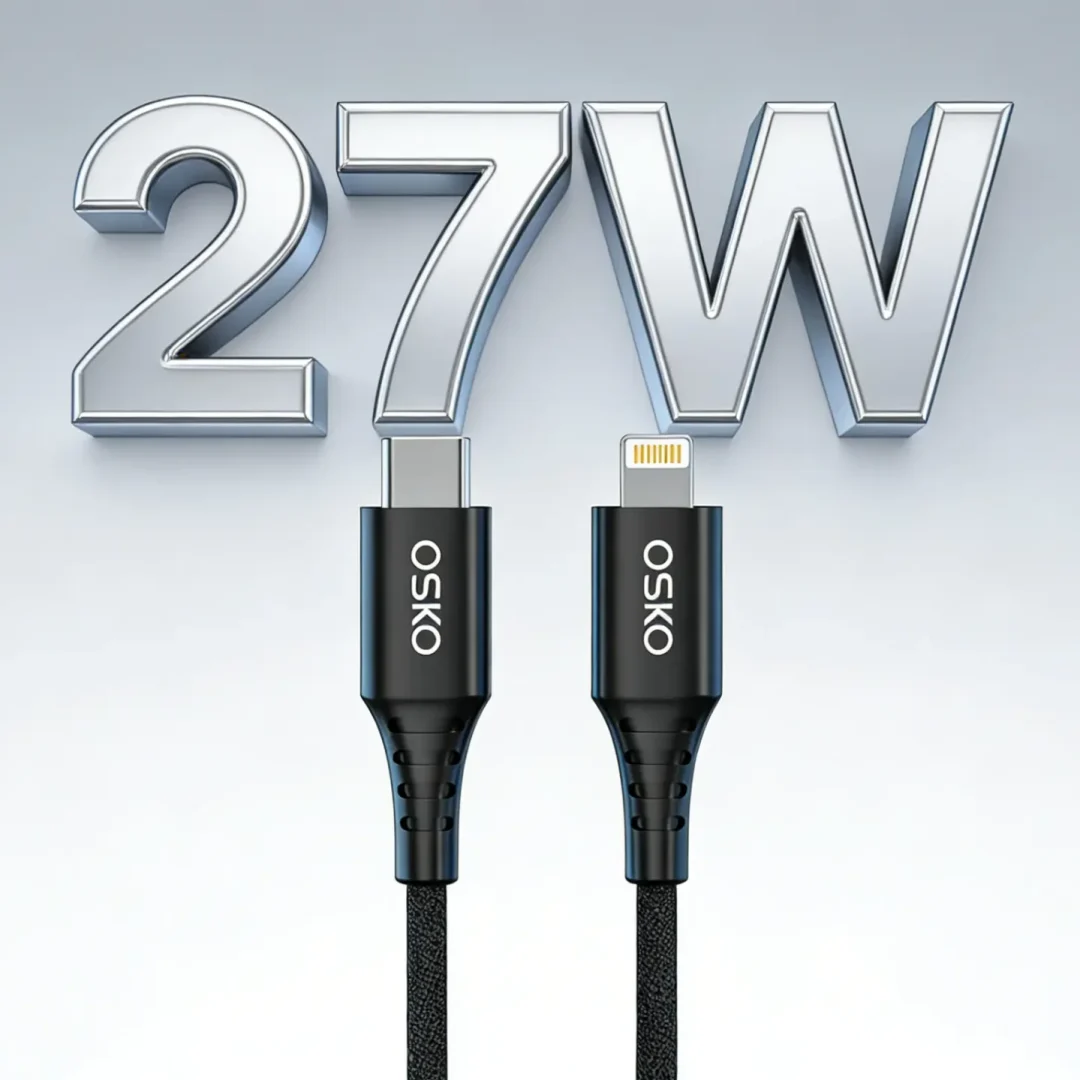
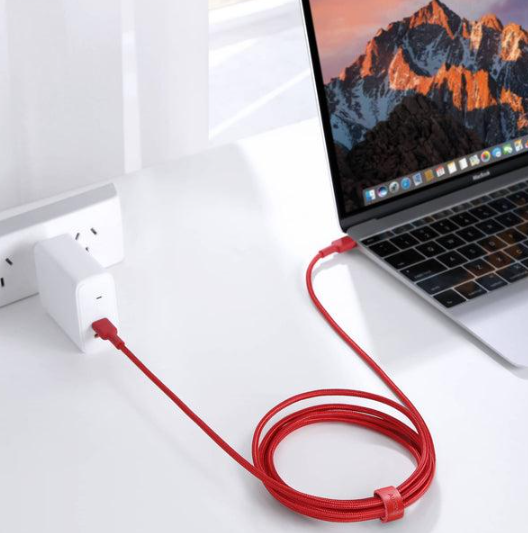
A USB-C to USB-C cable has USB Type-C connectors on both ends. It is designed for modern devices that support:
USB Power Delivery (PD)
Fast charging
High-speed data transfer
Video output
This cable type is commonly used for:
USB-C laptops
Android smartphones
iPad Pro / iPad Air
Power banks
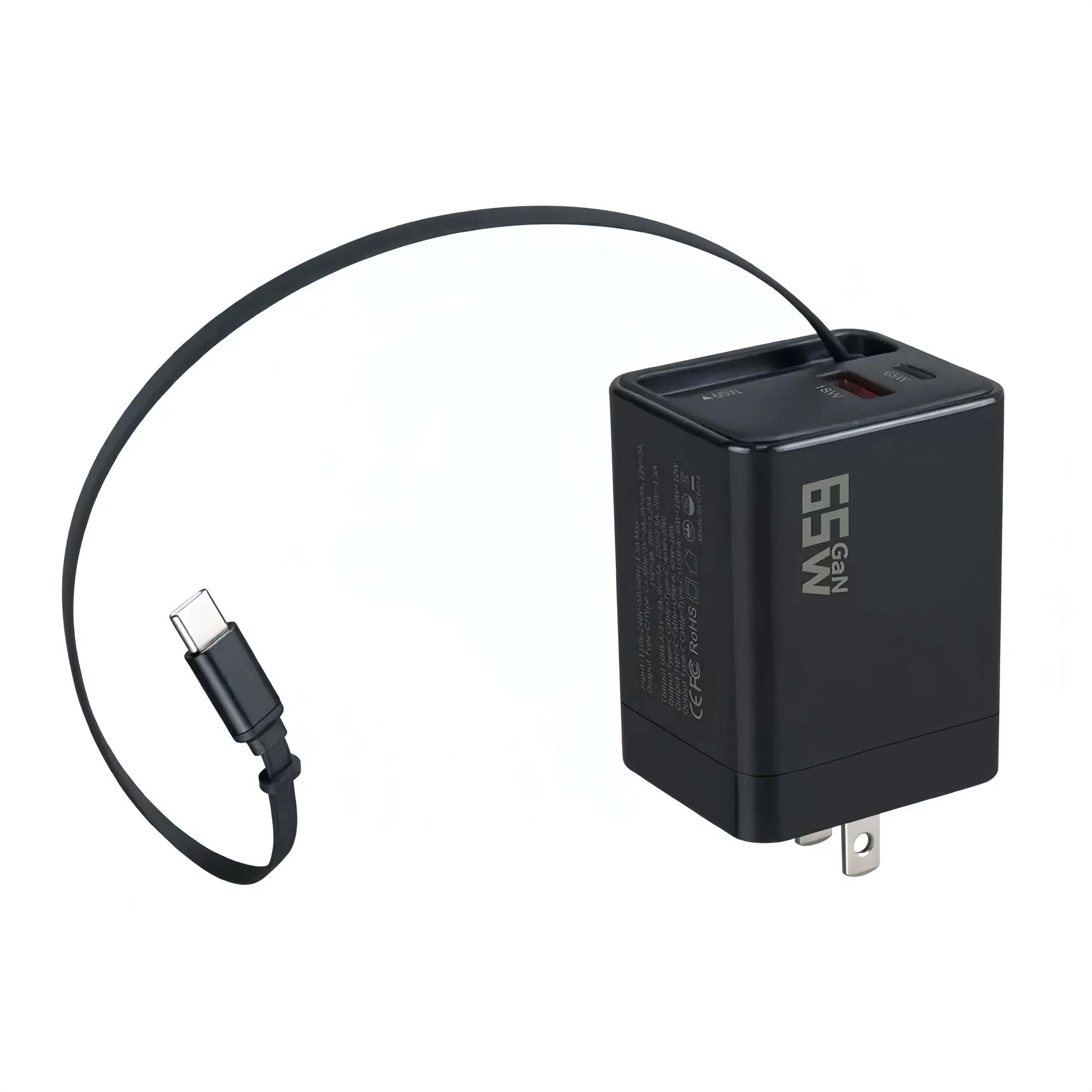
GaN chargers
Portable monitors
Key Advantages
Supports higher power output (up to 240W with USB PD 3.1)
Faster charging speeds
Higher data transfer bandwidth
Better future compatibility
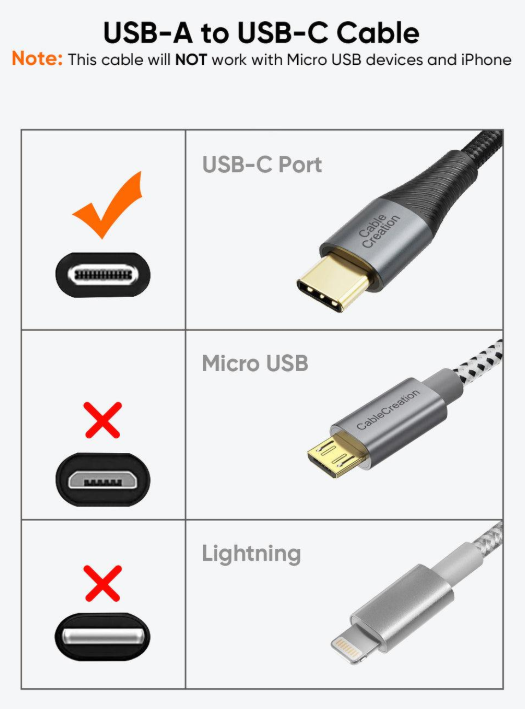
What Is USB-A to USB-C?
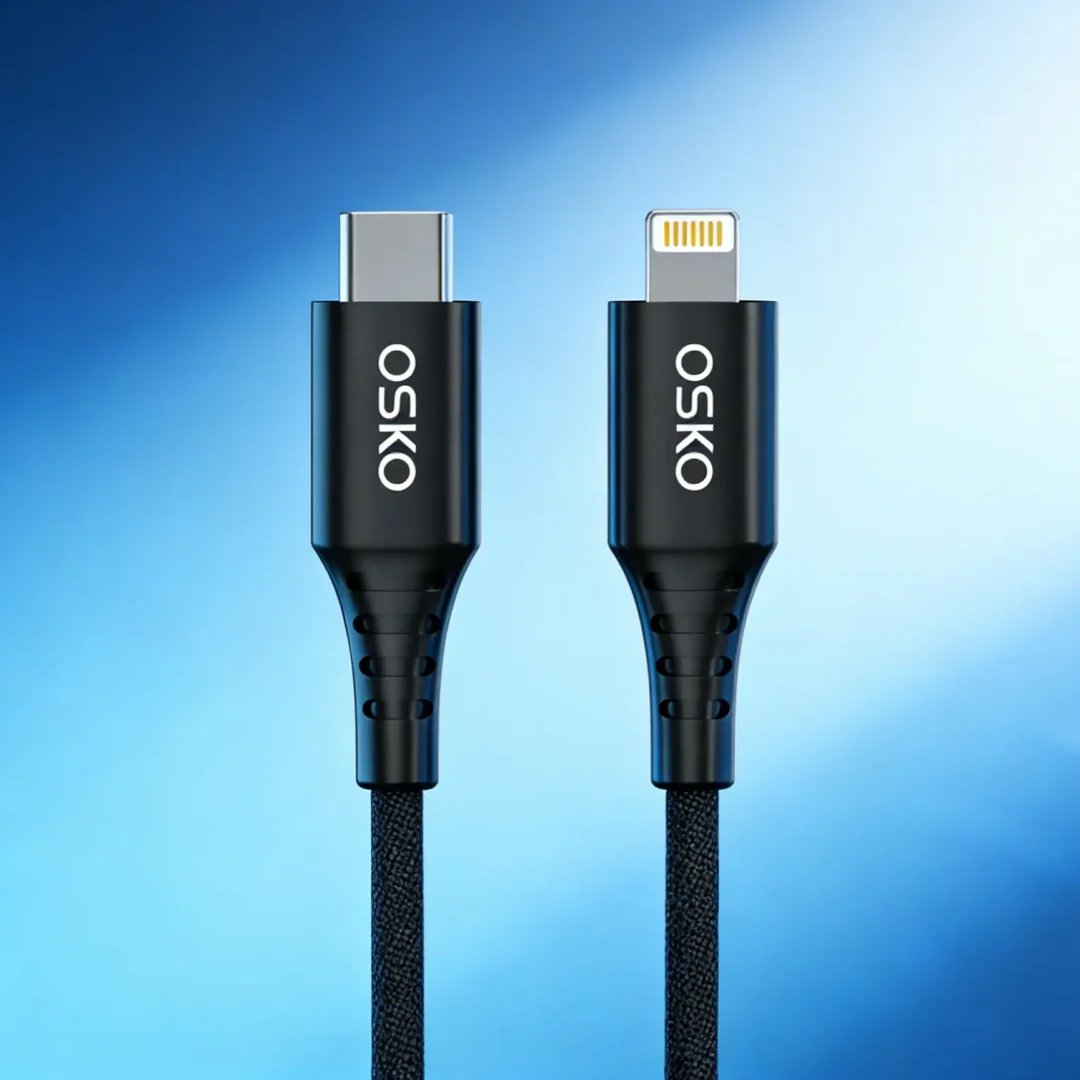
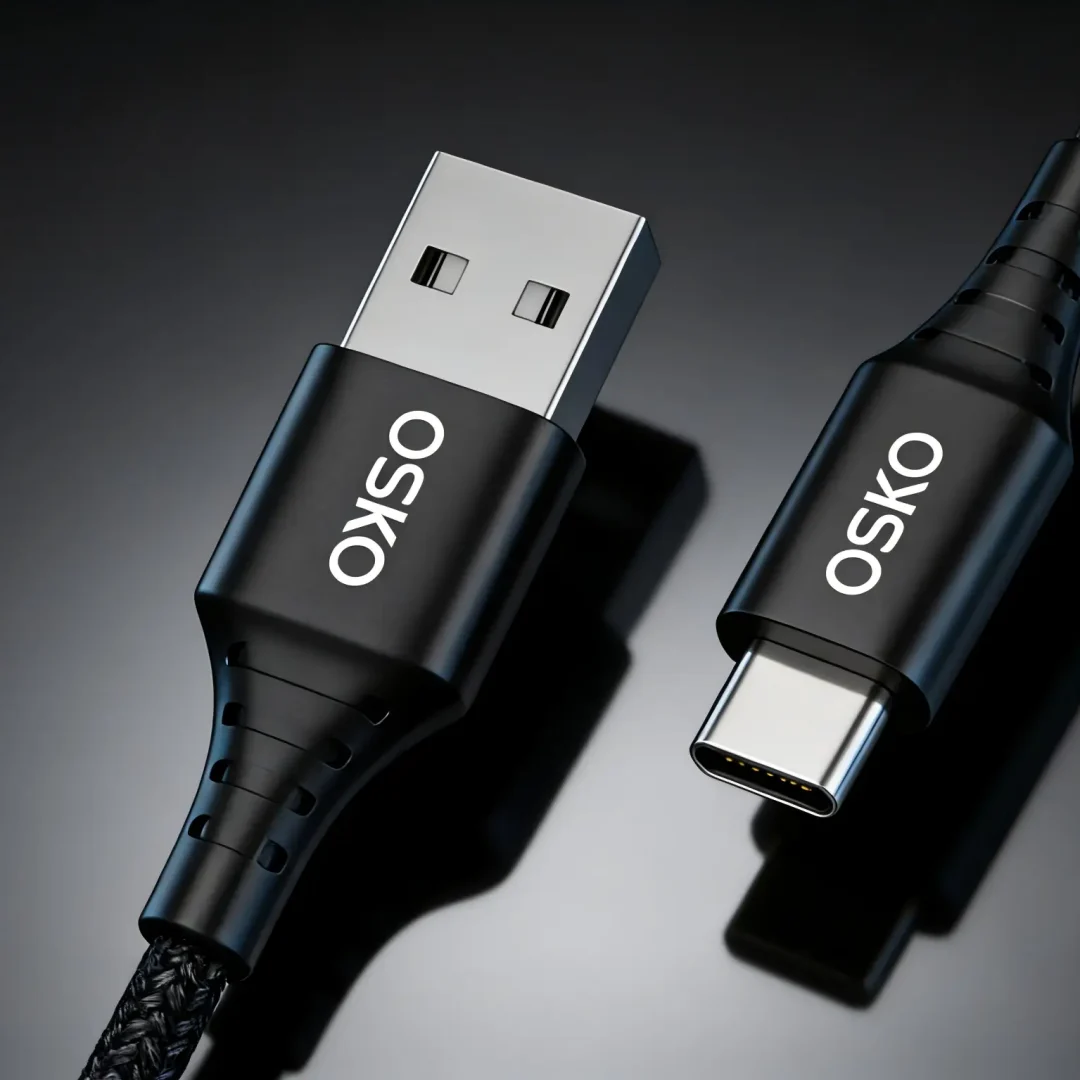
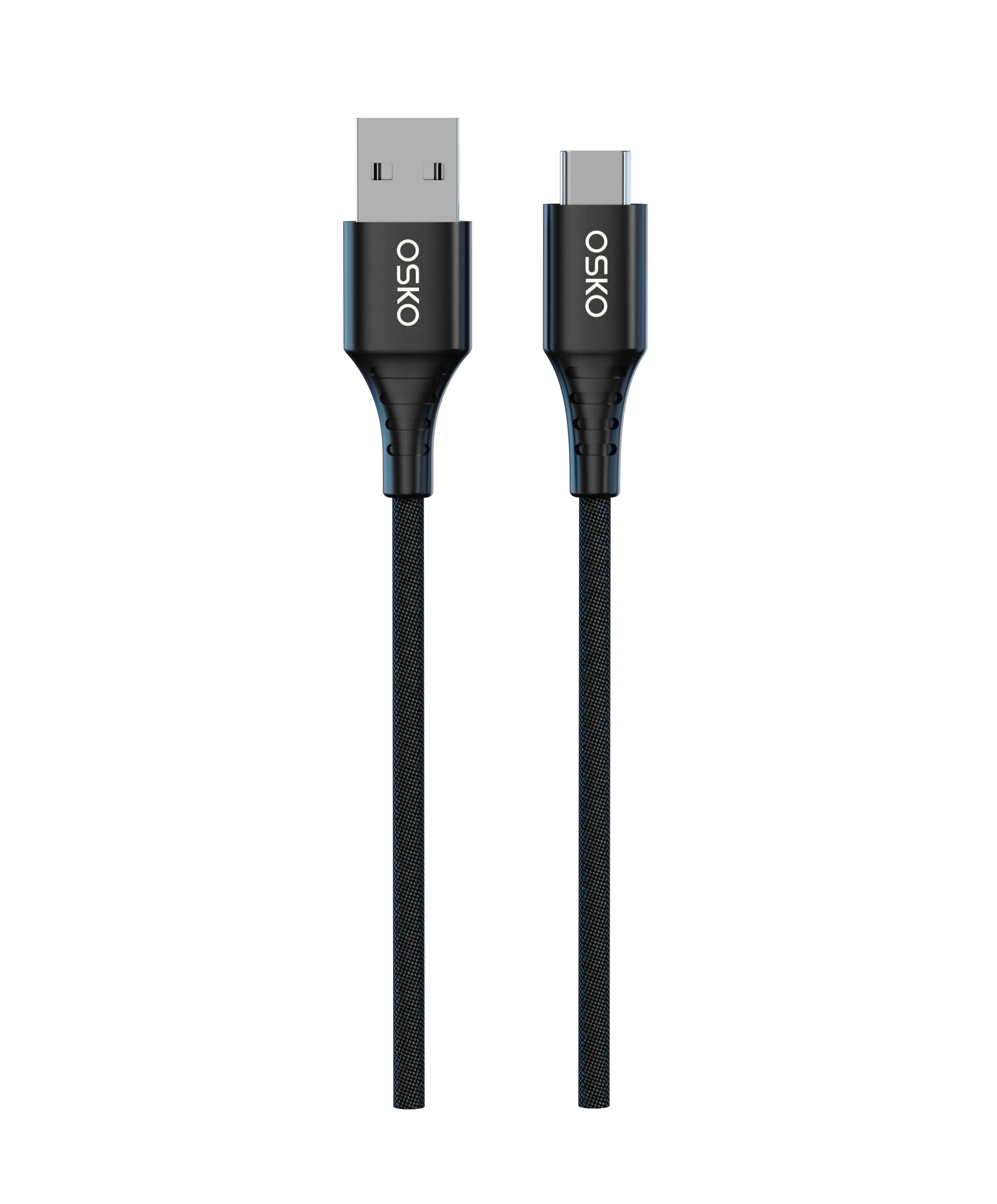
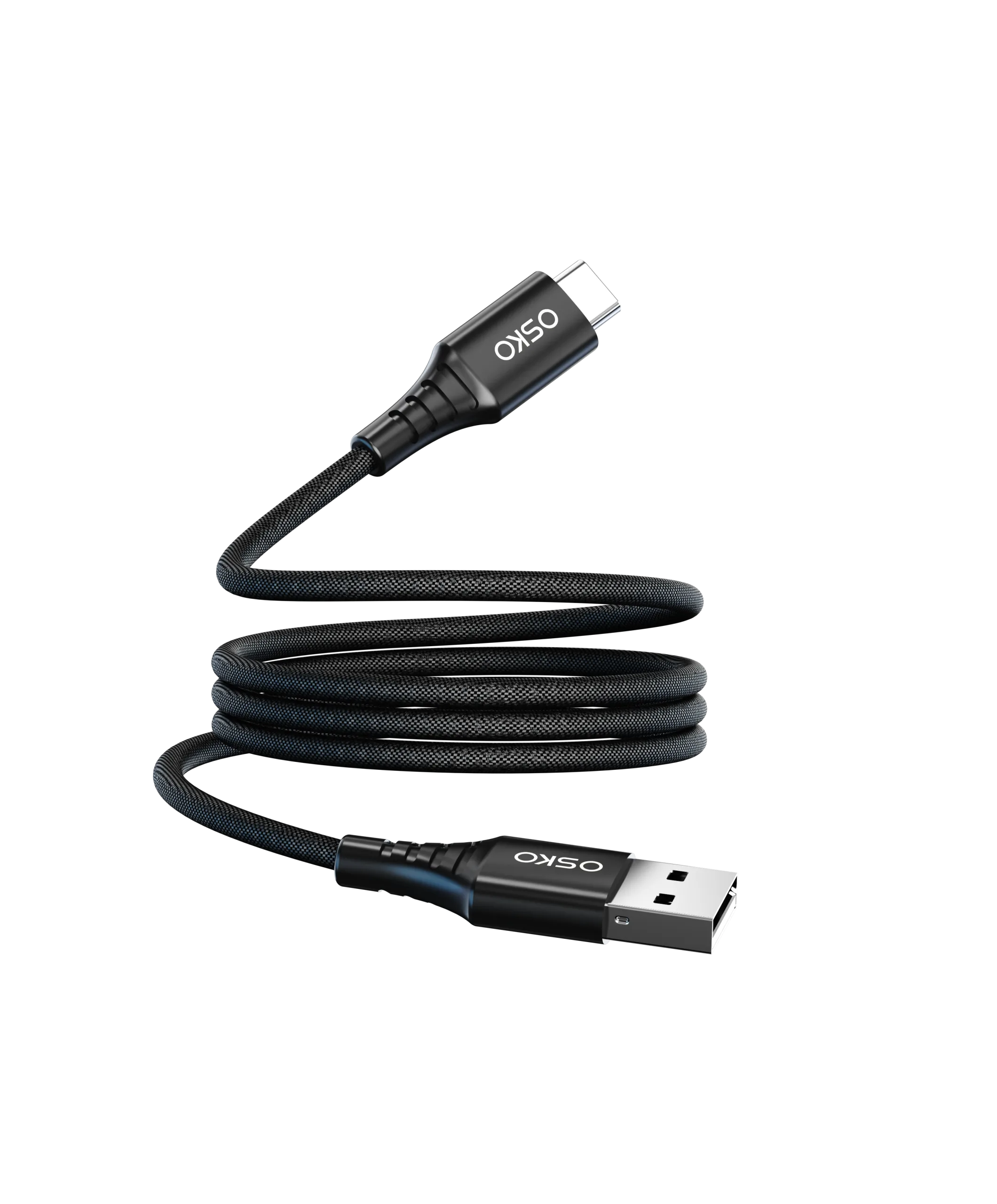
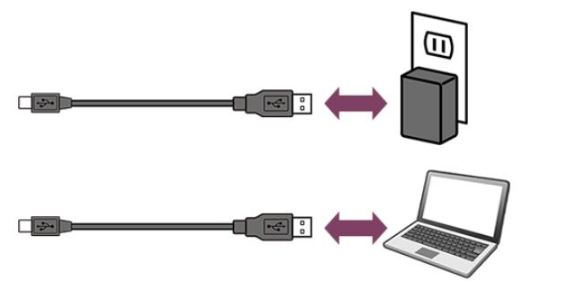
A USB-A to USB-C cable uses a traditional USB-A connector on one side and USB-C on the other.
This cable is mainly used to connect newer USB-C devices to older chargers, computers, or car adapters that still use USB-A ports.
Common Use Cases
Older wall chargers
Car chargers
Desktop PCs
Power banks with USB-A output
Legacy USB adapters
Main Limitations
Lower charging speeds
Limited fast-charging support
Slower data transfer
Less future-proof
USB-C to USB-C vs USB-A to USB-C: Key Differences
| Feature | USB-C to USB-C | USB-A to USB-C |
|---|---|---|
| Charging Speed | Faster | Slower |
| Fast Charging Support | Full PD Support | Limited |
| Max Power Delivery | Up to 240W | Usually lower |
| Data Transfer Speed | Higher | Lower |
| Video Output | Supported on some devices | Not supported |
| Compatibility | Modern devices | Older USB systems |
| Future-Proof | Yes | Limited |
Which Cable Is Better for Fast Charging?
For modern fast charging, USB-C to USB-C is the better choice.
Most current fast-charging technologies including:
USB Power Delivery (PD)
PPS Fast Charging
Laptop charging
Tablet fast charging
require USB-C to USB-C connections.
For example:
A 65W laptop charger usually requires a USB-C to USB-C cable.
Many flagship Android phones now ship with USB-C ports only.
Modern GaN chargers prioritize USB-C outputs.
If you use USB-A to USB-C, charging speeds may be limited even when using a high-wattage charger.
How to Choose the Right Cable
Choose USB-C to USB-C If You Need:
Fast charging
Laptop charging
Future compatibility
High-speed data transfer
USB PD support
Choose USB-A to USB-C If You Need:
Compatibility with older chargers
Car charging
Basic smartphone charging
Lower-cost replacement cables
Quick Buyer Checklist
Before buying a cable, check these points:
Charging Power
18W for basic phones
30W–65W for tablets and laptops
100W+ for high-performance devices
Cable Length
1m for daily use
2m for office or bedside charging
Certification
Look for:
USB-IF certification
PD support
E-marker chips for high wattage
Durability
Choose cables with:
Braided nylon design
Reinforced connectors
Bend-tested construction
Which Cable Type Is Best for Wholesale Buyers?
For wholesalers and OEM buyers, USB-C to USB-C cables currently have stronger market demand because:
USB-C adoption continues to grow globally
Laptop and tablet charging demand is increasing
EU USB-C standardization accelerates adoption
Consumers prefer fast charging solutions
However, USB-A to USB-C cables still remain important for:
Budget markets
Automotive accessories
Legacy charging ecosystems
Many distributors now stock both cable types to cover different customer needs.
Final Thoughts
When comparing USB-C to USB-C vs USB-A to USB-C, the right choice depends on your devices and charging requirements.
If you want:
Faster charging
Better performance
Future-proof compatibility
then USB-C to USB-C is usually the best option.
If you still use older USB-A chargers or accessories, USB-A to USB-C remains practical for everyday charging.
For brands, distributors, and sourcing buyers, offering both cable types can help cover a wider customer base while meeting growing fast-charging demand.