















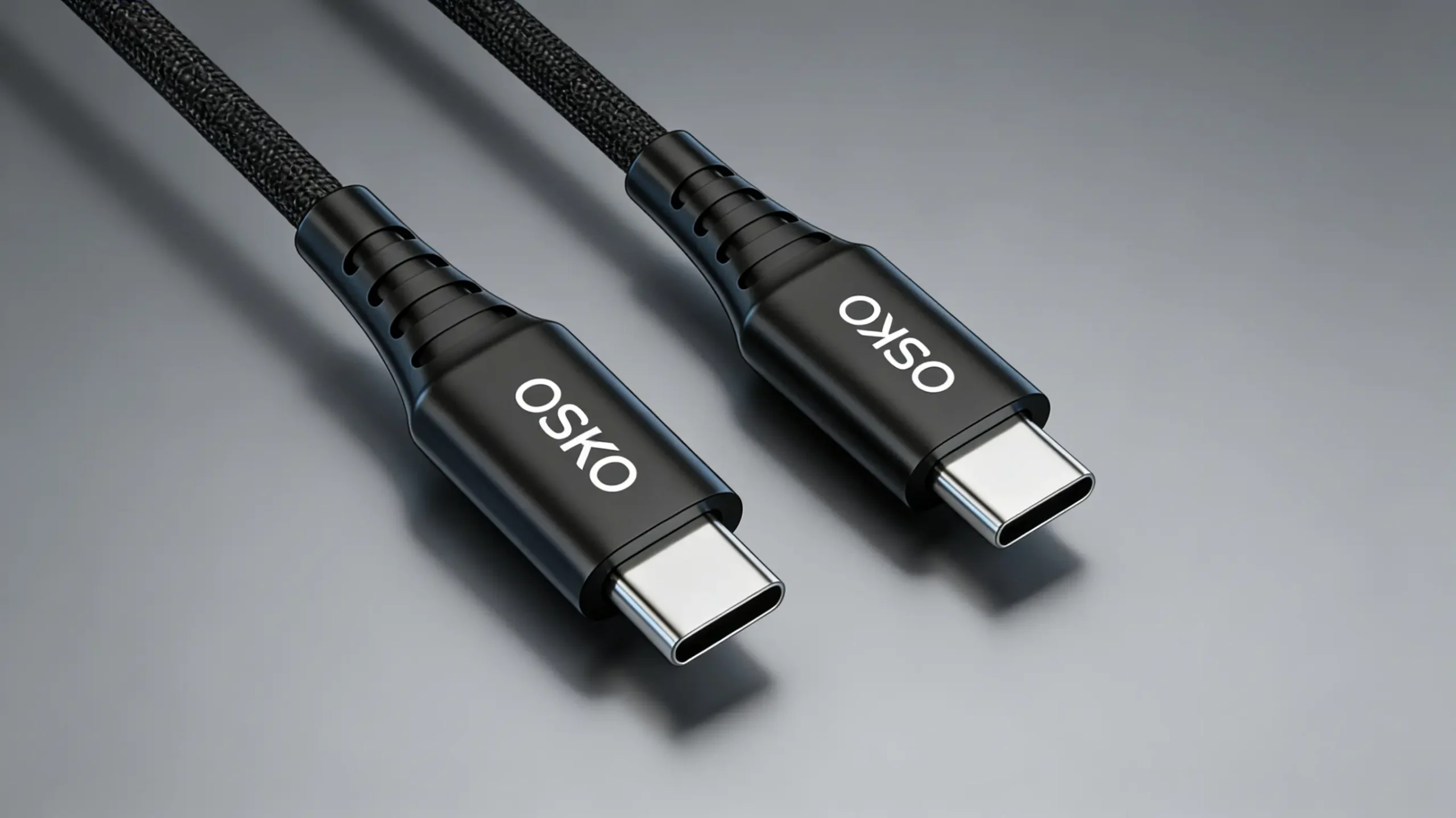
A USB-C cable looks like a modern charging cable with a small oval-shaped, reversible connector on one or both ends. Unlike traditional USB-A cables with a rectangular plug, USB-C connectors have a symmetrical design that allows users to insert the cable in either direction.
However, the appearance of a USB-C cable only shows the external design. The real performance depends on its internal engineering, including conductor materials, wire gauge, shielding structure, connector quality, and USB Power Delivery (PD) capability.
For consumers, identifying a USB-C cable helps ensure device compatibility.
For brands, distributors, and OEM buyers, understanding USB-C cable construction is essential when selecting a reliable USB-C cable manufacturer.
What Does a USB-C Cable Look Like Physically?
How Can You Identify a USB-C Cable by Appearance?
The easiest way to recognize a USB-C cable is by looking at the connector shape.
A standard USB-C connector has:
Small oval-shaped metal shell
Rounded symmetrical edges
Reversible plug orientation
Compact connector size
Similar connector design on both sides for USB-C to USB-C cables
Compared with older USB connectors:
| Connector Type | Appearance | Plug Direction |
|---|---|---|
| USB-A | Large rectangular shape | One direction only |
| Micro USB | Small trapezoid shape | One direction only |
| Lightning | Flat compact connector | Reversible |
| USB-C | Oval symmetrical connector | Reversible |
The reversible design is one of the biggest advantages of USB Type-C technology.
Users no longer need to check the plug direction before connecting their devices.
Different Types of USB-C Cable Designs
Do All USB-C Cables Look the Same?
No.
Although the USB-C connector follows a standardized physical design, cable appearance can vary depending on application requirements.
Common USB-C cable types include:
| Cable Type | Appearance | Application |
|---|---|---|
| USB-C to USB-C Cable | USB-C connector on both ends | Phones, tablets, laptops |
| USB-A to USB-C Cable | USB-A + USB-C connectors | Older chargers and computers |
| USB-C to Lightning Cable | USB-C + Lightning connector | Older iPhone devices |
| USB-C PD Cable | Usually thicker USB-C cable | Fast charging applications |
| USB4 Cable | Premium USB-C connector | High-speed data transfer |
For professional buyers, appearance alone cannot determine performance.
Two cables may look identical but have completely different specifications:
15W charging cable
60W USB-C PD cable
100W laptop charging cable
240W USB-C EPR cable
The internal design determines actual capability.
USB-C Connector vs Other USB Connectors
What Is the Visual Difference Between USB-C and USB-A?
The main difference is connector shape and usability.
USB-A Cable
Traditional USB-A connectors are:
Rectangular
Larger
Directional
Common in older computers and chargers
USB-C Cable
USB-C connectors are:
Smaller
Oval-shaped
Reversible
Designed for high-power applications
USB-C is now widely used in:
Smartphones
Tablets
MacBooks
Windows laptops
Monitors
Power banks
Automotive accessories
What Does the Inside of a USB-C Cable Look Like?
USB-C Cable Internal Structure Explained
Although a USB-C cable looks simple from the outside, professional cables contain multiple layers.
A typical USB-C cable structure includes:
- Outer jacket
Common materials:
PVC
TPE
Nylon braided fabric
- Shielding layer
Used for:
EMI protection
Signal stability
Noise reduction
- Copper conductors
Responsible for:
Power transmission
Current carrying capability
- Data transmission wires
Used for:
USB communication
High-speed data transfer
- Connector assembly
Includes:
Metal shell
Contact pins
Internal solder joints
- E-marker chip (high-power cables)
Required for:
100W charging
240W USB-C PD charging
How Many Wires Are Inside a USB-C Cable?
The internal wire structure depends on the cable specification.
A basic USB-C charging cable may include:
VBUS power lines
Ground wires
USB 2.0 data lines
Advanced USB-C cables may include:
SuperSpeed data pairs
TX/RX signal lines
CC communication channels
SBU channels
E-marker communication
The USB-C connector itself contains up to:
24 pins
These pins allow USB-C to support:
Charging
Data transmission
Video output
Device communication
Why Are Some USB-C Cables Thicker Than Others?
Does Cable Thickness Mean Better Quality?
Not always.
However, high-performance USB-C cables are usually thicker because they require:
Larger copper conductors
More shielding layers
Better insulation materials
Higher current capability
For example:
A basic phone charging cable may use thinner conductors.
A 100W USB-C PD cable requires thicker copper wires to safely handle higher current.
Does AWG Wire Size Affect USB-C Cable Appearance?
Yes.
AWG (American Wire Gauge) determines conductor thickness.
A smaller AWG number means a thicker conductor.
| Application | Typical AWG |
|---|---|
| Standard USB-C charging cable | 28AWG |
| Fast charging cable | 24–26AWG |
| 100W USB-C PD cable | 22–24AWG |
| 240W USB-C cable | 20–22AWG |
Thicker conductors provide:
Lower resistance
Less heat generation
Better charging stability
For OEM buyers sourcing fast charging USB-C cables, wire specification is more important than appearance.
What Does a Fast Charging USB-C Cable Look Like?
Can You Identify Charging Speed by Looking at a Cable?
Usually no.
A cable that looks premium does not always support fast charging.
Charging performance depends on:
Copper conductor size
Cable resistance
E-marker chip
Connector quality
USB PD compatibility
A professional USB-C fast charging cable may include:
Thicker cable body
Reinforced connectors
Better heat-resistant insulation
E-marker chip
What Does a USB-C PD Cable Look Like?
A USB-C PD cable often looks similar to a standard USB-C cable externally.
The difference is inside.
USB-C PD cables usually include:
Higher-quality copper conductors
Improved shielding
Temperature-resistant materials
E-marker chip for high power
Typical USB-C power levels:
| Standard | Maximum Power | Application |
|---|---|---|
| USB PD 3.0 | Up to 100W | Tablets, laptops |
| USB PD 3.1 SPR | Up to 100W | Consumer devices |
| USB PD 3.1 EPR | Up to 240W | Gaming laptops, workstations |
How Do USB-C Cable Manufacturers Control Quality?
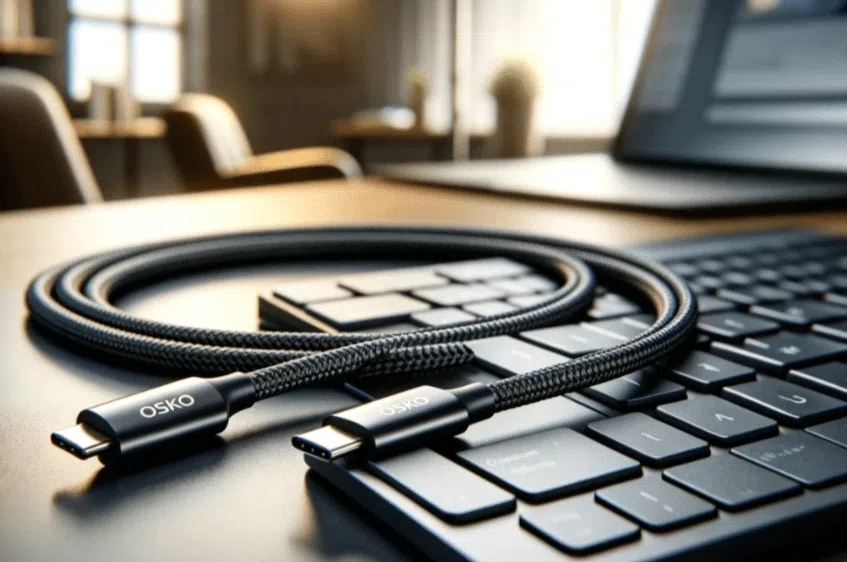
A professional OEM USB-C cable manufacturer controls both appearance and internal performance.
Manufacturing Quality Control Includes:
Incoming Quality Control (IQC)
Checks:
Copper materials
Connector components
Plastic materials
Production Quality Control (IPQC)
Monitors:
Cable extrusion
Assembly process
Solder temperature
Final Quality Control (OQC)
Tests:
Charging performance
Electrical safety
Mechanical durability
USB-C Connector Materials and Design Quality
A professional USB-C connector usually contains:
Metal shielding shell
Copper alloy contacts
Insulation materials
Gold or nickel plating
High-quality connectors provide:
Stable contact
Better durability
Lower resistance
Poor connectors may cause:
Loose connection
Charging interruption
Short lifespan
What Certifications Should a USB-C Cable Manufacturer Provide?
For global markets, buyers should check:
| Certification | Purpose |
|---|---|
| RoHS | Hazardous substance control |
| REACH | Chemical compliance |
| ISO9001 | Quality management |
| UL | Safety requirements |
| USB-IF Testing | USB specification verification |
A reliable USB-C cable supplier should provide:
Certification documents
Material reports
Test records
Production quality information
How Should Buyers Choose a USB-C Cable Manufacturer?
Before placing bulk orders, ask:
Technical Questions
Can you produce USB-C PD cables?
Do you support 60W/100W/240W cables?
Do you use pure copper conductors?
Do you provide E-marker solutions?
Quality Questions
Do you perform 100% electrical testing?
Do you have ISO9001 certification?
Can you provide RoHS reports?
OEM Questions
Custom cable length?
Custom colors?
Logo printing?
Private label packaging?
Why USB-C Cable Appearance Matters for Brands
For consumer electronics brands, appearance influences:
Product value perception
Customer trust
Retail competitiveness
Customization options include:
Nylon braided jacket
Custom colors
Logo printing
Packaging design
Connector appearance
Cable length
However, professional brands should balance:
Appearance + Engineering Performance + Manufacturing Reliability
FAQ: What Does a USB-C Cable Look Like?
1. What shape is a USB-C cable connector?
A USB-C connector has a small oval shape with rounded edges and a reversible design.
2. How can I identify a USB-C cable?
Look for the oval symmetrical connector that can be inserted in either direction.
3. Are thicker USB-C cables better?
Not necessarily. Thickness may indicate stronger construction, but conductor materials and design determine performance.
4. Do all USB-C cables support fast charging?
No. Fast charging requires proper wire design, USB PD support, and suitable internal components.
5. What is the difference between normal and fast USB-C cables?
Fast USB-C cables usually contain thicker copper conductors, better shielding, and sometimes E-marker chips.
Summary
A USB-C cable looks like a small oval reversible connector attached to a flexible cable, but its real performance depends on the technology inside.
For B2B buyers, evaluating a USB-C cable requires checking:
Connector design
Cable structure
Copper conductor quality
AWG specification
USB PD capability
E-marker support
Compliance certifications
Factory testing standards
A professional USB-C cable manufacturer combines advanced engineering, reliable materials, and strict quality control to deliver charging cables that meet global market requirements.
OSKO provides OEM and ODM USB-C cable solutions including:
USB-C fast charging cables
60W/100W/240W PD cables
Nylon braided cables
Custom length cables
Private label solutions
Bulk USB-C cable manufacturing
