
Introduction
You buy a USB-C cable expecting it to work with everything.
After all, the connector looks exactly the same.
Then you discover one cable charges your laptop at full speed, another charges slowly, a third supports an external monitor, and a fourth only transfers files at basic USB 2.0 speeds.
For many users, USB-C has become one of the most confusing technologies in consumer electronics.
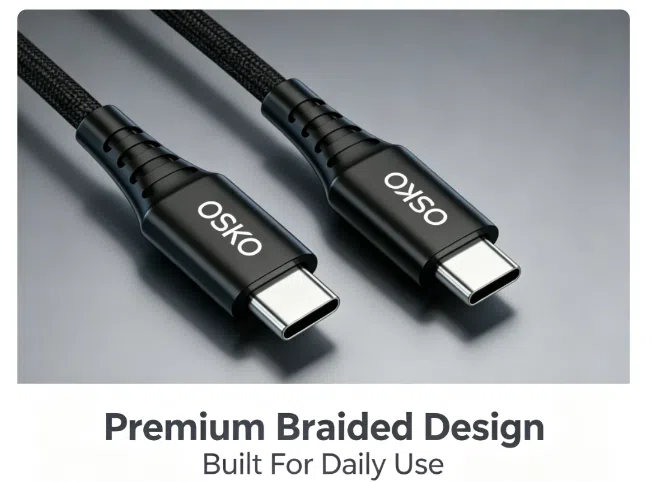
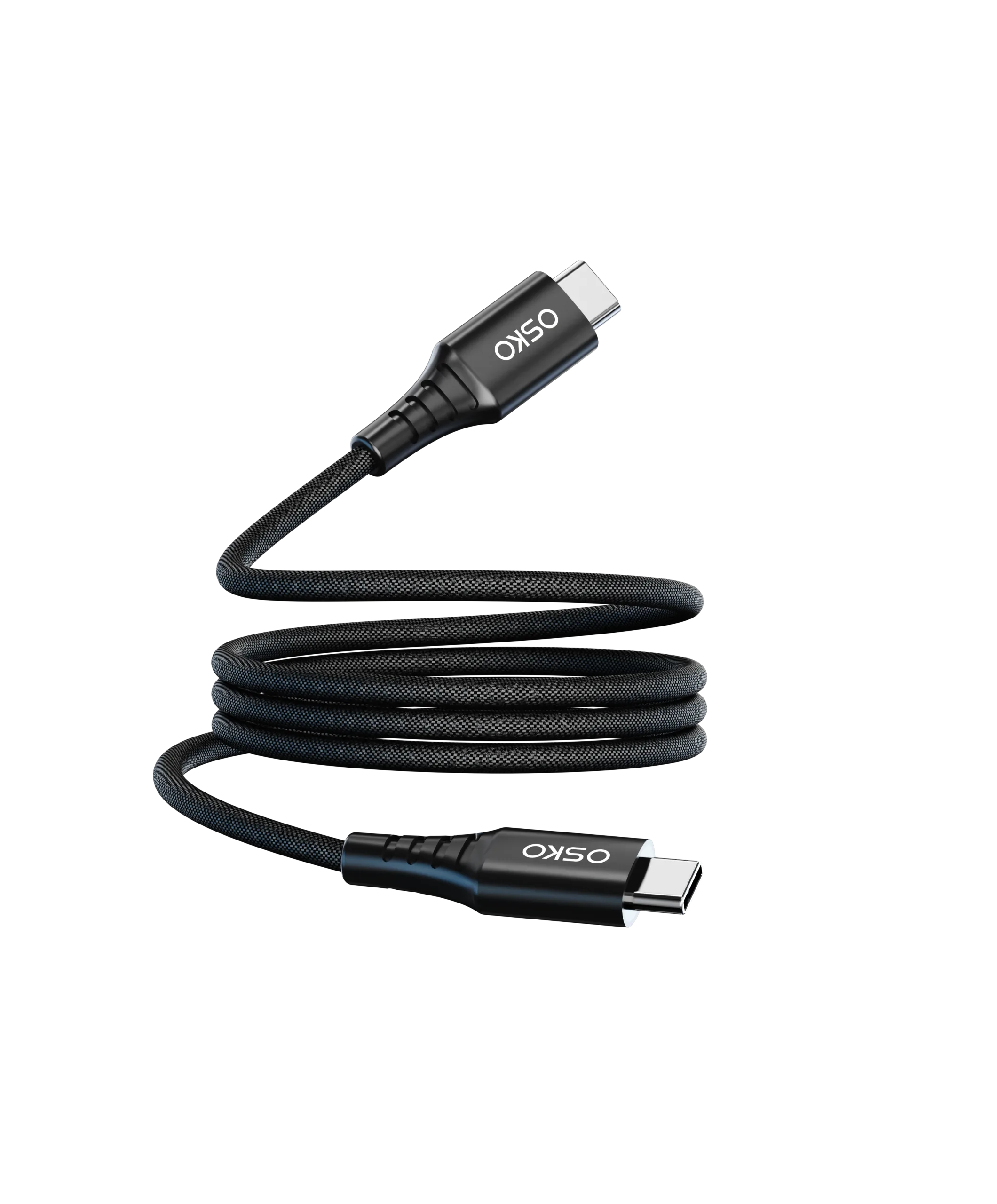
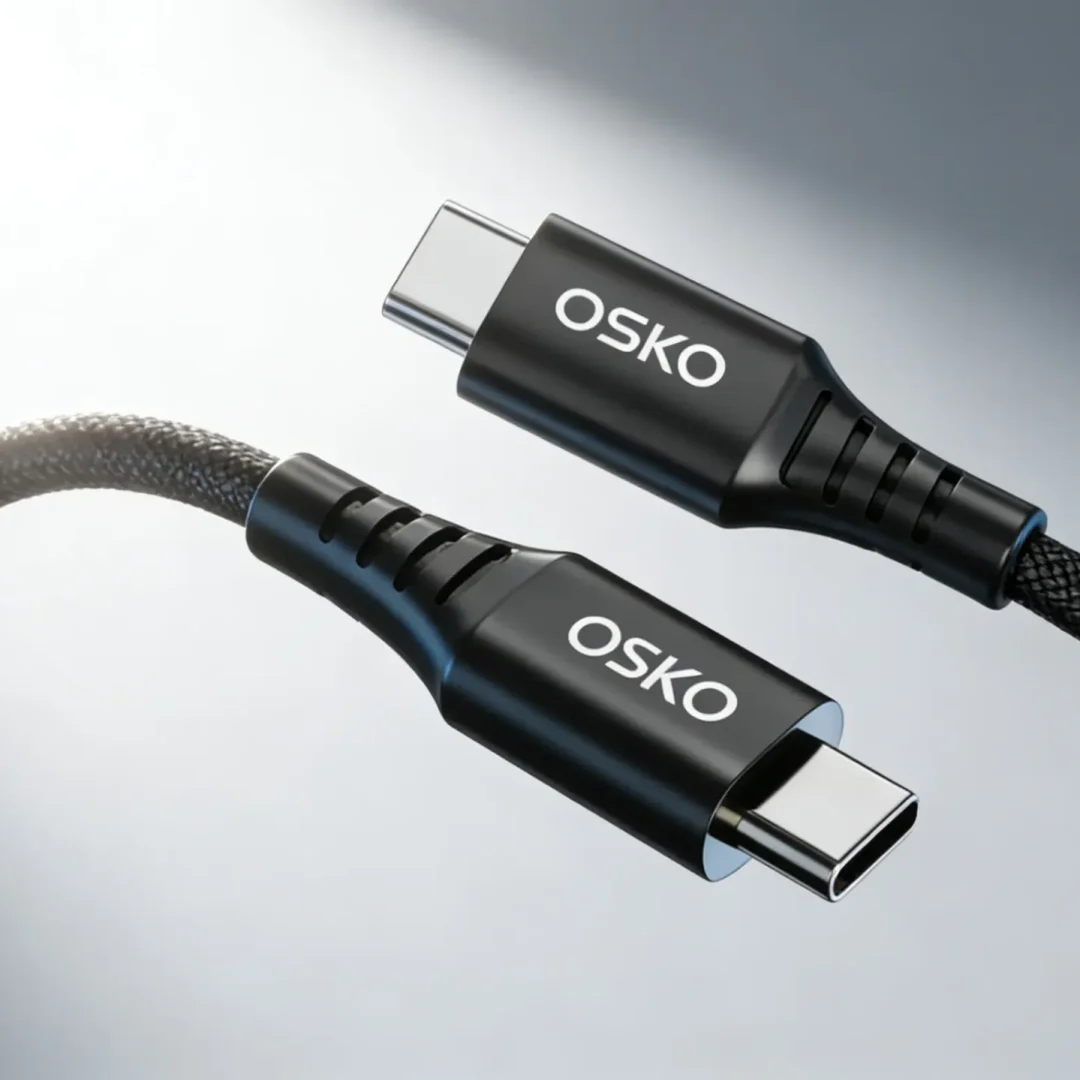
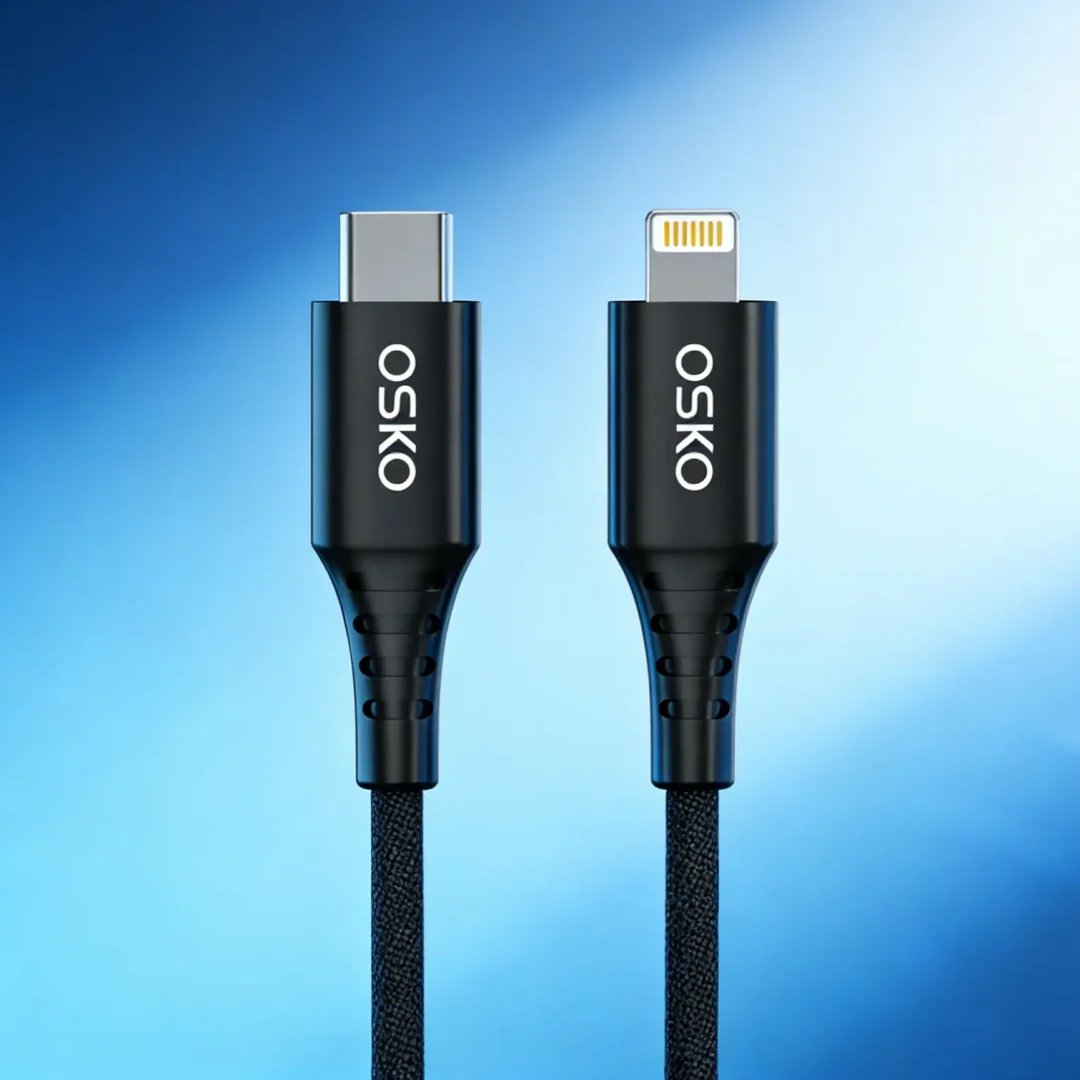
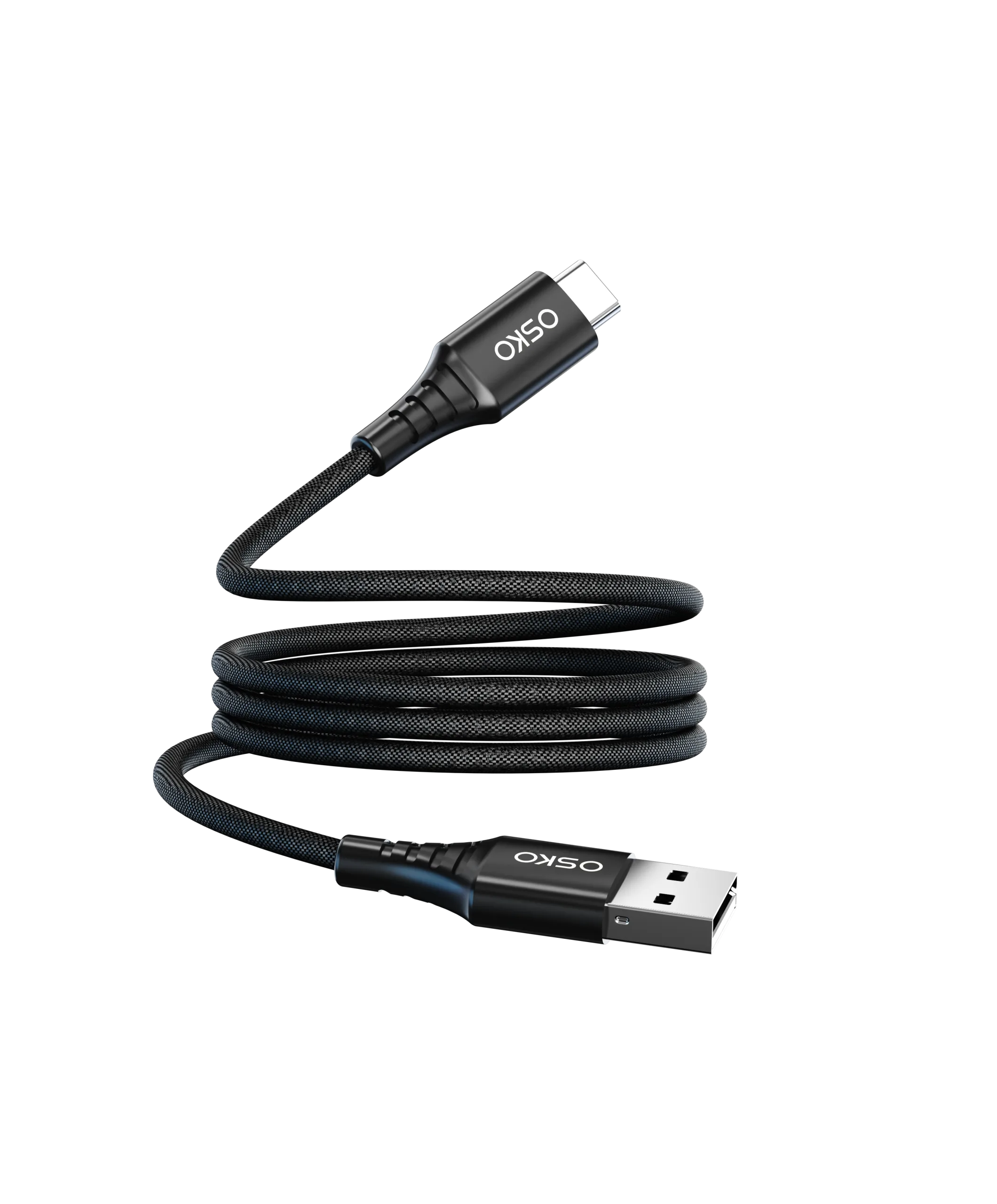
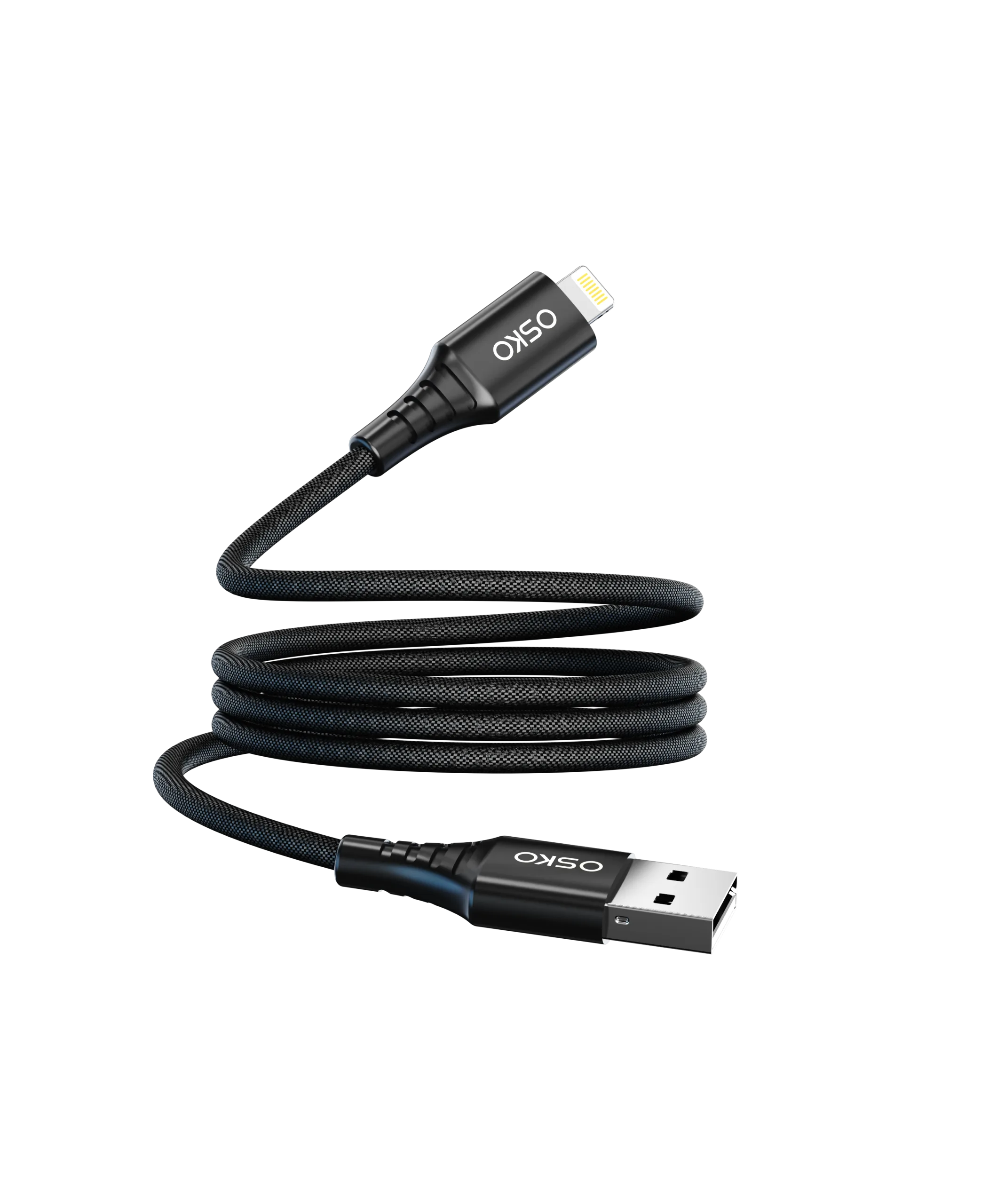
The biggest misconception is that all USB-C cables are identical because they use the same connector shape. In reality, the USB-C connector is only the physical interface. The technology inside the cable determines what it can actually do.
This is why two USB-C cables that look identical may deliver completely different charging, data transfer, and display capabilities.
Understanding these differences helps consumers avoid frustration and helps wholesale buyers source the right products for their customers.

Applicable Scenarios
USB-C cables are used across a wide range of devices.
Different applications require different cable capabilities.
Smartphone Charging
Most smartphones use USB-C primarily for:
Charging
Data synchronization
In many cases, a basic USB-C cable is sufficient.
However, fast charging performance may still vary depending on cable quality.
Laptop Charging
Modern laptops require significantly more power.
Examples include:
MacBook Air
MacBook Pro
Dell XPS
Lenovo ThinkPad
These devices may require:
60W charging
100W charging
140W charging
240W charging
Not every USB-C cable can safely deliver these power levels.
External Monitor Connections
Many users connect:
Monitors
Docking stations
Projectors
through USB-C.
However, video output support requires specific cable designs.
A charging-only cable may not support display functionality at all.
Professional Data Transfer
Content creators frequently transfer:
4K video files
RAW photos
Backup archives
Data speed becomes critical in these environments.
The USB-C Connector Is Only the Shape
This is the most important concept to understand.
USB-C refers to the connector.
It does not automatically define:
Charging speed
Data speed
Video capability
Power delivery support
Think of USB-C as a doorway.
The doorway looks identical, but what passes through it depends entirely on what is behind it.
Why Charging Performance Varies
One of the biggest differences between USB-C cables is charging capability.
Basic Charging Cables
Some cables support:
3A charging
Up to 60W power
These are commonly bundled with low-power devices.
Fast Charging Cables
Higher-performance cables may support:
5A charging
Up to 100W power
These cables typically contain an E-Marker chip.
USB PD 3.1 Cables
The latest generation supports:
Up to 240W charging
Designed for:
High-performance laptops
Gaming notebooks
Future USB-C devices
Charging Comparison
| Cable Type | Maximum Power |
|---|---|
| Basic USB-C | 60W |
| USB-C with E-Marker | 100W |
| USB PD 3.1 Cable | 240W |
This explains why one cable charges a phone perfectly but struggles with a laptop.
The Hidden Role of the E-Marker Chip
Many users have never heard of E-Marker technology.
Yet it is one of the most important components inside modern USB-C cables.
What Is an E-Marker?
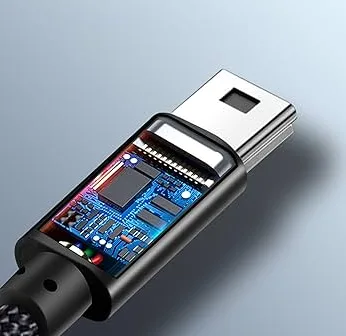
An E-Marker is a tiny integrated circuit located inside the cable connector.
It communicates with:
Chargers
Laptops
Smartphones
and tells them:
Maximum current capacity
Power delivery capability
Supported specifications
Why It Matters
Without an E-Marker:
Many devices limit charging power
Some laptops refuse fast charging
For cables supporting:
100W
140W
240W
E-Marker technology is generally required.
Why Data Transfer Speeds Differ
Another major source of confusion involves transfer speeds.
Two USB-C cables can look identical while performing dramatically differently.
USB 2.0 Cables
Maximum speed:
480Mbps
Suitable for:
Charging
Basic file transfers
Common in low-cost cables.
USB 3.2 Cables
Maximum speed:
Up to 20Gbps
Suitable for:
External SSDs
Large file transfers
USB4 and Thunderbolt Cables
Maximum speed:
Up to 40Gbps
Ideal for:
Professional content creators
Video editors
High-performance workstations
Data Speed Comparison
| Standard | Maximum Speed |
|---|---|
| USB 2.0 | 480Mbps |
| USB 3.2 Gen 1 | 5Gbps |
| USB 3.2 Gen 2 | 10Gbps |
| USB 3.2 Gen 2×2 | 20Gbps |
| USB4 | 40Gbps |
| Thunderbolt 4 | 40Gbps |
A cable designed primarily for charging may offer very limited transfer performance.
Why Some USB-C Cables Support Monitors
Users are often surprised when a USB-C cable charges their laptop but fails to connect a display.
The reason is simple.
Video transmission requires additional internal wiring.
DisplayPort Alternate Mode
Many modern displays rely on:
DisplayPort Alt Mode
This technology allows video signals to travel through USB-C.
However, only compatible cables support it.
Common Video Applications
USB-C video cables may support:
4K monitors
5K displays
8K displays
Docking stations
A charging-only cable cannot perform these functions.
Internal Construction Makes the Difference
The biggest performance differences are hidden inside the cable.
Copper Quality
Premium cables typically use:
Oxygen-free copper
Multi-strand conductors
Benefits include:
Lower resistance
Faster charging
Better efficiency
Cable Gauge
Conductor thickness affects performance.
| AWG | Application |
|---|---|
| 28AWG | Basic charging |
| 24AWG | Fast charging |
| 22AWG | Laptop charging |
| 20AWG | 240W charging |
Thicker conductors reduce voltage loss.
Shielding
Professional-grade cables often include:
Aluminum foil shielding
Braided shielding
Ground protection layers
These improve signal integrity and reduce interference.
Case Study: Why One Cable Charged a MacBook Faster
Customer Background
A European electronics retailer received complaints about inconsistent charging speeds.
Customers were using:
Identical chargers
Identical MacBooks
Yet charging performance varied significantly.
Investigation
The retailer discovered that:
One cable supported only 60W
Another supported 100W PD with E-Marker
Externally, the cables looked nearly identical.
Solution
The company upgraded to:
100W USB-C PD cables
E-Marker technology
22AWG copper conductors
Results
Customers experienced:
Faster charging
Better laptop compatibility
Fewer support requests
The issue was not the charger—it was the cable.
Purchase Recommendations
When evaluating a USB-C cable, focus on specifications rather than appearance.
| Feature | Importance |
|---|---|
| Charging Power | High |
| E-Marker Support | High |
| Data Transfer Speed | High |
| Video Output Capability | High |
| Copper Quality | High |
| Cable Gauge | High |
| Certification | High |
OEM Inquiry Page
Request custom USB-C cable solutions and technical support.
FAQ
Why do two USB-C cables with the same connector perform differently?
Because the connector shape is standardized, but the internal electronics, conductors, and supported protocols vary.
Can every USB-C cable charge a laptop?
No. Many cables only support lower power levels intended for smartphones and tablets.
How can I tell if a cable supports 100W charging?
Check the specifications for 5A current support and E-Marker technology.
Why does my USB-C cable charge but not connect to a monitor?
The cable may lack DisplayPort Alternate Mode support.
Is a more expensive USB-C cable worth it?
Often yes. Premium cables typically offer better charging performance, higher data speeds, improved durability, and broader compatibility.
Summary
The reason every USB-C cable seems different is that USB-C describes only the connector, not the capabilities of the cable itself.
Charging power, data transfer speed, video support, conductor quality, E-Marker integration, and internal construction all influence performance. Two cables may look identical on the outside while delivering completely different results in real-world use.
For consumers, understanding these specifications helps avoid compatibility issues and slow charging. For distributors, wholesalers, and OEM buyers, selecting the right cable design is essential for product reliability and customer satisfaction.
The next time a USB-C cable claims to support fast charging, data transfer, or video output, remember to look beyond the connector and evaluate the technology inside the cable. That is where the real difference lies.
Need a Custom USB-C Cable Solution?
OSKO provides:
60W, 100W, 140W, and 240W PD Solutions
E-Marker Integrated Designs
High-Speed Data Transfer Cables
Nylon Braided Premium Cables
OEM & ODM Manufacturing
Private Label Packaging
CE, FCC, RoHS Compliant Products
Request a Quote
Name: ___________________
Company: ___________________
Email: ___________________
Required Specification: ___________________
Estimated Quantity: ___________________
Target Market: North America / Europe / Global
Project Requirements: ___________________
Contact OSKO for engineering support, samples, and customized OEM charging cable solutions.