
When purchasing data cables, buyers are usually not asking “which cable looks better,” but rather:
Is it compatible? Does it support fast charging? Is it durable? Can it be customized?
This FAQ answers the most common questions in data cable sourcing, making it ideal for e-commerce FAQ pages, blog posts, or product detail sections.
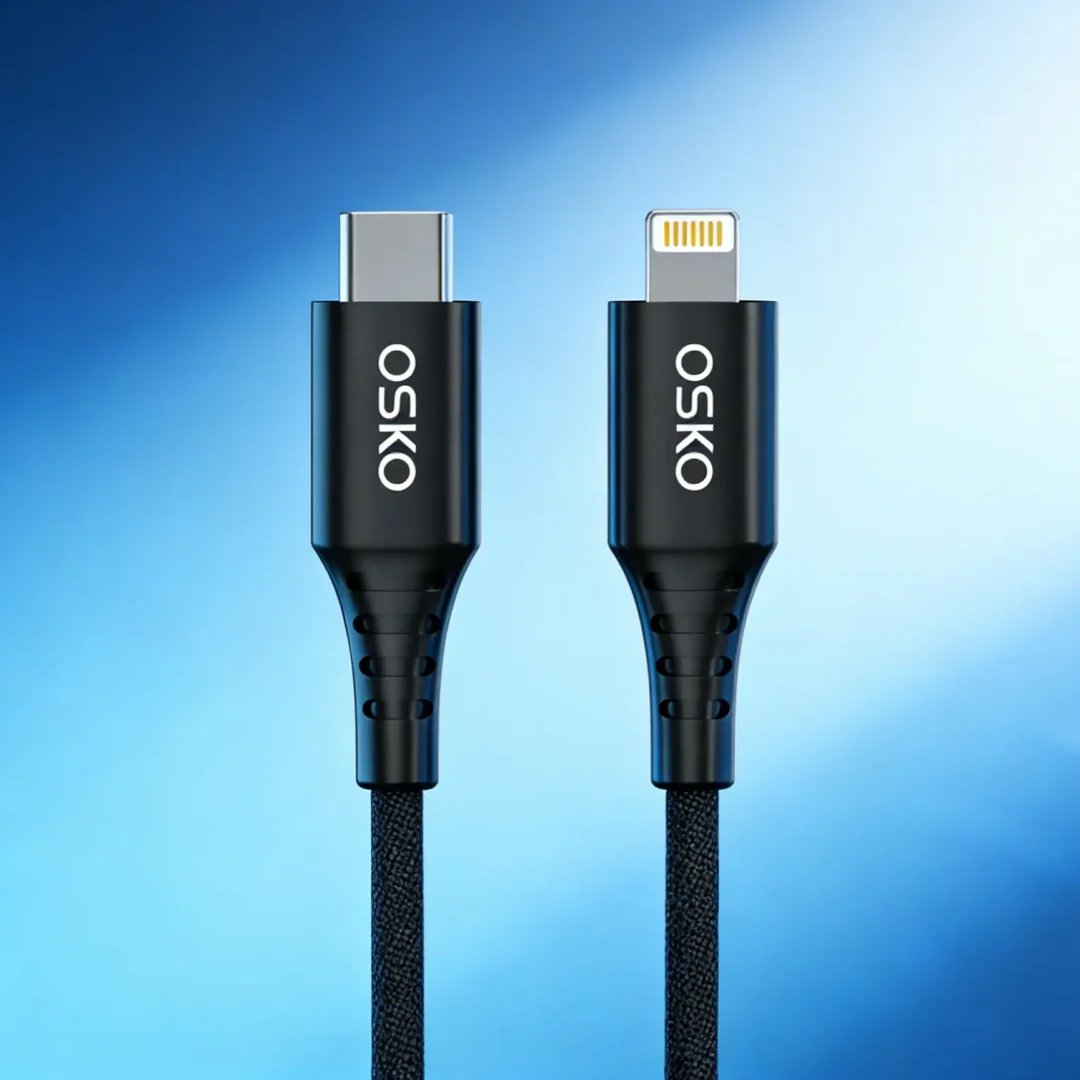
1. What is the difference between USB-C and Lightning
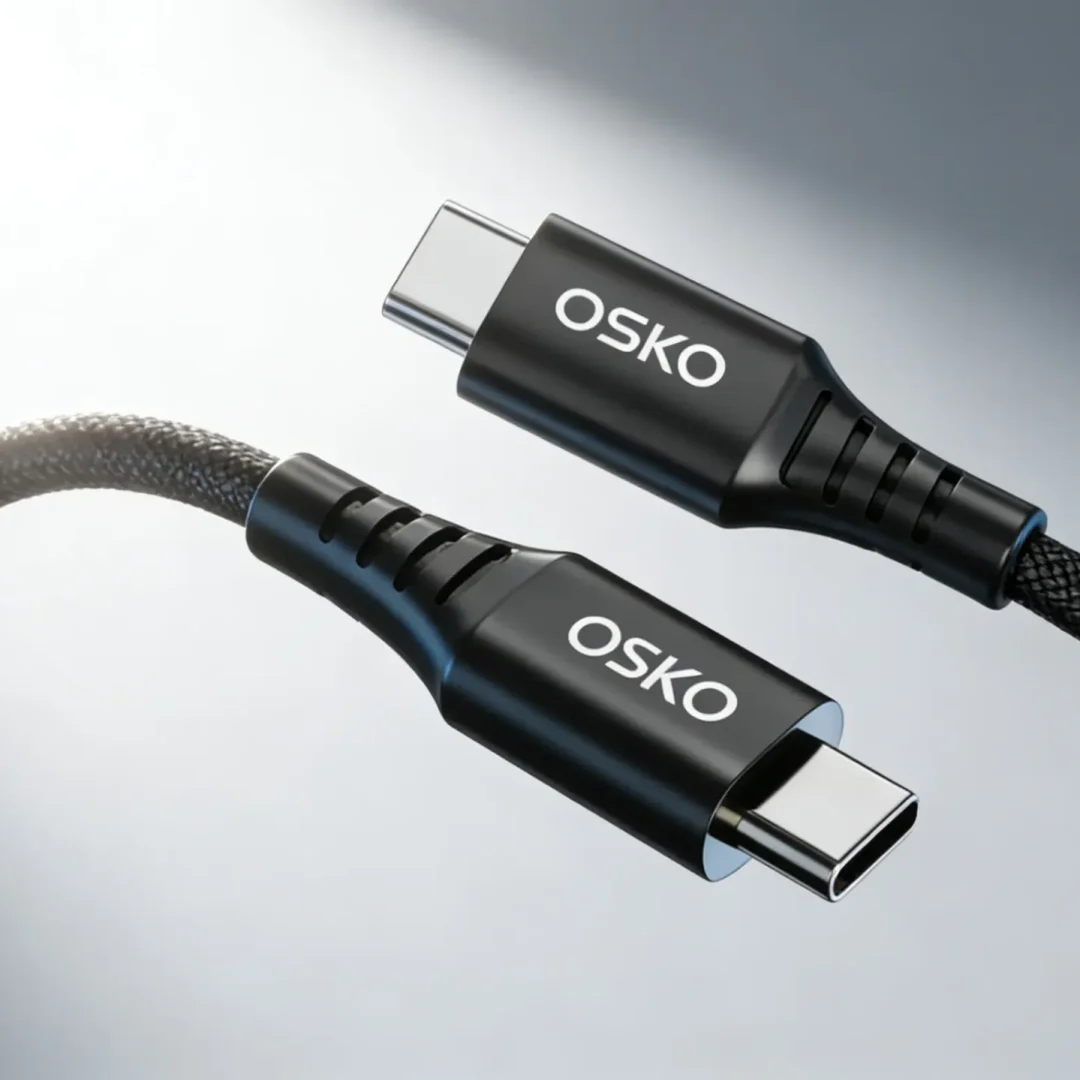
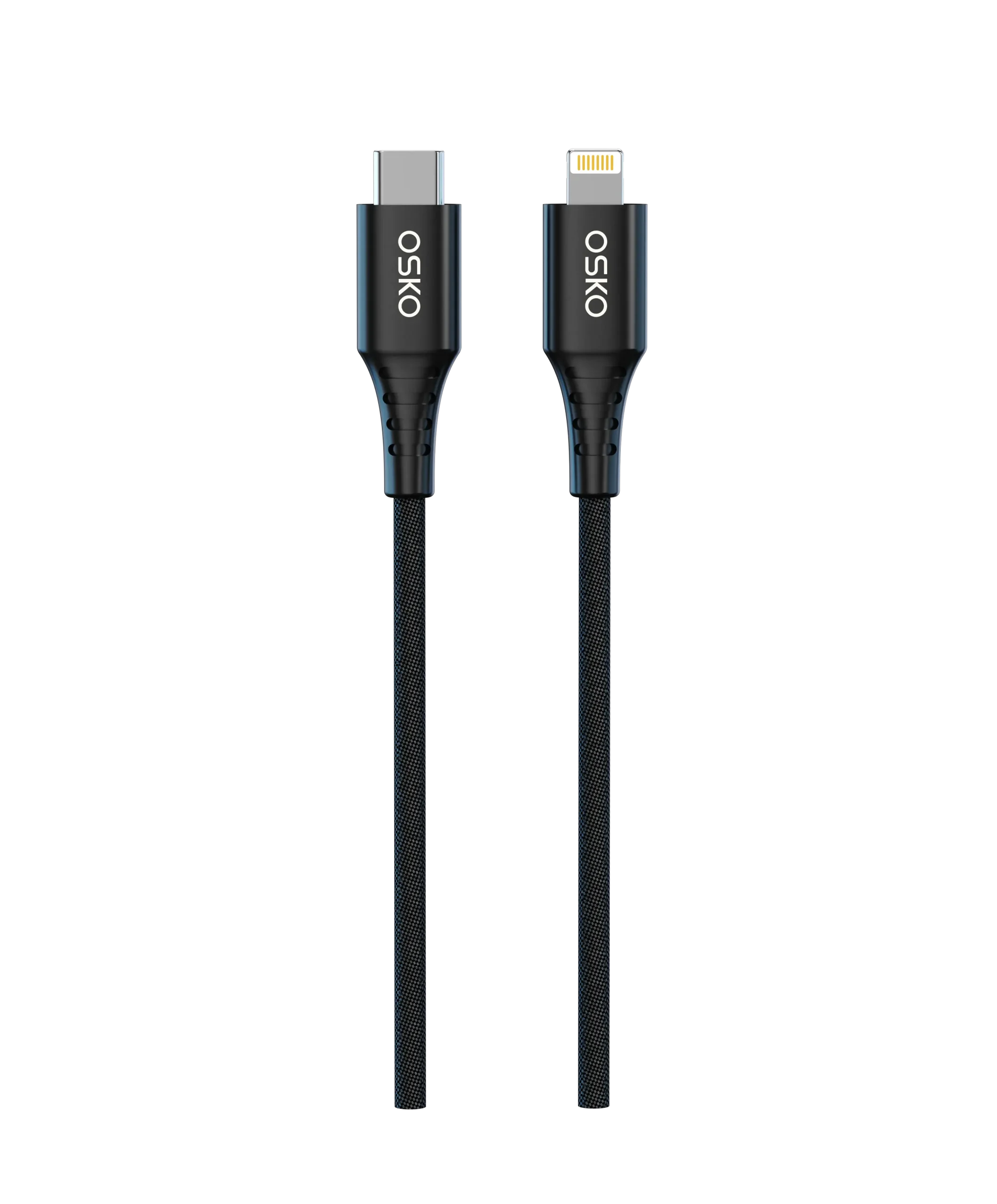
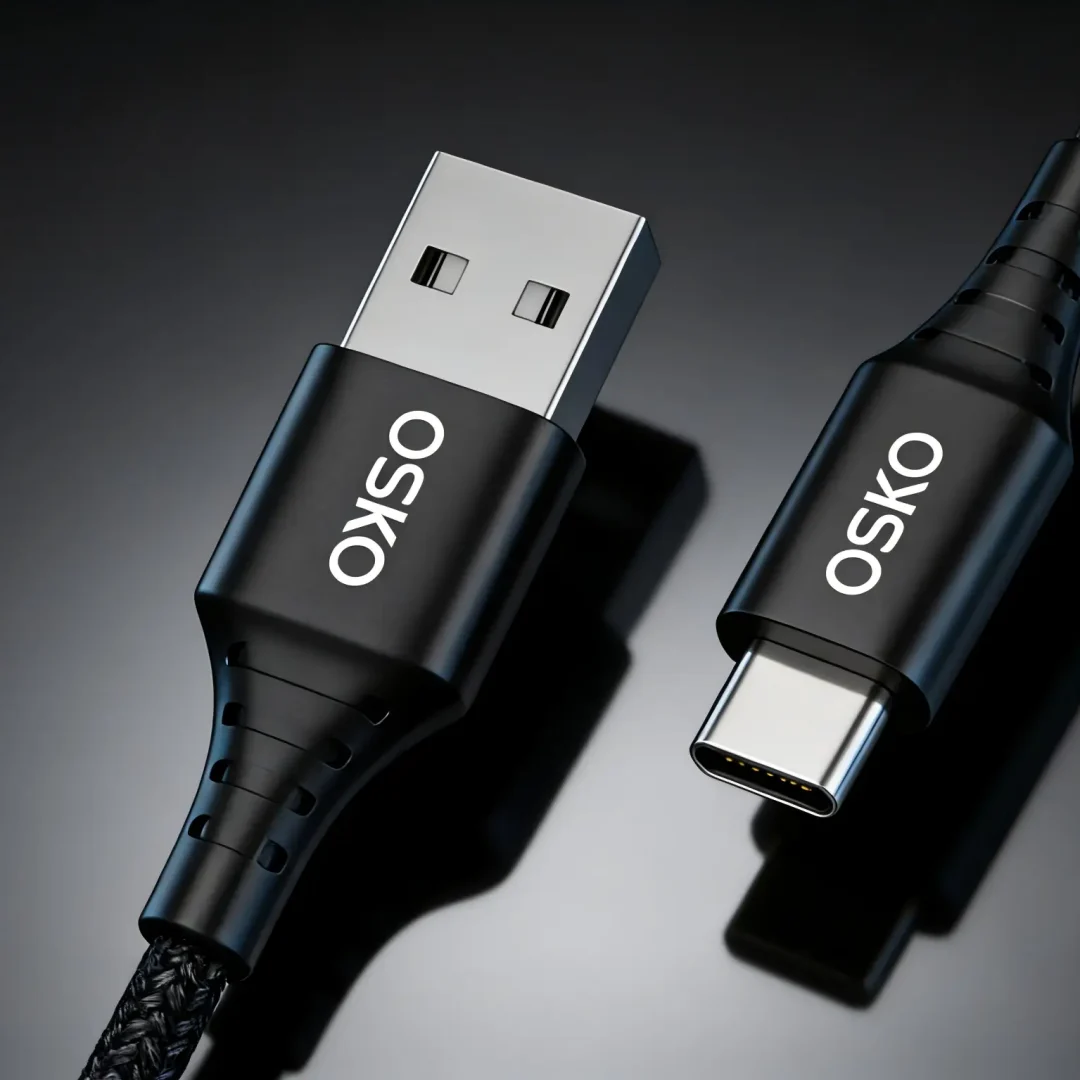
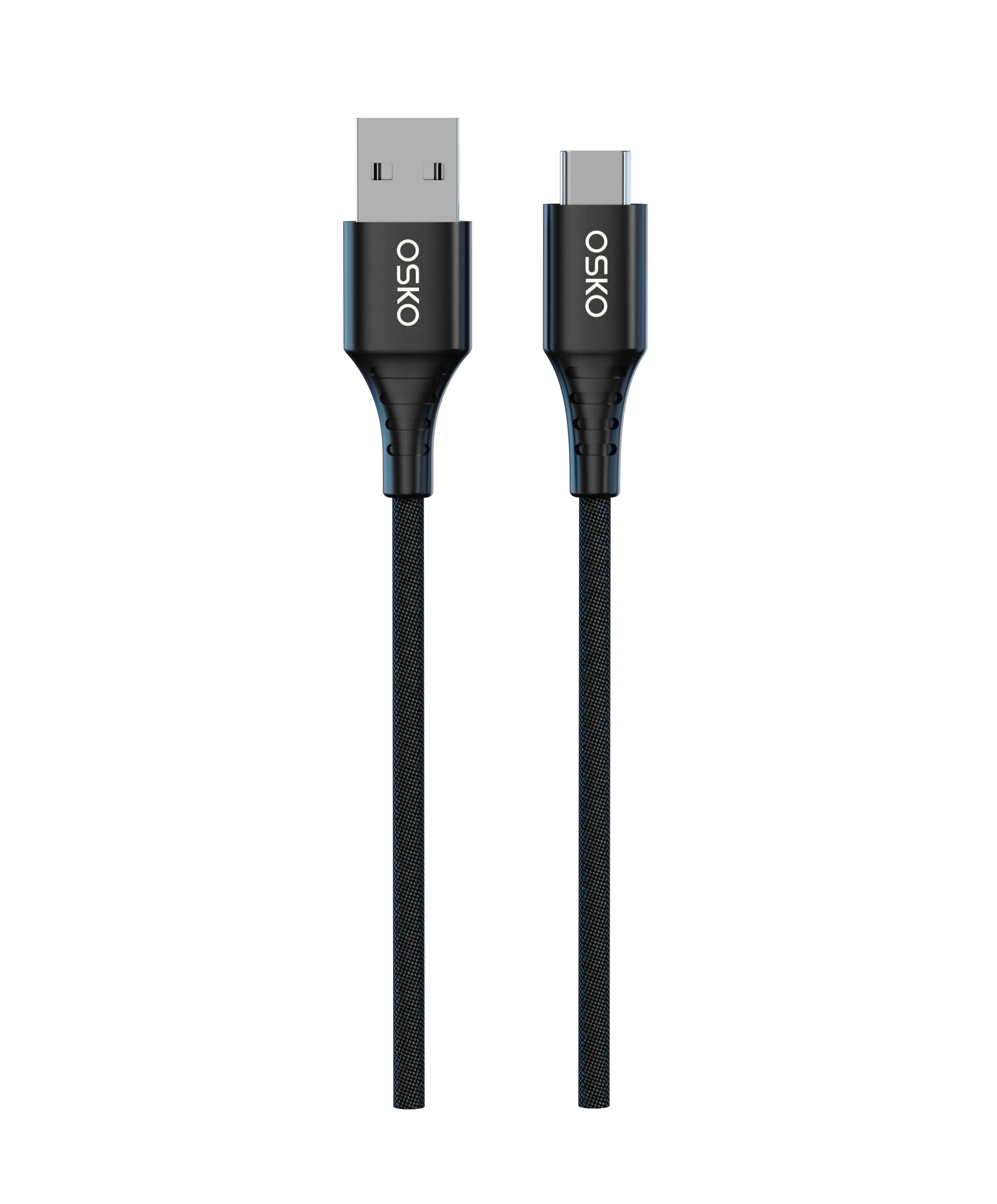
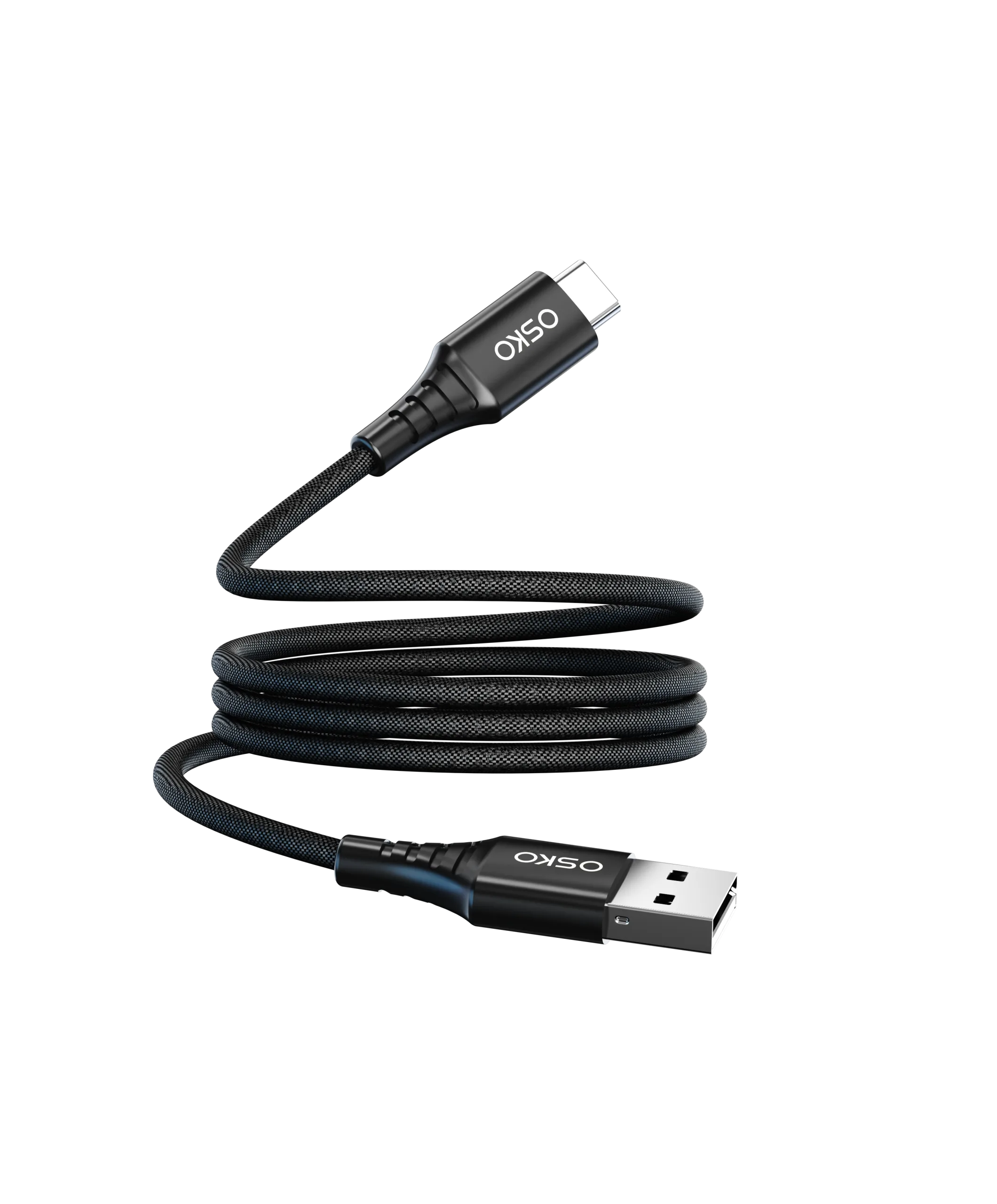
USB-C is a universal interface widely used in Android phones, tablets, laptops, and accessories.
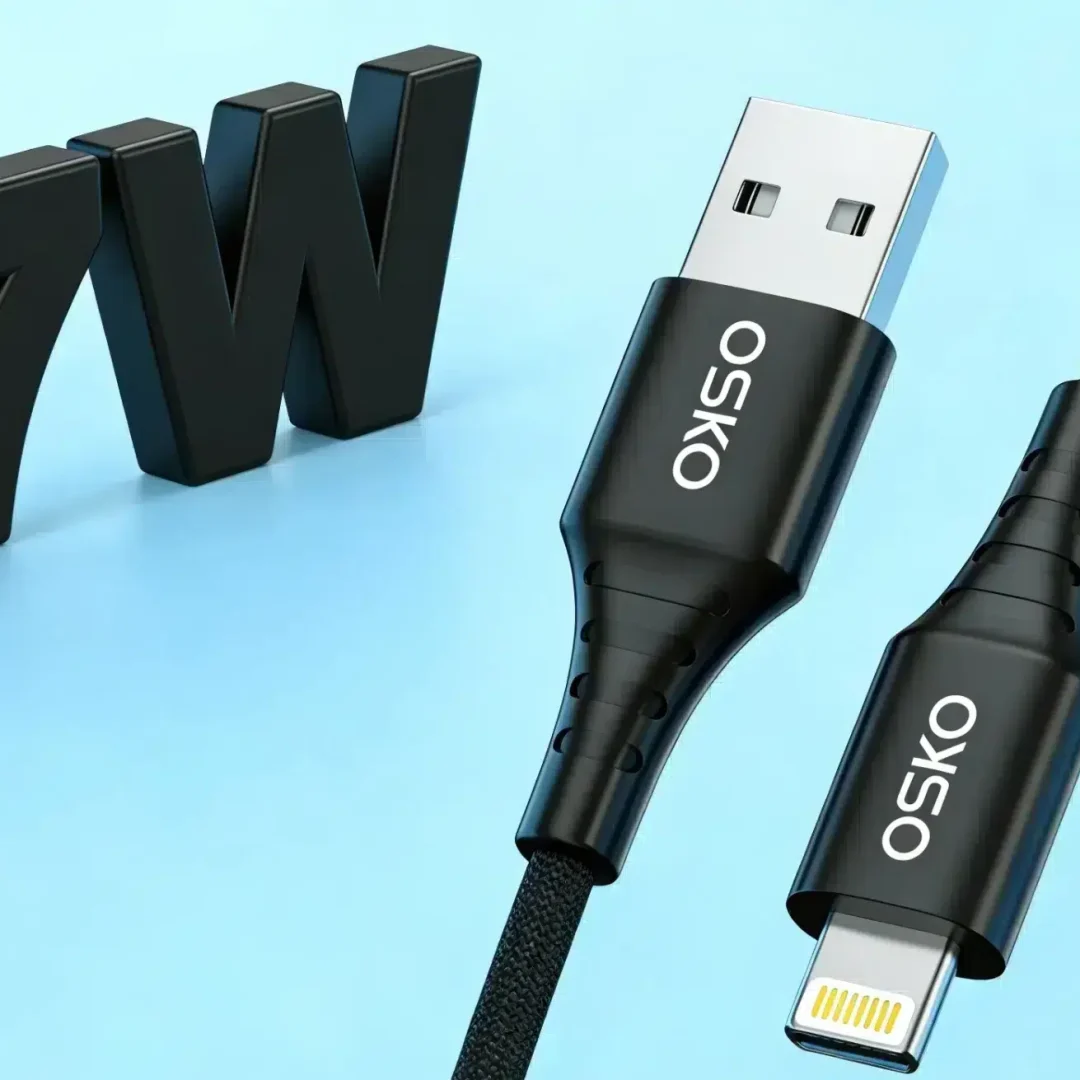
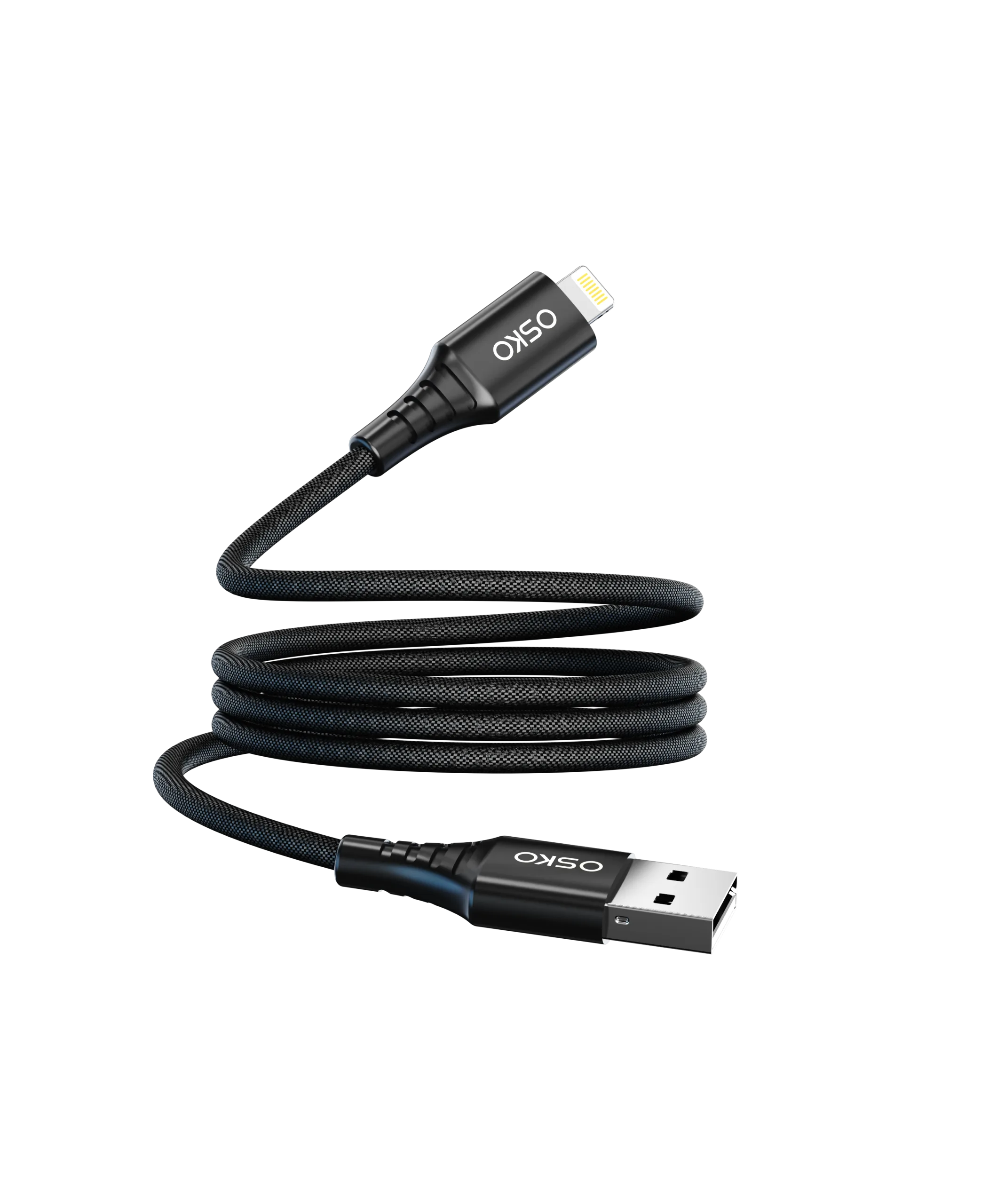
Lightning is an Apple proprietary connector mainly used in older iPhones, iPads, and Apple devices.
If your target customers are Apple users, Lightning products still have market demand.
If you want broader compatibility, USB-C is the more universal choice.
2. What is the difference between a 100W cable and a 60W cable?
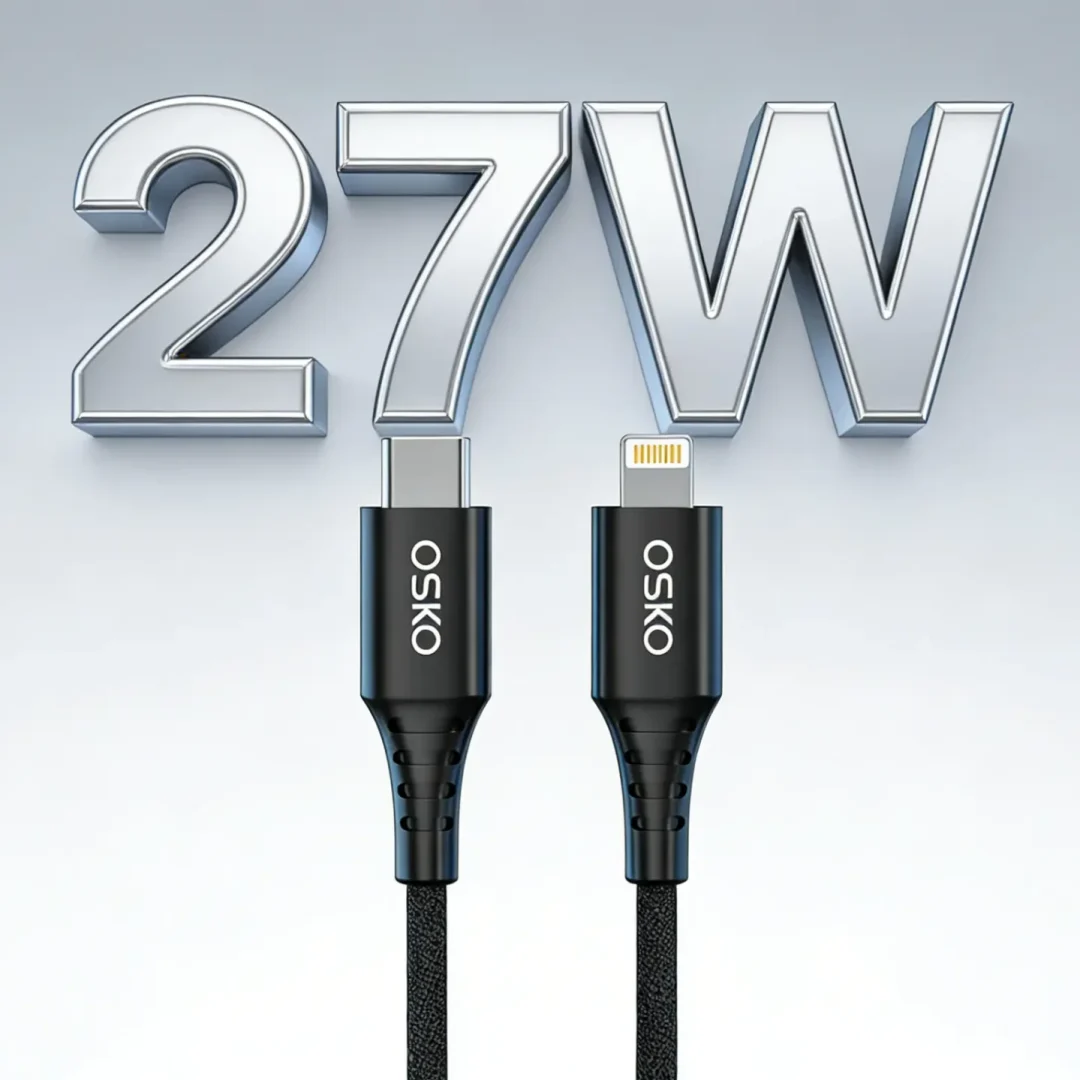
The difference is the supported power output.
60W cables are suitable for most smartphones, tablets, and lightweight devices
100W cables are better for laptops, tablets, and high-power fast charging scenarios
For phone-only use, 60W is usually enough.
For laptops or multi-device charging, 100W offers better performance.
3. Can data cables charge and transfer data at the same time?
Yes, but only if both the cable and devices support it.
Many USB-C cables support both charging and data transfer, but speeds vary by specification.
If you want to highlight this feature, clearly state the transfer rate, such as:
480Mbps
USB 3.1 Gen 2
4. How do you know if a cable supports fast charging?
There are three key indicators:
Supported wattage (W)
Charging protocol compatibility
Cable and device matching
Cables labeled with PD 60W, PD 100W, QC fast charging, or MFi certification are generally recognized as fast-charging cables.
5. What is an MFi certified cable?
MFi (Made for iPhone/iPad) is Apple’s certification program that ensures better compatibility and stability with Apple devices.
For sellers of Apple accessories, MFi-certified cables help increase buyer trust and reduce compatibility concerns.
For B2B customers, it is recommended to clearly show:
Certification status
Compatible devices
Testing standards

6. Is there a difference between Type-C and USB-C?
In most sourcing contexts, Type-C and USB-C refer to the same connector.
To avoid confusion, it is recommended to use USB-C as the primary term, while also mentioning Type-C as a common alternative in product descriptions.
This improves both user understanding and search engine recognition.
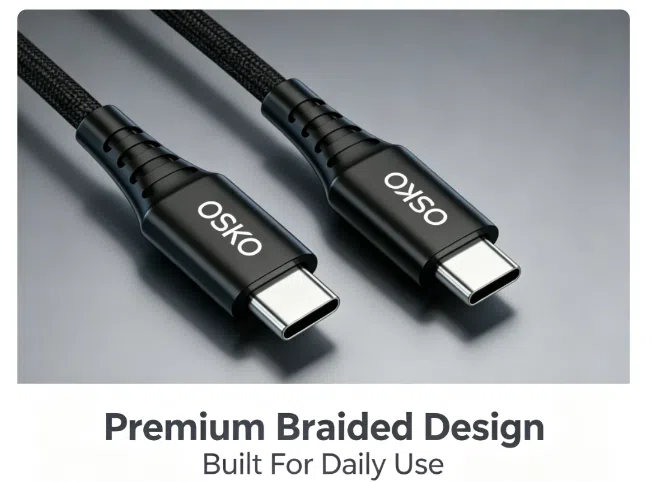
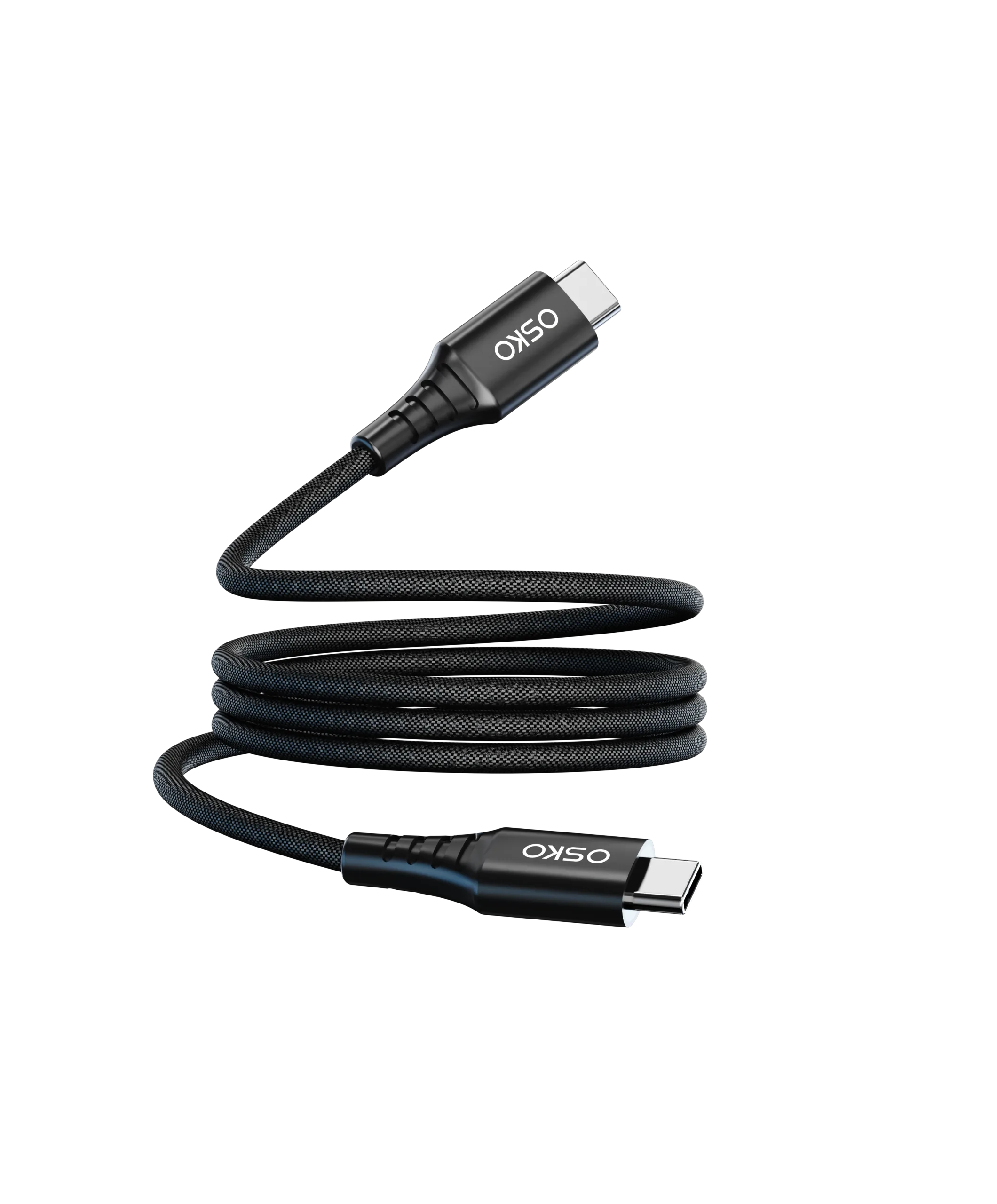
7. Which is better: braided cable or PVC cable?
Braided cables are generally:
More durable
More resistant to bending
More premium in appearance
PVC cables are:
More cost-effective
Suitable for budget markets
If your customers value durability and aesthetics, braided cables are preferred.
If price sensitivity is the priority, PVC cables are more competitive.
8. Why is my charging cable slow?
Common reasons include:
Insufficient cable power rating
Device charging limitations
Mismatched charger or protocol
In many cases, slow charging is not only caused by the cable but also by the charger, device, or power loss across the system.
9. How do you test data cable transfer speed?
The simplest method is to check the rated specification and verify with testing tools.
For high-frequency data cables, it is recommended to clearly state:
Test method
Testing environment
Performance range
This improves transparency and professional credibility.
10. What do B2B buyers care about most when sourcing cables?
Most wholesale buyers focus on:
MOQ (Minimum Order Quantity)
Lead time
Certifications
Sample availability
Pricing
Customization capability
For exporters and manufacturers, clearly listing these details improves conversion rates.
11. How do you identify a reliable cable supplier?
A reliable supplier usually provides:
Clear product specifications
Verifiable testing data
Stable production lead time
Certification documents
Proven customer cases
Suppliers that offer samples and test reports are generally more trustworthy.
12. What can be customized in data cables?
Common customization options include:
Cable length
Color
Connector type
Material
Logo branding
Packaging
Product bundles
For branding, e-commerce, and gift markets, customization capability is often more valuable than low price alone.
13. Which cables are suitable for iPhone users?
For newer Apple devices, USB-C solutions are often preferred.
For older devices, Lightning cables are still required.
It is important to clearly state:
Compatible models
Supported generations
to avoid mismatch and returns.
14. Which cables are suitable for Android and laptops?
Most Android devices use USB-C cables.
Laptops typically require high-power USB-C cables such as PD 60W or PD 100W.
If a product supports multiple devices, it is best to clearly list:
Smartphones
Tablets
Laptops
15. What should you consider when bulk purchasing cables?
Key factors include:
Sample consistency
Batch quality stability
Production lead time
For international buyers, it is recommended to clearly display:
MOQ
Delivery time
Certifications
Customization options
before the inquiry stage to improve qualified leads.
If you are looking for data cables for bulk purchase, OEM customization, or global distribution, you can choose solutions based on device type, power requirements, and branding needs.