

1. Definition: What Are 100W and 60W USB-C Cables?
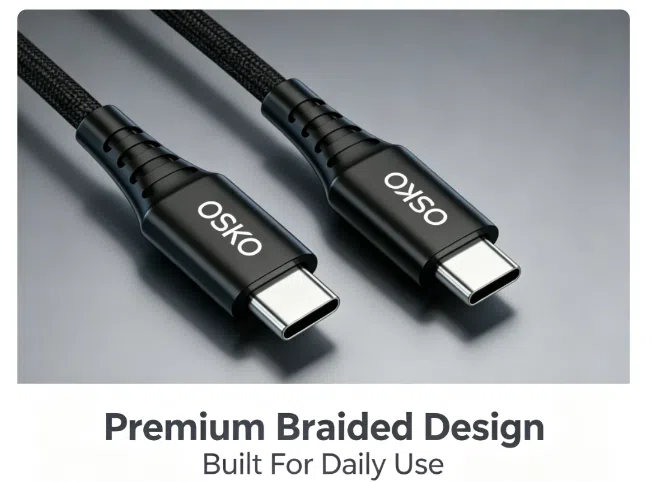
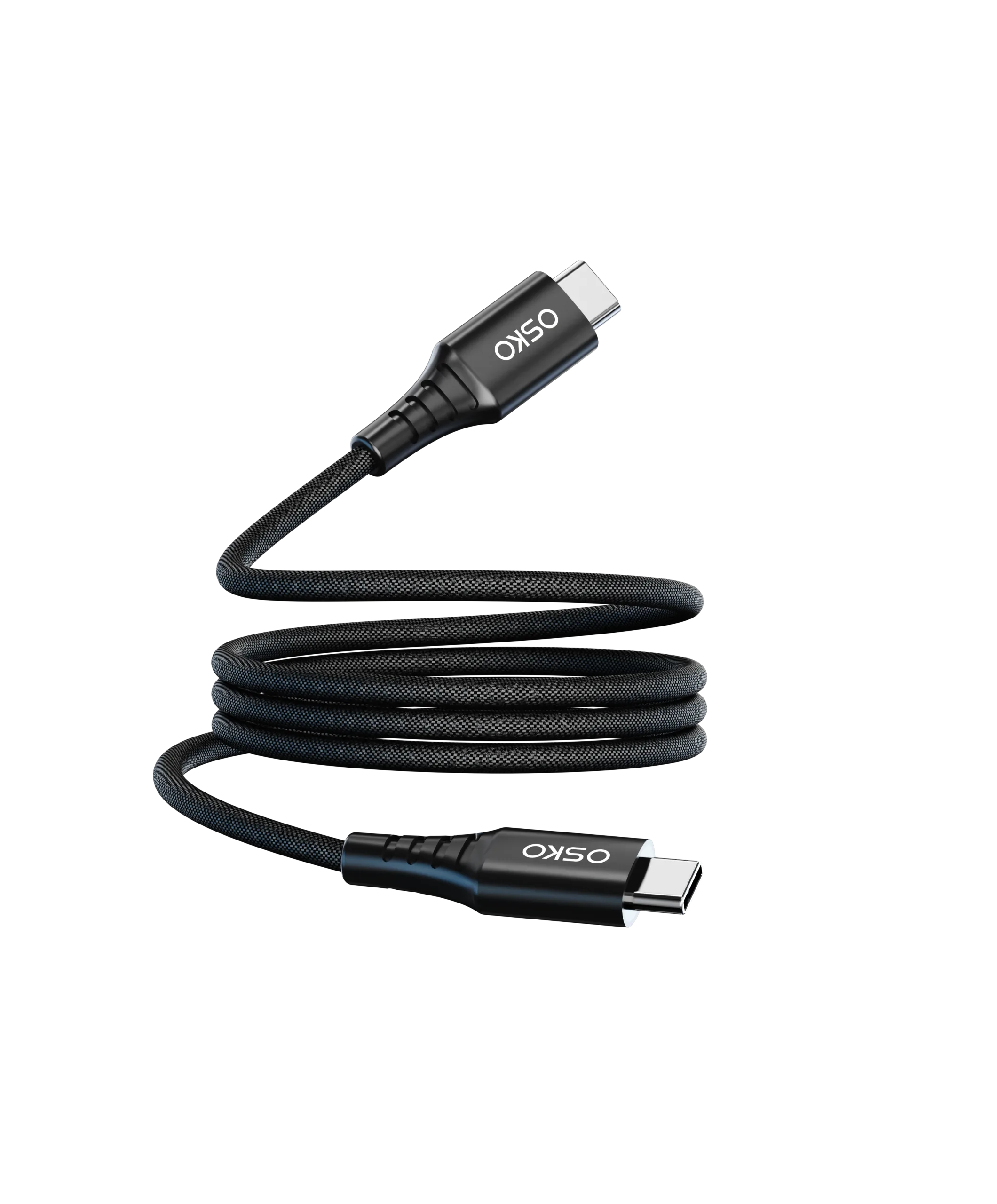
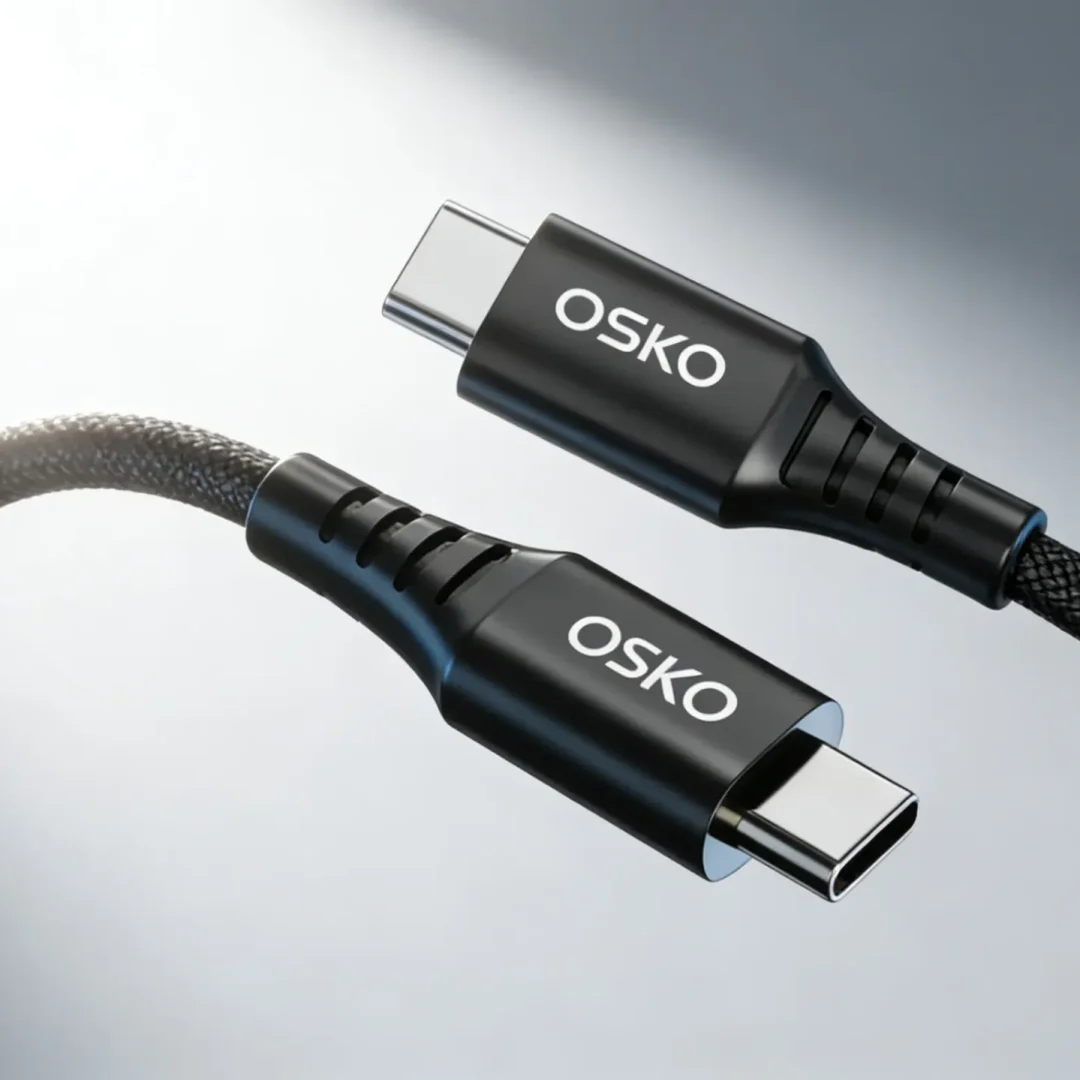
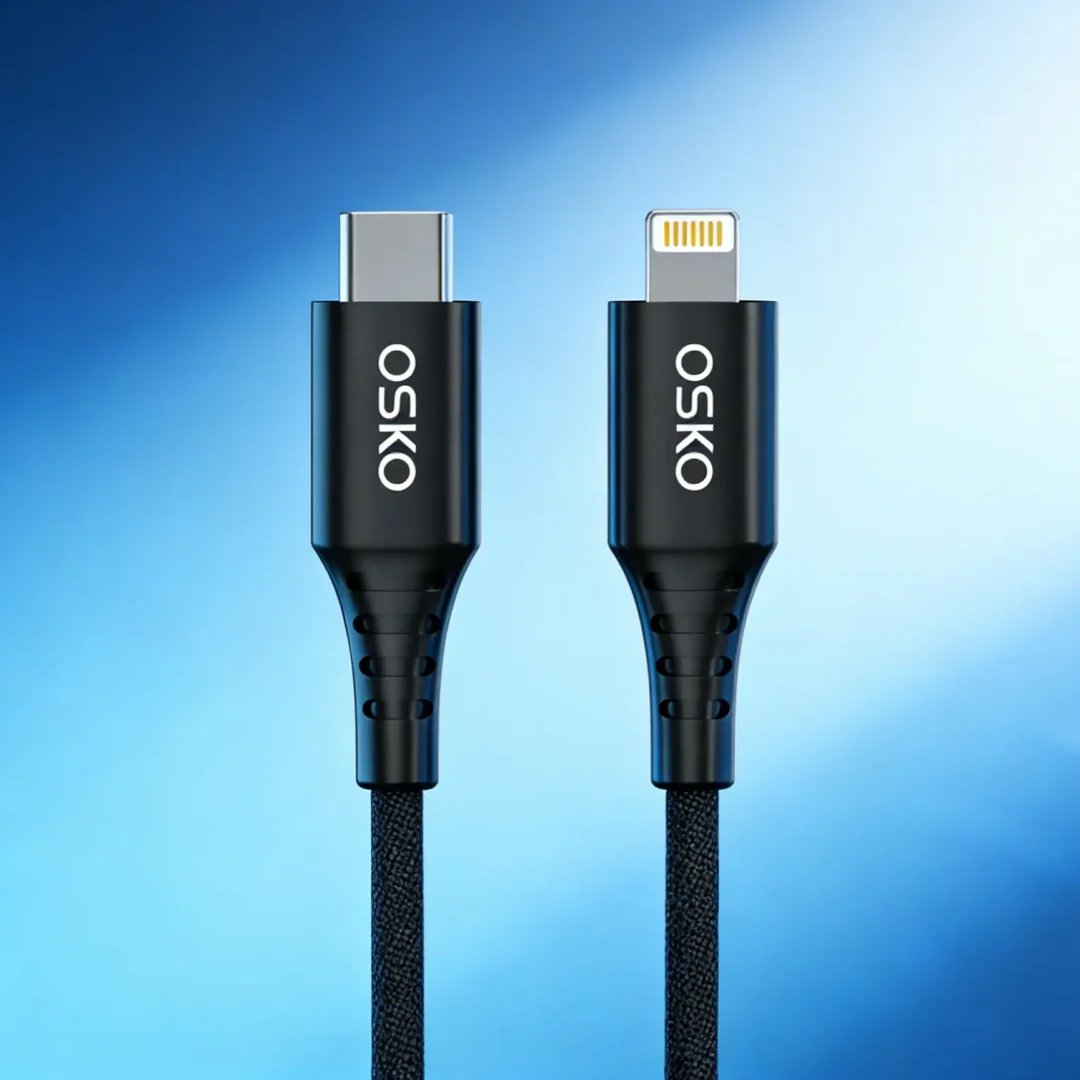
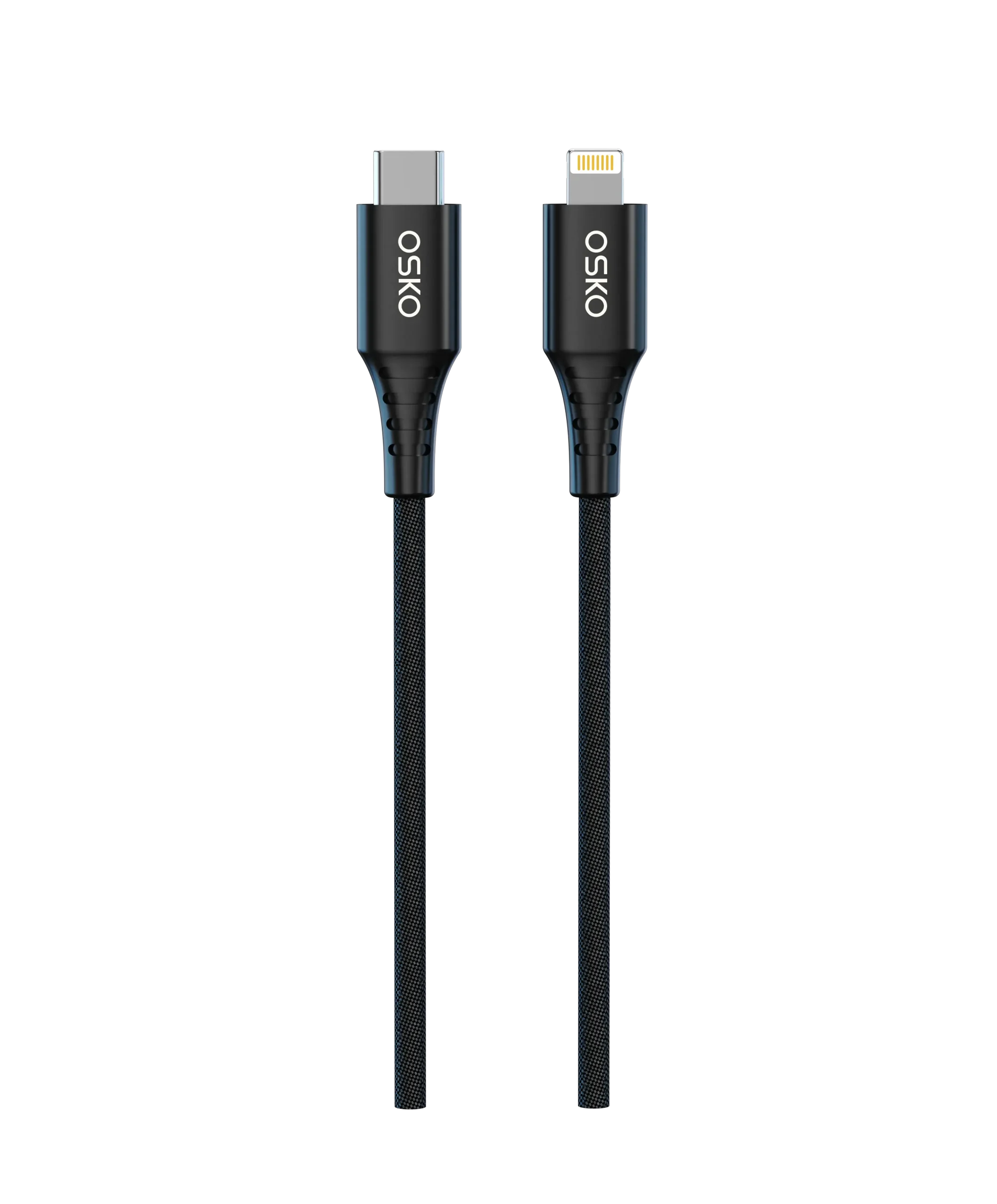
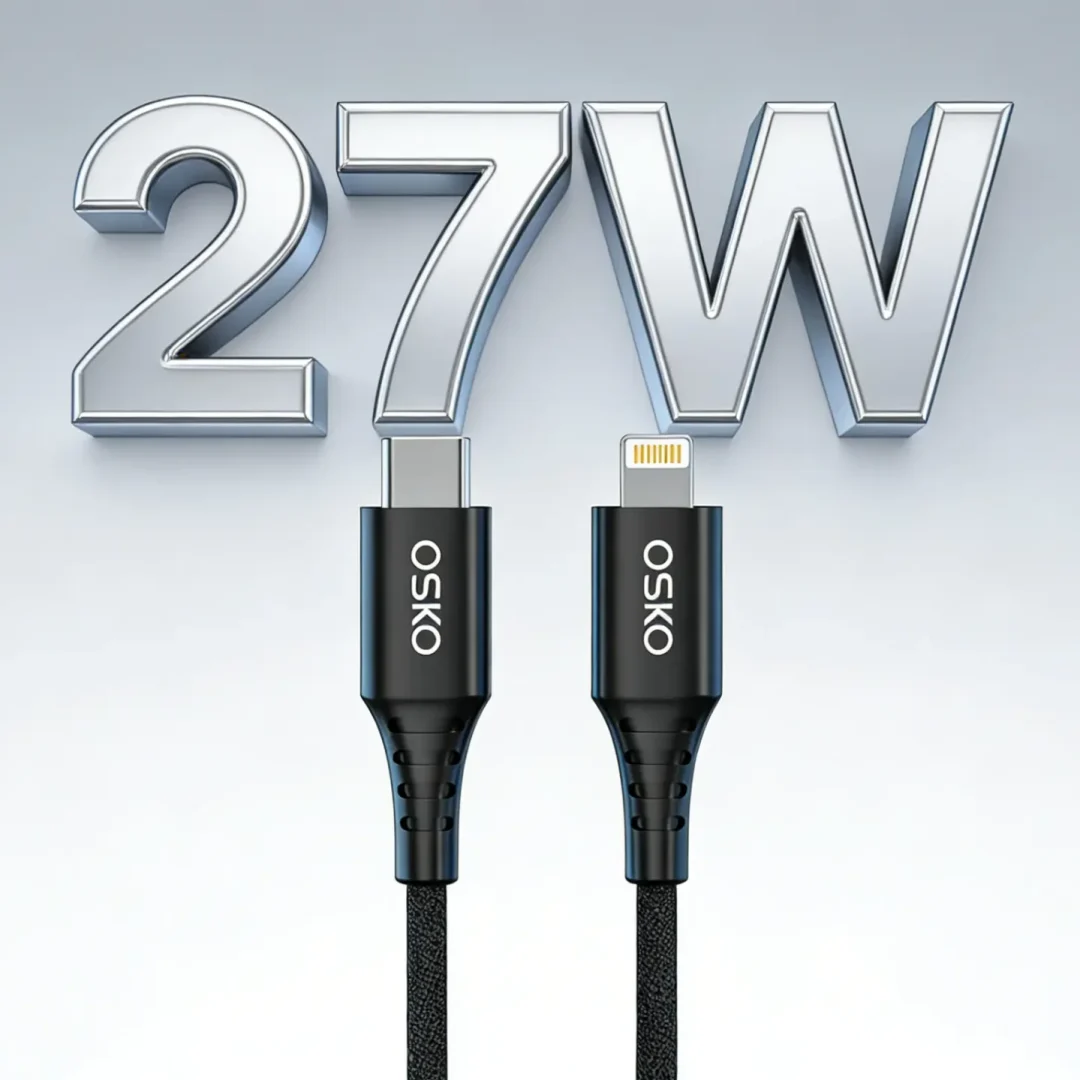
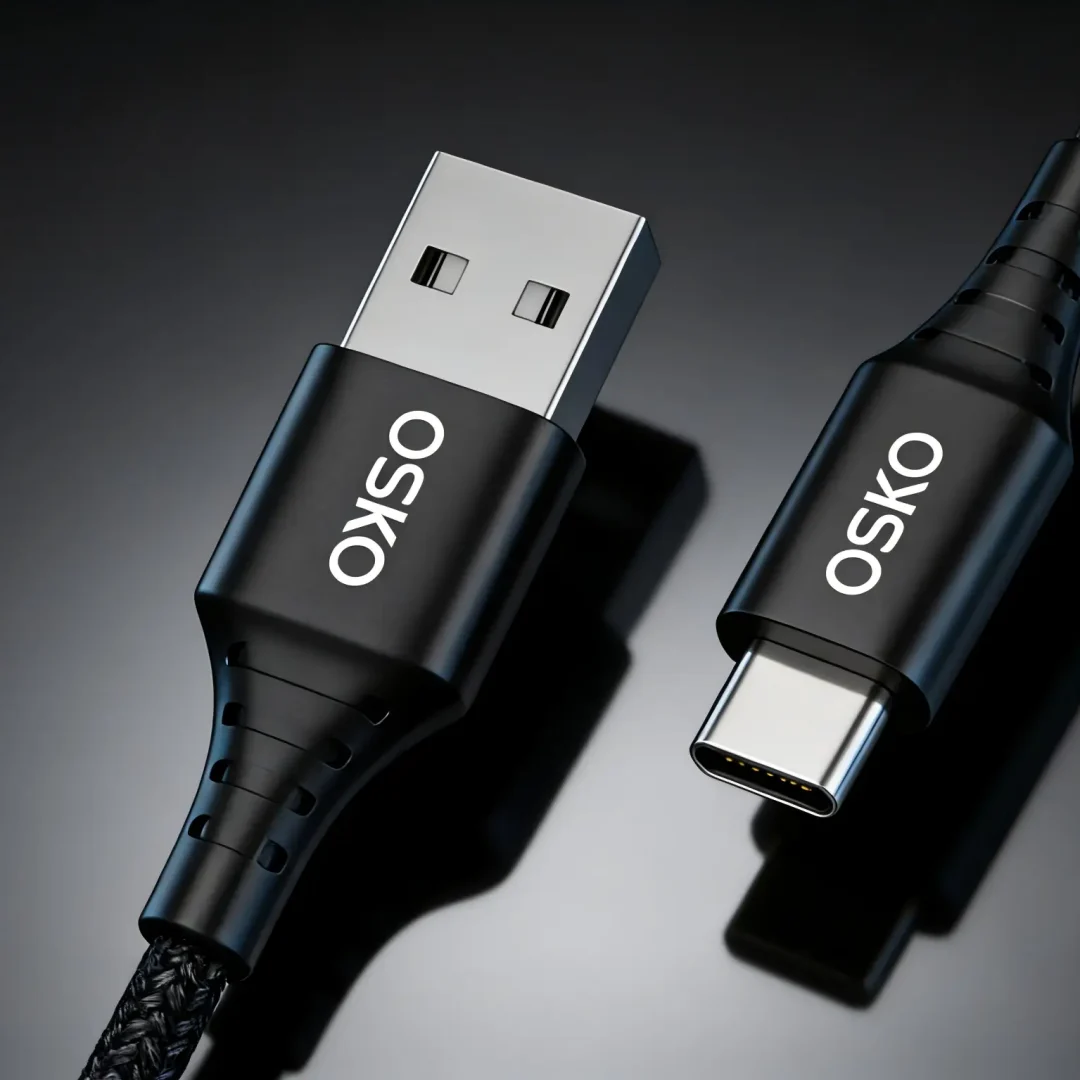
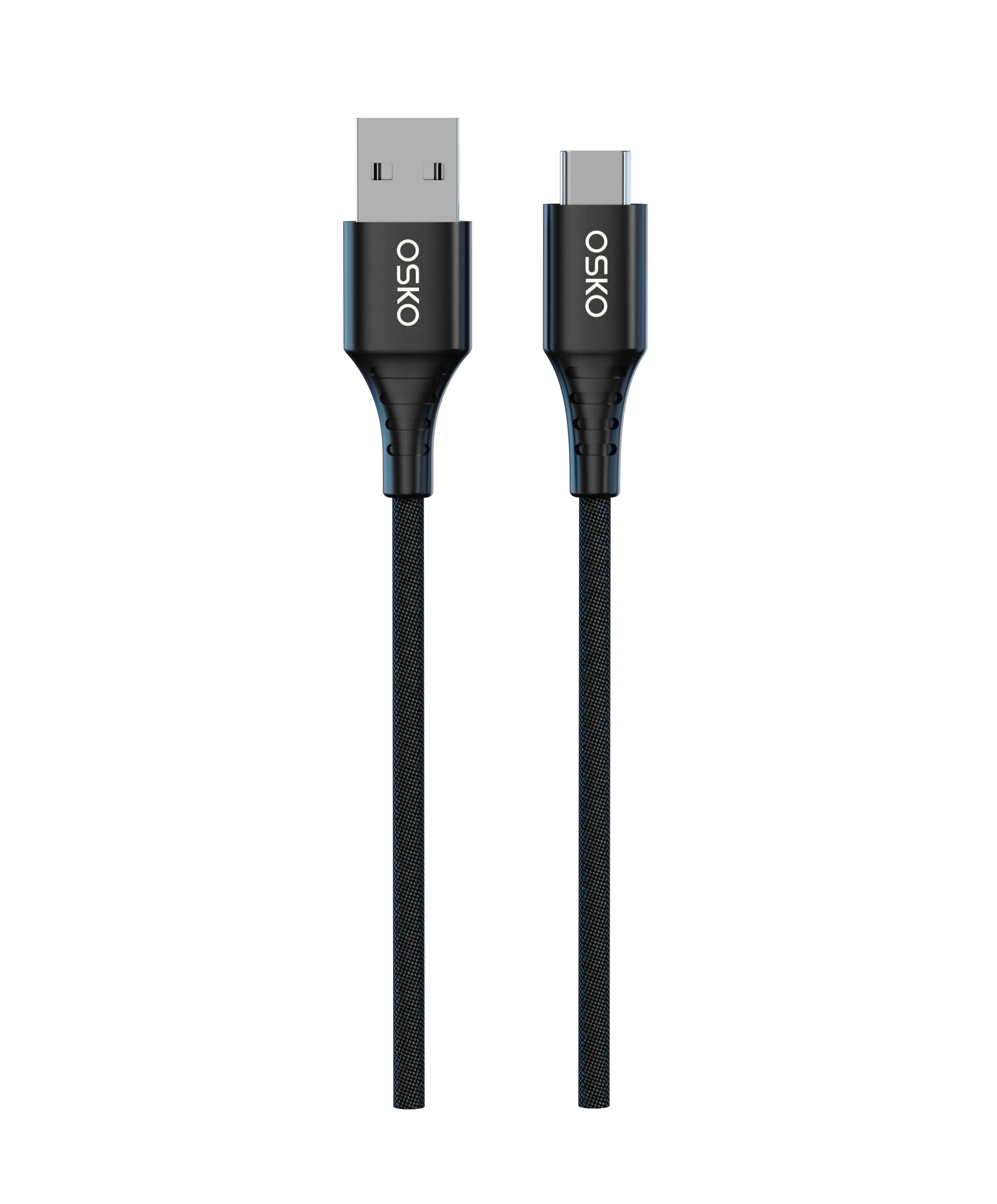
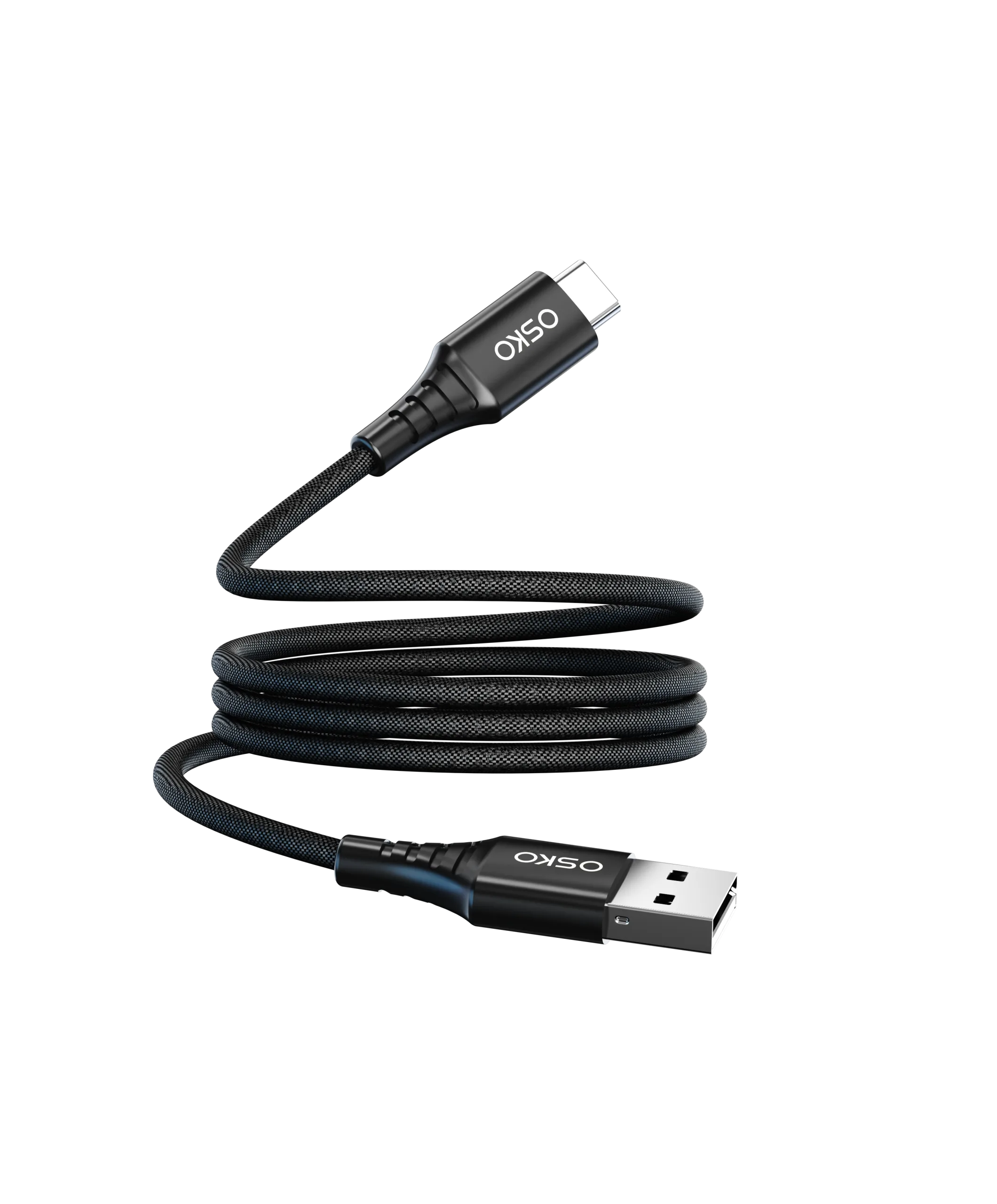
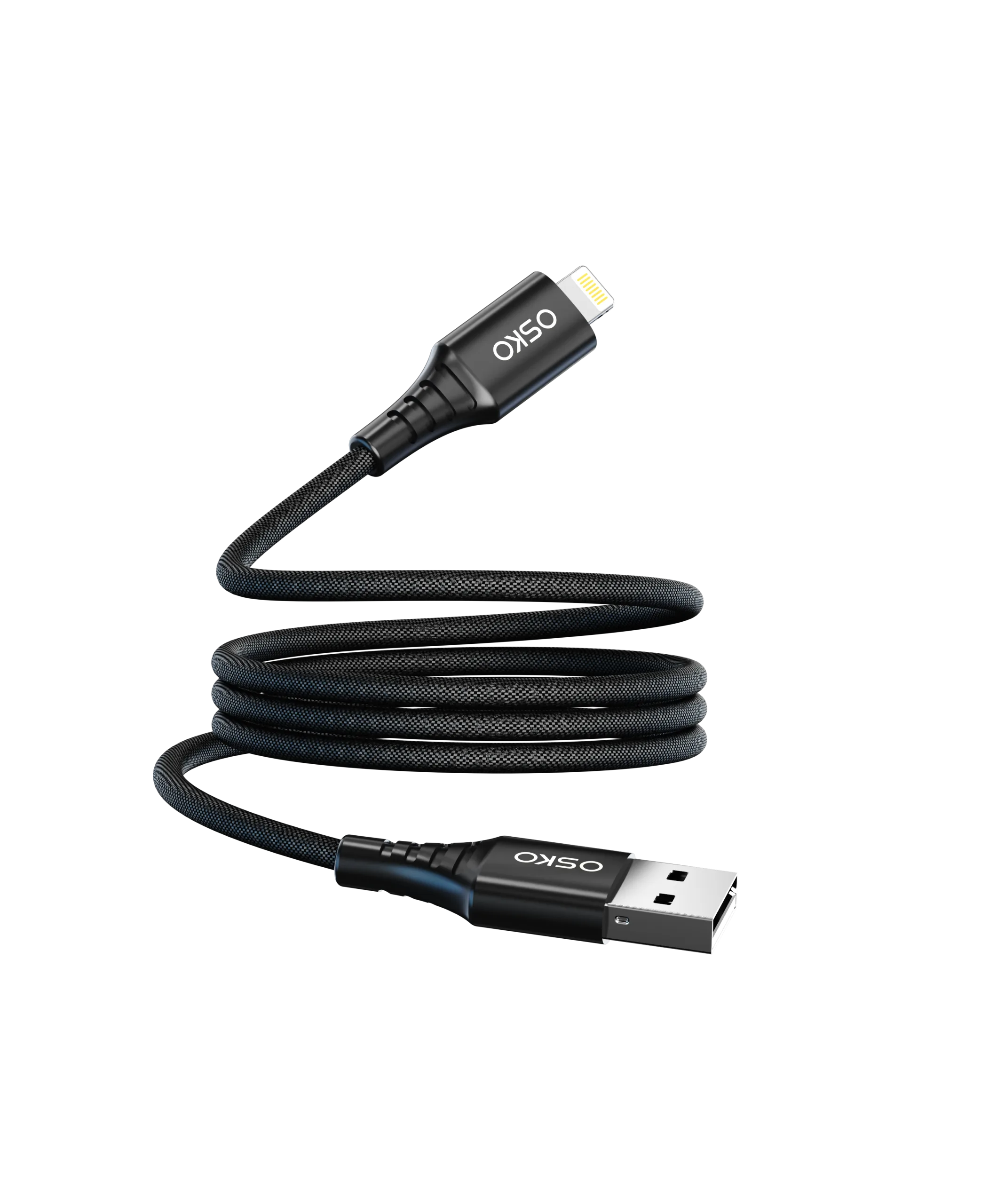
A 100W USB-C charging cable and a 60W USB-C cable are high-power USB-C cables designed to transfer energy safely from a charger to devices. The wattage rating indicates the maximum power the cable can handle.
100W USB-C cable: Supports devices requiring high power, such as laptops, MacBooks, and fast-charging smartphones.
60W USB-C cable: Suitable for tablets, mid-range laptops, and smartphones requiring moderate fast charging.
In short, choosing the correct cable prevents slow charging or potential device damage.
2. Comparison Between 100W and 60W USB-C Cables
2.1 Power Output
100W USB-C cable: Delivers up to 20V at 5A. Perfect for laptops and high-wattage devices.
60W USB-C cable: Delivers up to 20V at 3A, enough for tablets and most smartphones.
Transition: Higher power output directly translates into faster charging speed for compatible devices.
2.2 Charging Speed
100W USB-C charging cable: Enables ultra-fast charging for laptops and MacBooks. Some devices can reach 50% battery in less than 30 minutes.
60W USB-C cable for laptops: Provides fast charging for tablets and mid-range laptops but slower for high-power devices.
Transition: Charging speed also depends on cable quality and construction.
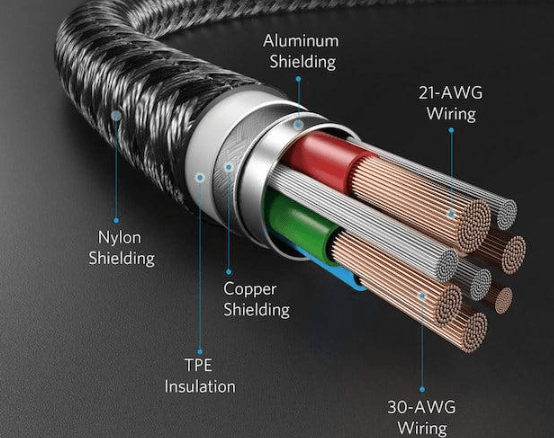
2.3 Cable Construction and Requirements
To safely support high wattage:
100W USB-C cable:
Uses thicker conductors (24–28 AWG)
Includes enhanced shielding
Supports USB PD 3.1 standard
60W USB-C cable:
Standard 28–30 AWG wires
Standard shielding
Supports USB PD 2.0 / 3.0
Transition: Proper cable design minimizes heat and ensures stable charging.
2.4 Risk Warnings
Overloading a 60W cable: May cause overheating, slow charging, or device protection shutdown.
Using a 100W cable correctly: Ensures safe high-power delivery, avoids overheating, and protects battery health.
3. Technical Parameters
| Feature | 100W USB-C Cable | 60W USB-C Cable |
|---|---|---|
| Maximum Power | 100W | 60W |
| Current | 5A | 3A |
| Voltage | Up to 20V | Up to 20V |
| Conductor Gauge | 24–28 AWG | 28–30 AWG |
| USB PD Version | 3.1 | 2.0 / 3.0 |
| Shielding | Enhanced | Standard |
| Compatible Devices | Laptops, MacBooks, high-power PD devices | Tablets, smartphones, mid-range laptops |
| Charging Speed | Very fast | Fast, slower on high-power devices |
4. Application Scenarios
4.1 Using a 100W USB-C Charging Cable
Laptops & MacBooks: Rapid charging for high-wattage laptops.
High-capacity power banks: Fast recharge in minimal time.
Multi-device setups: One cable for multiple high-power devices.
4.2 Using a 60W USB-C Cable
Smartphones & Tablets: Adequate fast charging.
Mid-range laptops: Standard PD charging, low heat generation.
Travelers: Lightweight, easy to carry for everyday devices.
5. FAQ
Q1: Can I use a 100W USB-C cable with a 60W charger?
Yes, the cable is compatible, but charging speed is limited to the charger’s output.
Q2: Can a 60W USB-C cable damage my laptop?
If the device requires more than 60W, overheating or slow charging may occur. Always match cable rating to device requirements.
Q3: How to identify a 100W USB-C cable?
Look for USB PD 3.1 certification, 5A current markings, thicker wire, and reinforced connectors.
Q4: Are 100W USB-C cables expensive?
They are more costly than 60W cables due to better materials and higher-grade certifications.
Q5: Can I use either cable for my phone?
Yes, both are compatible. A 100W cable may be overkill but is safe for phone charging.
6. Inquiry
Looking for high-quality 100W USB-C cables or 60W USB-C cables?
Contact us: [Insert Inquiry Link / Email / WhatsApp]
Options: Custom lengths, braided or nylon options, multi-device support
Certifications: USB-IF approved, PD compliant, high durability
7. Summary
In conclusion:
100W USB-C cables: Best for high-power devices, ultra-fast charging, and enhanced safety.
60W USB-C cables: Ideal for tablets, smartphones, and mid-range laptops, offering fast but moderate charging.
Correct selection ensures efficient charging, device protection, and safer power delivery.
Always check device requirements and cable specifications to prevent slow charging or overheating. Choosing the right USB-C cable makes your workflow smoother and protects your electronics in the long term.