
1. USB Type-C Is More Than Just a Connector
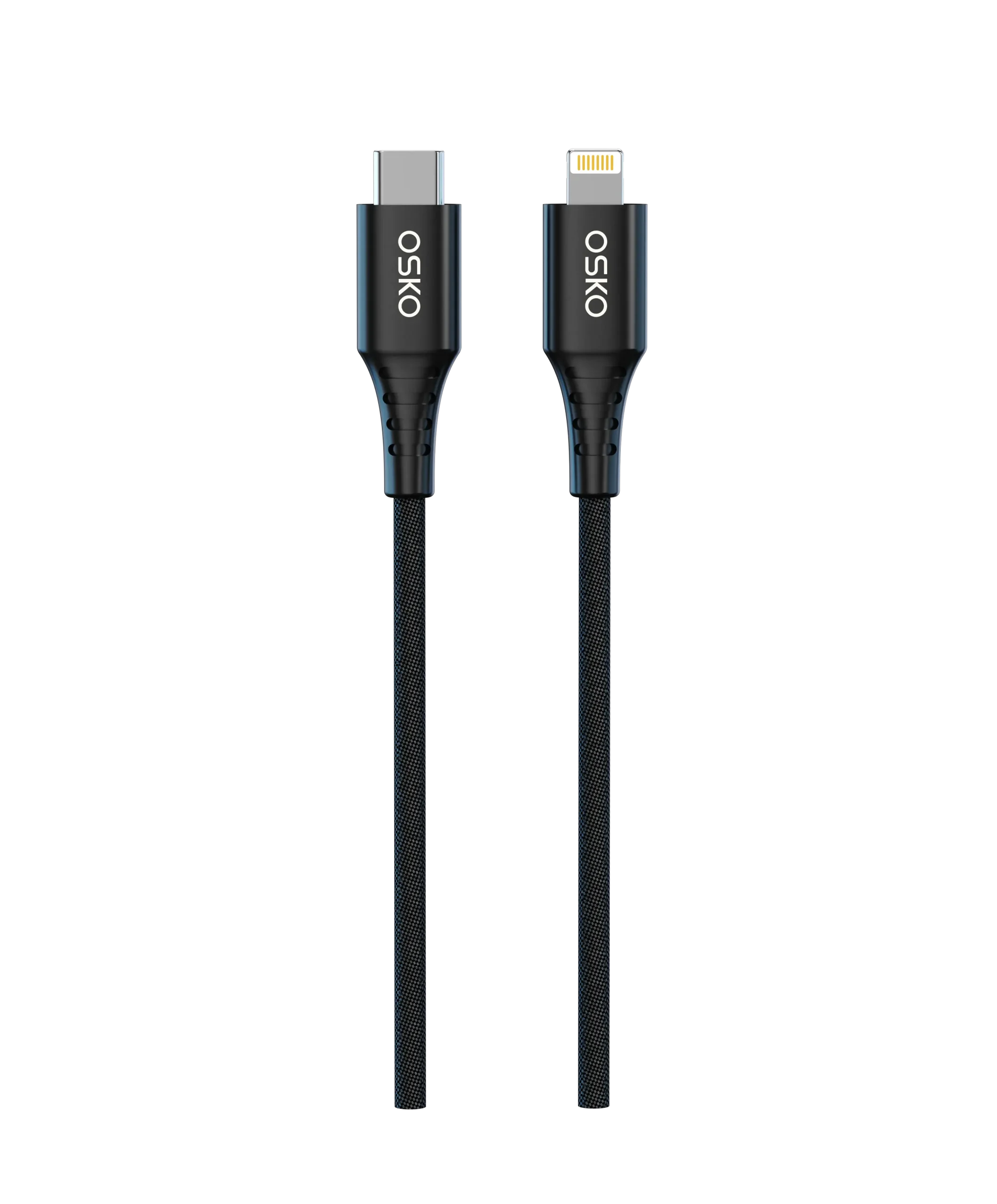
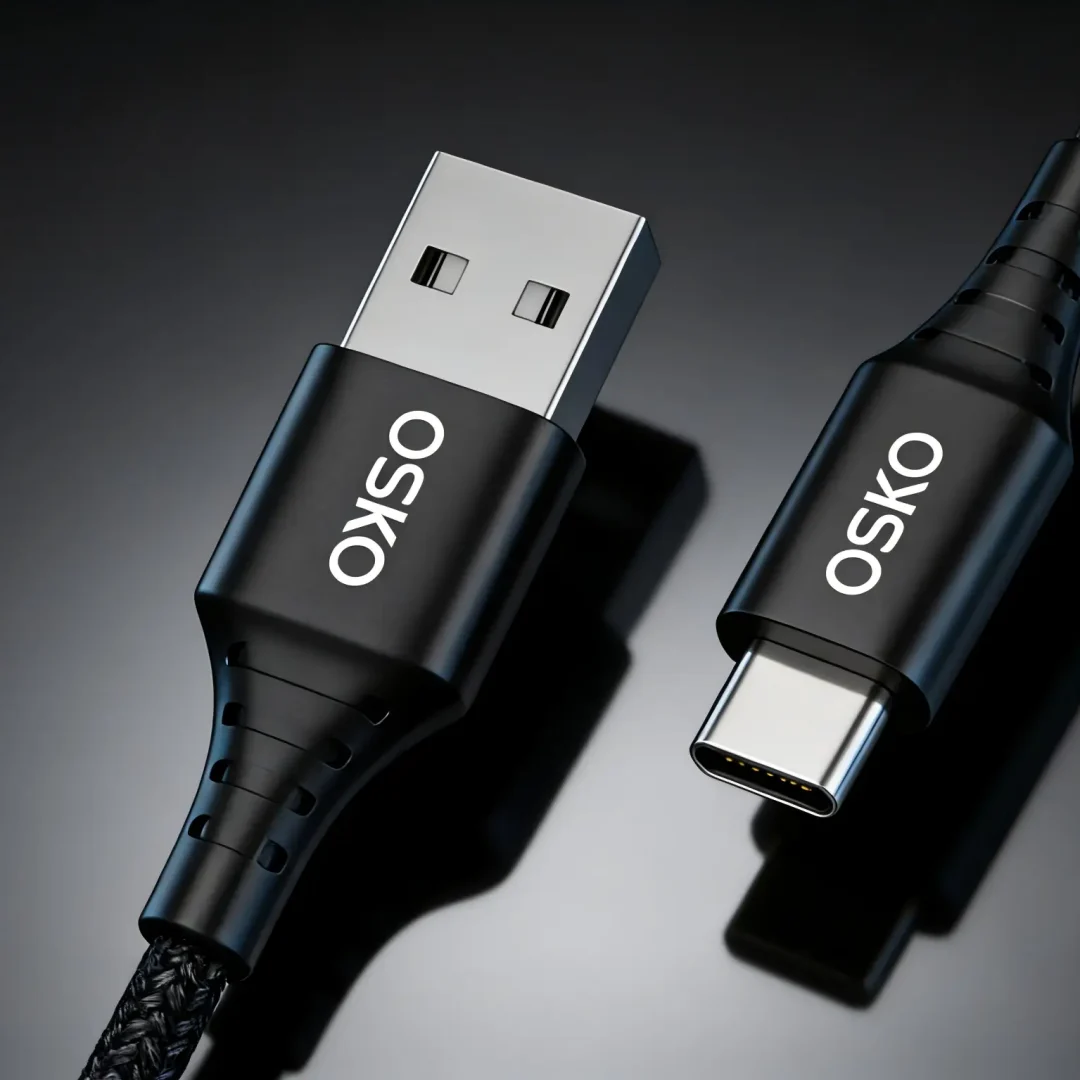
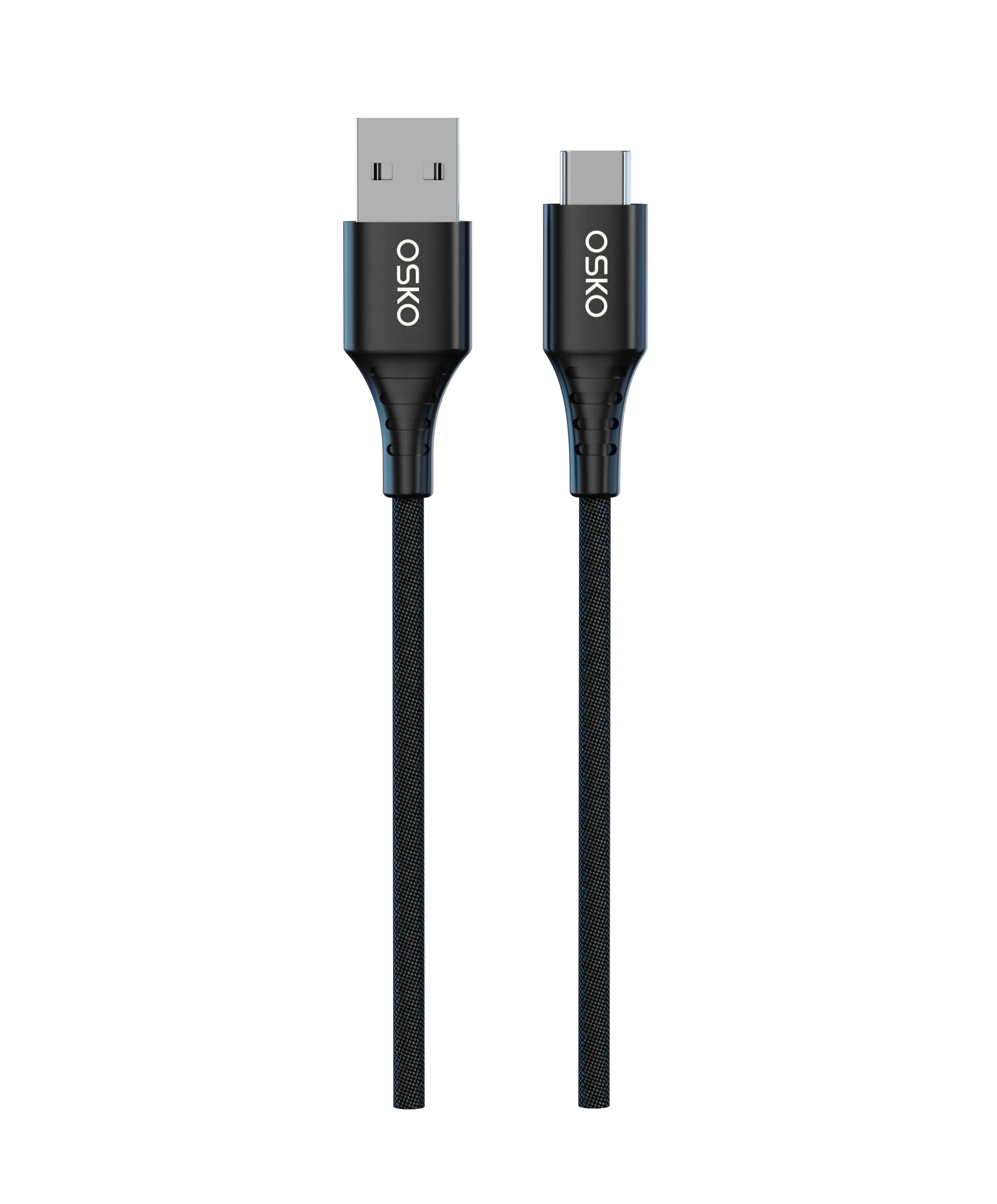
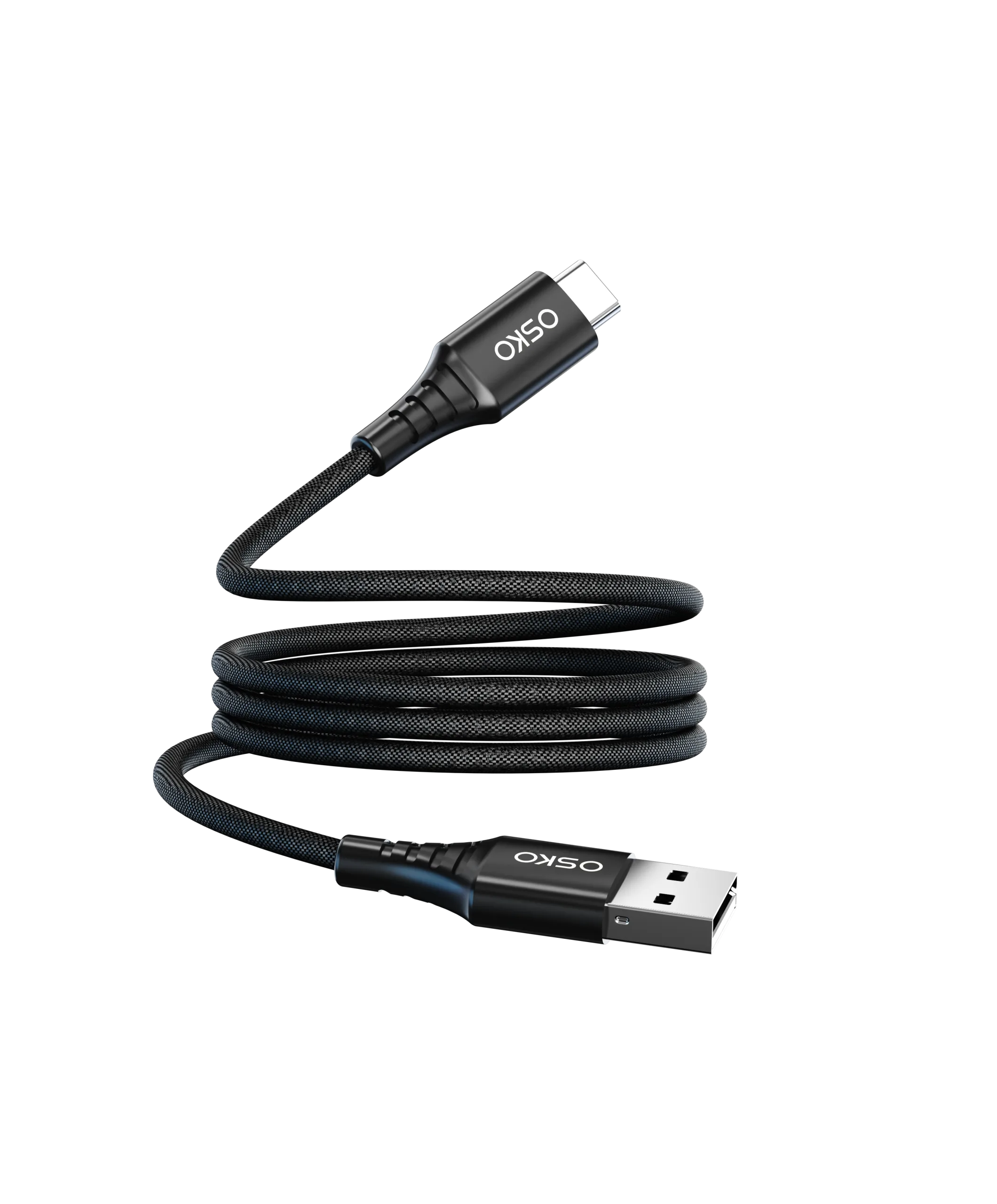
Many people assume USB Type-C (USB-C) is only a reversible, smaller connector. While this is convenient, its true value lies in versatility.
Previously, we relied on:
Micro-USB for phones
USB Type-B for printers
USB Type-A for flash drives
Each required correct orientation and different ports. USB-C solves this with “one port to rule them all”.
Quick Fact: Connector vs Protocol
USB-C refers to physical shape, whereas USB 3.0/3.2/USB4 refers to data transfer protocols. Not all USB-C cables are high-speed; some still operate at USB 2.0 speeds (480Mbps).
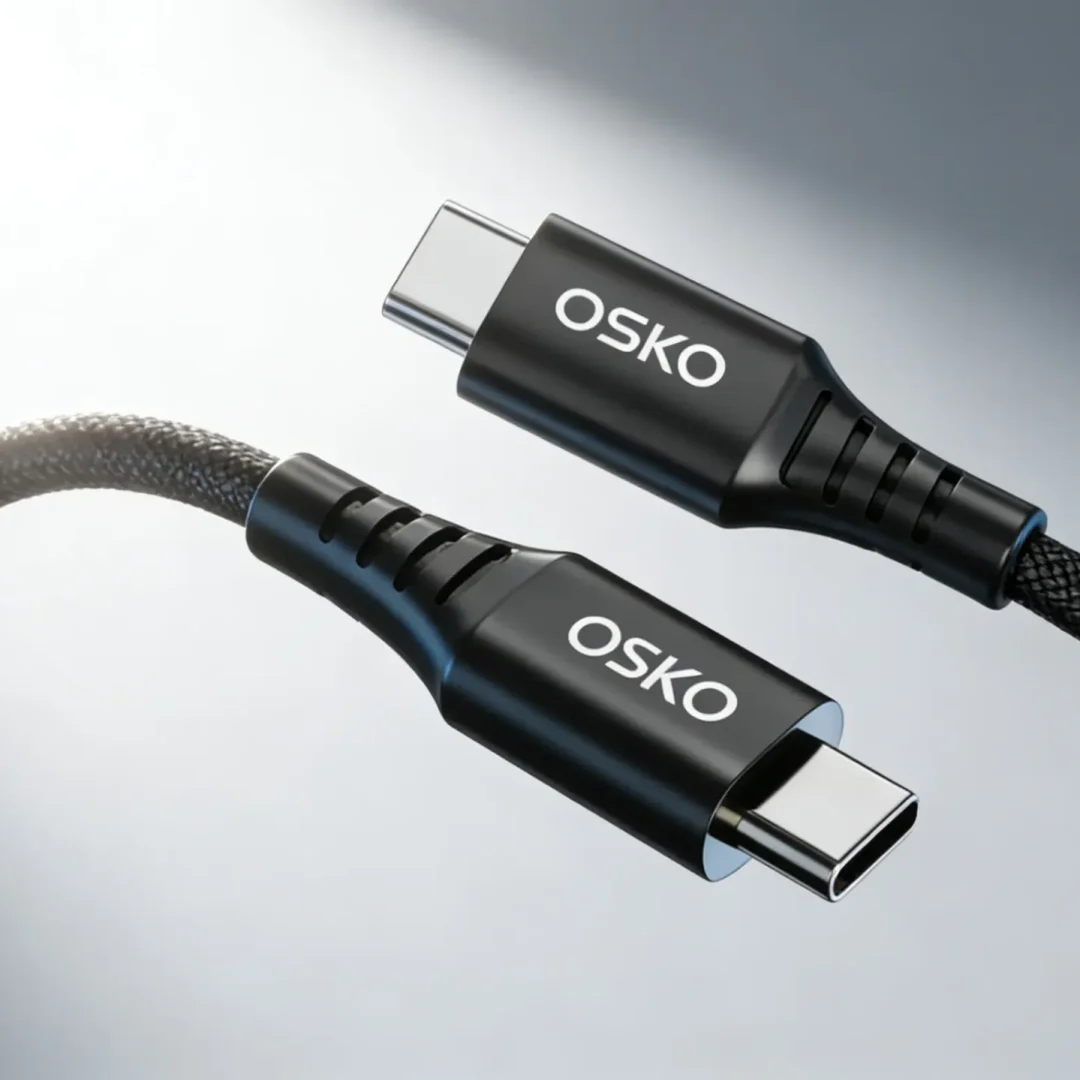
A Type-C connector has 24 metal pins, enabling:
High-speed charging
Data transfer
Video output
Bus interface communication
2. Understanding USB-C Data Transfer: From USB 2.0 to USB4
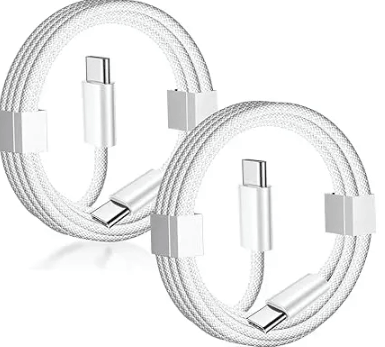
Data transfer speeds are often a hidden factor affecting user experience. Buying a low-cost Type-C cable might mean your file transfers take twice as long as expected.
USB Standards:
USB 2.0: 480Mbps, suitable only for basic charging and small file transfers
USB 3.2: Includes Gen 1 (5Gbps), Gen 2 (10Gbps), and Gen 2×2 (20Gbps)
USB4: Base speed 40Gbps, compatible with Thunderbolt 3/4; USB4 Version 2.0 exceeds 80–120Gbps
With USB4, you can transfer a 100GB 4K movie in seconds using a single USB-C cable.
3. Fast Charging Made Simple: USB Power Delivery (PD)
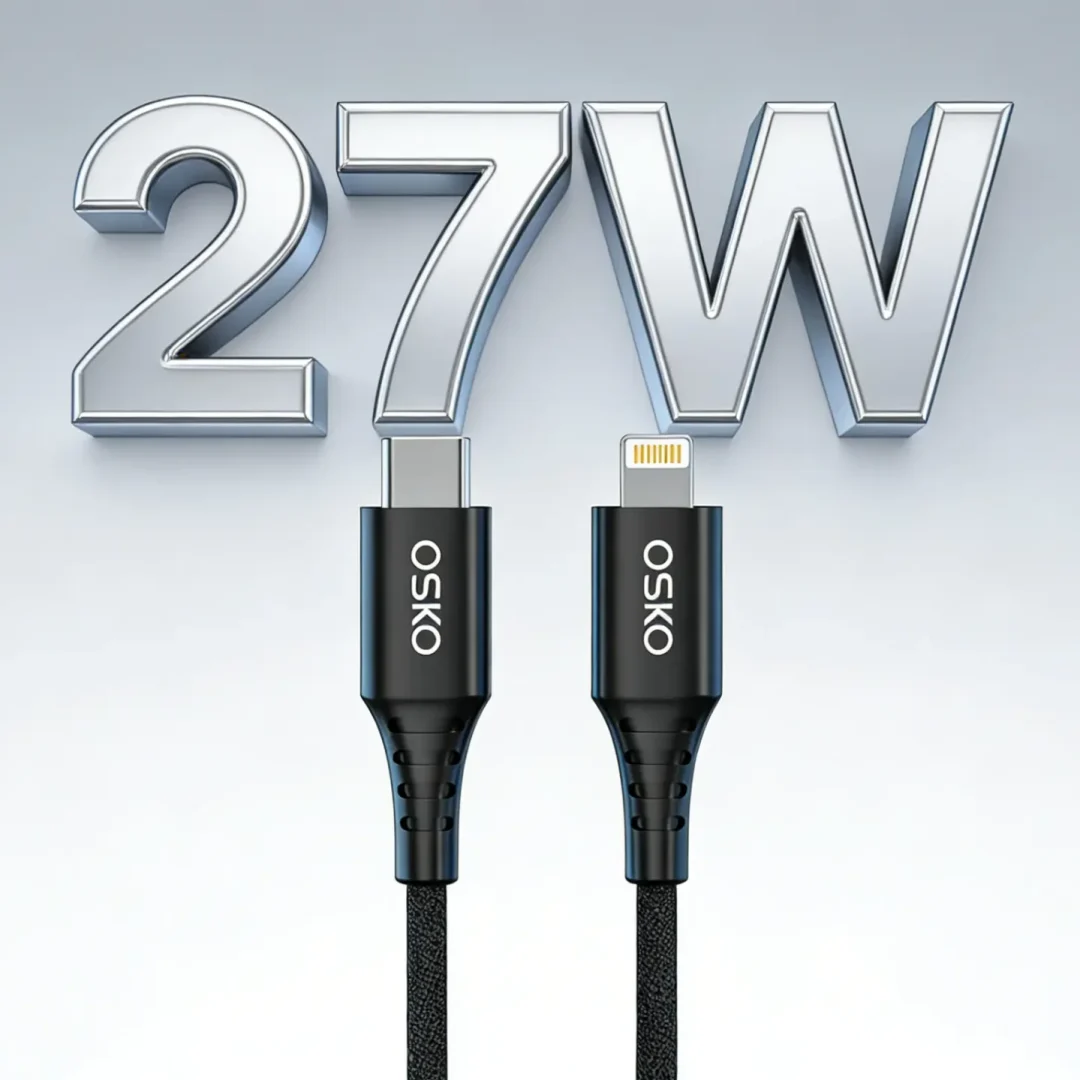
The USB Power Delivery (PD) protocol allows devices to communicate for safe, high-speed charging.
PD 3.0: Up to 100W, enough for laptops
PD 3.1 (EPR): Up to 240W, suitable for gaming laptops and light appliances
Cables must support 5A current for full 100W output. Standard cables often support only 3A, limiting charging speed to 60W.
4. Beyond Charging: Video Transmission and Alt Mode
USB-C supports Alternate Mode (Alt Mode), enabling video output over DisplayPort (DP) or HDMI.
Important Note: Not all cables support video, even if they are USB-C.
USB 2.0 cables: 4 core wires, no video support
USB 3.1+ cables: More pins, support video, data, and power simultaneously
Benefits:
One cable can charge a laptop, connect peripherals, and mirror displays — perfect for office setups and gaming stations.
5. The E-Marker Chip: Your Cable’s ID
High-power Type-C cables often include an E-Marker (Electronically Marked) chip.
Functions:
Identifies current capacity (e.g., 5A for 100W)
Determines data transfer rate (e.g., 40Gbps)
Ensures device safety and compatibility
Without E-Markers, PD typically limits output to 60W, even with capable chargers.
6. Dangers of Substandard USB-C Cables
Low-quality Type-C cables can be hazardous:
- Voltage Breakdown: Poor insulation or pin spacing can cause arc failures at up to 48V
- Overheating: Thin copper cores produce excess heat under high currents
- Signal Loss / Crosstalk: Poor shielding causes data errors, display flickering, and peripheral issues
Pro Tip: Use certified cables (USB-IF, MFi) for expensive devices.
7. Glossary of Technical Terms
USB PD: Fast-charging protocol for phones, laptops, and monitors
DP Alt Mode: Video output via USB-C, up to 8K
PPS: Programmable voltage adjustments to reduce heat
EPR: Extended Power Range, raising power limit from 100W to 240W
8. Hardware Matters: Pins and Shielding
Cables break quickly or cause device issues due to poor internal design:
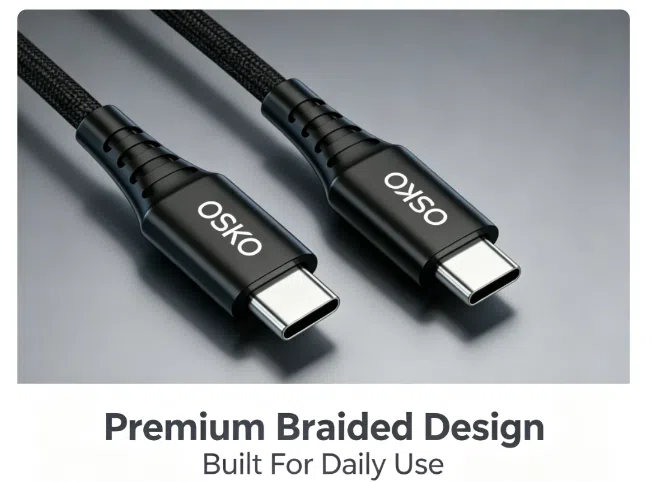
Braided shielding: Reduces EMI for high-speed signals
Gold-plated connectors: Ensures conductivity and durability
TPE reinforcement: Prevents bending and outer casing damage
Tip: Proper shielding is crucial for high-frequency USB3.0/USB4 signals to avoid interference with Bluetooth or Wi-Fi.
9. Buying Guide: Choosing the Right USB-C Cable
Office Workers / Ultrabook Users:
PD 100W + USB 3.1 (10Gbps)
1.5–2 meters for desktop setups
Supports 4K video, peripherals, and fast charging

Tech Enthusiasts / External Storage / Graphics Dock Users:
USB4 40Gbps
Compatible with Thunderbolt
Ideal for high-end gaming, external GPUs, and professional content creation
In-Car / Bedside Charging:
USB 2.0 from reputable brands
Focus on flexibility, affordability, and basic charging
10. Future Outlook
USB-C is evolving to handle:
Higher currents and voltages
Smarter E-marker chips
Faster USB4/Thunderbolt data
Longer lifespan and better heat management
Soon, a single USB-C cable will power phones, cameras, computers, and even appliances, fulfilling the promise of “one cable to rule them all.”
Conclusion
USB Type-C is far more than a simple reversible connector. Its performance depends on pins, shielding, PD protocols, E-marker chips, and build quality.
Take Action:
Check if your cable has E-marker support for high-power devices
Look for USB4 or USB 3.1 certification for fast data transfer
Invest in certified, gold-plated, and well-shielded cables to protect your expensive devices
Upgrade your workspace or device setup today with safe, high-speed, certified USB-C cables for fast charging, reliable data transfer, and future-proof connectivity.