
Introduction: Why USB-C Charging Speed Varies
Why does one USB-C cable charge a laptop quickly while another cable takes much longer—or sometimes fails to charge it properly?
The answer is that USB-C charging speed depends on much more than the connector itself.
A USB-C system is made up of three main components:
Device + charger + cable
All three must support the required power level and charging protocol for the system to reach its expected performance.
For example, a laptop designed for 65W charging cannot receive 65W if the charger only provides 30W. Likewise, a capable 100W charger cannot deliver its full output if the cable is not rated for the required current.
The internal construction of the cable also matters. Conductor size, resistance, cable length, connector quality, shielding, and—where applicable—an E-Marker all influence how a USB-C fast charging cable performs.
This is particularly important for:
Smartphones
Tablets
MacBooks and Windows laptops
Gaming devices
USB-C monitors
Docking stations
Power banks
External storage devices
For consumers, understanding these factors helps avoid buying a cable that cannot meet their charging requirements.
For brands, wholesalers, and procurement teams, understanding cable construction is equally important when evaluating a USB-C cable manufacturer or wholesale supplier.
USB-C Does Not Automatically Mean Fast Charging
One of the most common misunderstandings is assuming that every USB-C cable provides the same charging performance.
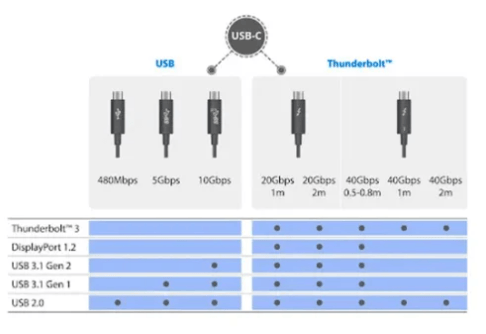
USB-C describes the connector and interface, not a single performance level.
Two cables can have identical USB-C connectors while supporting very different:
Power capabilities
Data speeds
Current ratings
Internal wiring
Charging protocols
Cable lengths
A basic USB-C cable may be designed primarily for everyday charging and USB 2.0 data transfer.
A more advanced cable may support:
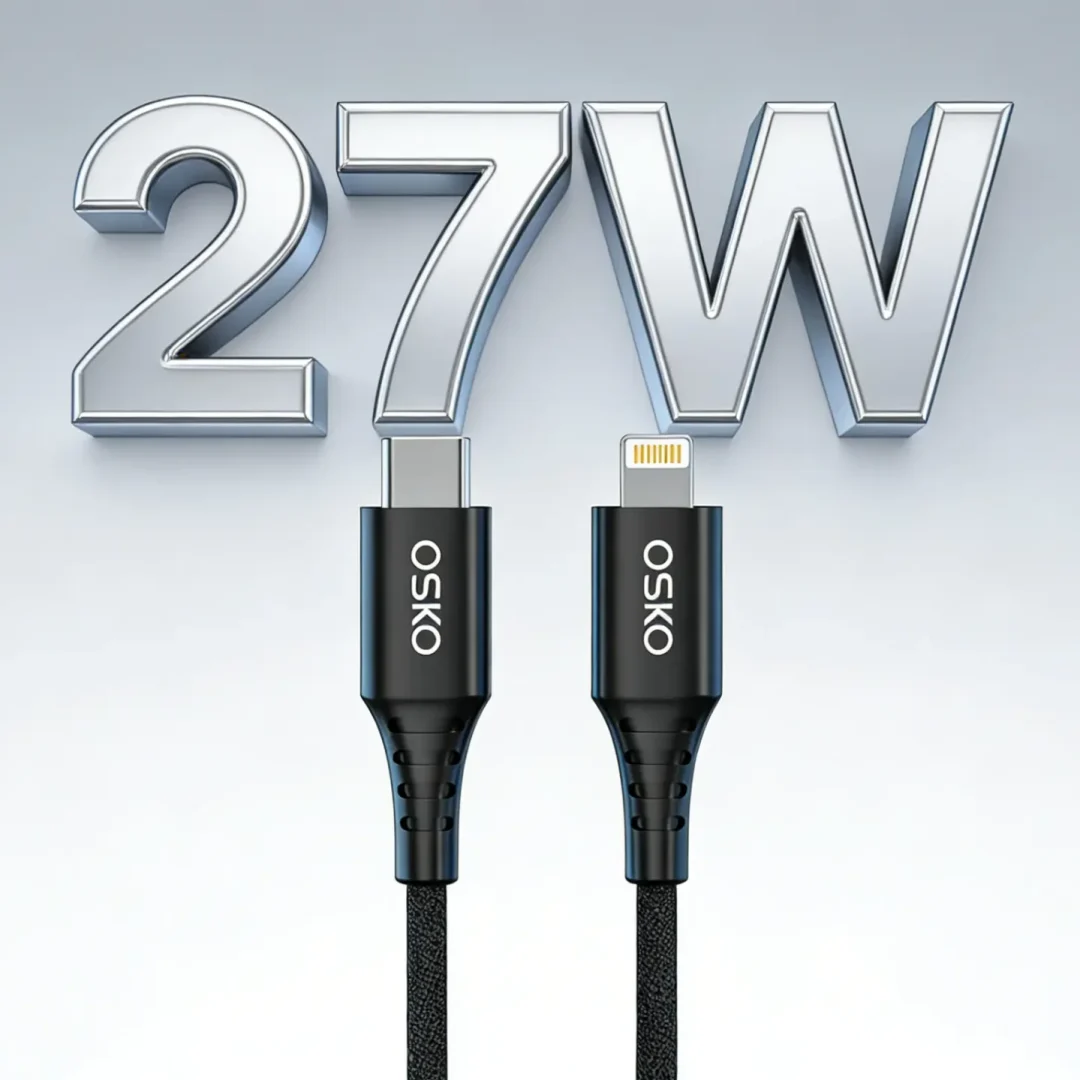
60W charging
100W USB Power Delivery
240W USB PD 3.1 EPR
USB 3.x data
USB4
Display connectivity
Therefore, buyers should evaluate the complete specification rather than choosing a cable based only on the USB-C connector.
The Main Factors Affecting USB-C Charging Speed
Cable Power Rating
The first specification to check is the cable’s power capability.
Common USB-C charging cable categories include:
| Cable Type | Typical Application |
|---|---|
| 60W USB-C cable | Phones, tablets, ultrabooks |
| 100W USB-C PD cable | Laptops, monitors and professional devices |
| 240W USB-C PD 3.1 cable | High-power compatible laptops and equipment |
The actual charging power is determined by the complete charging system.
A 100W USB-C PD cable does not force a device to draw 100W. Instead, it allows a compatible charger and device to operate at a power level supported by the system.
This distinction is important when selecting a USB-C cable for 100W laptop charging.
USB Power Delivery and Charging Protocols
USB Power Delivery
USB Power Delivery, commonly called USB PD, is one of the most important technologies behind modern USB-C fast charging.
USB PD allows a compatible source and device to negotiate an appropriate power level.
Depending on the equipment and specification, USB PD can support a wide range of power levels.
USB PD 3.1 introduced Extended Power Range (EPR), extending supported power levels up to 240W for compatible systems.
This makes USB-C suitable for applications ranging from smartphones to higher-power laptops.
However, a cable alone does not determine charging power.
The charger, cable and device must all support the required operating conditions.
PPS and Other Charging Technologies
Some smartphones use Programmable Power Supply (PPS), which allows more precise voltage adjustment within supported USB PD systems.
Other devices may use proprietary or alternative fast-charging technologies.
This is why a charger that works extremely well with one phone may not provide the same charging performance with another device.
When choosing a USB-C fast charging cable, buyers should check the charging requirements of the complete system rather than relying on a generic “fast charging” label.
Conductor Size and AWG: Why Cable Resistance Matters
The internal conductor is one of the most important parts of a charging cable.
A cable carrying higher current needs appropriate conductor construction to control electrical resistance and heat.
AWG, or American Wire Gauge, is commonly used to describe conductor size. A lower AWG number generally indicates a larger conductor.
For example, a properly engineered power conductor with a larger cross-sectional area can provide lower resistance than a smaller conductor of the same material and length.
However, AWG alone does not tell the entire story.
Cable performance also depends on:
Conductor material
Strand construction
Total conductor length
Contact resistance
Connector design
Insulation
Temperature
A professional USB-C cable manufacturer therefore evaluates the complete electrical structure rather than selecting a wire gauge in isolation.
Copper Quality and Electrical Resistance
Copper conductors are widely used because of their electrical conductivity and flexibility.
The quality and construction of the conductor influence:
Resistance
Heat generation
Voltage drop
Charging stability
Mechanical durability
A poorly designed conductor can create greater resistance, particularly under higher current.
As resistance increases, more electrical energy is dissipated as heat.
This is one reason premium USB-C charging cables require appropriate conductor sizing and controlled manufacturing processes.
For bulk buyers, asking about conductor construction is more useful than simply asking whether a cable is “fast charging.”
Cable Length Can Affect Charging Performance
Cable length is another factor that buyers should consider.
As cable length increases, electrical resistance also increases when other factors remain constant.
Longer cables may therefore require:
Appropriate conductor sizing
Better electrical design
Careful connector selection
More rigorous performance testing
For everyday smartphone charging, a 3ft or 6ft cable may be convenient without creating a practical problem when properly engineered.
For higher-power applications, however, cable construction becomes increasingly important.
This is why a 6ft USB-C charging cable designed for higher power should not simply use the same internal structure as a short basic cable.
USB-C to USB-C vs USB-A to USB-C
Connector configuration also affects the available charging architecture.
USB-C to USB-C Cable
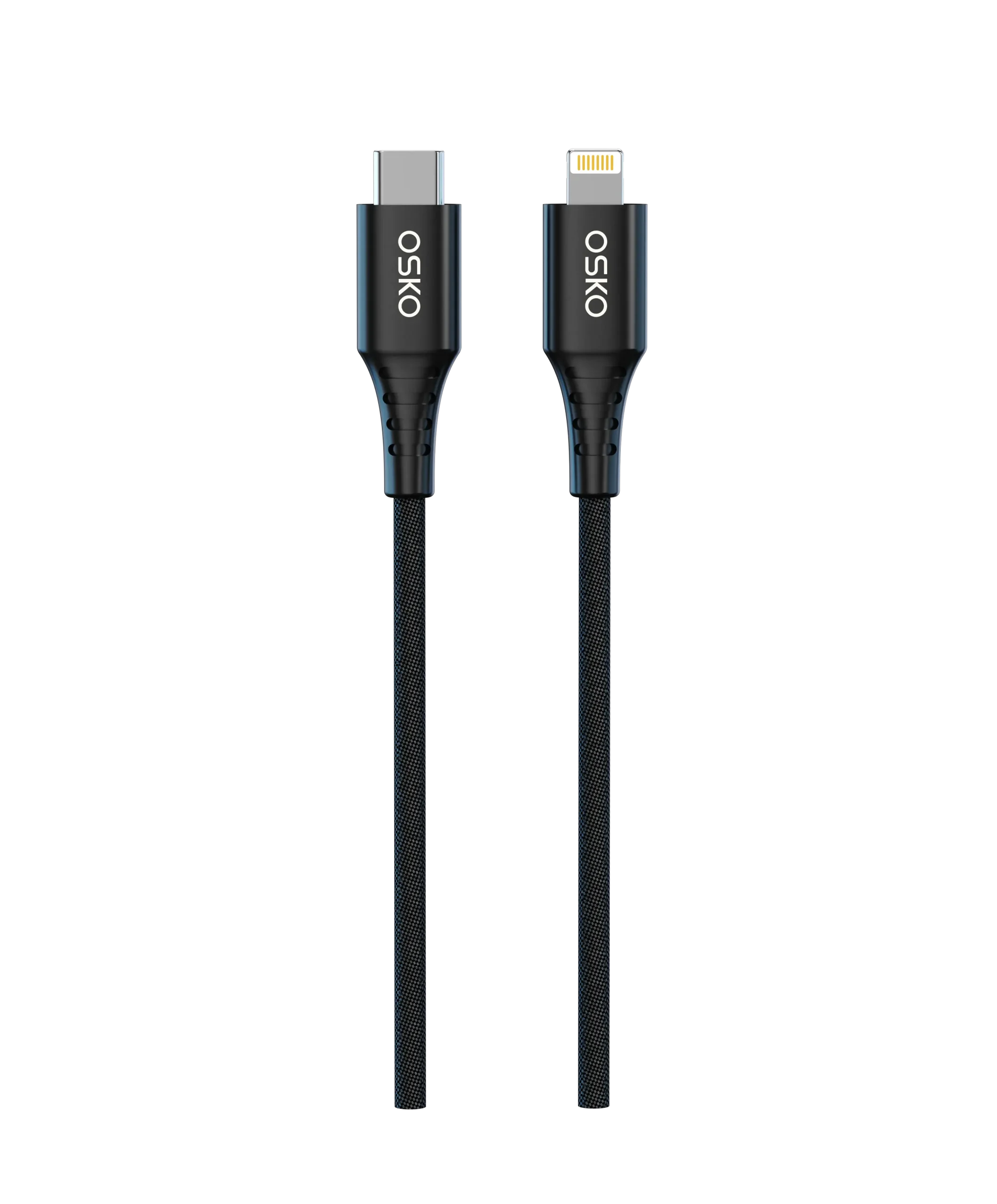
USB-C to USB-C cables are widely used for modern USB Power Delivery applications.
They are suitable for:
Smartphones
Tablets
MacBooks
Windows laptops
USB-C monitors
Docking stations
A properly specified USB-C to USB-C charging cable can support higher-power USB PD applications depending on its design and rating.
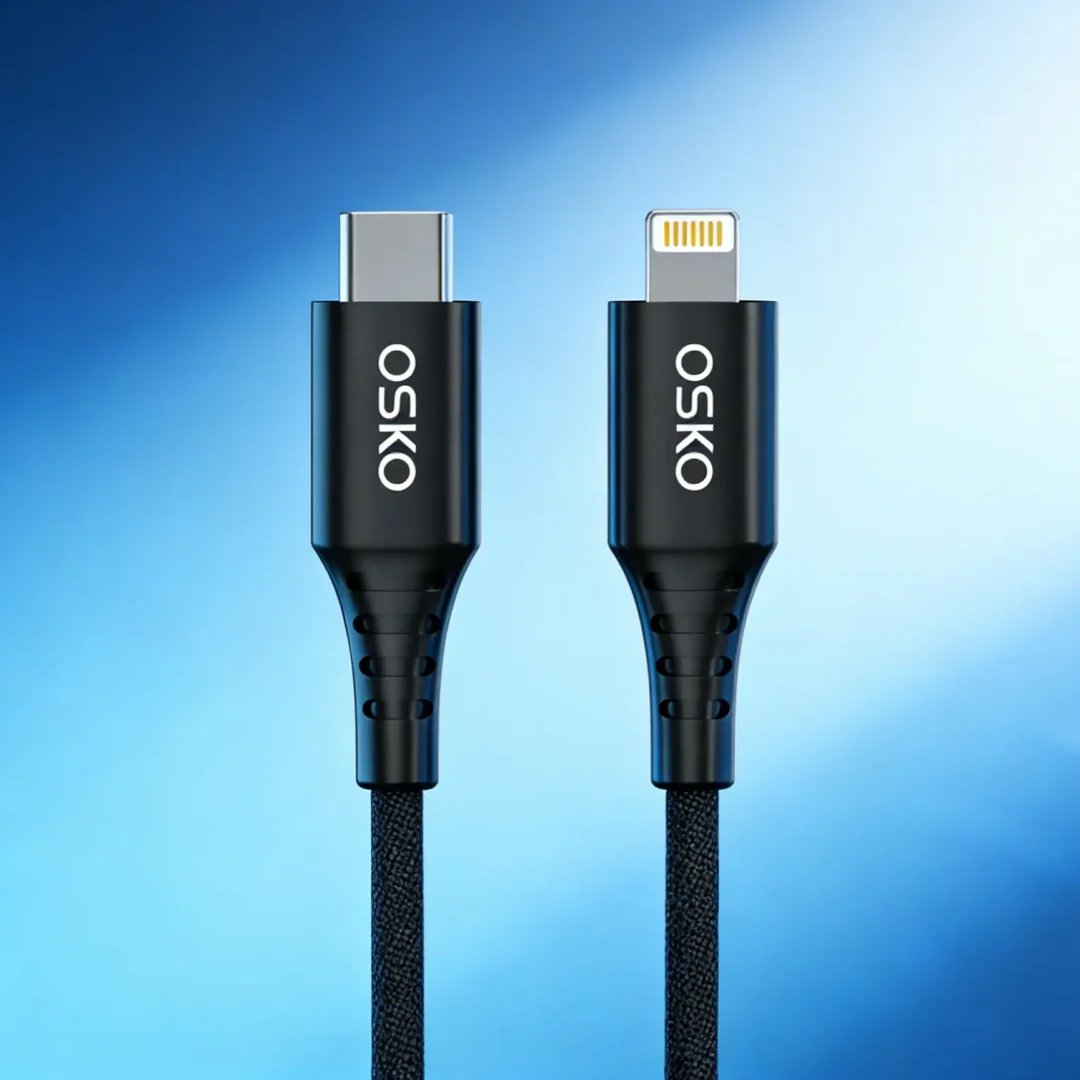
USB-A to USB-C Cable
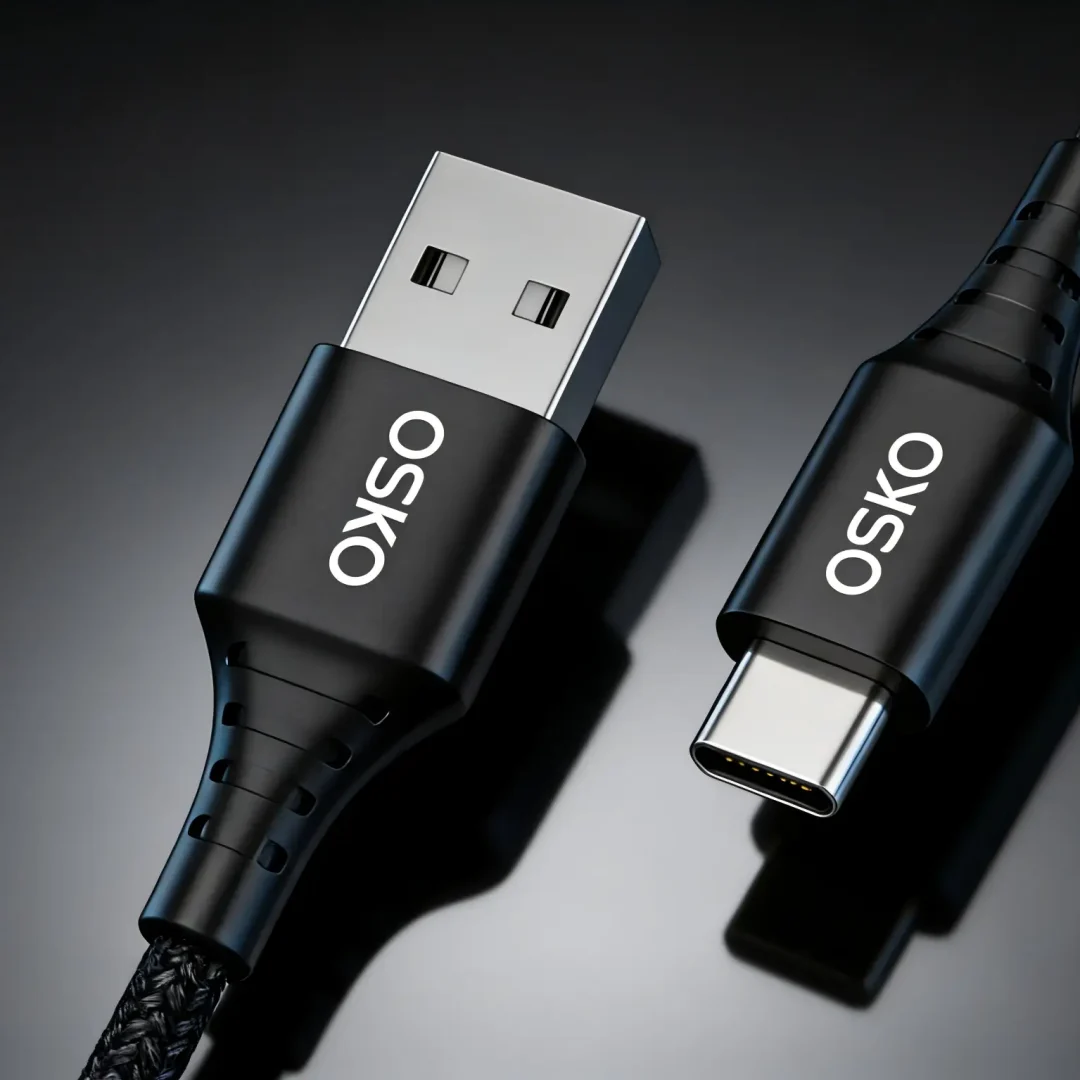
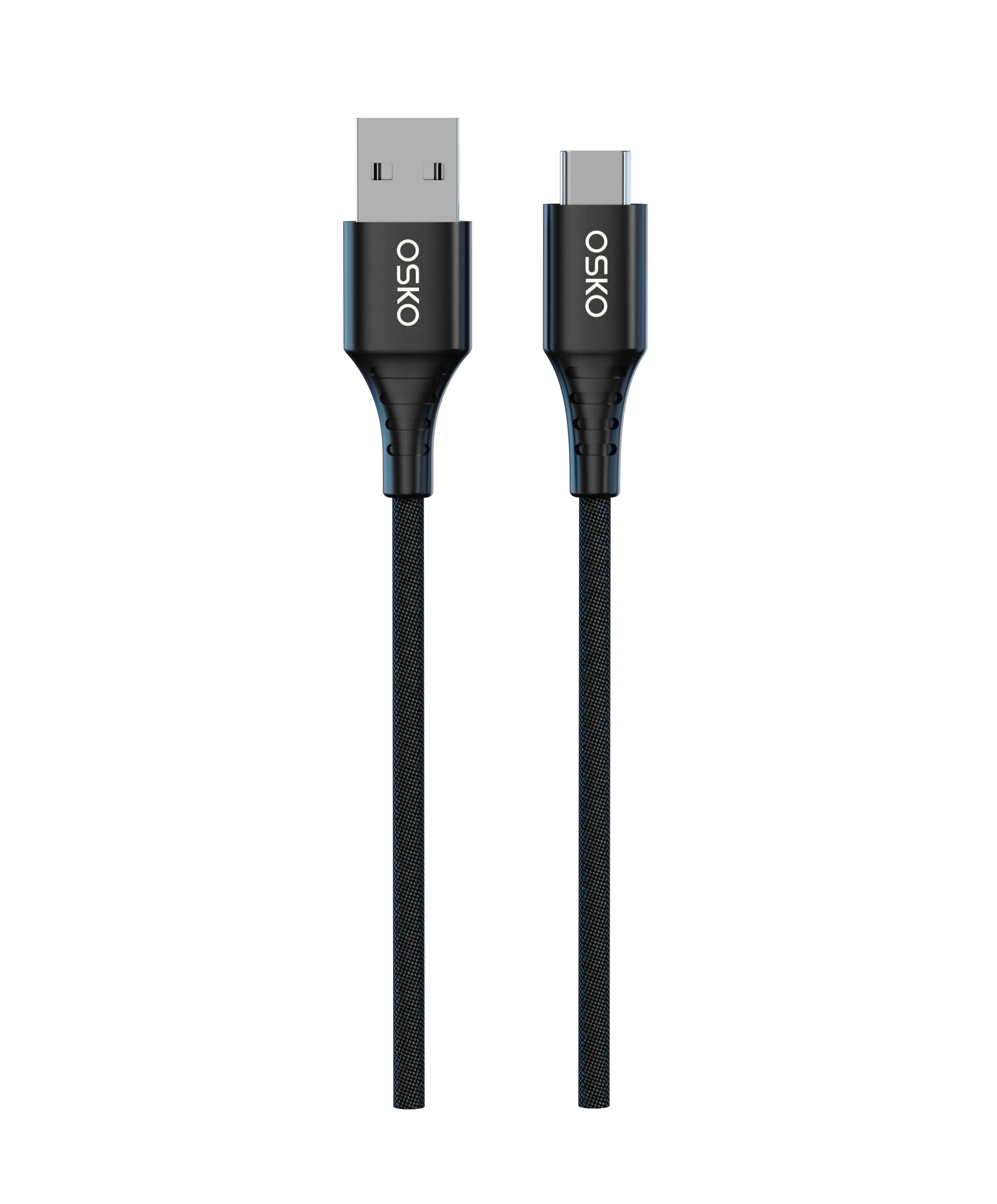
USB-A to USB-C cables remain useful for:
Older chargers
Vehicles
Legacy computers
Existing USB-A power adapters
However, their charging capabilities depend on the USB-A source, charging protocol and cable design.
It is incorrect to assume that every USB-A to USB-C cable supports the same power level as a USB-C to USB-C PD cable.
For consumers replacing older charging equipment, understanding this distinction can prevent unexpected charging performance.
Charging-Only vs Data-Capable USB-C Cables
Not every USB-C cable provides the same data functionality.
Some cables are designed primarily for charging.
Others support:
USB 2.0 data
USB 3.x data
USB4
Display-related functions
A USB 2.0 USB-C cable can provide up to 480 Mbps under the appropriate USB 2.0 configuration.
Higher-speed cables require additional high-speed signal pairs and much more demanding signal-integrity engineering.
Therefore, a cable marketed for high-speed data should be evaluated separately from its charging rating.
For example, a 100W USB-C charging cable may support only USB 2.0 data while another 100W cable may support much faster data transfer.
Power rating and data speed are separate specifications.
Why Shielding Matters for USB-C Charging and Data
Shielding is particularly important when a cable carries both power and high-speed data.
Professional USB-C cables may use combinations of:
Aluminum foil shielding
Braided metal shielding
Drain wires
Twisted signal pairs
Shielding helps reduce electromagnetic interference and maintain signal integrity.
This becomes increasingly important for:
USB 3.x
USB4
External SSDs
Docking stations
Monitors
Professional workstations
For a basic charging-only application, shielding requirements may be less demanding.
For a high-speed USB-C data cable, signal integrity becomes a major engineering consideration.
Connector Quality and Contact Resistance
The USB-C connector is another potential source of electrical resistance.
Inside the connector are multiple contacts that must maintain reliable electrical connections.
Poor connector manufacturing can cause:
Increased contact resistance
Intermittent charging
Connection drops
Mechanical failure
The connector also experiences repeated insertion and removal.
A professional USB-C cable manufacturer therefore needs to control:
Terminal quality
Contact plating
Soldering
Connector assembly
Strain relief
The external appearance of a connector does not necessarily reveal the quality of its internal assembly.
What Is an E-Marker in a USB-C Cable?
An E-Marker is an electronic identification component used in certain USB-C cables.
It can provide information about cable capabilities, including supported current and other characteristics relevant to USB-C operation.
E-Marker technology is particularly important for cables designed for higher-current USB-C applications.
However, one common misconception should be avoided:
Not every USB-C cable requires an E-Marker simply because it supports fast charging.
The requirement depends on the cable’s specified current and capabilities.
For example, USB-C cables designed for 5A operation commonly require electronic identification.
For high-power USB PD 3.1 applications, appropriate cable identification and specification compliance are essential.
This is why buyers should look at the actual cable specification instead of using “E-Marker” as the only measure of quality.
Cable Construction: What Makes a High-Quality USB-C Cable?
A premium USB-C charging cable normally requires a combination of electrical and mechanical engineering.
Important features can include:
Appropriate Copper Conductors
Designed for the cable’s target current and length.
Proper Insulation
Provides electrical isolation and mechanical protection.
Controlled Shielding
Protects sensitive signal paths from interference.
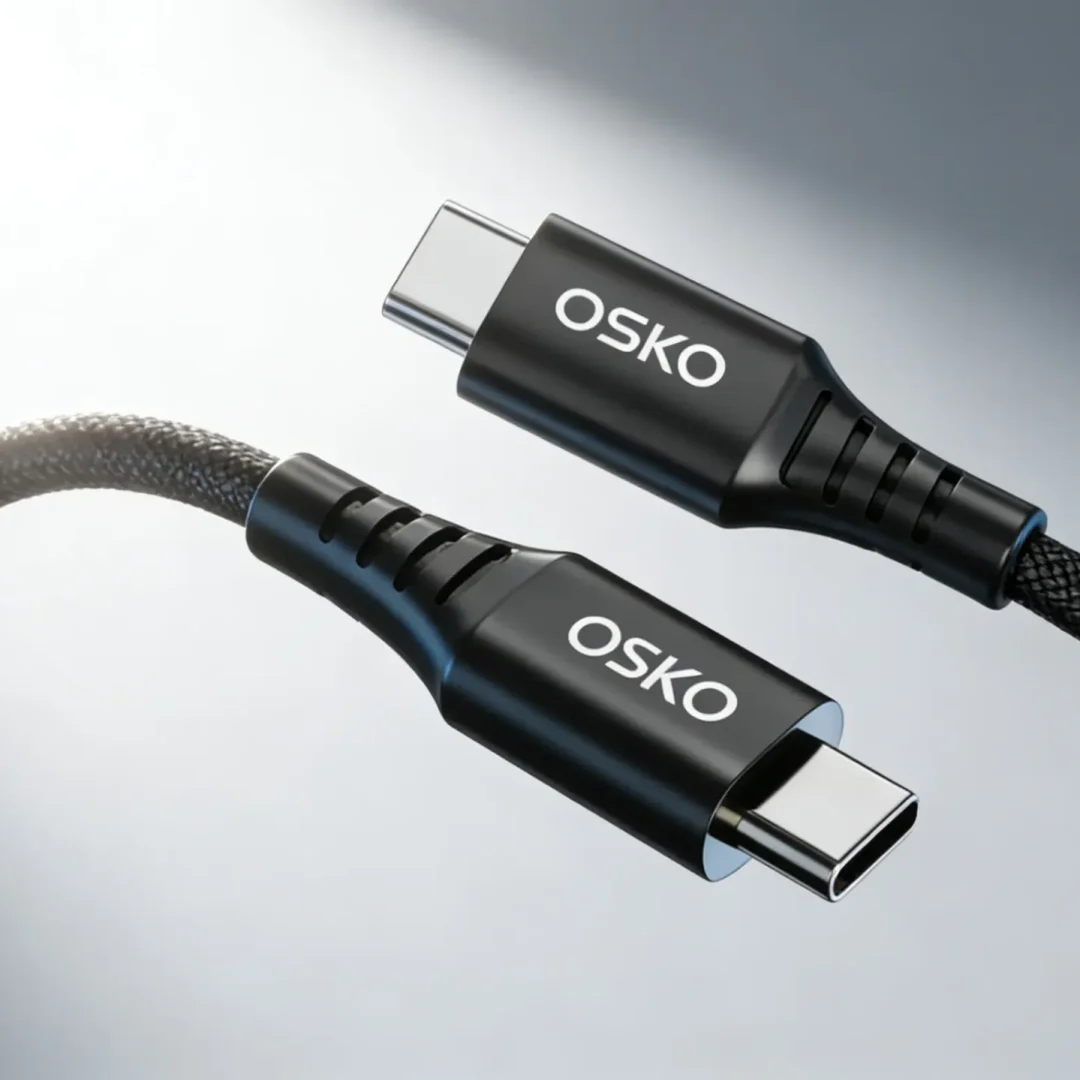
Reinforced Strain Relief
Reduces mechanical stress around the connector.
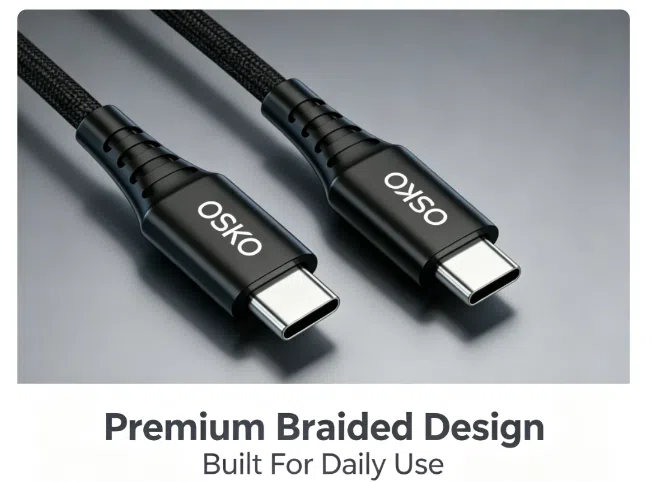
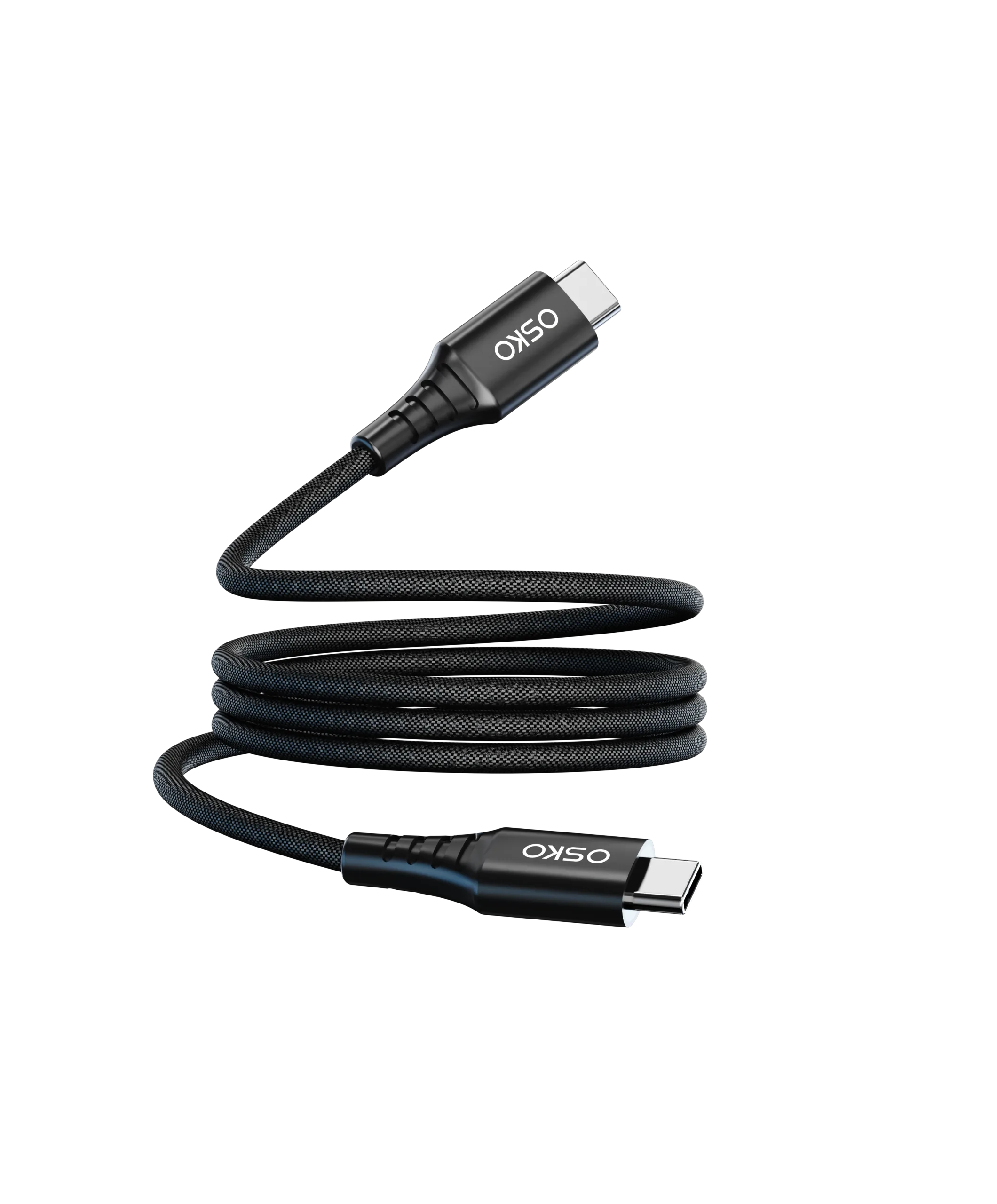
Durable Outer Jacket
Materials such as TPE or nylon braid can improve flexibility and abrasion resistance.
Reliable Connector Assembly
Maintains electrical and mechanical performance over repeated use.
A braided exterior may make a cable more durable, but the braid itself does not guarantee fast charging.
The internal electrical structure remains the key factor.
How to Match the Device, Charger and Cable
The easiest way to understand USB-C charging is to think of the system as a chain:
Device → Charger → Cable
The weakest component can limit the final result.
For example:
| Device Requirement | Charger | Cable | Expected Result |
|---|---|---|---|
| 20W phone | 30W PD | Suitable 60W cable | Up to device requirement |
| 65W laptop | 65W PD | Suitable 100W cable | Up to device requirement |
| 100W laptop | 100W PD | 60W cable | Cable may limit power |
| 100W laptop | 65W PD | 100W cable | Charger may limit power |
This is why simply buying the highest-wattage cable does not automatically produce faster charging.
Choosing the Right USB-C Cable for Different Users
Smartphone Users
For most smartphones, look for:
Compatible USB PD or device-specific protocol
Appropriate power rating
Reliable connector
Durable construction
A 60W USB-C cable can provide substantial headroom for many smartphone charging applications, although the phone itself determines how much power it actually accepts.
Tablet Users
Tablet users should consider:
Charging power
Cable length
Durability
Data requirements
A 60W USB-C charging cable is often a practical choice for many tablet applications.
MacBook and Laptop Users
For laptops, pay closer attention to:
Required charging wattage
USB PD compatibility
Cable current rating
Cable length
E-Marker requirements where applicable
For example, users searching for a USB-C PD cable for MacBook Pro should first identify the power requirement of their particular MacBook model.
Gaming and Professional Users
For gaming laptops, docking stations and professional workstations, consider:
Higher power capability
High-speed data
Video support where required
Shielding
Connector quality
If a single cable must carry power and high-speed data simultaneously, cable construction becomes particularly important
USB-C Charging Speed: Common Buying Mistakes
Mistake One: Choosing Only by Wattage
A 240W label does not automatically mean the cable is better for every application.
Choose the power rating according to the actual device requirement.
Mistake Two: Assuming USB-C Means USB4
USB-C describes the connector.
It does not automatically mean:
USB4
40Gbps
240W
Video output
Always check the actual specification.
Mistake Three: Ignoring Cable Length
A long cable requires appropriate electrical engineering.
Do not compare a 10ft cable and a 3ft cable based only on their external appearance.
Mistake Four: Buying Only by Appearance
A nylon braided exterior looks premium, but appearance cannot reveal:
Conductor quality
Internal shielding
Contact resistance
PD capability
Data architecture
Mistake Five: Assuming E-Marker Means Premium Qualit
An E-Marker provides cable identification. It does not automatically guarantee superior materials, durability or manufacturing quality.
Overall cable performance still depends on the complete design.
How Wholesale Buyers Should Evaluate a USB-C Cable Supplier
For distributors, retailers, and private-label brands, supplier evaluation should go beyond price.
A reliable USB-C cable supplier should be able to explain:
Material Specifications
Ask about:
Conductor material
Insulation
Jacket
Shielding
Electrical Performance
Confirm:
Rated power
Current capability
Data speed
Applicable charging protocols
Manufacturing Process
Evaluate:
Extrusion
Cable assembly
Connector molding
Soldering
Final testing
Quality Control
Look for:
Incoming material inspection
Electrical testing
Charging testing
Data testing
Mechanical testing
Final inspection
Customization
For OEM projects, confirm whether the supplier supports:
Cable length
Color
Logo
Packaging
Private label
Product specification customization
This is particularly important for buyers searching for a custom USB-C cable manufacturer rather than simply purchasing generic stock.
Engineering Case Study: Improving Charging Stability for a US Retail Cable Program
Customer Background
A US consumer electronics retailer was developing a new line of USB-C charging cables for smartphones and laptops.
The initial specification focused heavily on:
Retail price
Cable appearance
Braided jacket
Length
However, the retailer wanted more consistent charging performance between production batches.
Engineering Challenge
Testing identified several areas requiring tighter control:
Power conductor specification
Connector assembly
Strain relief
Cable resistance
Charging performance
The challenge was to improve reliability without creating an unnecessarily stiff or bulky cable.
OSKO Engineering Approach
OSKO reviewed the cable structure and optimized:
Electrical Design
Appropriate conductor sizing
Power transmission structure
Connector contact quality
Mechanical Design
Reinforced strain relief
Flexible outer jacket
Controlled bending performance
Quality Control
Incoming material inspection
Electrical testing
Charging verification
Mechanical durability testing
Batch inspection
The objective was not simply to increase the advertised wattage, but to create a cable whose real-world performance remained consistent with its specification.
Procurement Result
The resulting product provided the retailer with:
More consistent charging performance
Better batch-to-batch quality
Improved mechanical durability
A clearer technical specification for retail customers
This illustrates why an experienced USB-C cable manufacturer can provide more value than a supplier focused only on low unit pricing.
Why Choose OSKO for USB-C Cable Manufacturing?
OSKO specializes in USB-C cable manufacturing and OEM/ODM charging cable solutions for brands, wholesalers, distributors and procurement teams.
Our product capabilities include:
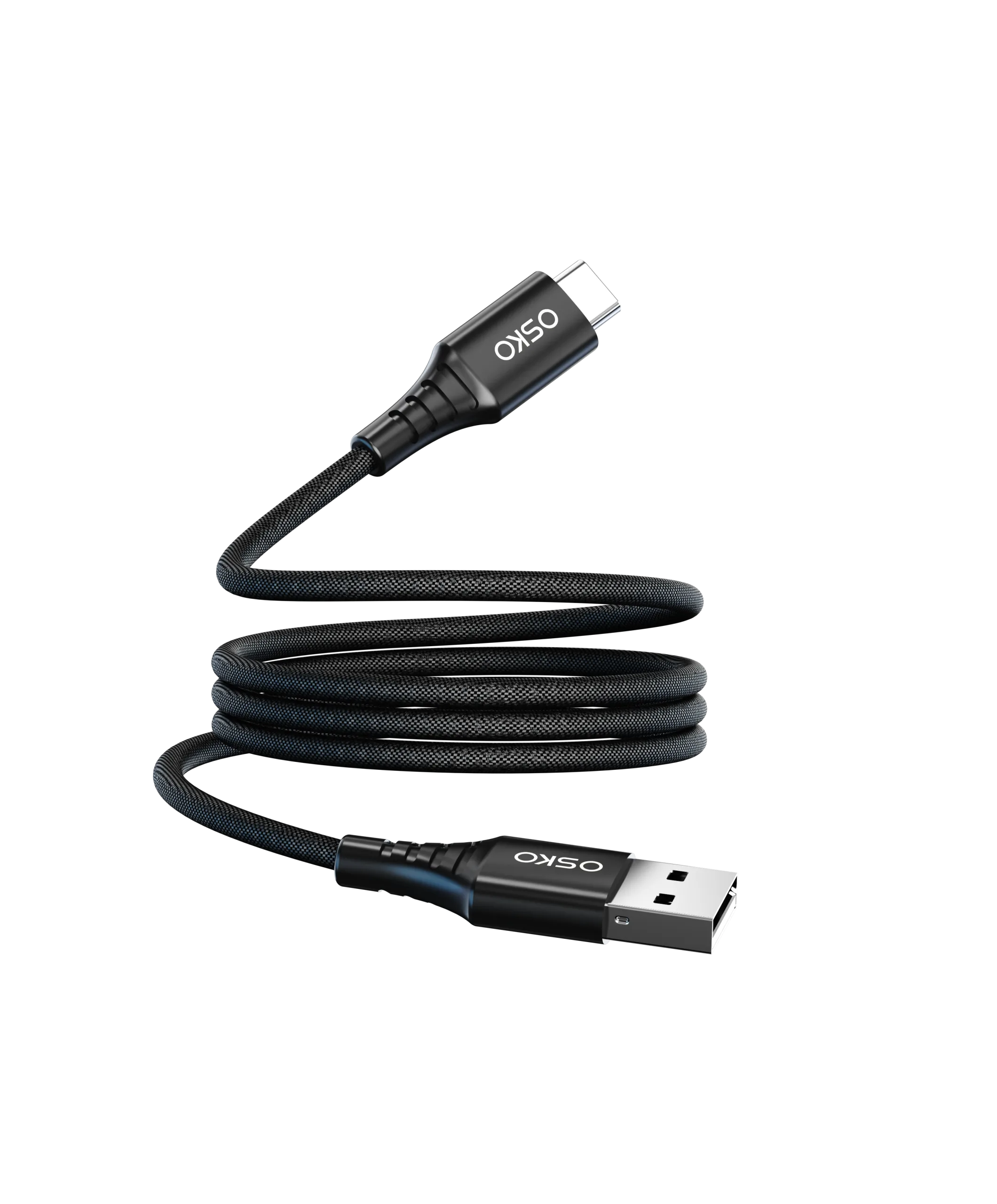
USB-C to USB-C cables
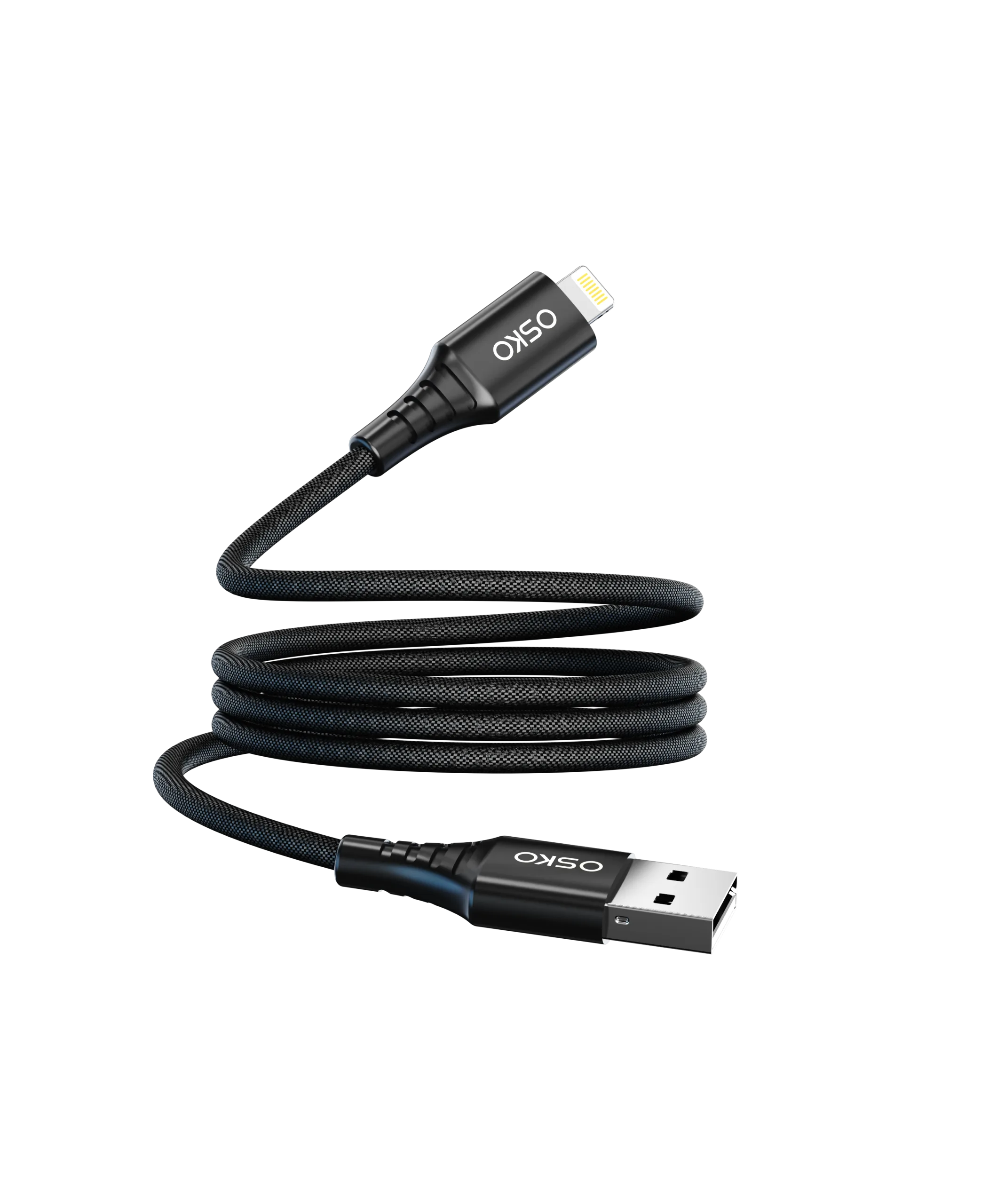
USB-A to USB-C cables
USB-C fast charging cables
USB-C PD cables
Data cables
Custom USB cable solutions
For OEM and private-label projects, customization can include:
Cable length
Cable color
Logo
Packaging
Product configuration
OSKO’s manufacturing approach focuses on the relationship between:
Materials → Engineering → Production → Testing → Quality Control
For businesses searching for a USB-C cable manufacturer in China, a USB-C cable wholesale supplier, or a partner for custom private-label charging cables, technical communication and quality consistency are important parts of supplier selection.
FAQ: USB-C Charging Speed
What factors affect USB-C charging speed?
The main factors include the device’s charging capability, charger output, cable power rating, conductor resistance, cable length, charging protocol, connector quality and overall cable construction.
Does a more expensive USB-C cable charge faster?
Not necessarily. Charging speed depends on the complete charging system. A more expensive cable may offer better materials or durability, but its maximum charging performance still depends on its specifications and the connected devices.
Is a 60W USB-C cable enough for a phone?
For many smartphones, a 60W cable provides more than enough cable capacity. The phone determines how much power it actually accepts.
Can a 100W USB-C cable charge a 65W laptop?
Yes, provided the charger and laptop support the required USB PD profile. A 100W-rated cable can provide sufficient cable capacity for a 65W charging system.
Is a 240W USB-C cable always faster?
No. A 240W-rated cable does not force a device to charge at 240W. The charger and device must also support the required USB PD 3.1 power level.
Does a longer USB-C cable charge slower?
It can. Longer cables generally have greater electrical resistance, so proper conductor sizing becomes increasingly important as cable length increases.
Does USB-C cable thickness affect charging speed?
It can. Cable construction and conductor size affect resistance and current handling. However, physical cable thickness alone does not tell you its charging capability.
Do all USB-C cables support USB Power Delivery?
No. USB-C is the connector format, while USB PD is a charging protocol. The cable and connected equipment must support the required USB PD configuration.
Do I need an E-Marker for 100W USB-C charging?
For USB-C cables designed for 5A operation, an E-Marker is generally required for proper cable identification. Buyers should verify the cable’s actual current rating and specification rather than assuming wattage alone determines E-Marker requirements.
What is the best USB-C cable for laptop charging?
Choose a cable whose power rating, current capability and USB PD support match the laptop and charger. For higher-power laptops, a properly specified 100W or higher USB-C PD cable may be appropriate.
Can a USB-C cable affect charging speed?
Yes. If the cable has insufficient power capability, excessive resistance, poor connector contacts or an incompatible configuration, it can limit the charging system’s performance.
What should I check when buying USB-C cables wholesale?
Wholesale buyers should check:
Power rating
Current capability
Data speed
Conductor construction
Shielding
Connector quality
Testing procedures
OEM capability
MOQ
Production consistency
A manufacturer’s ability to provide clear technical specifications is often as important as its quoted unit price.
Conclusion: What Really Determines USB-C Charging Speed?
USB-C charging speed is determined by the complete charging system—not simply the cable connector.
The most important factors include:
Device power requirements
Charger output
USB PD compatibility
Cable power rating
Conductor resistance
Cable length
Connector quality
E-Marker requirements
Shielding and overall construction
For consumers, the best approach is to match the cable to the actual device and charger rather than automatically buying the highest wattage available.
For retailers, distributors and OEM buyers, the priority should be consistent specifications, reliable manufacturing, proper testing and stable production quality.
A professionally engineered USB-C charging cable should deliver the performance stated on its specification sheet while providing the mechanical durability required for everyday use.
As a professional USB-C cable manufacturer, OSKO provides OEM and ODM cable solutions for global brands, wholesalers and distributors.
From material selection and cable construction to testing and mass production, OSKO supports businesses looking for reliable USB-C cable wholesale and custom manufacturing solutions.
Need a custom USB-C charging cable for your brand? Contact OSKO for OEM/ODM specifications, samples and bul