


Introduction
Fast charging has become a standard feature for modern smartphones, tablets, laptops, and other portable devices. Whether you’re using an iPhone, Android phone, iPad, or MacBook, fast charging saves time and improves daily convenience.
However, many users encounter problems after several months of use:
Chargers becoming unusually hot
Charging speeds slowing down
Cables fraying or disconnecting
Smartphone batteries degrading faster than expected
Chargers failing prematurely
As a result, many people wonder whether fast charging damages devices or shortens charger lifespan.
The truth is that modern fast-charging technology is generally safe. In most cases, premature charger failure is caused by improper usage habits, poor-quality accessories, inadequate ventilation, or unsuitable charging environments.
Understanding how to properly use and maintain a fast charger can significantly extend its service life while helping protect your smartphone battery.
Applicable Scenarios
Home Charging Setups
Most people charge their devices overnight or during daily routines at home.
Common issues include:
Chargers covered by blankets or pillows
Poor ventilation around charging areas
Low-quality extension cords
Constant plug insertion and removal
These factors can increase operating temperatures and reduce charger lifespan.
A well-ventilated charging location helps maintain efficiency and improve safety.
Office and Workstation Charging
Office environments often involve:
Continuous laptop charging
Multiple devices connected simultaneously
Long charging sessions
Fast chargers used in office settings should have sufficient wattage reserves and proper thermal management.
Using an underpowered charger continuously at maximum output may accelerate component aging.
Travel and Mobile Use
Travel presents unique challenges:
Frequent plugging and unplugging
Exposure to temperature fluctuations
Tight storage spaces
Shared airport and hotel outlets
Travel chargers benefit from durable construction and proper storage practices.
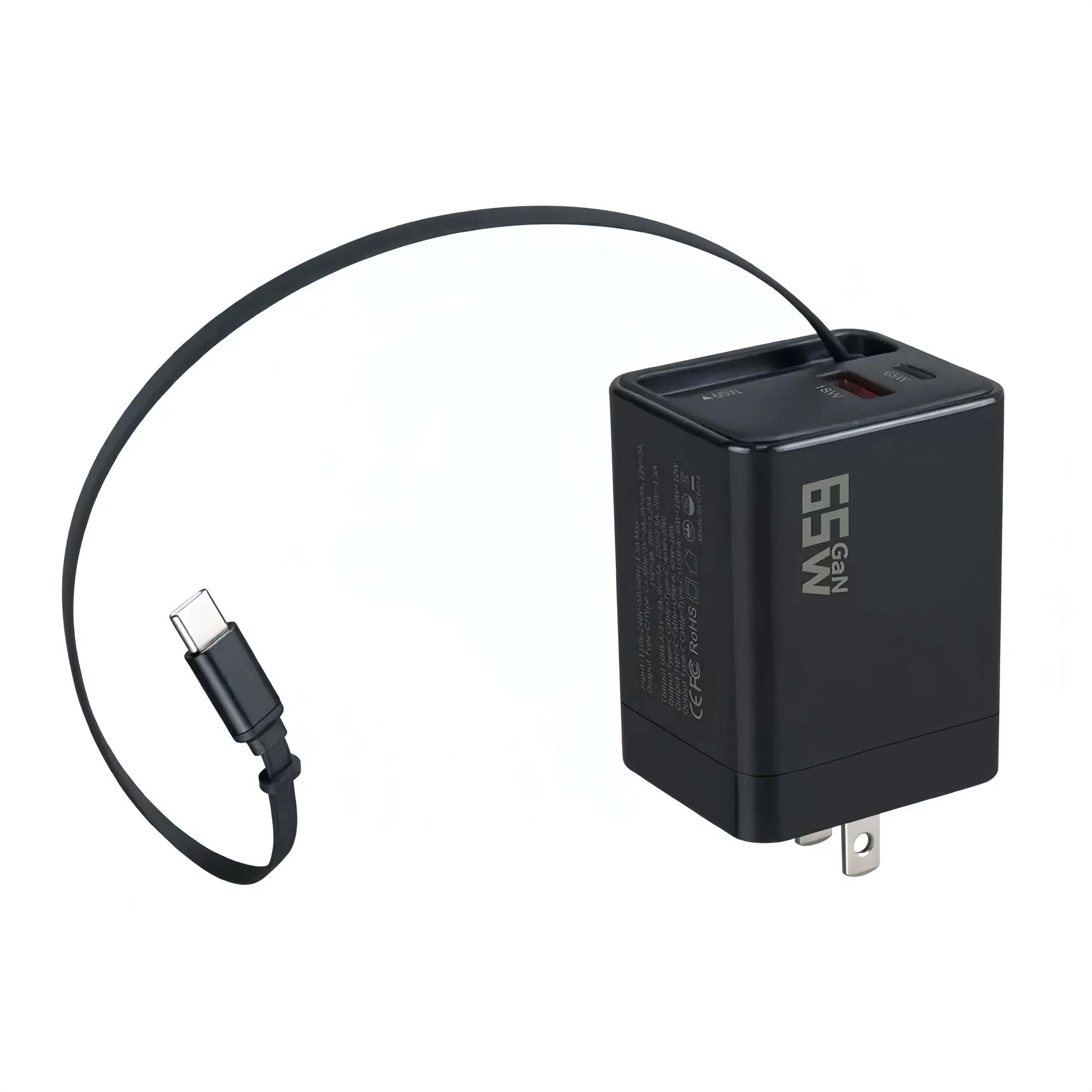
For frequent travelers, high-quality GaN chargers and braided charging cables typically provide better long-term reliability.
Why Fast Chargers Wear Out
Before discussing solutions, it is important to understand what causes charger aging.
Fast chargers contain:
Power conversion circuits
Capacitors
Transformers
Control chips
Thermal protection systems
Over time, these components experience stress from:
Heat
Voltage fluctuations
Physical wear
Dust accumulation
Among these factors, heat is usually the largest contributor to charger degradation.
Therefore, controlling temperature is one of the most effective ways to extend charger lifespan.
Keep Your Charger Cool
Avoid Charging in Hot Environments
Temperature has a direct impact on electronic components.
Avoid charging devices:
Inside parked cars
Near windows with direct sunlight
Next to heaters
Under blankets or pillows
Excessive heat accelerates component aging and reduces charging efficiency.
A cooler operating environment helps preserve both charger and battery health.
Allow Proper Ventilation
Many users place chargers behind furniture or inside enclosed spaces.
This traps heat and reduces airflow.
Instead:
Use chargers in open areas
Keep ventilation openings unobstructed
Avoid stacking chargers together
Proper airflow significantly improves thermal performance.
Use the Correct Charging Cable
Many charging problems originate from low-quality cables rather than the charger itself.
Poor cables can cause:
Increased resistance
Voltage drops
Excess heat generation
Intermittent charging
For fast charging, choose cables that support the required power level.
| Device Type | Recommended Cable |
|---|---|
| Smartphone | 60W USB-C Cable |
| Tablet | 60W–100W USB-C Cable |
| MacBook Air | 60W–100W USB-C Cable |
| MacBook Pro | 100W–240W USB-C Cable |
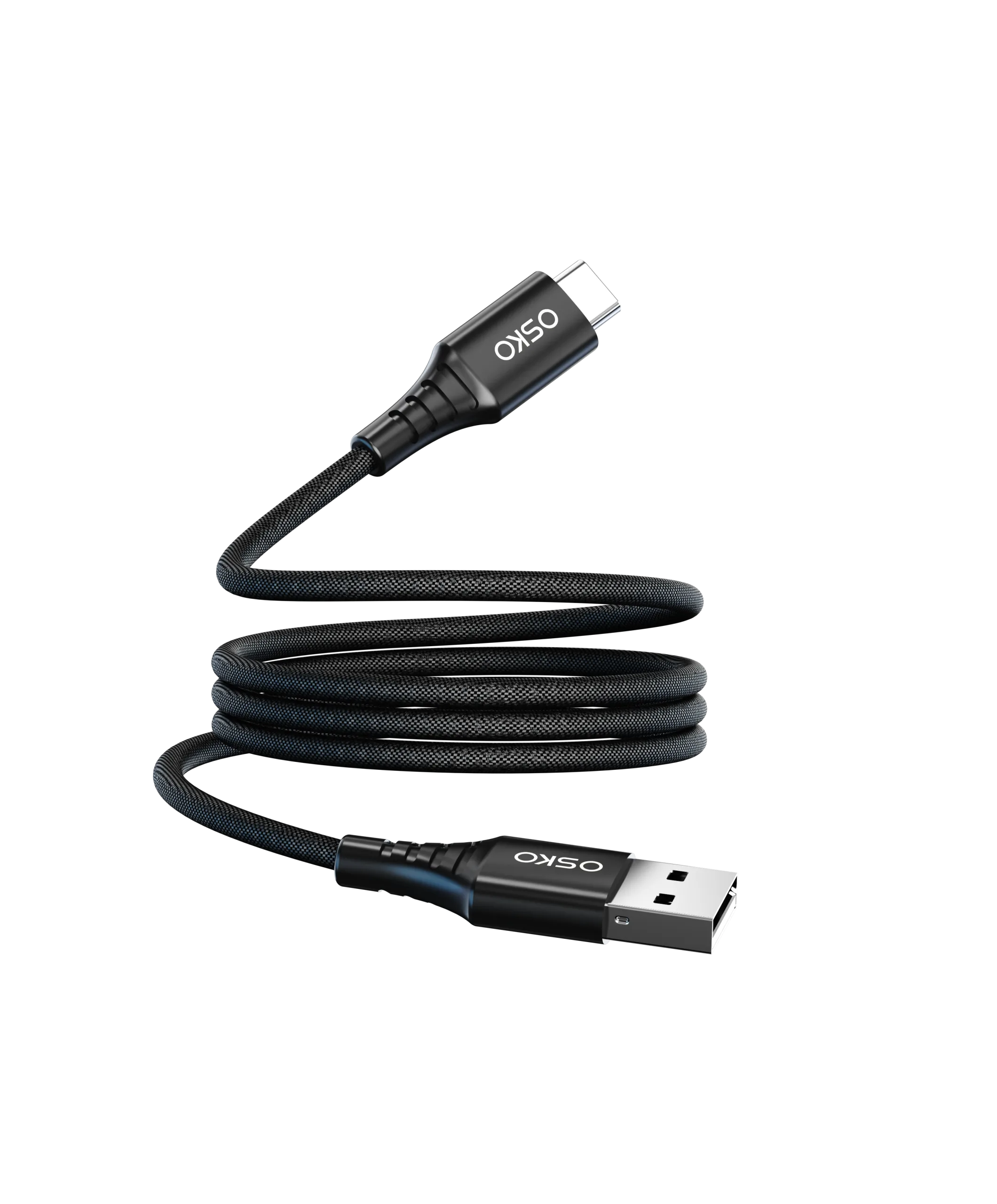
A high-quality USB-IF compliant Type-C cable helps maintain efficient power delivery and reduces unnecessary stress on the charger.
Protect Your Smartphone Battery
Extending charger lifespan is important, but protecting your battery is equally critical.
Avoid Extreme Battery Levels
Modern lithium-ion batteries perform best when kept within moderate charge ranges.
Whenever possible:
Recharge before reaching 0%
Avoid leaving the battery at 100% for extended periods
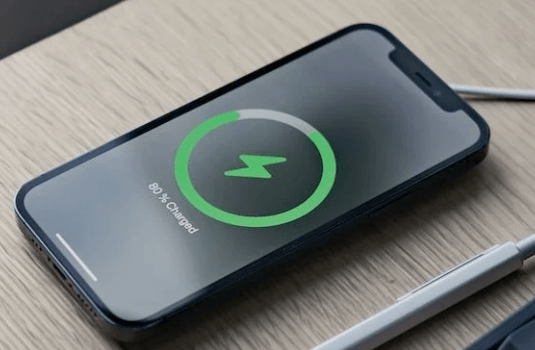
Many manufacturers recommend maintaining battery levels between approximately 20% and 80% for optimal long-term health.
Use Optimized Charging Features
Modern smartphones often include:
Optimized charging
Adaptive charging
Smart charging management
These systems slow charging near full capacity to reduce battery stress.
Enabling these features can help preserve battery capacity over time.
Avoid Cheap and Uncertified Chargers
One of the most common causes of charger failure is poor manufacturing quality.
Low-cost chargers may lack:
Overvoltage protection
Overcurrent protection
Temperature monitoring
Proper electrical isolation
Certified chargers typically provide better protection.
Look for certifications such as:
| Certification | Purpose |
|---|---|
| CE | European compliance |
| FCC | U.S. compliance |
| RoHS | Environmental compliance |
| UL | Electrical safety |
| USB-IF | USB-C standard compliance |
Certified products generally offer greater reliability and safety.
Unplug Properly
Many users pull charging cables by the wire instead of the connector.
This habit can damage:
Cable conductors
Connector solder joints
Charger ports
Instead:
Hold the connector housing
Pull straight out
Avoid twisting during removal
This simple habit significantly extends cable lifespan.
Keep Charging Ports Clean
Dust and debris can accumulate inside:
USB-C ports
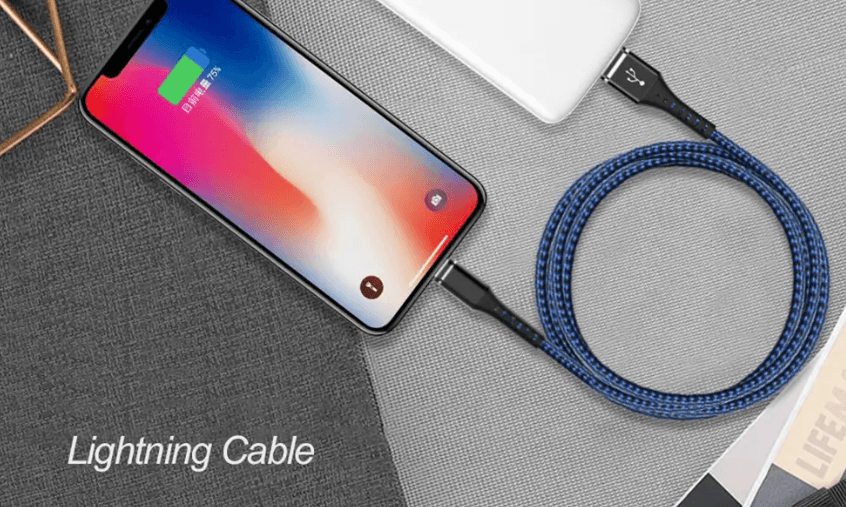
Lightning ports
Charger connectors
Contaminated ports may cause:
Slow charging
Intermittent charging
Increased heat
Periodically inspect charging ports and remove debris carefully using appropriate cleaning tools.
Clean connections improve charging efficiency and reduce stress on both charger and device.
Choose the Right Wattage
Many users assume that higher wattage always means better charging.
In reality, devices only draw the power they need.
However, using a charger with sufficient headroom can reduce stress during operation.
Examples:
| Device | Recommended Charger |
|---|---|
| iPhone | 20W–30W |
| Android Flagship | 30W–65W |
| iPad | 30W–45W |
| MacBook Air | 65W–100W |
| MacBook Pro | 100W–140W |
A charger operating below its maximum capacity generally runs cooler and may last longer.
Case Study: Reducing Charger Failures in Corporate Offices
Customer Background
A company equipped employees with fast chargers for laptops and smartphones.
Problem
After one year:
High charger replacement rates
Frequent cable failures
Complaints about overheating
Investigation
The primary causes were:
Poor ventilation
Low-quality cables
Constant operation at maximum power
Solution
The company switched to:
Certified GaN chargers
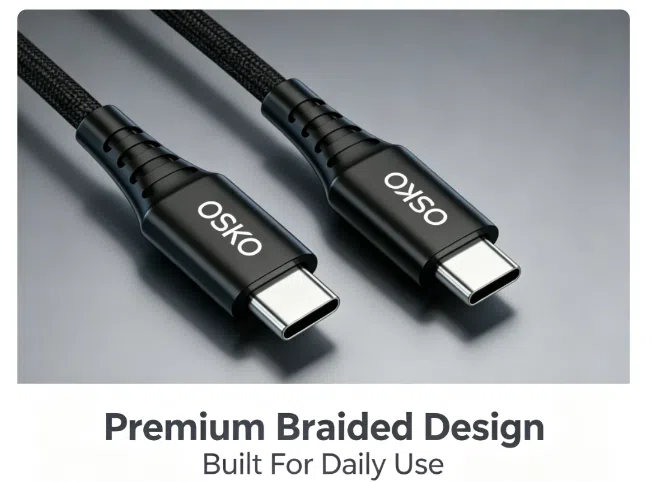
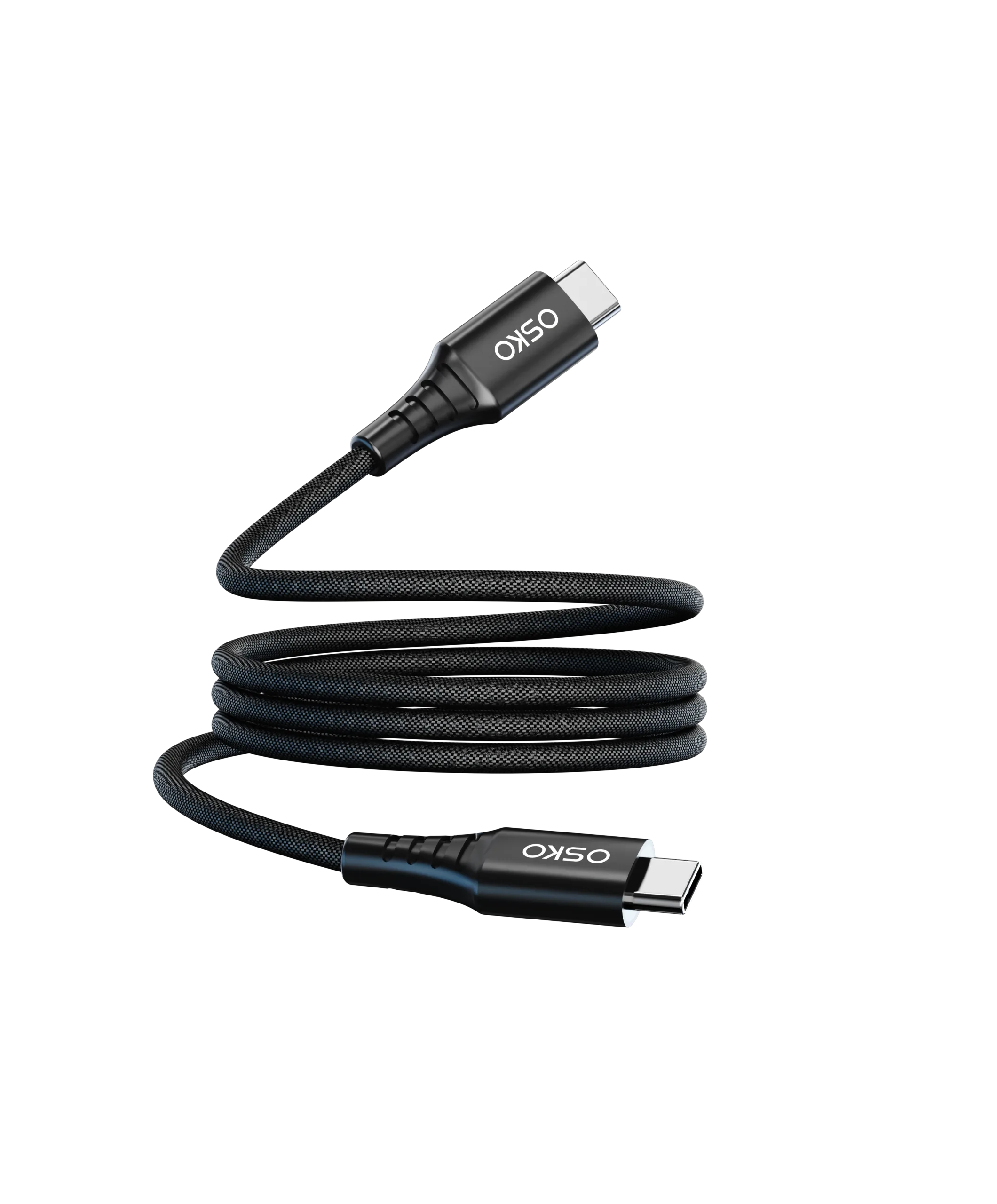
High-quality braided USB-C cables
Better desk cable management
Improved ventilation practices
Result
The organization experienced:
Lower charger replacement rates
Improved charging reliability
Reduced maintenance costs
This demonstrates how proper charger usage can significantly improve product lifespan.
FAQ
Does fast charging damage phone batteries?
Modern devices include charging management systems that make fast charging generally safe when using certified chargers and cables.
Is it okay to leave a charger plugged in?
Yes, but unplugging when not in use can reduce unnecessary power consumption and heat exposure.
Why does my charger get hot?
Some heat is normal during fast charging. Excessive heat may indicate poor ventilation, heavy load conditions, or accessory issues.
Are GaN chargers better?
GaN chargers are typically more efficient, smaller, and cooler than traditional silicon chargers.
How long should a quality fast charger last?
A well-designed charger used properly can often provide reliable service for several years.
Summary
Fast chargers are designed for convenience and efficiency, but their lifespan depends heavily on how they are used.
By maintaining proper ventilation, avoiding extreme temperatures, using certified charging cables, keeping ports clean, and selecting the correct charger wattage, users can significantly extend charger life while protecting smartphone battery health.
The most effective strategy is to combine a high-quality charger with a certified cable and sensible charging habits. This approach reduces heat, improves reliability, and ensures safe charging performance for years to come.
Request OEM Fast Charging Solutions
OSKO provides:
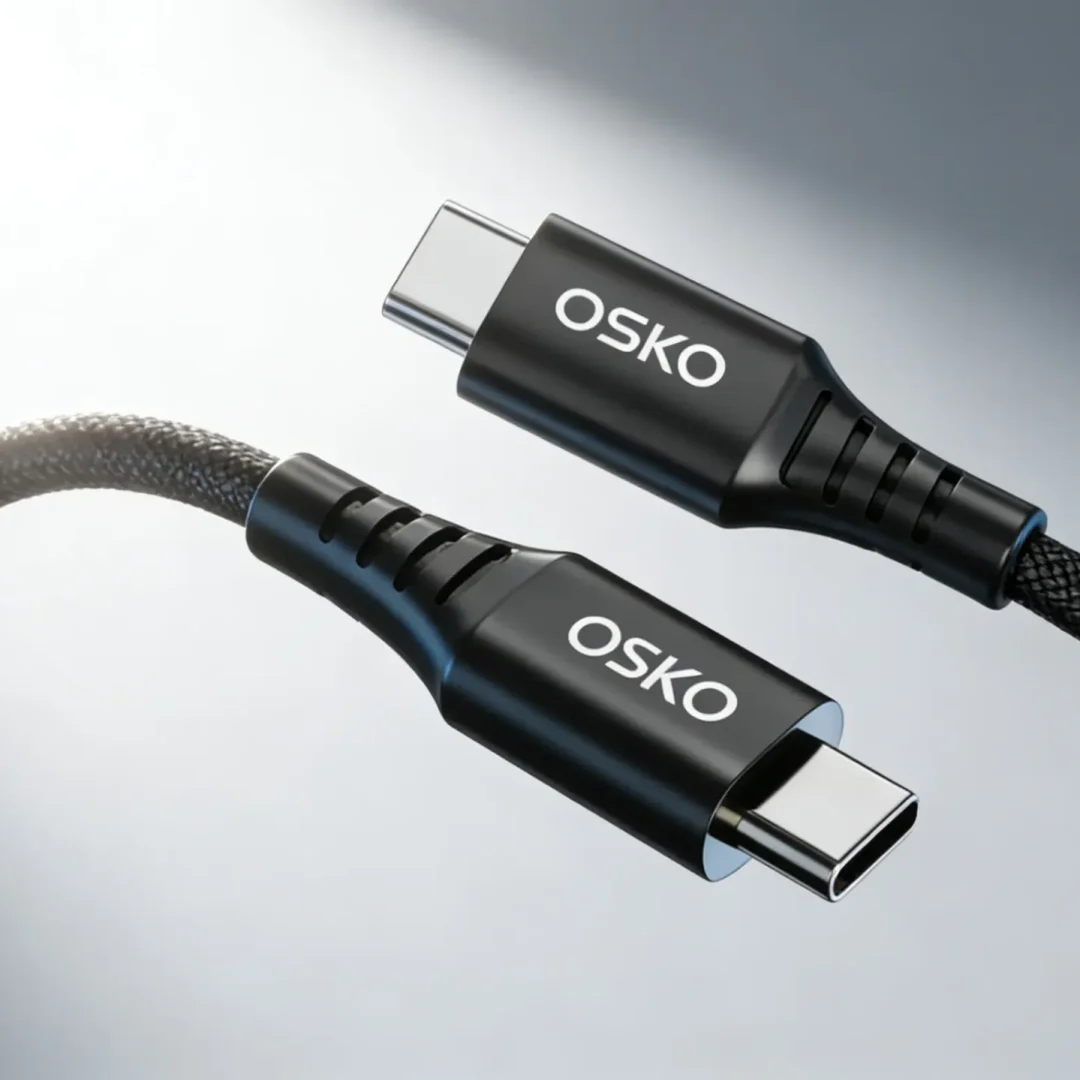
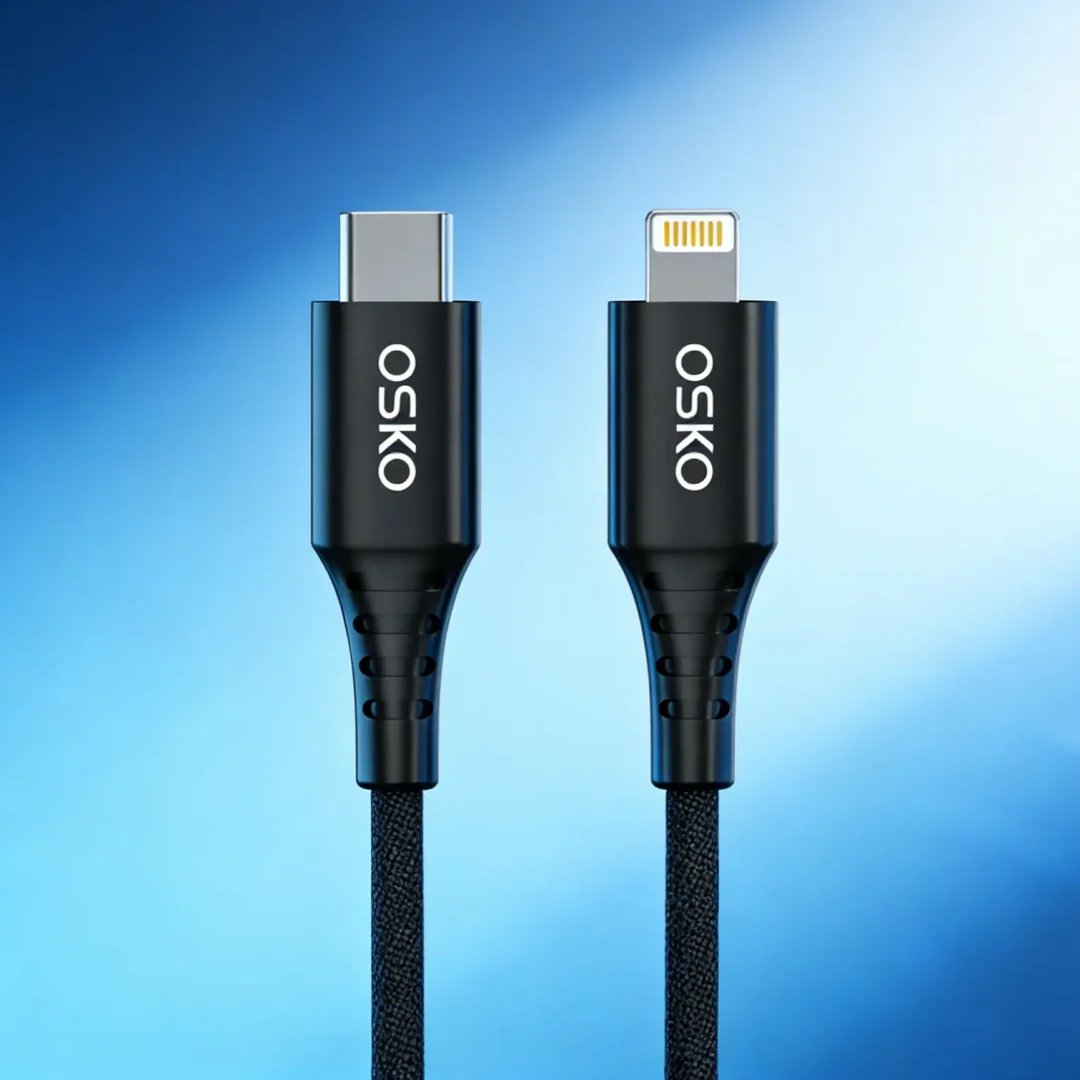
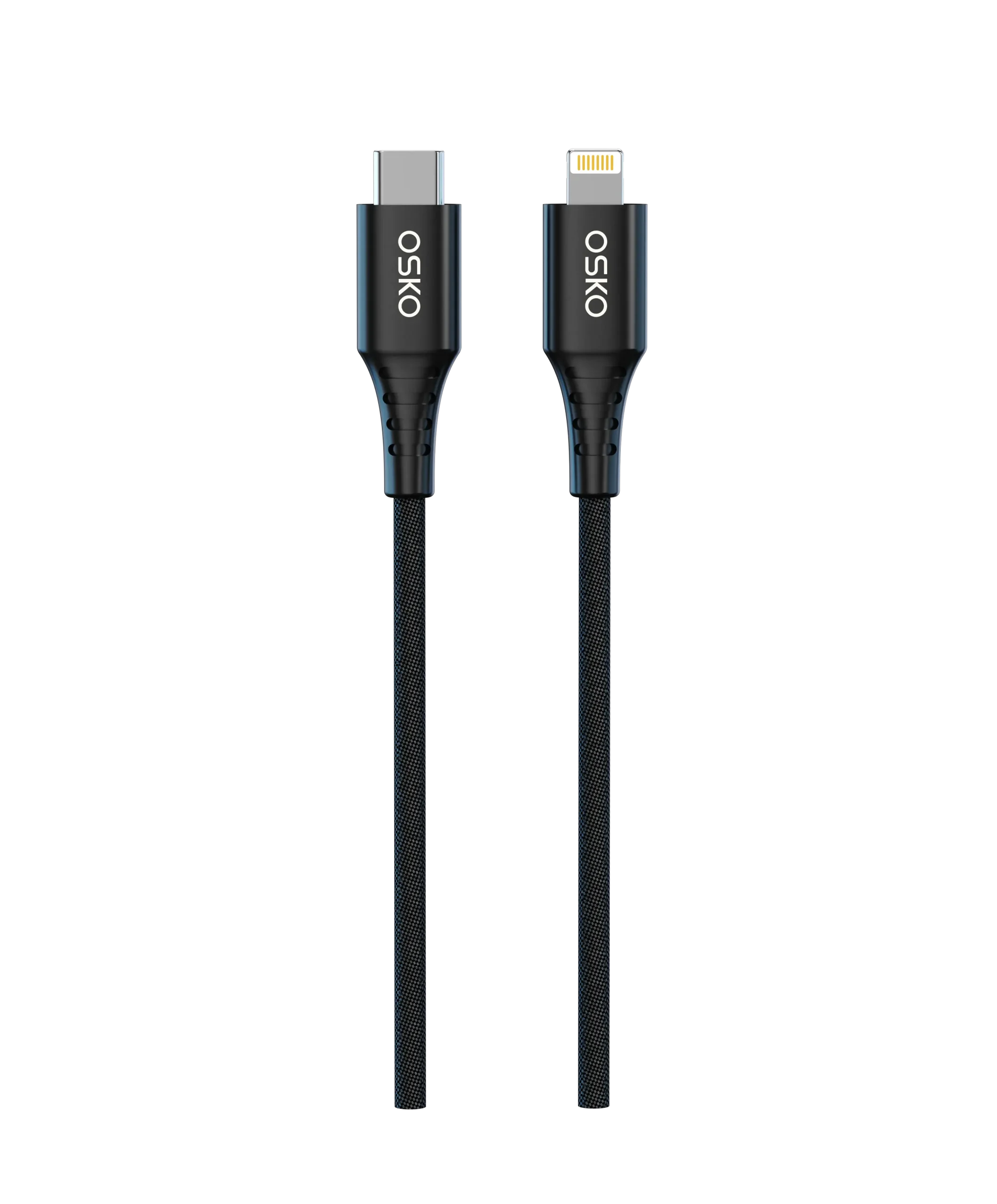
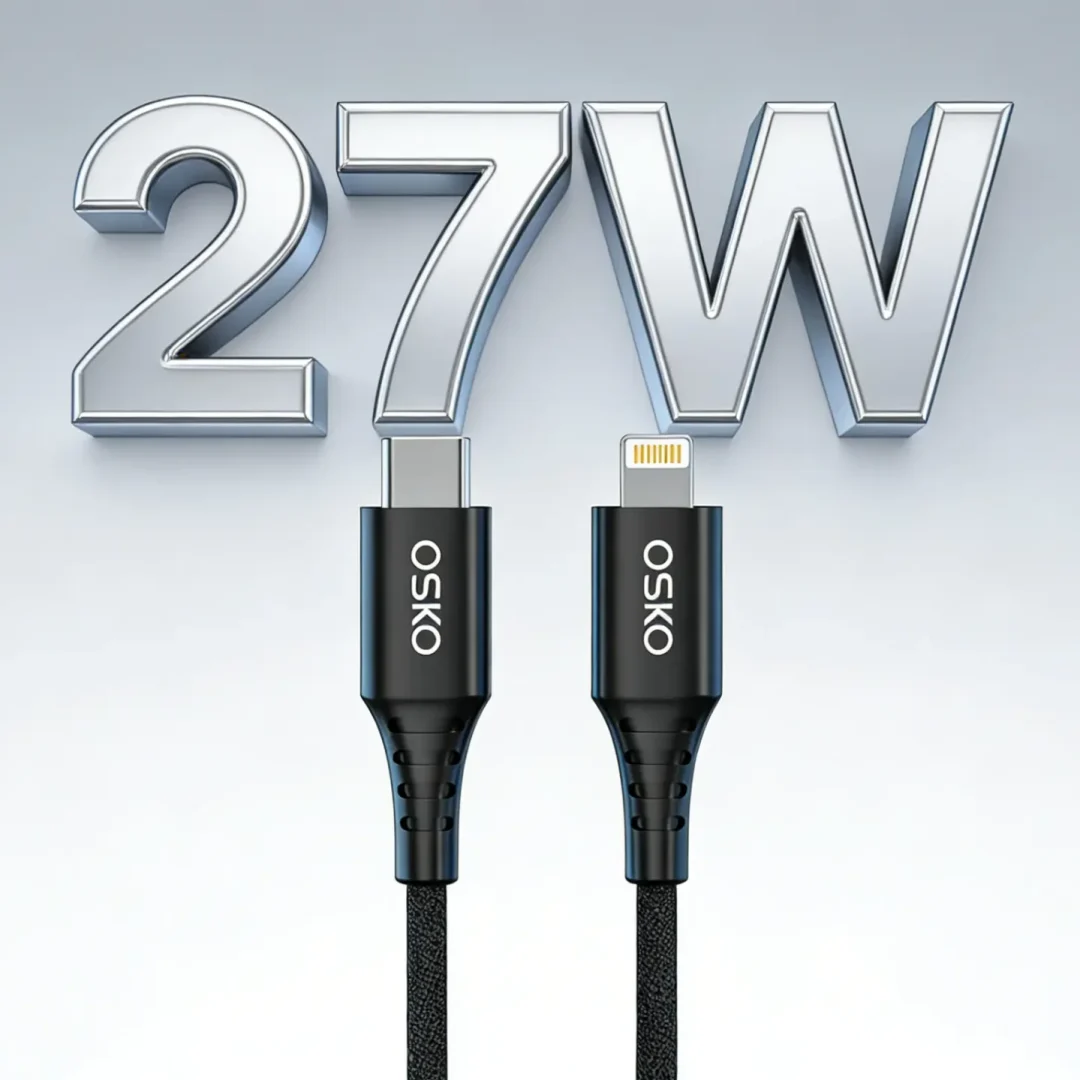
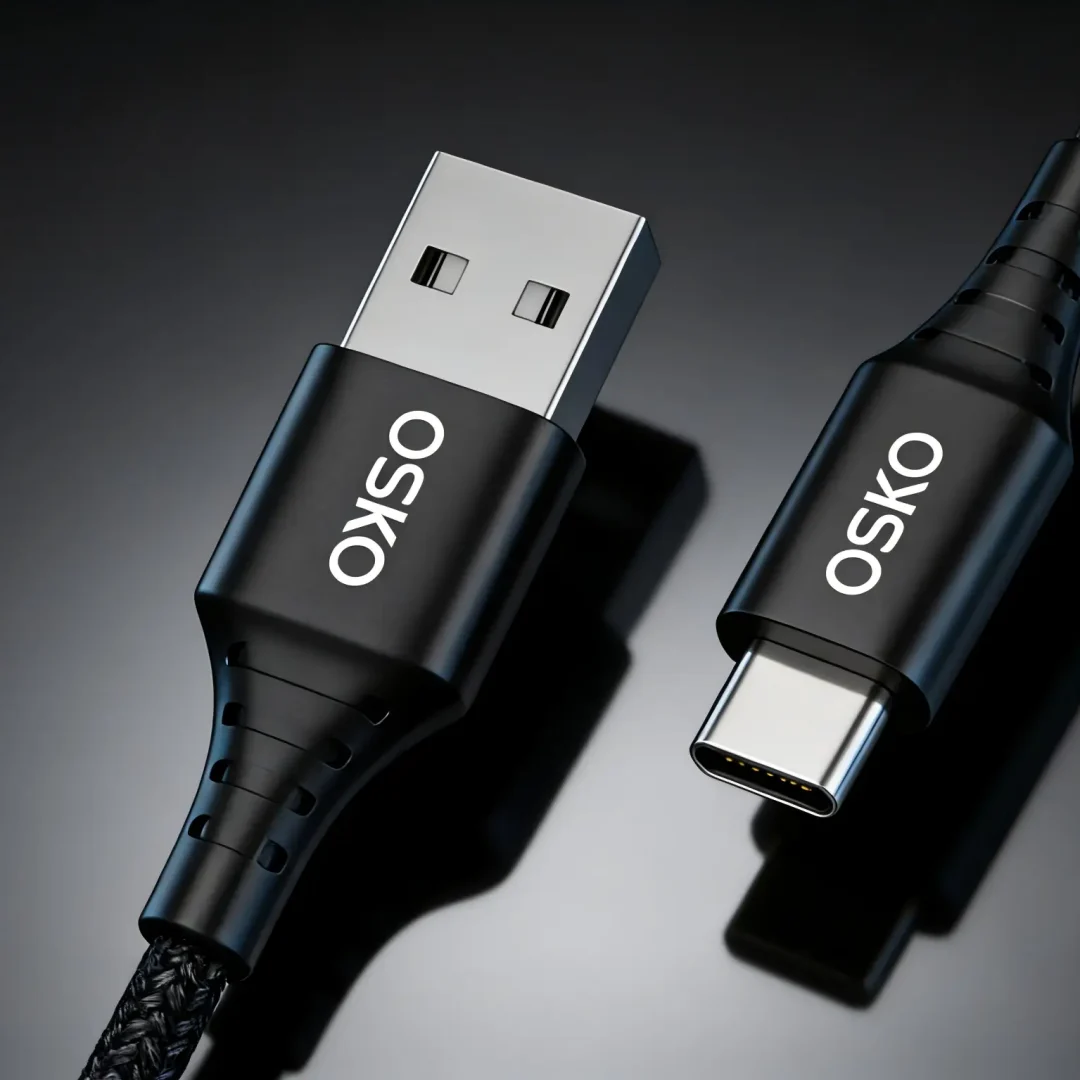
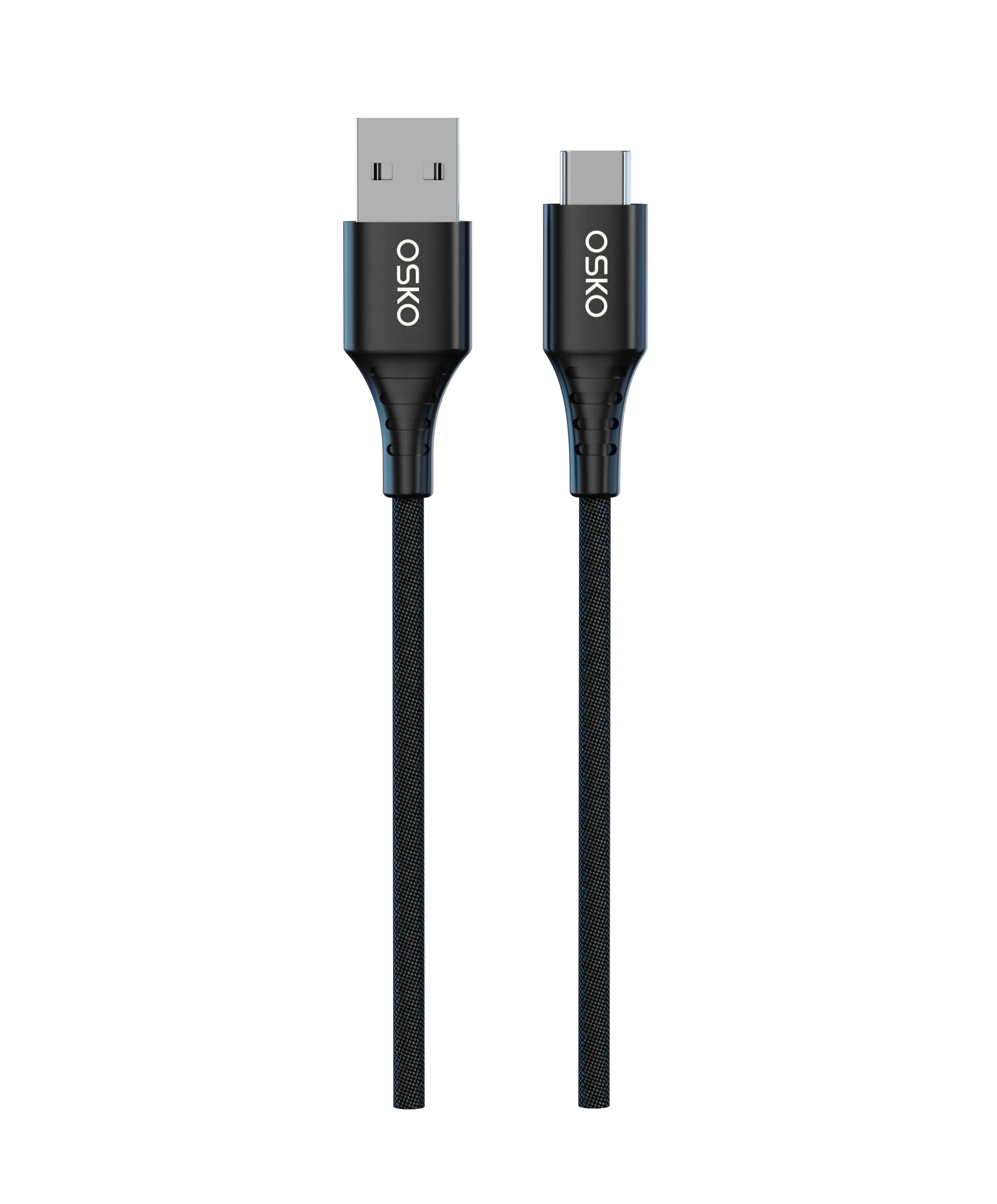
USB-C Fast Charging Cables
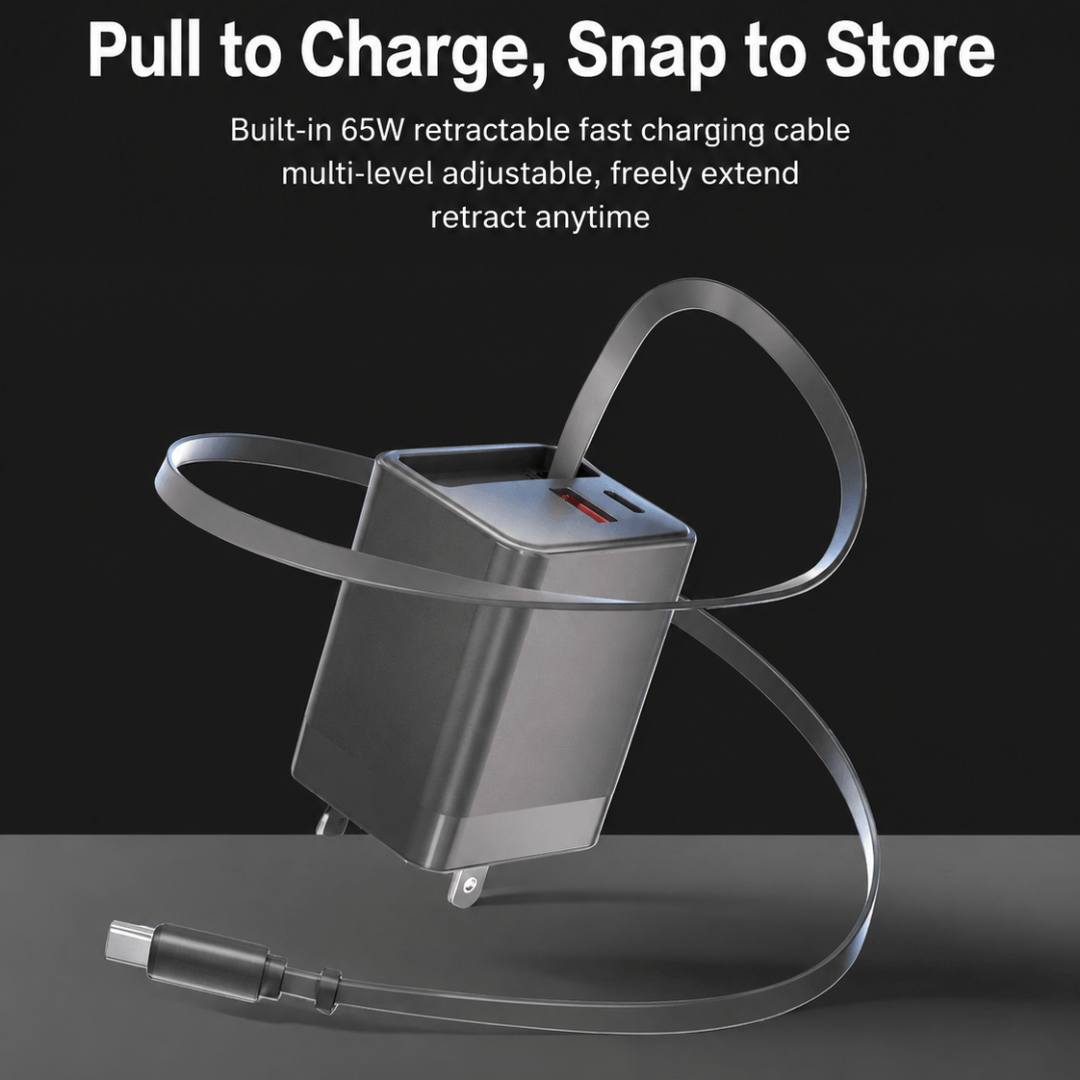
GaN Chargers (20W–140W)
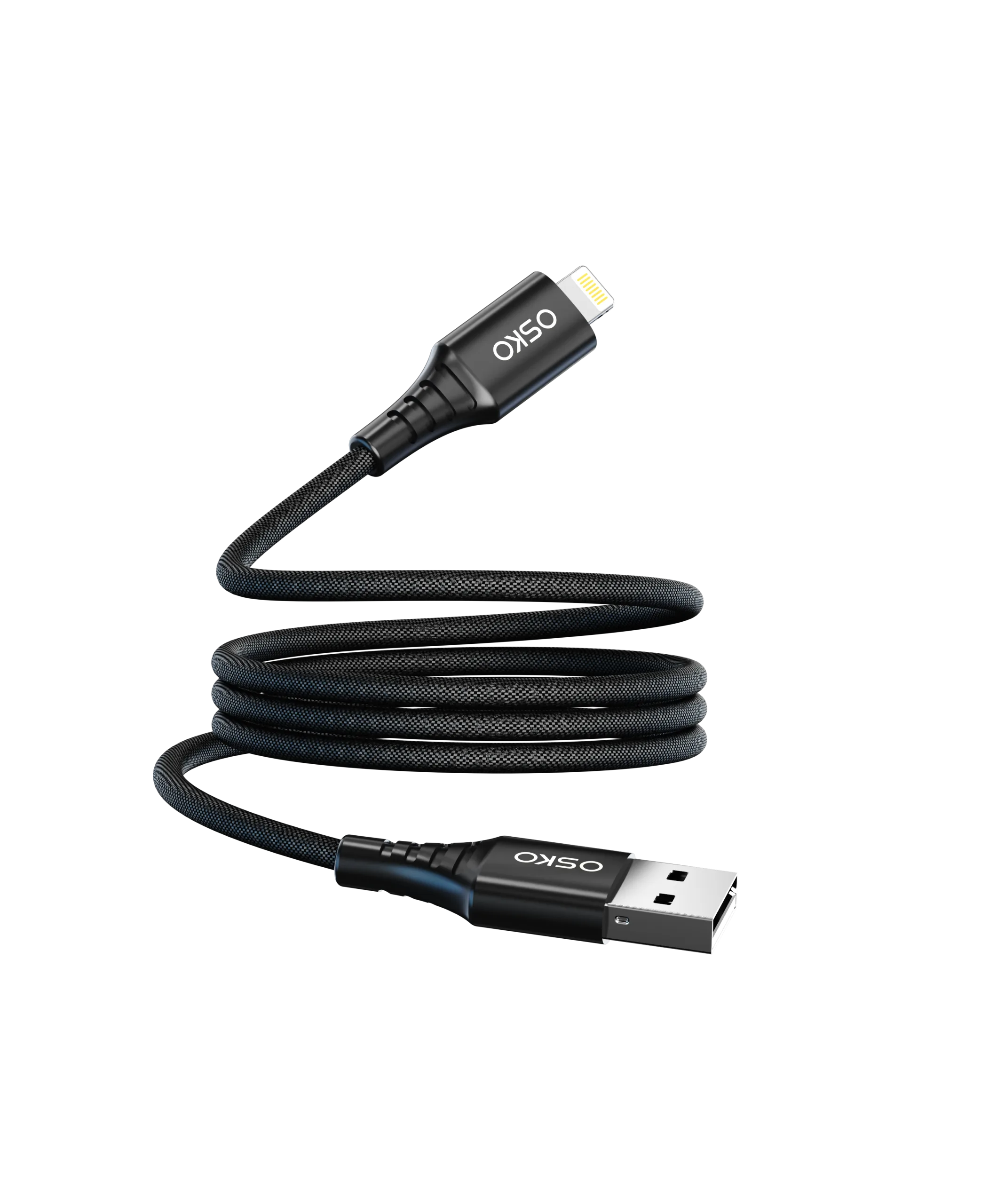
Nylon Braided Charging Cables
Custom Branding and Packaging
Wholesale Distribution Programs
Request a Quote
Name: ___________________
Company: ___________________
Email: ___________________
Product Type: Charger / Cable / Complete Charging Solution
Estimated Quantity: ___________________
Project Requirements: ___________________
Contact our engineering team today for samples, technical specifications, certifications, and OEM pricing support.