Introduction

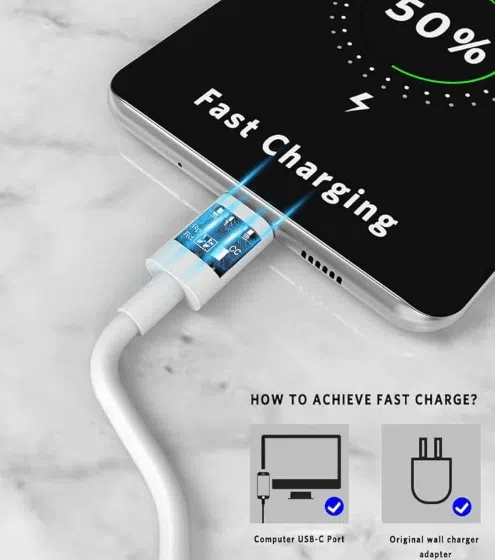
Fast charging USB-C cables are essential for quickly powering devices like smartphones, tablets, laptops, and gaming peripherals. However, not all USB-C cables are created equal. Many consumers and OEM buyers face the challenge of identifying cables that truly support high-speed charging.

This guide explains how to identify a genuine fast-charging USB-C cable, including visual inspection, technical specifications, and verification methods. It also highlights OEM considerations for sourcing reliable cables for the U.S. and European markets.

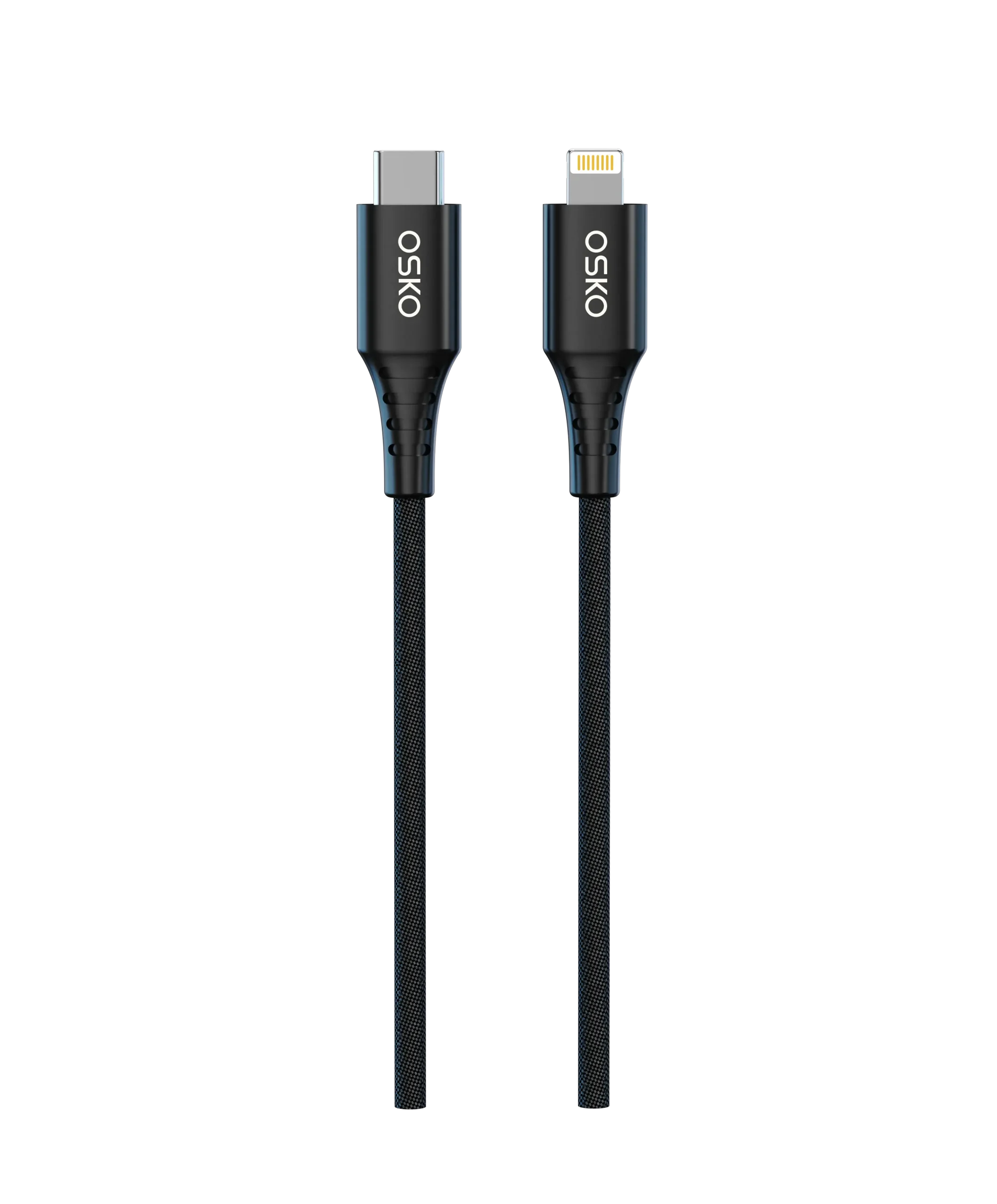
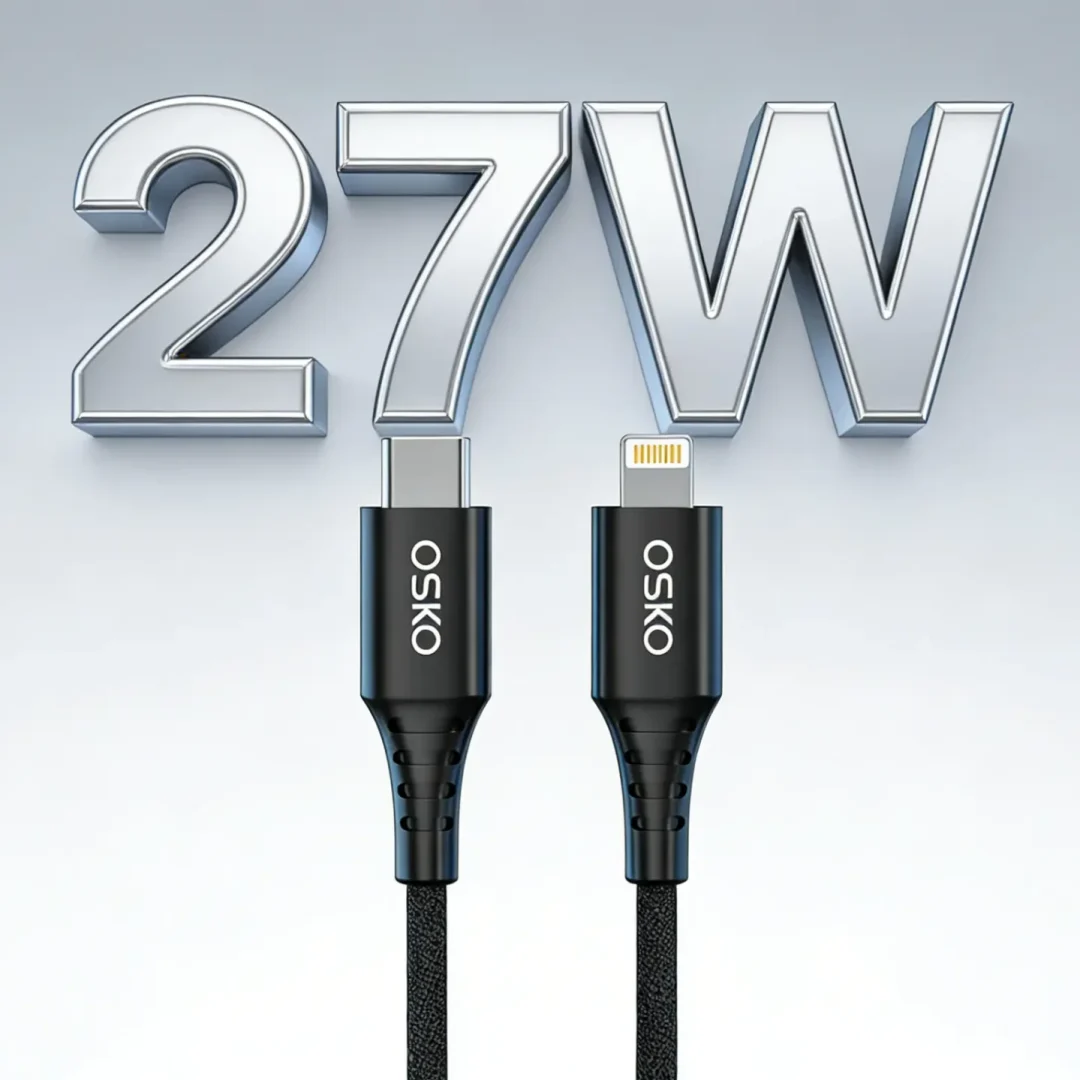
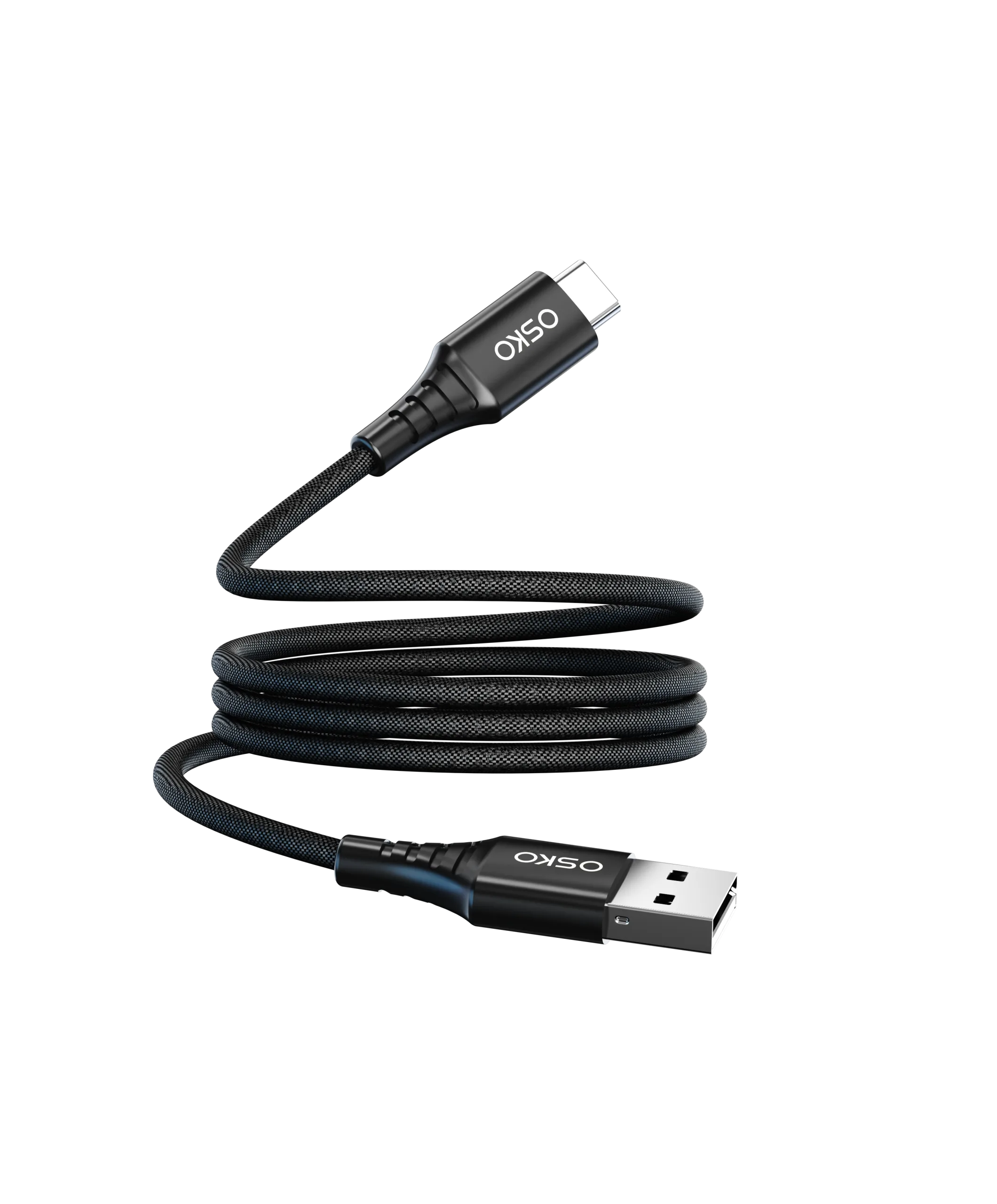
Fast Charging USB-C Cable

Step 1: Check the Cable Labeling and Specifications

Manufacturers often print specifications on the cable or packaging. Look for:

Power Delivery (PD) rating: 60W, 100W, 140W, 240W

USB version: USB 2.0, USB 3.2, USB4

E-Marker chip inclusion: Required for 100W+ high-current cables

Certification marks: CE, FCC, RoHS

If a cable does not list a PD rating or mentions “fast charging” without specifying power, it may not support true fast charging.

Step 2: Identify the Wire Gauge (AWG)

Wire thickness affects charging speed:

Lower AWG number = thicker wire = higher current capacity

Typical USB-C fast-charging cables use 20–24 AWG for power lines

Thinner wires (higher AWG) may charge slowly, even if labeled PD

OEM buyers should verify wire gauge to ensure the cable meets claimed power ratings.

Step 3: Inspect for an E-Marker Chip

High-power USB-C cables (≥5A, ≥100W) require an E-Marker chip:

Located inside the connector housing

Communicates the cable’s current and voltage capabilities to devices

Ensures safe high-wattage charging and protects devices from overcurrent

A cable without an E-Marker chip cannot safely deliver 5A at 20V (100W).

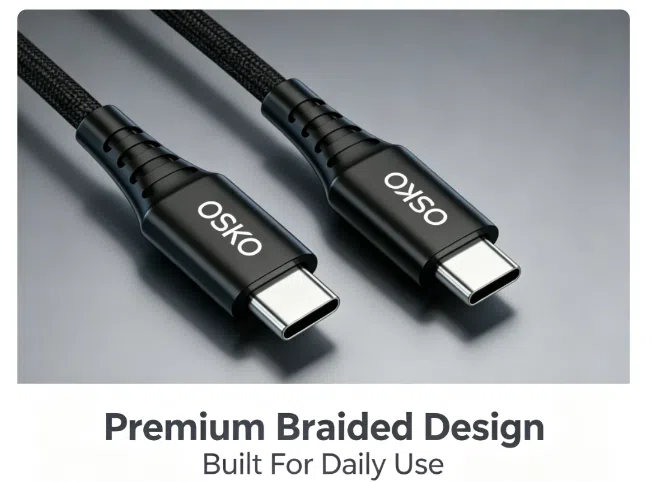
Step 4: Verify Cable Material and Construction

Material affects durability and safety:

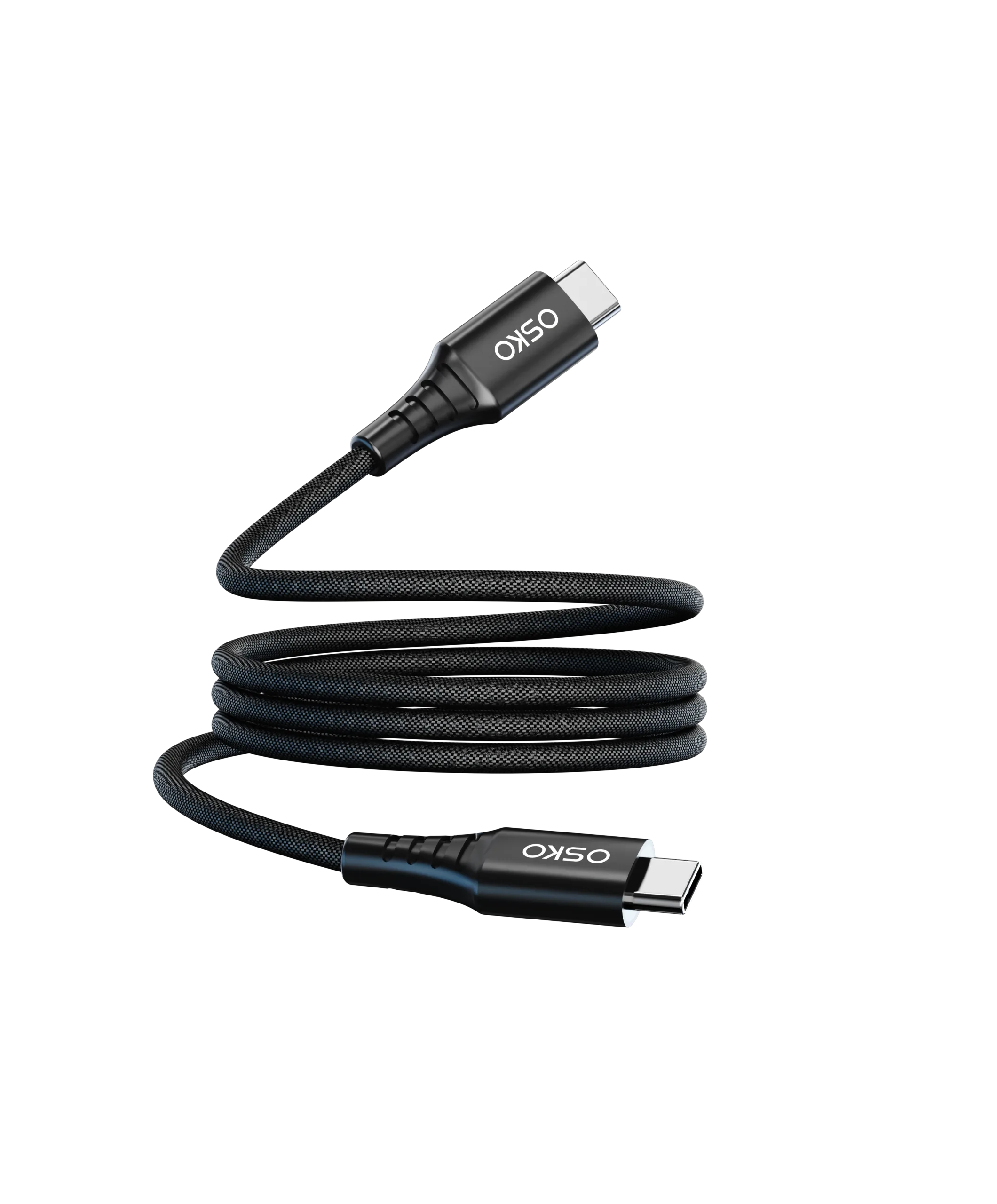
Nylon braided cables: Resistant to tangling, abrasion, and bending

PVC cables: Standard, less durable

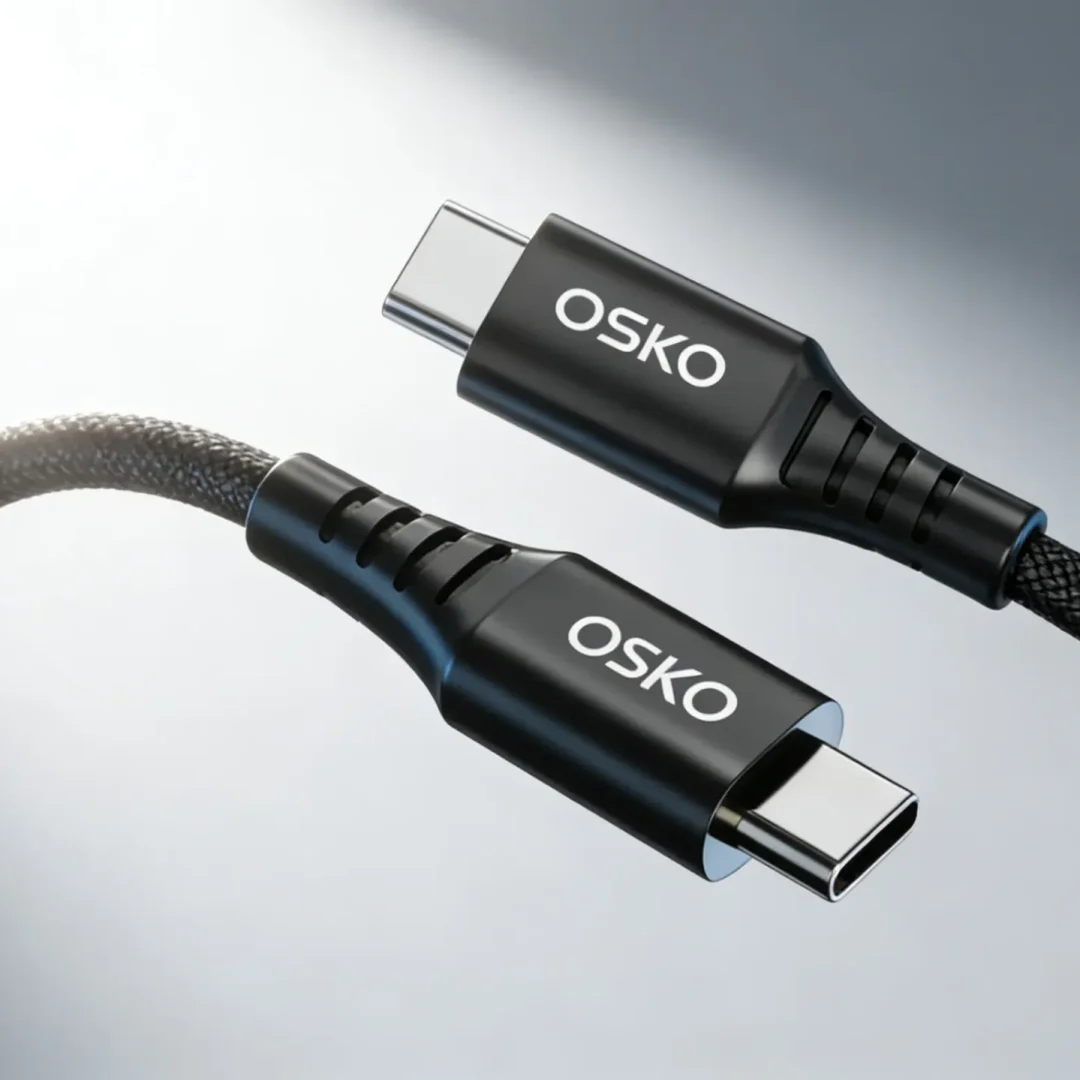
Reinforced strain relief at connector ends prevents breaks

Durable cables are less likely to suffer intermittent connection issues, which can reduce fast charging efficiency.

Step 5: Check Device Compatibility

Fast charging requires both the cable and the device to support USB Power Delivery:

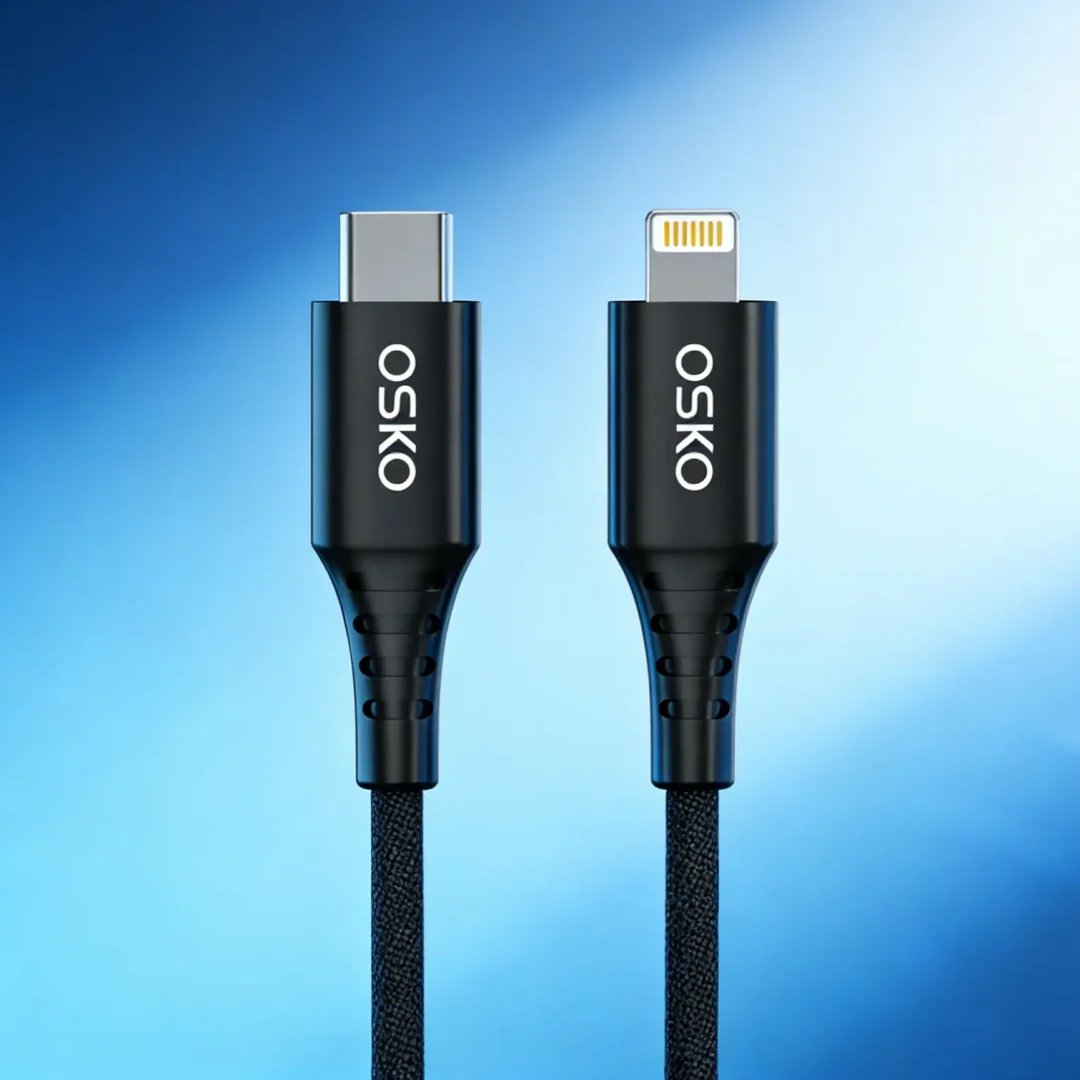
iPhone 8 and later: Supports PD fast charging

MacBook, iPad Pro: Requires high-wattage USB-C PD cable

Android smartphones (Samsung, Google Pixel, OnePlus): Check Quick Charge or PD support

Using a PD cable with a non-PD device may not speed up charging.

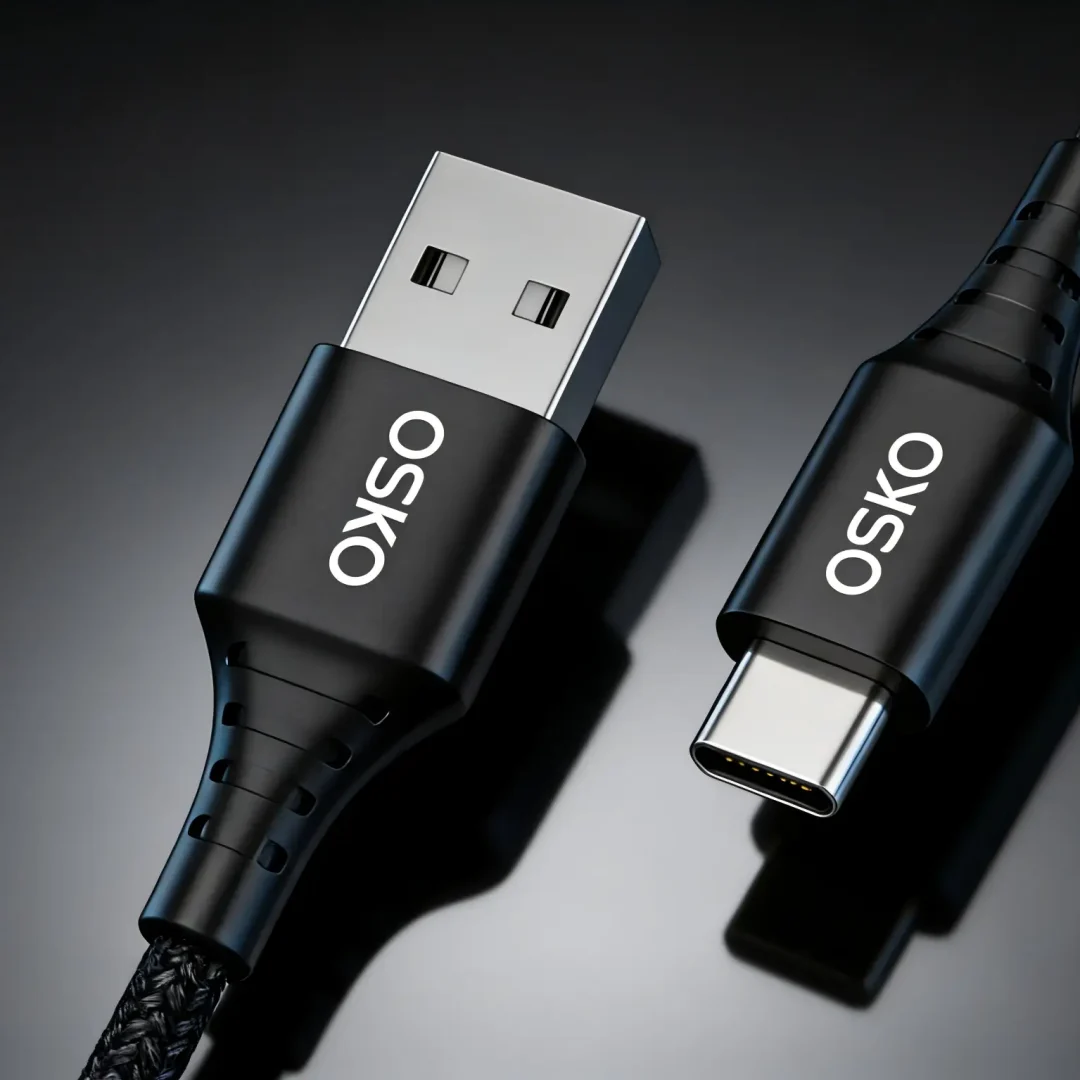
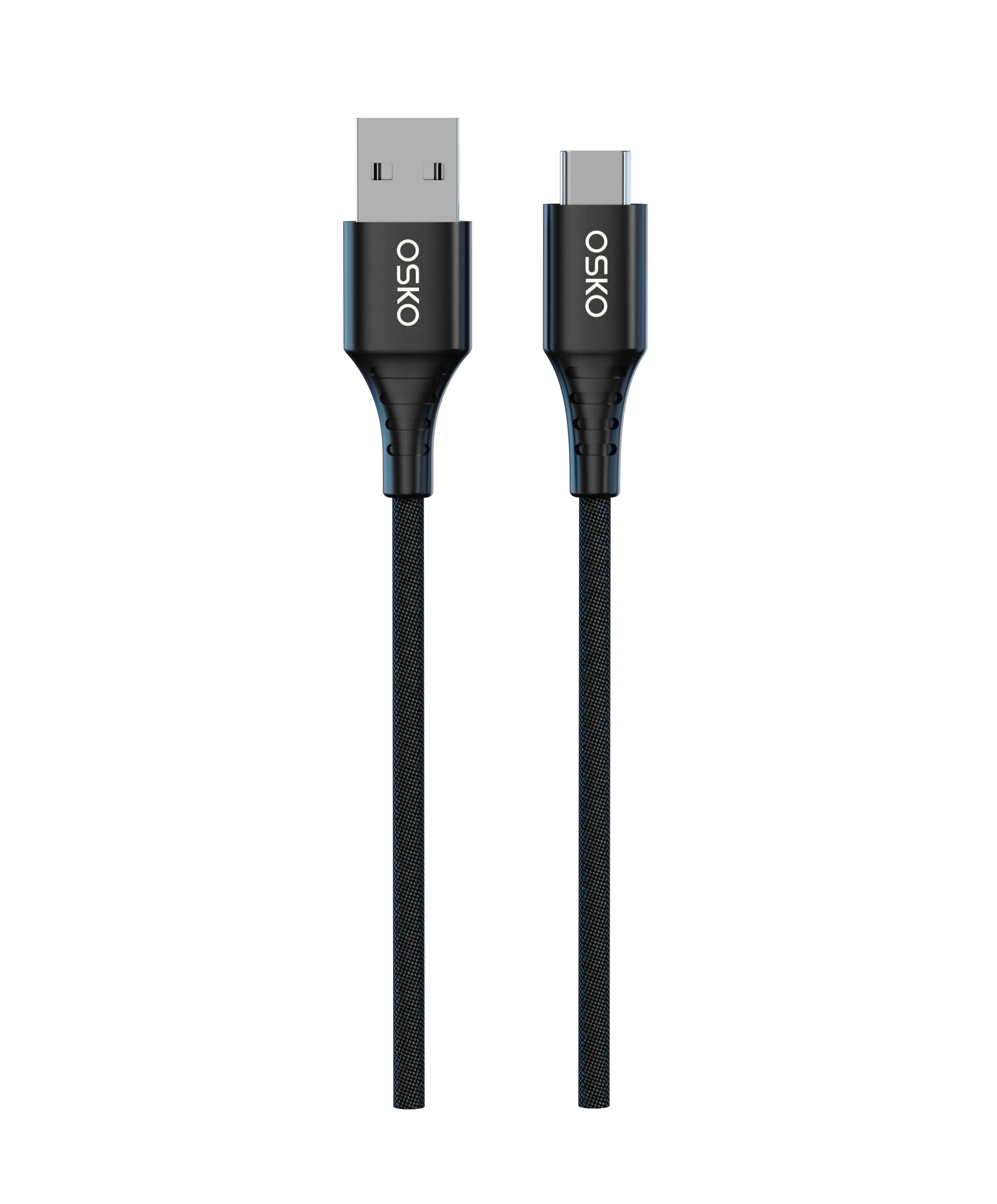
Fast Charging USB-C Cable

Step 6: Test the Cable Using a USB Power Meter

The most accurate way to confirm fast charging:

  1. Connect the cable between a car charger, wall charger, or laptop and a test device.
  2. Insert a USB power meter between the cable and the device.
  3. Verify that voltage and current match the rated PD specification (e.g., 9V/3A, 20V/5A).

If the cable fails to deliver the expected amperage, it is not a true fast-charging cable.

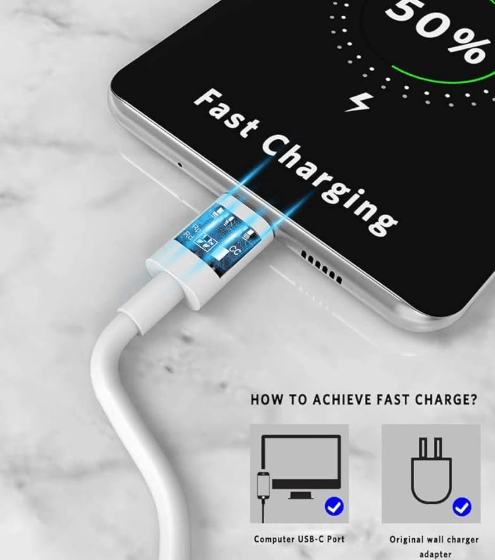
Step 7: Observe Fast-Charging Indicators on Devices

Most devices display visual indicators during fast charging:

iOS devices: “Fast Charging” notification when using PD-capable cable and charger

Android devices: Quick Charge or PD icons on screen

If indicators do not appear, the cable or charger may not support fast charging

Step 8: OEM Considerations

For wholesale and OEM buyers:

Ensure all batch samples are tested for PD ratings, current, and voltage stability

Prefer nylon braided or dual-braided cables for longevity

Verify certifications (CE, FCC, RoHS, USB-IF) to meet regulatory requirements in North America and Europe

Offer 3ft, 6ft, and custom-length options to meet different customer needs

Summary

Identifying a fast-charging USB-C cable requires attention to multiple factors:

  1. Check labeling and specifications for PD rating and certifications
  2. Verify wire gauge (AWG) for adequate current capacity
  3. Ensure the presence of an E-Marker chip for high-wattage cables
  4. Inspect cable material and construction for durability
  5. Confirm device compatibility for PD or Quick Charge
  6. Test with a USB power meter for real-world current and voltage
  7. Observe fast-charging indicators on your device
  8. Consider OEM requirements for consistent quality

By following these steps, consumers and buyers can ensure their USB-C cables deliver fast charging, reliable performance, and long-term durability.

Leave a Reply

Your email address will not be published. Required fields are marked *

We use cookies and similar technologies on our website to provide the service you request, and to aim to offer you the best website experience possible.