
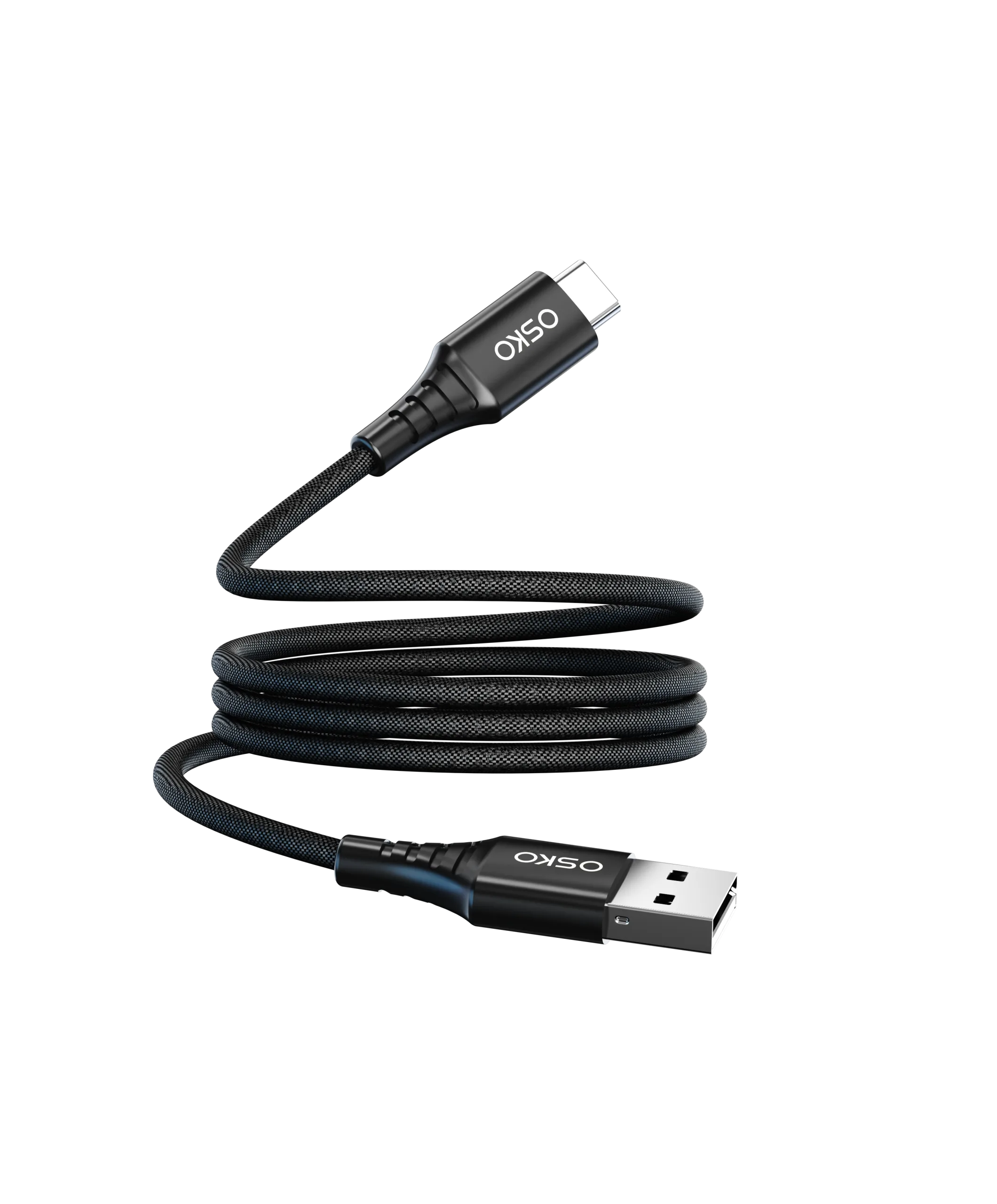
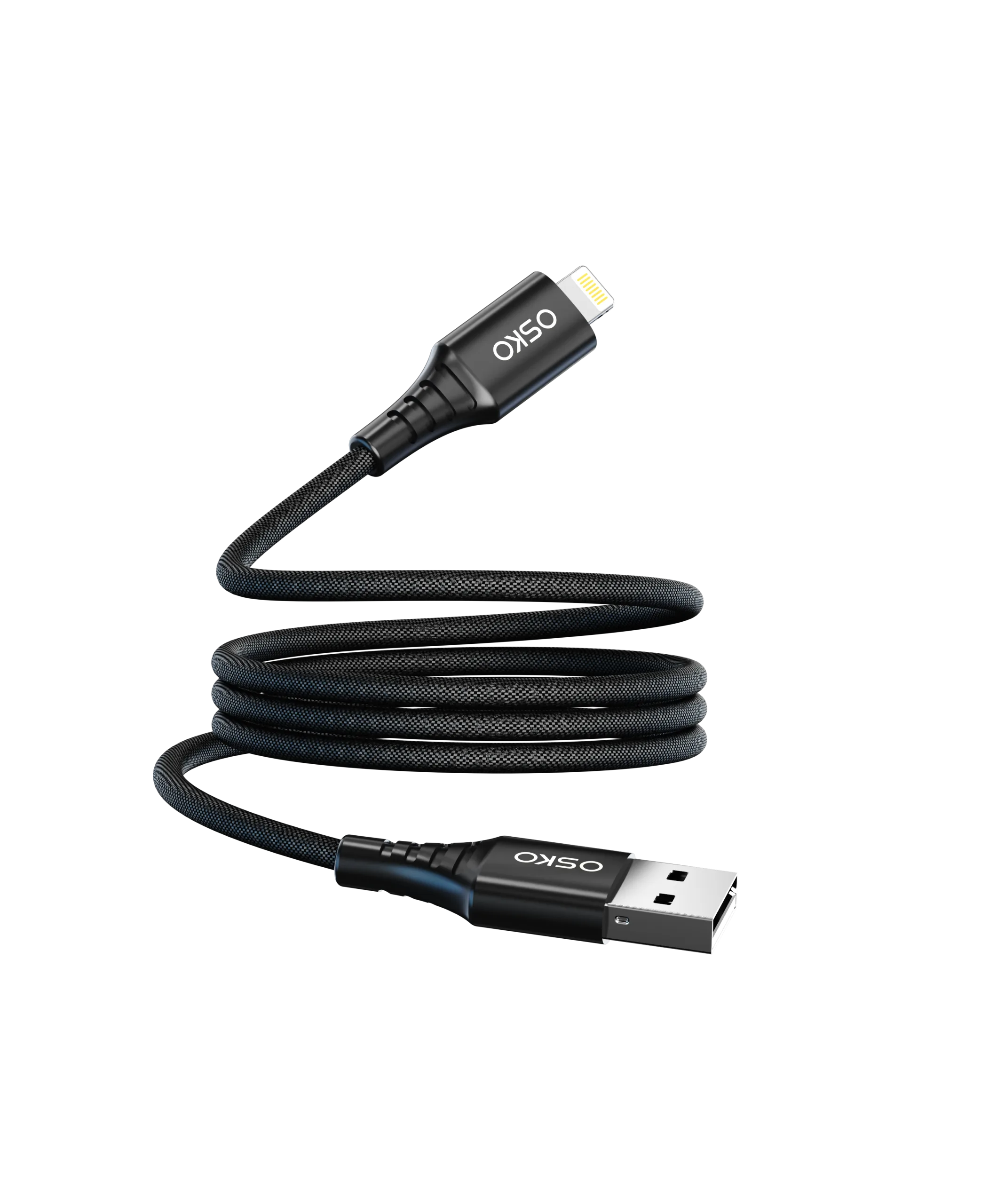
Introduction: Why USB-C Cable Speed Matters
Picture this: You’re rushing out the door, your laptop battery is below 10%, your phone is flashing red, and you grab a random USB-C cable from your desk. You plug it in, hoping for a fast charge—only to see your devices crawling at a painfully slow pace.
If this has happened to you, you’re not alone. Many assume “USB-C is USB-C,” but the reality is far more complex. Behind that slim connector lies a world of charging protocols, data transfer standards, and build quality factors that dictate whether your cable can deliver a true fast charge or high-speed file transfer.
This comprehensive guide will walk you through why cables differ, how to test their speed, and what to look for when buying high-performance USB-C cables. By the end, you’ll know exactly how to avoid slow cables and protect your devices.
1. USB-C Is More Than Just a Connector
Many people think USB-C is just a reversible plug. While its physical convenience is undeniable, its real strength lies in versatility:
Power Delivery (PD) support: up to 240W with PD 3.1
High-speed data transfer: up to 120Gbps with USB4 2.0
Alternate Mode (Alt Mode): for video output via DisplayPort or HDMI
One cable to rule them all: charge laptops, connect peripherals, and transfer data simultaneously
Quick Fact: USB-C vs USB Protocol
USB-C: physical connector shape
USB3.x / USB4 / Thunderbolt: the data transfer protocol moving through the cable
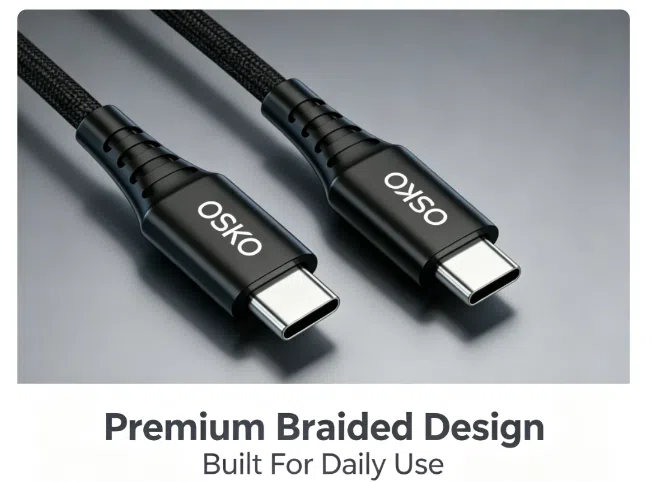
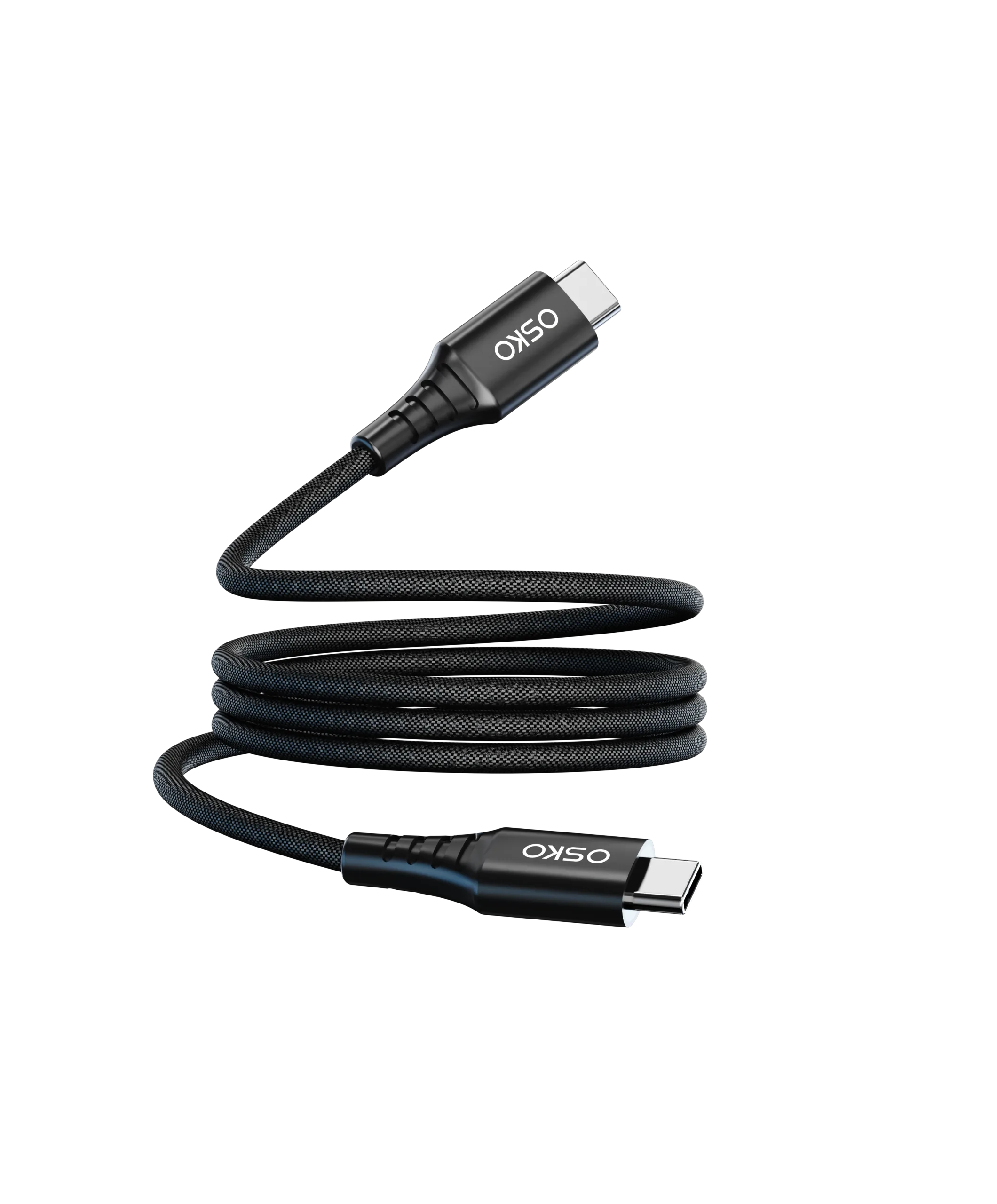
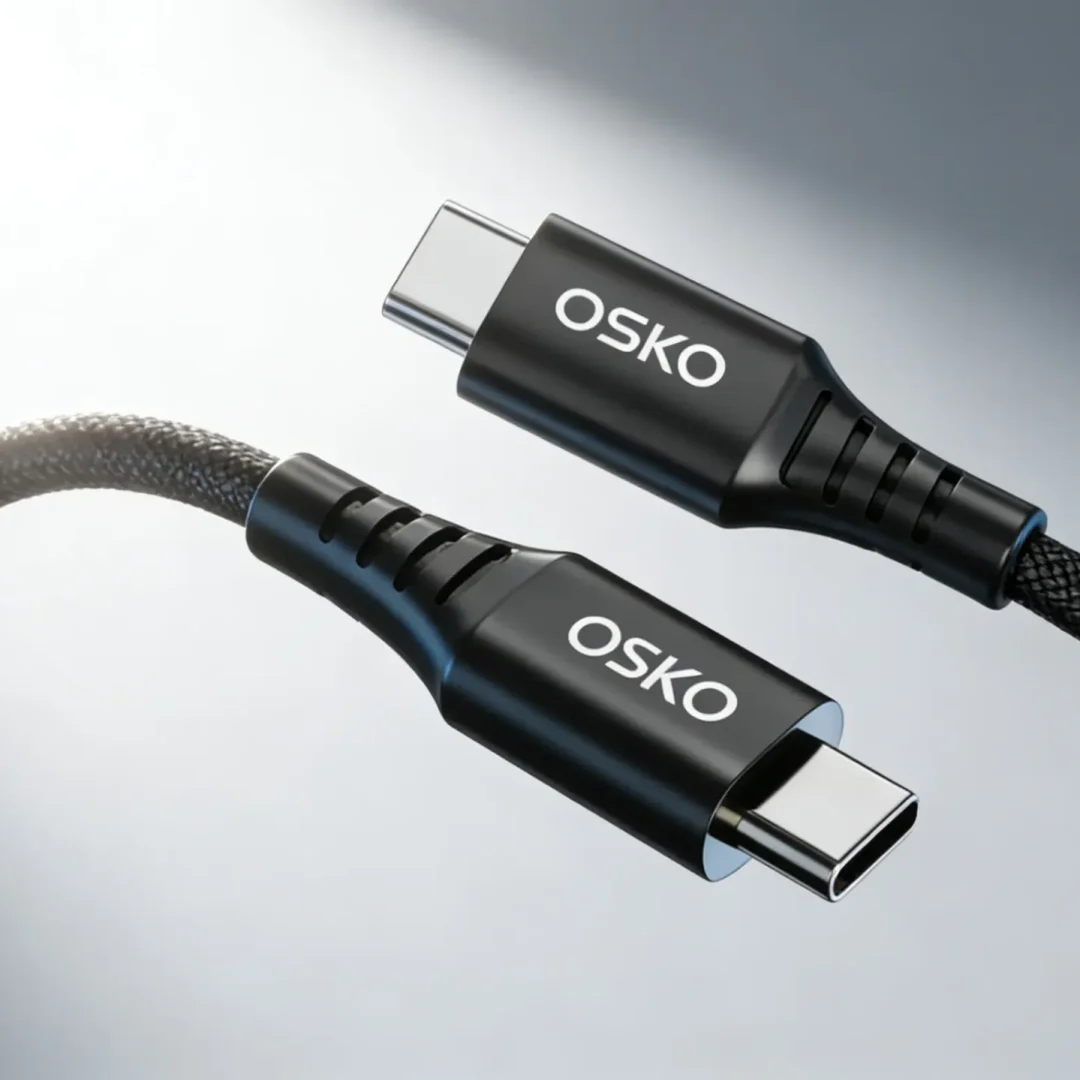
A Type-C cable can look identical on the outside, but the internal wiring and supported protocol determine its real performance.
2. Factors That Affect USB-C Charging Speed
Not all USB-C cables charge equally. Several key factors determine how fast your device will charge:
2.1 Cable Specifications
Wire thickness (AWG rating): Thicker wires (lower AWG) carry more current safely.
Copper quality: High-purity OFC copper reduces resistance and heat.
Connector build quality: Premium connectors use gold plating, phosphor bronze pins, and sometimes LCP cores for heat resistance.
2.2 Charging Protocols
USB Power Delivery (PD): Most universal fast-charging standard, scaling from 18W to 240W
Qualcomm Quick Charge (QC): Popular with Android devices, may not match PD perfectly
PPS (Programmable Power Supply): Fine-tunes voltage in 20mV increments to reduce heat
Tip: A cable without proper PD support will throttle charging speed, even with a high-powered charger.
2.3 Cable Length
Shorter cables (<1m) generally charge faster due to less resistance
Long cables (>2m) may reduce efficiency
2.4 Connector Type
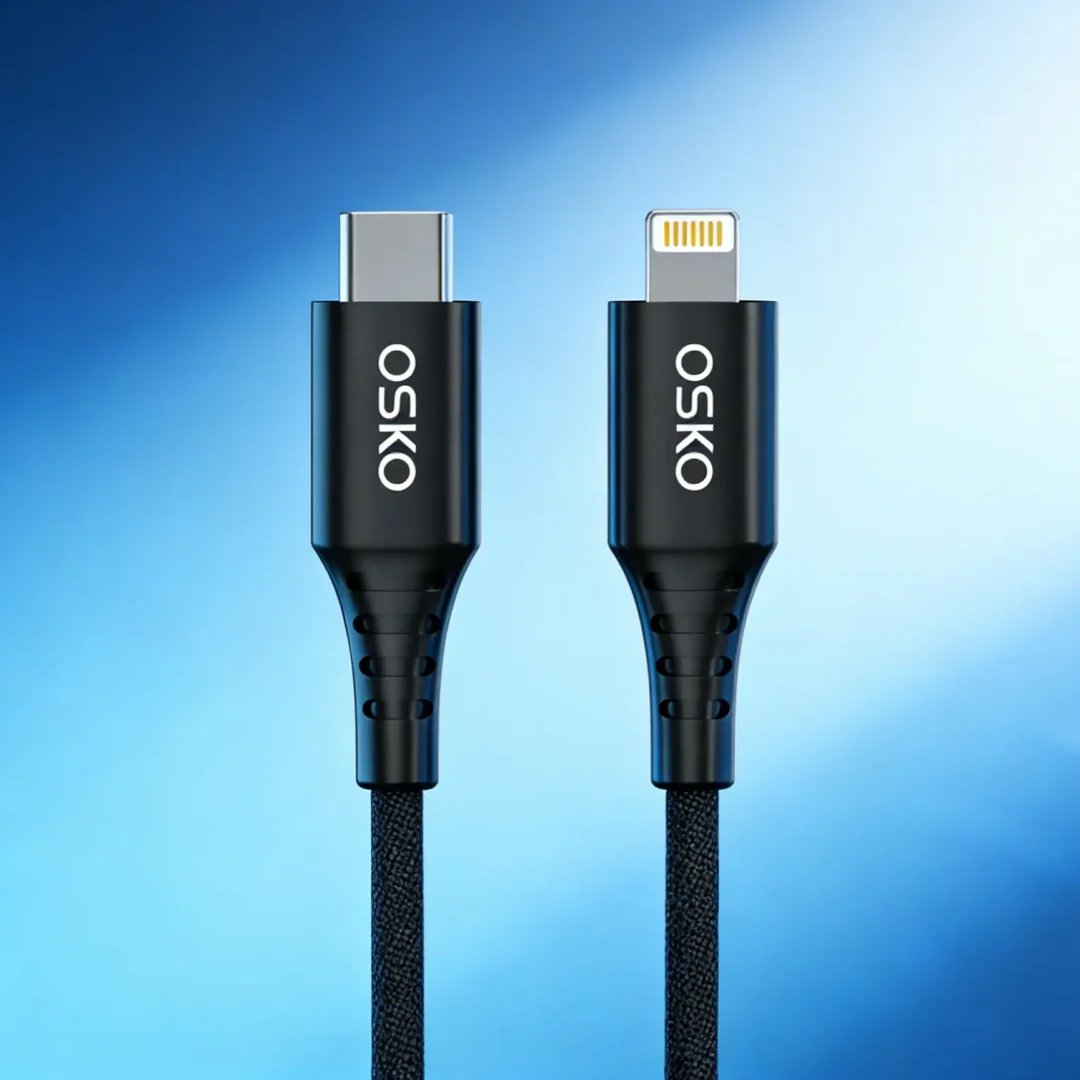
USB-C to USB-C: Full potential for PD, data, and video
USB-A to USB-C: Limited by USB-A standard; may not support PD above 60W
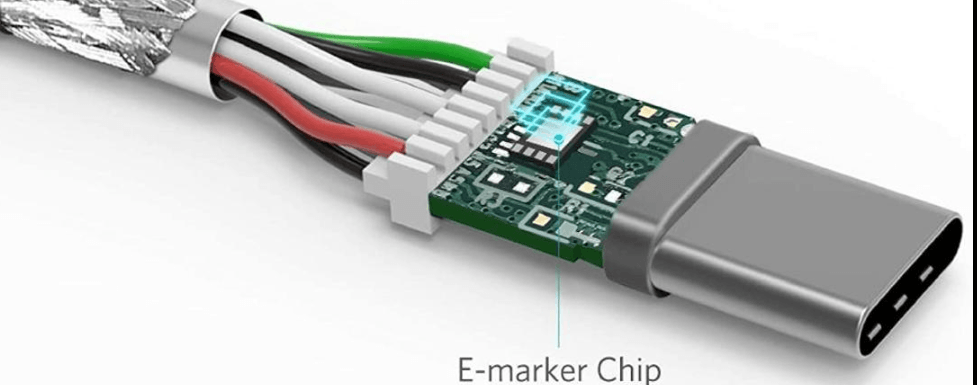
2.5 E-Marker Chip
Needed for high-power charging (>60W)
Acts as the cable’s “ID card,” informing the device of its current, voltage, and protocol capabilities
3. Factors That Affect USB-C Data Transfer Speed
Just like charging, data transfer varies widely:
3.1 USB Standards
| USB Version | Max Speed | Typical Use |
|---|---|---|
| USB 2.0 | 480 Mbps | Phones, simple peripherals |
| USB 3.2 Gen1 | 5 Gbps | External drives, faster backups |
| USB 3.2 Gen2 | 10 Gbps | SSDs, faster video editing |
| USB 3.2 Gen2x2 | 20 Gbps | High-end external storage |
| USB4 | 40–120 Gbps | Thunderbolt devices, 8K video, GPUs |
Many cheap cables only support USB 2.0 speeds, even if they physically have a USB-C plug.
3.2 Shielding and Interference
High-speed signals need proper shielding to prevent signal loss and crosstalk. Poorly shielded cables may cause:
File transfer errors
Monitor flickering
Bluetooth or Wi-Fi interference
3.3 Pin Wiring and Build Quality
A USB-C connector has 24 pins, including:
VBUS and GND for power
CC1/CC2 for orientation and PD negotiation
SuperSpeed TX/RX pairs for high-speed data
Cheap cables often skip proper wiring, resulting in slow data or unreliable performance.
4. How to Test USB-C Cable Speed
Testing ensures your cable delivers both power and data. There are several approaches:
4.1 Charging Speed Test
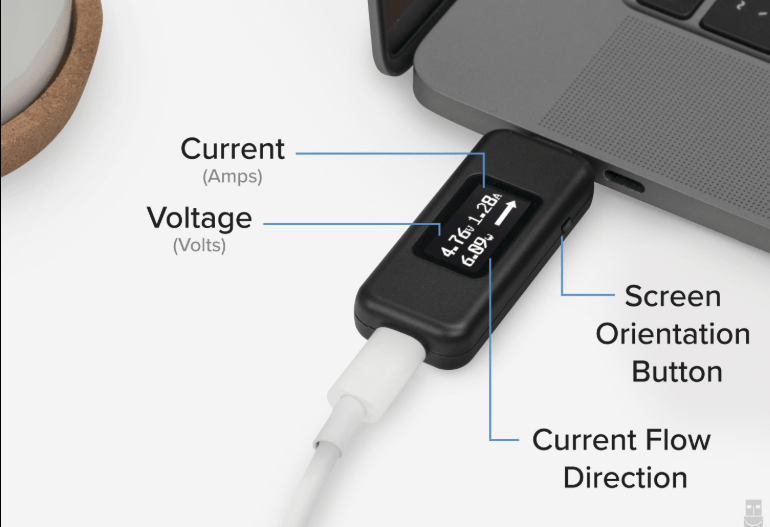
Use a USB power meter: measures voltage, current, and wattage
Check fast charging support: PD or QC protocol
Observe heat: excessive heat indicates high resistance or low-quality conductors
4.2 Data Transfer Speed Test
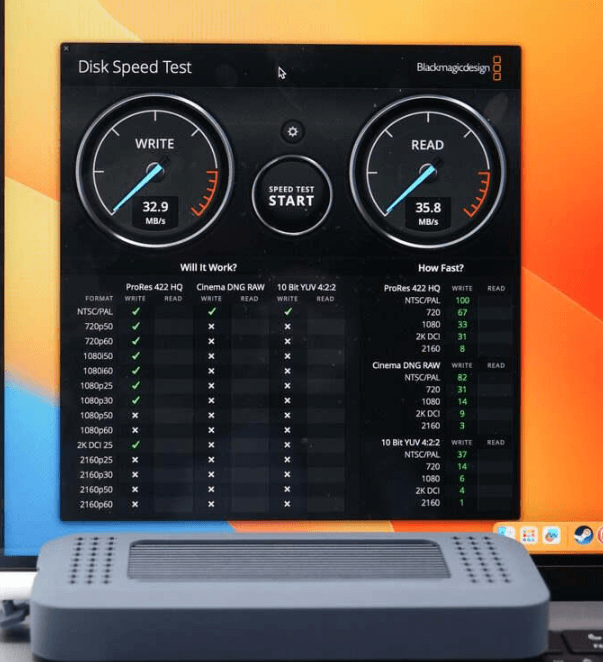
File copy method: transfer a 5–50GB file and note speed
Benchmark software:
Windows: CrystalDiskMark
Mac: Blackmagic Disk Speed Test
4.3 Protocol Detection
Check device properties: USB version, supported PD profile, Thunderbolt capability
Look for E-Marker chip: ensures full PD support above 60W
4.4 Real-World Combined Test
- Charge a laptop while transferring a large file
- Monitor wattage and transfer speed
- Check for connector heat or instability
5. Risks of Using Substandard USB-C Cables
Using cheap cables isn’t just annoying—it can damage devices:
- Overheating and fire risk due to thin conductors
- Voltage breakdown if insulation fails under PD 3.1 high voltage (up to 48V)
- Data loss or corruption from poor shielding
Always choose certified cables from trusted brands with USB-IF or MFi certification.
6. USB-C Cable Buying Guide
6.1 For Office Workers / Ultrabooks
Requirements: PD 100W + USB 3.1 (10Gbps)
Recommended length: 1.5–2m
Use case: 4K display mirroring, fast laptop charging
6.2 For Tech Enthusiasts / External Storage / Docking
Requirements: USB4 40Gbps, PD 100–240W, E-Marker chip
Use case: Thunderbolt-compatible docks, external GPUs, 8K displays
6.3 For Casual / Phone Charging
Requirements: USB 2.0 or USB 3.0 from reputable brands
Advantages: Affordable, flexible, reliable for low-speed charging
Tip: Cable length and build quality are just as important as protocol support.
7. Future Trends in USB-C Cables
Higher charging capacity beyond 240W
Speeds exceeding 120Gbps with USB4 2.0
Improved heat-resistant materials (LCP cores)
Smarter E-Marker chips with AI negotiation
Multi-device universal cables for office and travel
Soon, one cable will truly do it all: charge phones, laptops, stream video, and connect peripherals simultaneously.
8. Conclusion
A USB-C cable is not just a wire—it’s a miniature electronic system. To ensure the best performance, consider:
Copper quality and wire thickness
USB protocol support (USB 2.0 → USB4)
Fast charging standards (PD 3.0 / 3.1, PPS)
E-Marker chip presence
Build quality: shielding, reinforcement, and plating
By understanding these factors, you can avoid slow charging, unreliable data transfer, and potential device damage. Investing in a high-quality USB-C cable is not just about convenience—it’s about safety, speed, and longevity.
Are you sourcing USB-C cables for business or personal use?
Always request PD, USB protocol, and E-Marker test reports
Avoid uncertified, generic cables
Choose cables that match your device’s charging and data needs
For reliable USB-C data cables and fast-charging solutions, check our curated selection and certified suppliers today.