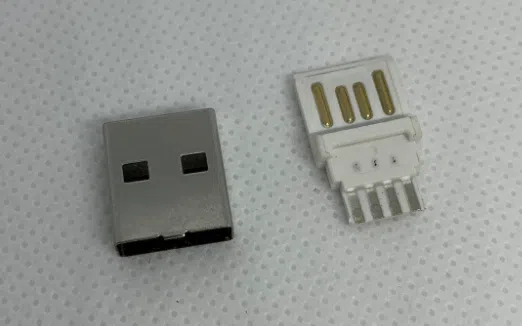
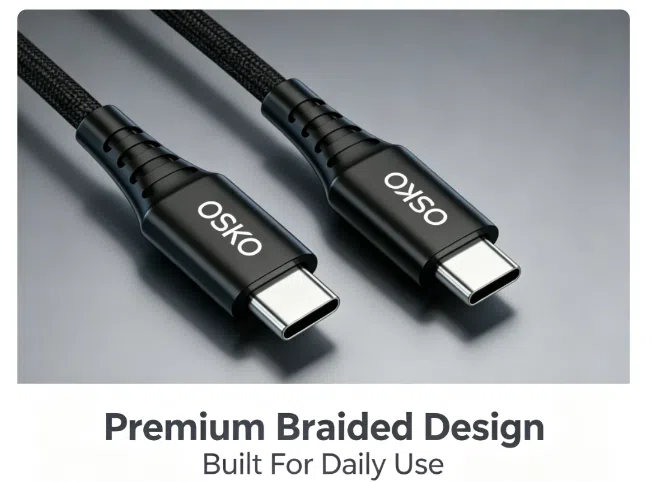
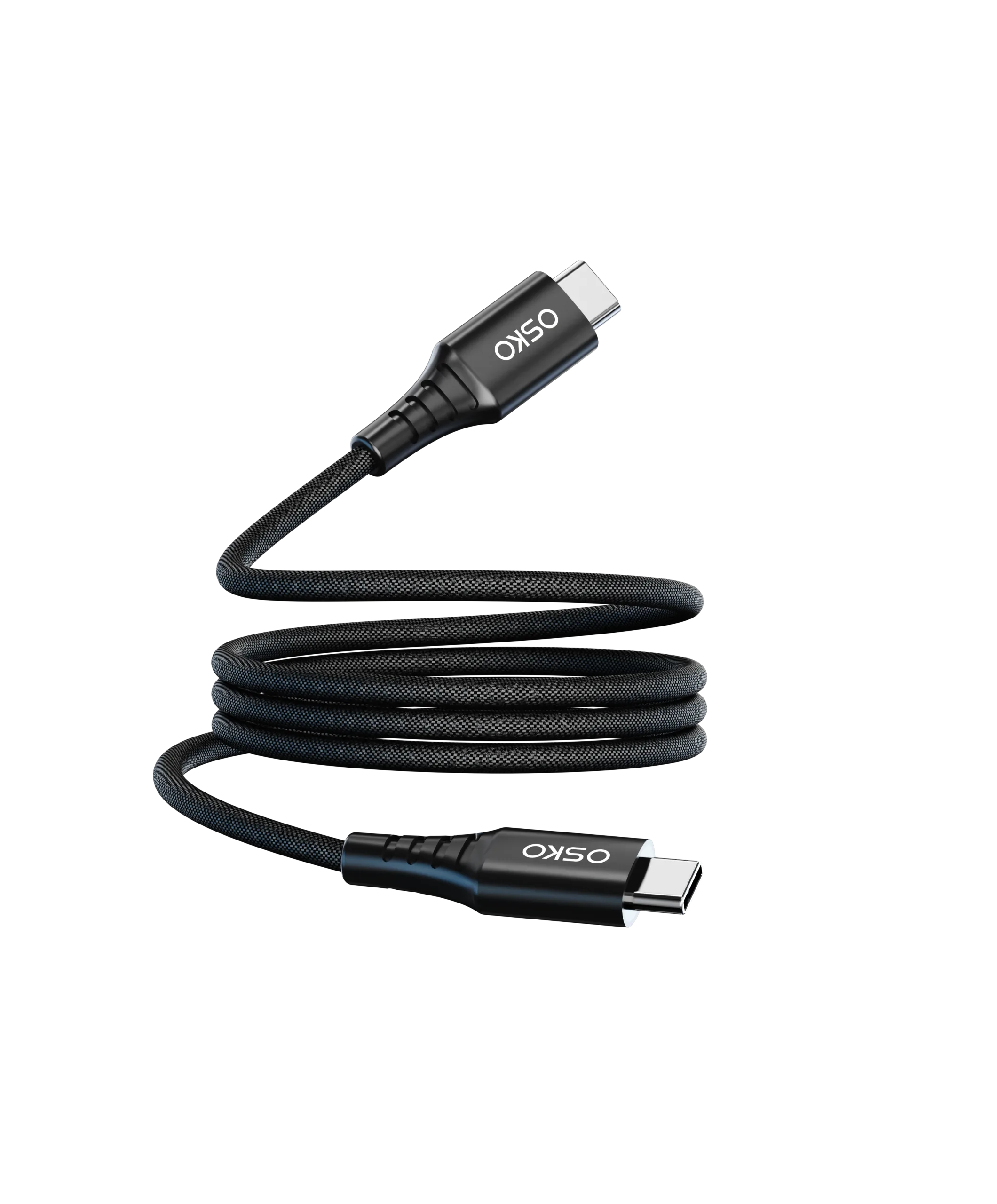
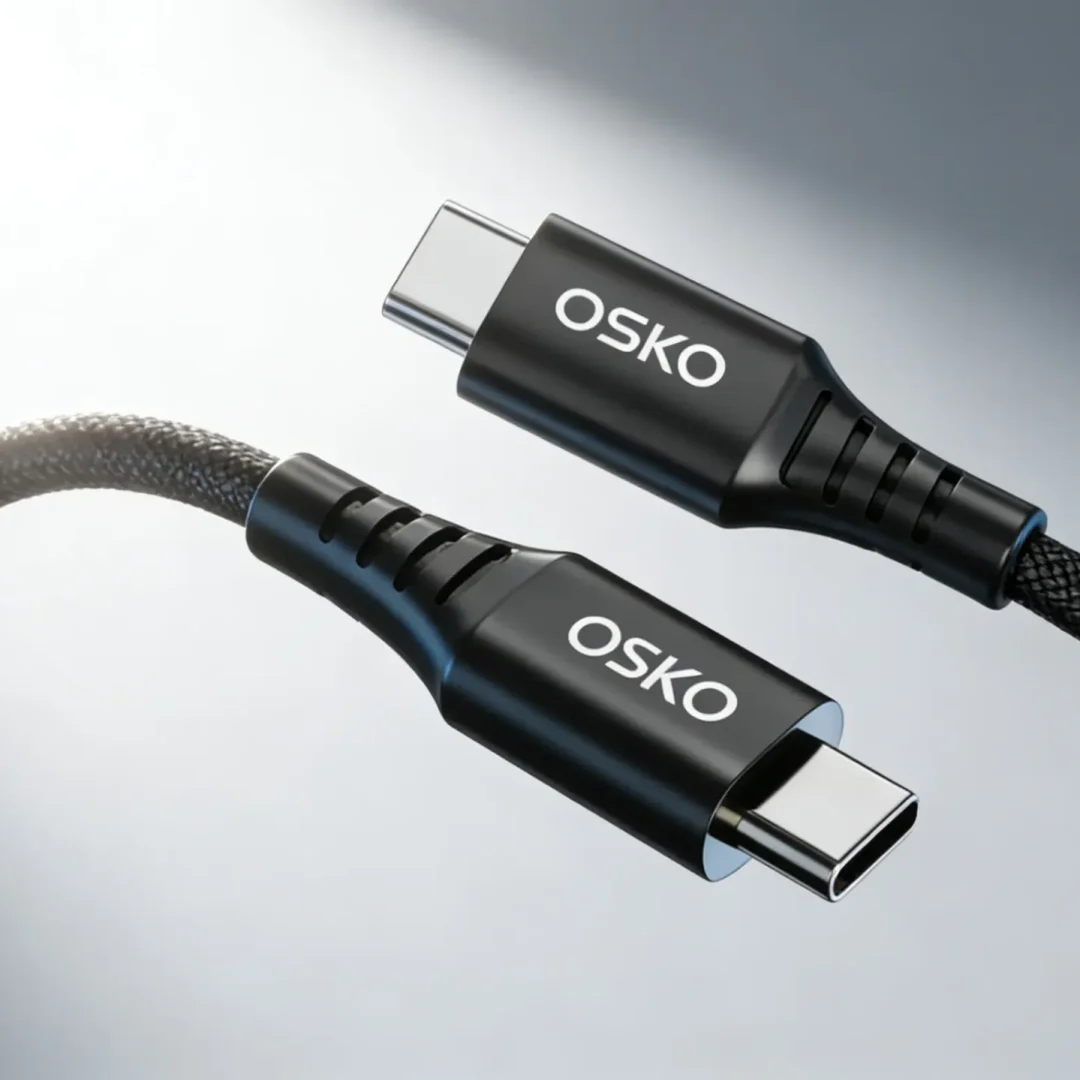
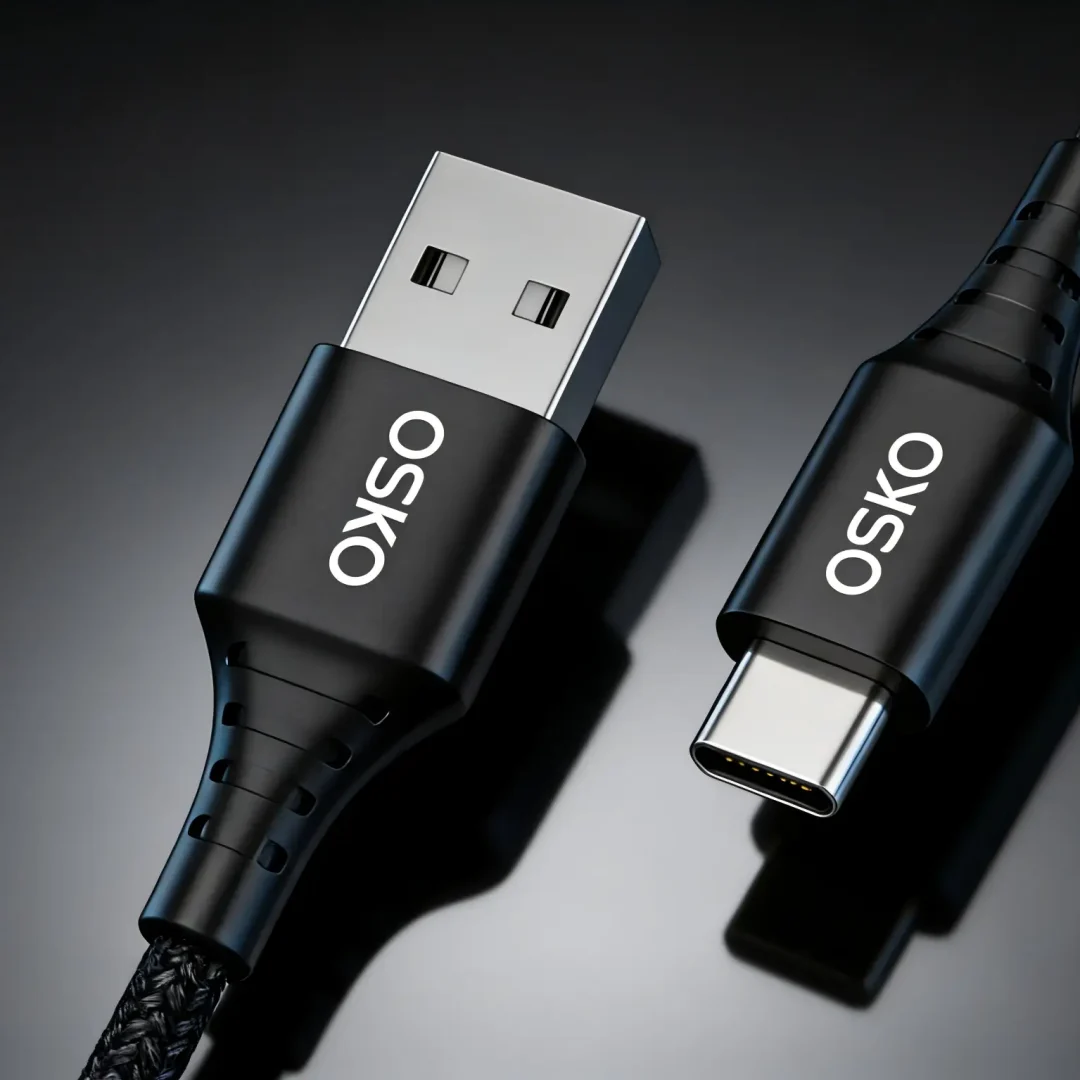
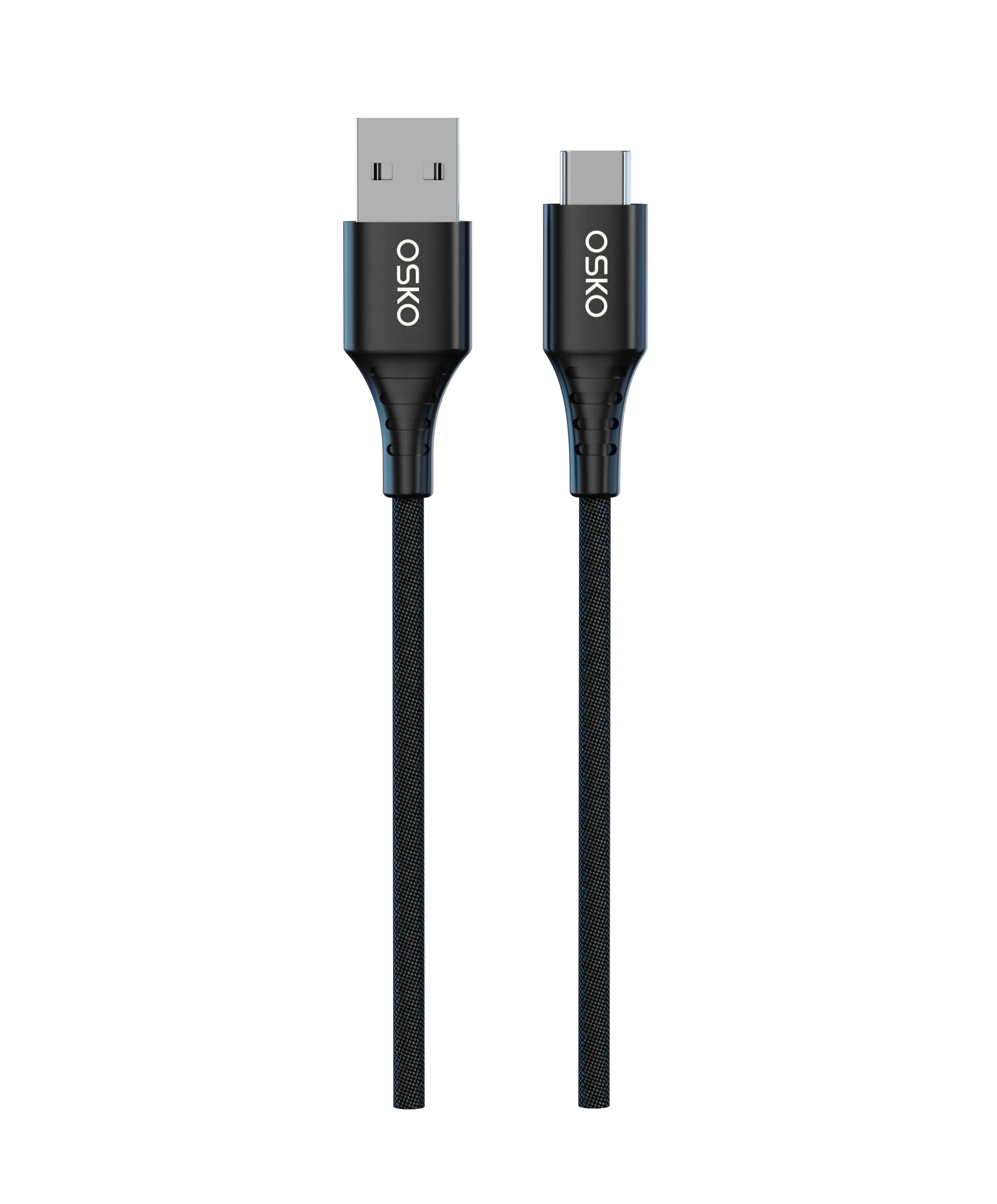
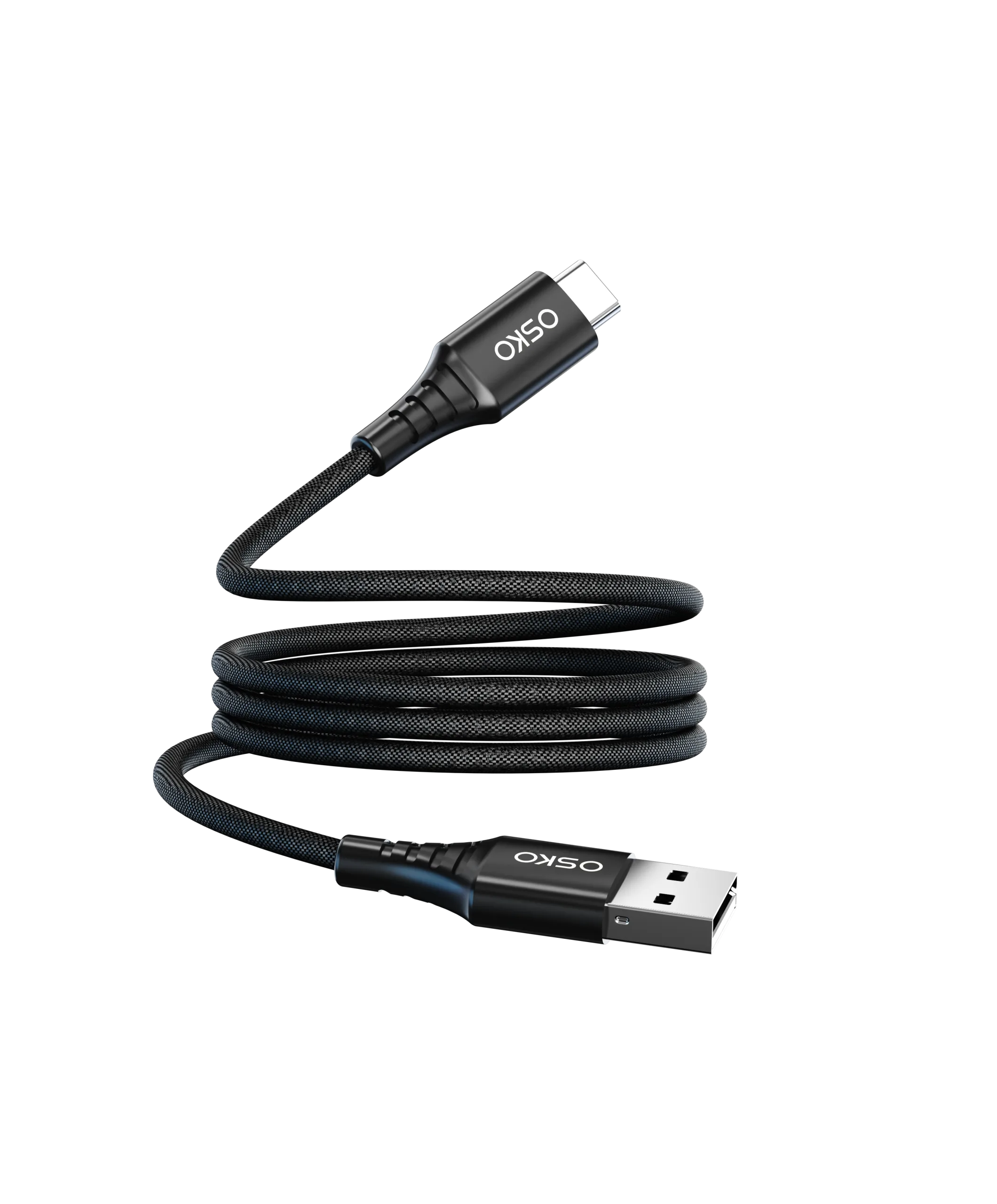
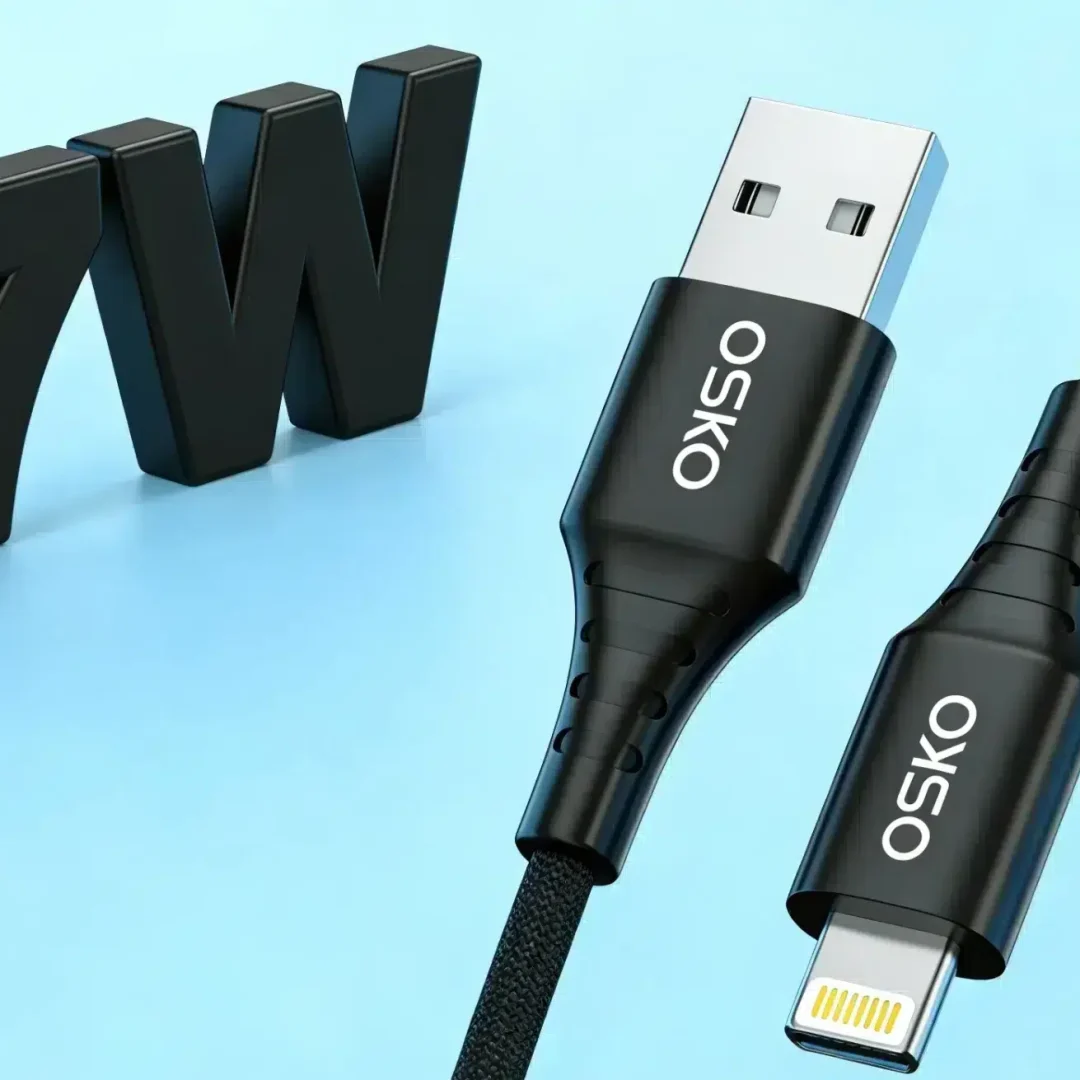
Learn how to identify whether a USB-C cable supports USB 2.0 or USB 3.0/3.1/3.2 using visual cues, connector markings, pin count, cable thickness, and certification labels. This guide helps OEM buyers, wholesale distributors, and US consumers select the right cable for charging, data transfer, and enterprise use.
news
How to Choose the Right Lightning Cable
This article explains how to choose the right Lightning cable by analyzing MFi certification, material [...]
Continue reading →news
How Do I Choose the Right Charging Cable for My iPhone?
This article explains how to choose the right charging cable for iPhone users, covering Lightning [...]
Continue reading →news
3ft, 6ft, or 10ft Charging Cable — Which One Is Right for You?
This article explains how to choose between 3ft, 6ft, and 10ft charging cables based on [...]
Continue reading →news
Are There Different Grades of USB-C Cables? Engineering Standards, Materials, and Performance Classification Explained
This article explains the different grades of USB-C cables from a technical perspective, including material [...]
Continue reading →news
MacBook Pro Charger Wattage: The Ultimate Guide
This guide explains MacBook Pro charger wattage by model, including 13-inch, 14-inch, and 16-inch requirements [...]
Continue reading →