
Introduction
Most USB-C cables look identical from the outside, but their internal performance can differ dramatically. A USB-C cable may support only 480 Mbps USB 2.0 speeds or full SuperSpeed USB 5 Gbps, 10 Gbps, and beyond. For OEM buyers, wholesale distributors, and US consumers, knowing how to tell if your cable is 2.0 or 3.0 is essential for avoiding performance issues and ensuring device compatibility.
USB-C supports a wide range of power and data capabilities, and many “charge-only” cables are limited to USB 2.0 even though they fit modern laptops and phones. Selecting the wrong cable can result in slow data transfer, unstable connections, or inability to use advanced features like external displays or high-speed SSDs.
Material Science & Dielectric Properties
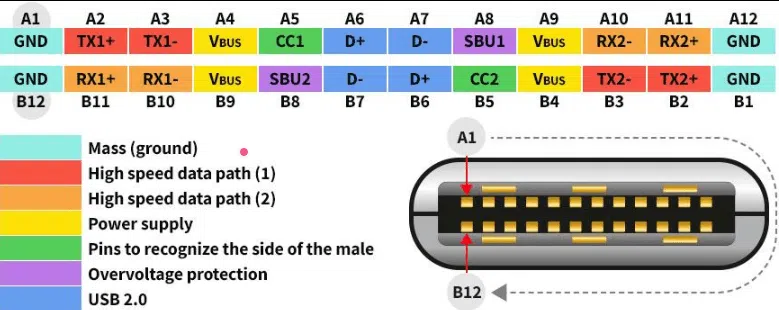
The difference between USB 2.0 and USB 3.0 USB-C cables begins with internal wiring and shielding. USB 2.0 cables typically include only the basic pairs needed for power and low-speed data. USB 3.0 and higher cables add extra high-speed differential pairs that enable SuperSpeed data transfer.
These additional pairs require more conductors inside the cable, which makes USB 3.0 cables noticeably thicker and less flexible than USB 2.0 counterparts. From a material perspective, USB 3.0 designs also use more controlled dielectric insulation to maintain impedance stability at higher frequencies.
A CE RoHS certified 240W USB C cable may still be USB 2.0 if it is designed primarily for charging. In contrast, a USB-IF compliant Type C cable manufacturer will clearly specify whether the cable supports USB 3.2, USB 4, or is limited to USB 2.0. For OEM and wholesale buyers, this distinction is critical for product segmentation and performance claims.
Case Study
A U.S.-based electronics distributor sourced USB cables for three channels: retail USB cables, OEM USB cables, and bulk USB cables for the enterprise IT sector. The initial issue was inconsistent performance: customers reported that when using the same cable for both charging and data transfer simultaneously, the transfer speed of solid-state drives (SSDs) was slow, and actual performance fell short of expectations.
The engineering issue came from unclear labeling and insufficient product differentiation. The distributor’s USB-C cable line included both USB 2.0 “charge and sync” cables and USB 3.0 full-featured cables, but packaging and marketing did not distinguish them clearly. This led to confusion in retail USB cable sales and lower satisfaction in enterprise deployments.
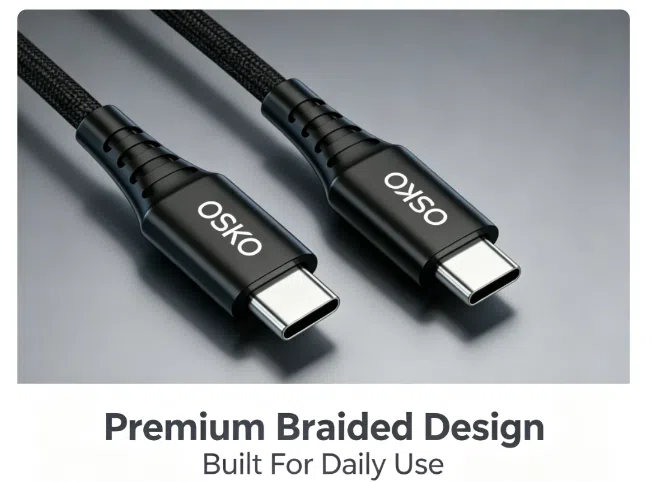
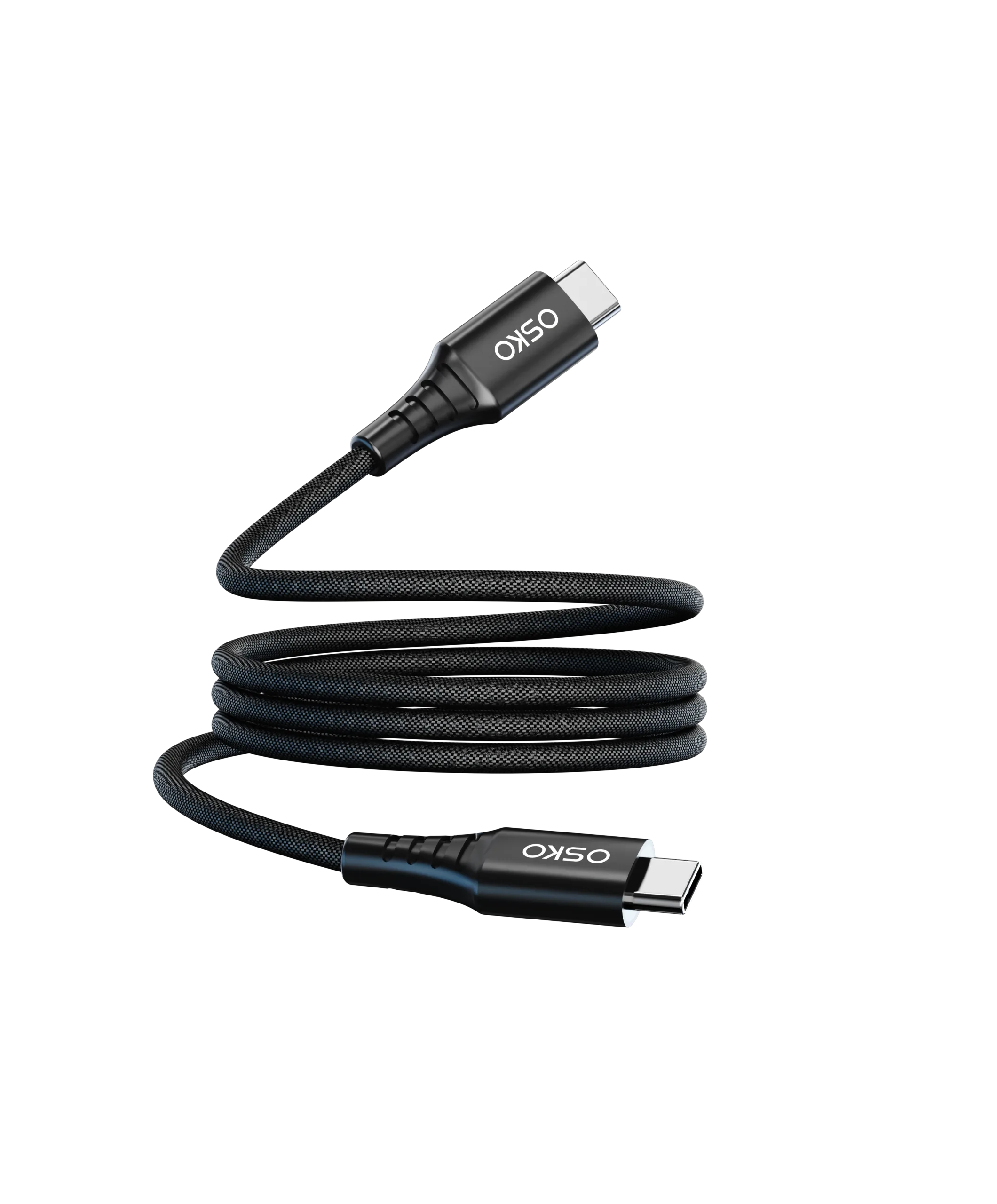
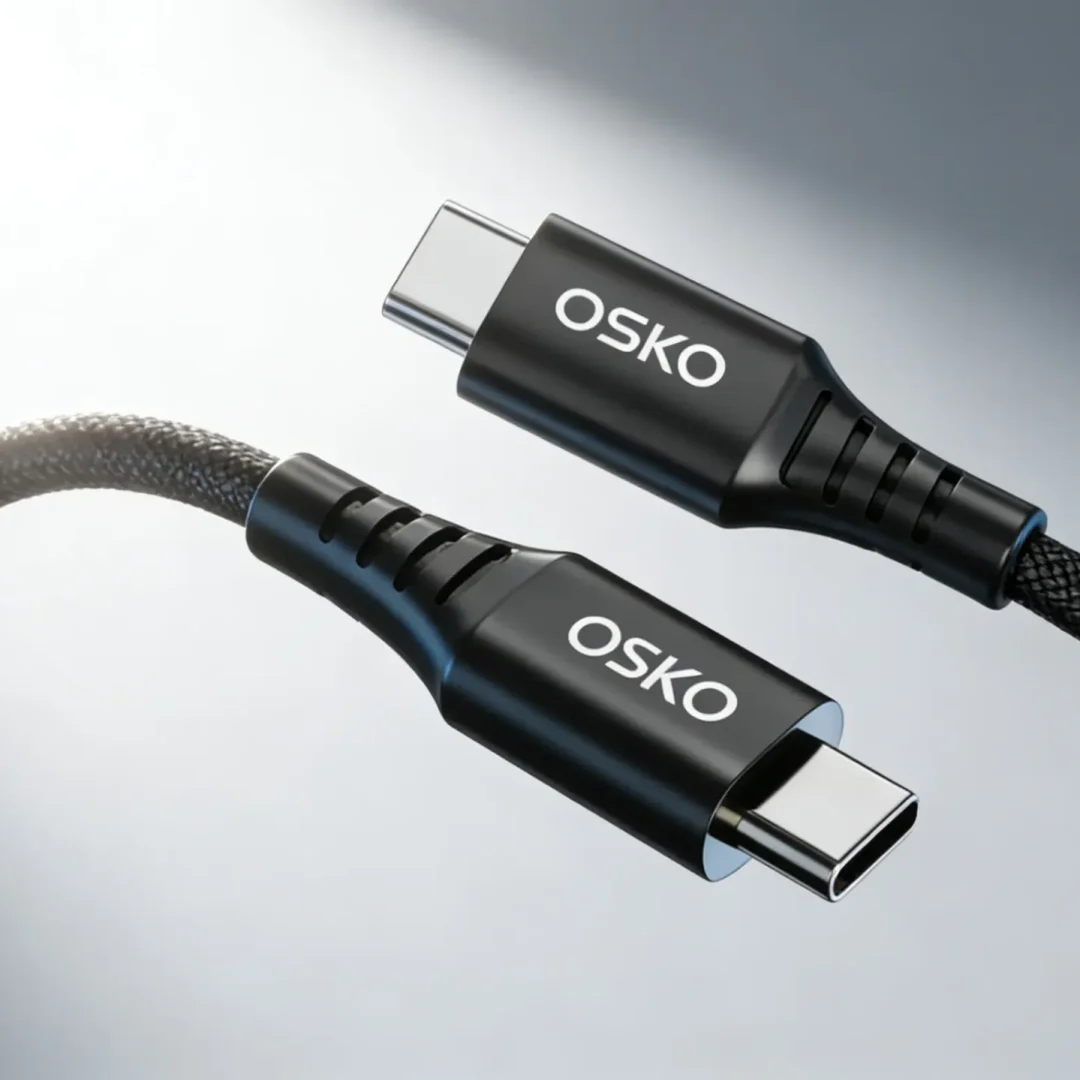
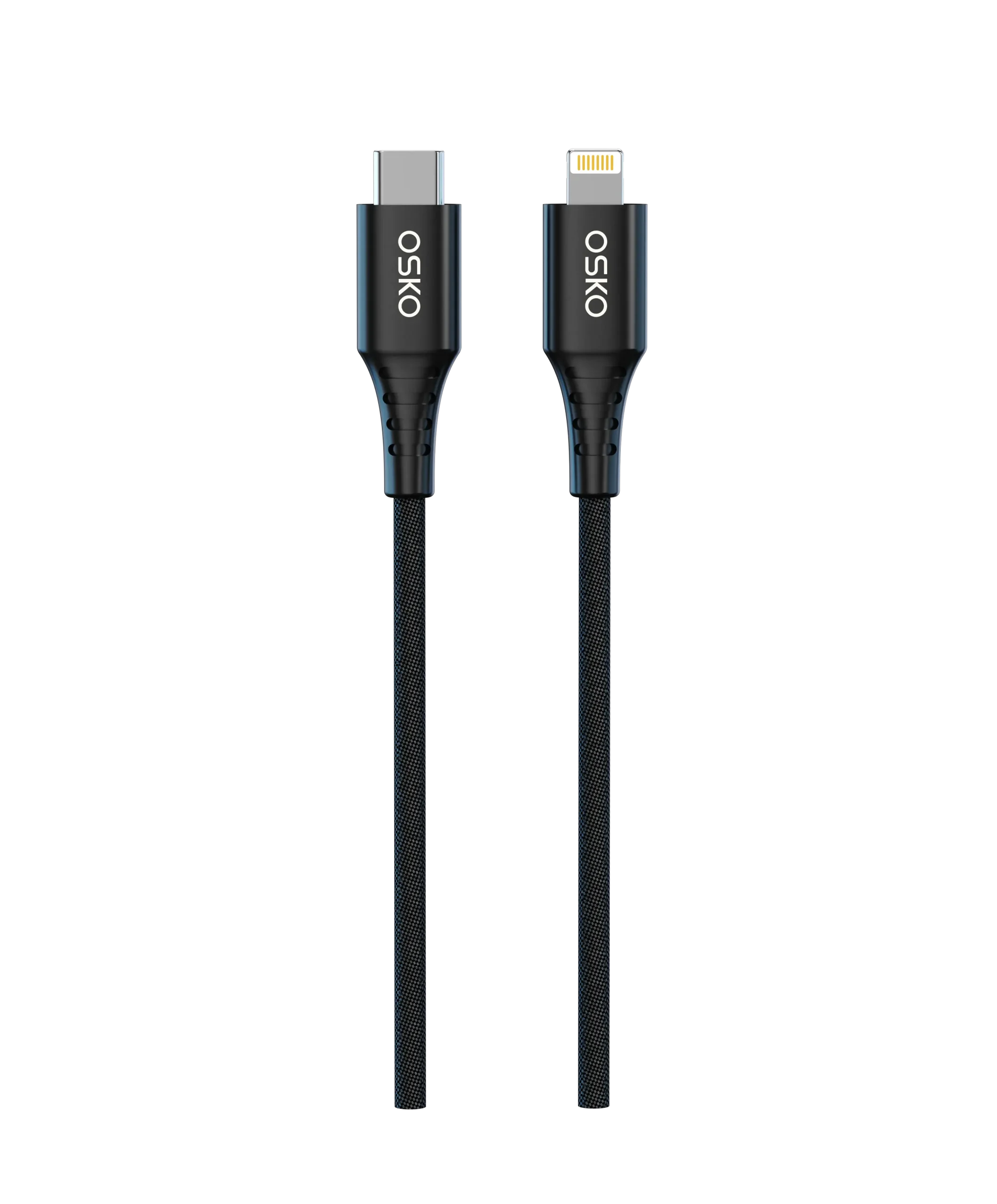
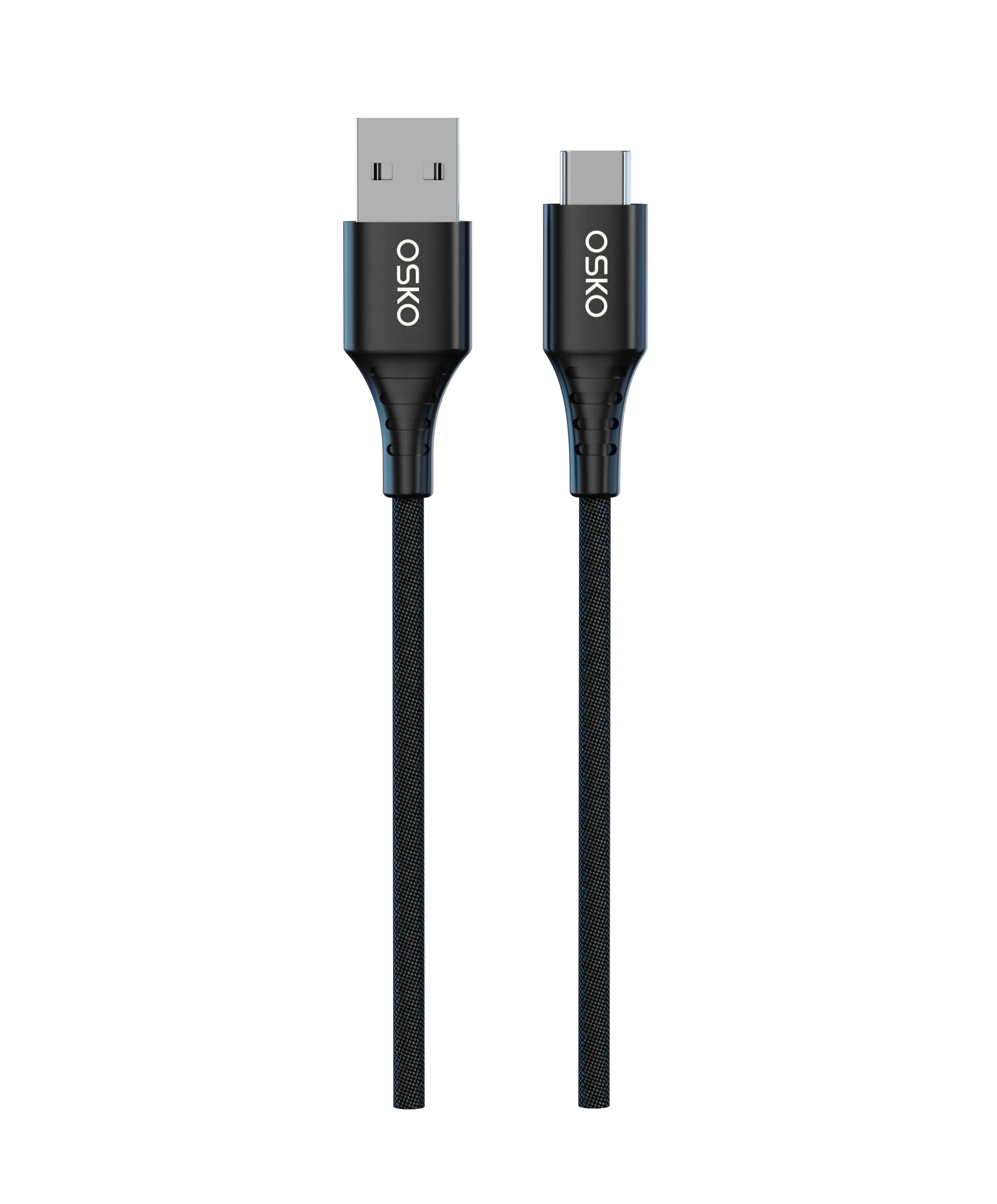
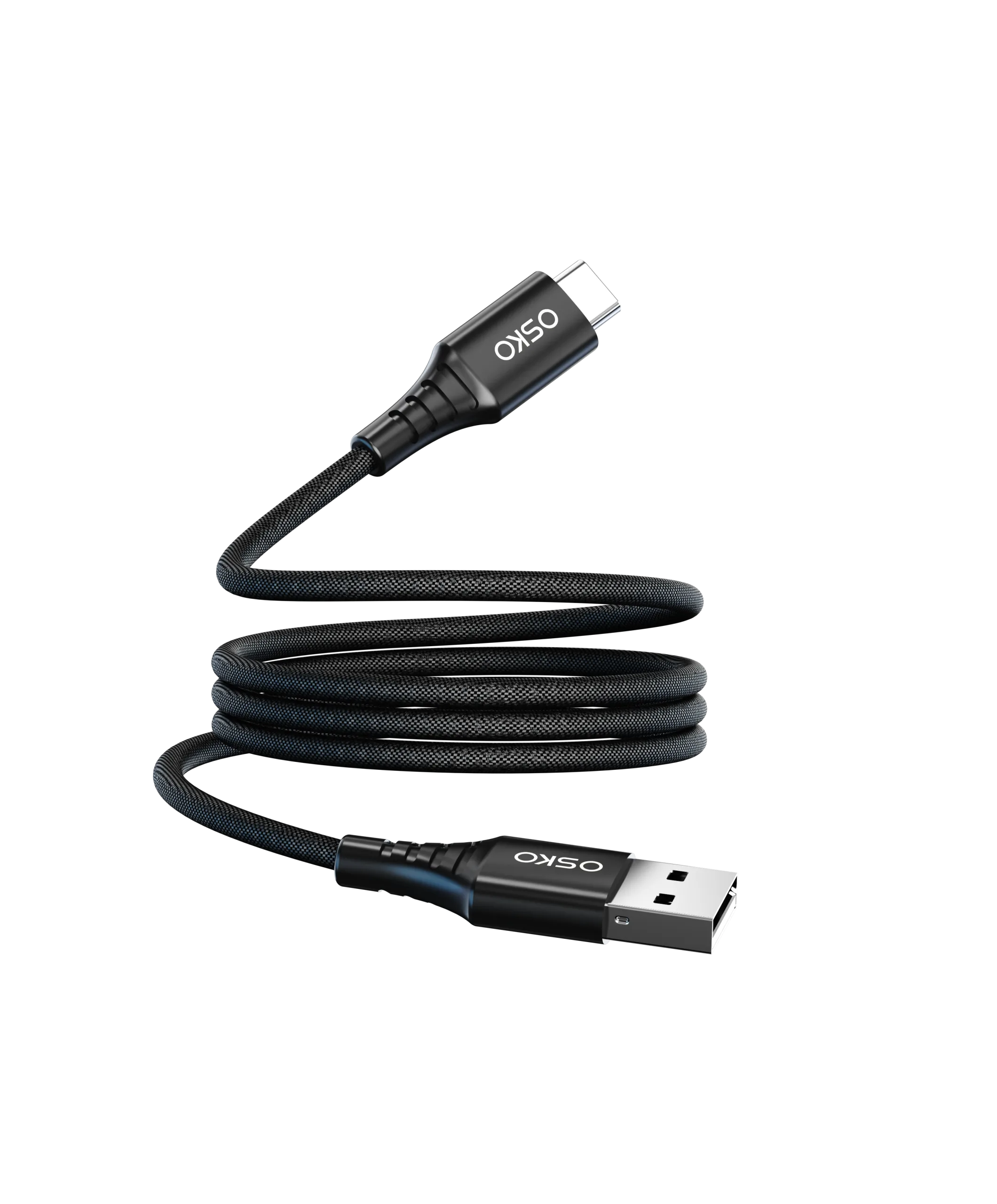
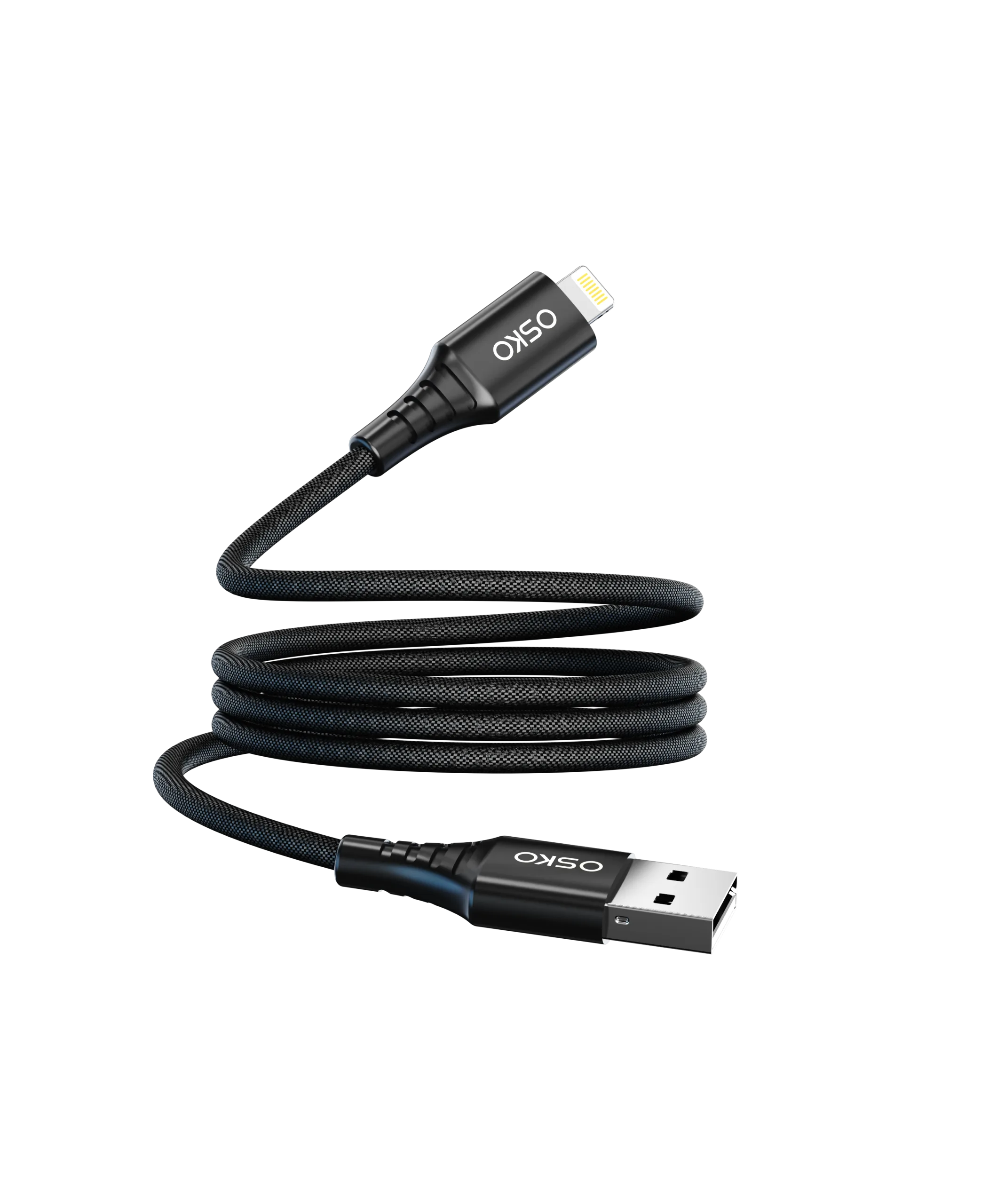
The OSKO solution was to restructure the product line by speed and use case. Desktop and high-performance models were built as full-featured Tangle-free double-braided USB C cable wholesale with USB 3.2 support, while travel and budget models used shorter Bulk short 3ft braided Type C cables OEM designed for charging and basic sync.
For branded launches, OSKO added clear speed labeling and certification marks, including USB-IF compliant Type C cable manufacturer and CE RoHS certified 240W USB C cable references. This made it easier for US buyers to identify whether a cable was USB 2.0 or 3.0 at the point of purchase.
Selection Guide
You can identify whether a USB-C cable is USB 2.0 or 3.0 using several practical methods. While no single method is 100% reliable for all cables, combining multiple approaches gives a strong indication of the cable’s actual performance class.
| Identification Method | USB 2.0 Cable | USB 3.0/3.1/3.2 Cable |
|---|---|---|
| Connector color (USB-A side) | Black or white insert | Blue insert (sometimes marked “SS”) |
| “SS” symbol on connector | Absent | Present (“SuperSpeed”) |
| USB logo on cable | USB 1.1/2.0 trident | SuperSpeed 5 Gb/s, 10 Gb/s, or USB4 logo |
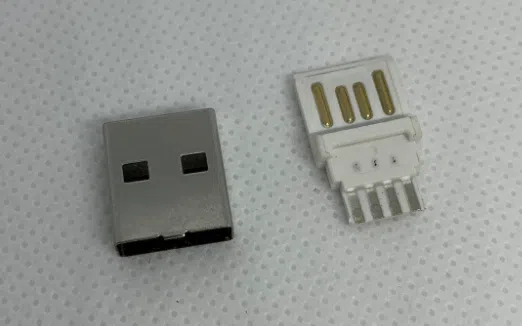
| Pin count (USB-A side) | 4 pins | 9 pins (staggered design) |
| Cable thickness | Thinner, more flexible | 50% thicker, less flexible |
| Price and stiffness | Low-cost, very flexible | Higher price, more rigid |
| e-Marker chip | Usually absent | Often present for high-power/full-featured cables |
| Performance test | ~480 Mbps max | 5 Gbps, 10 Gbps, or higher |
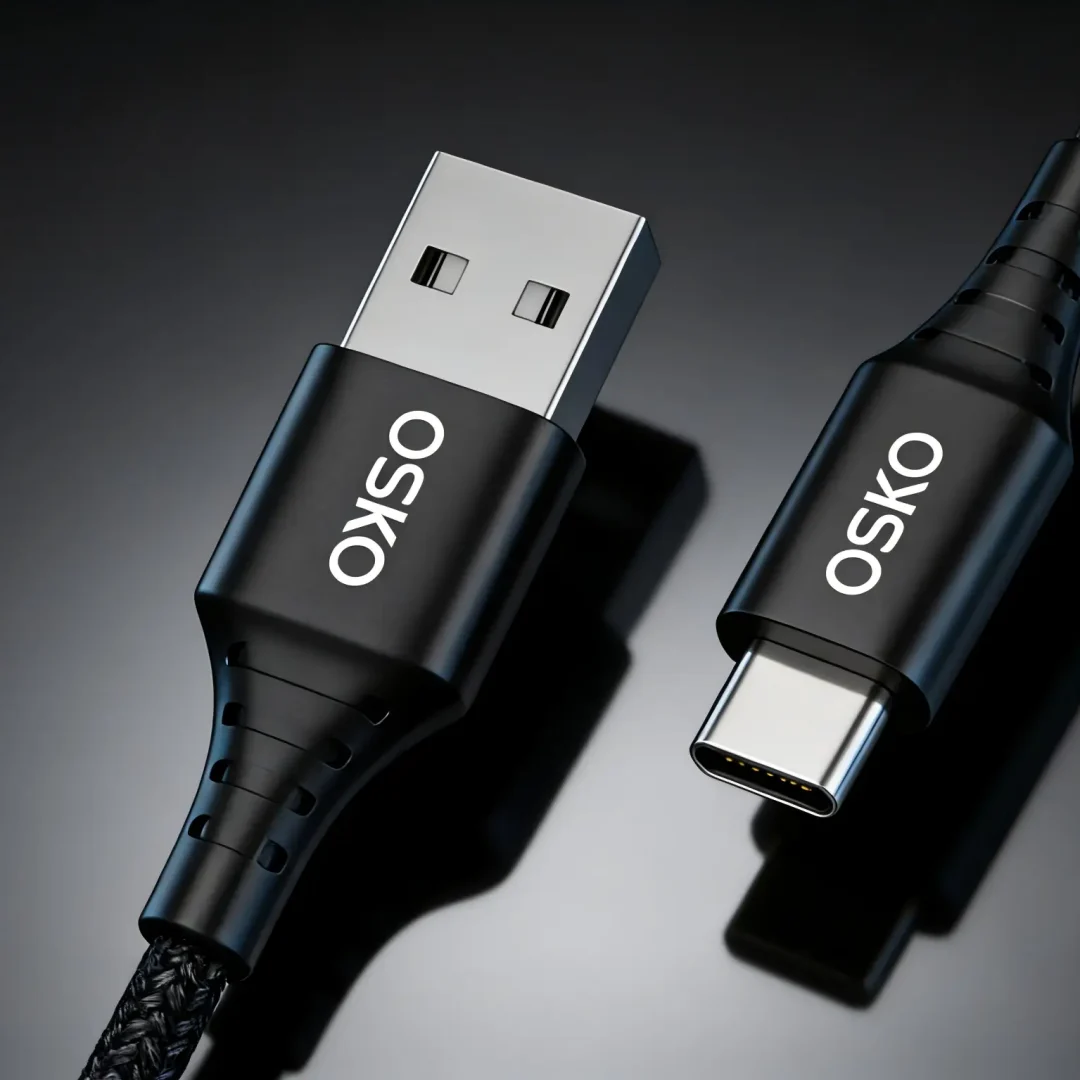
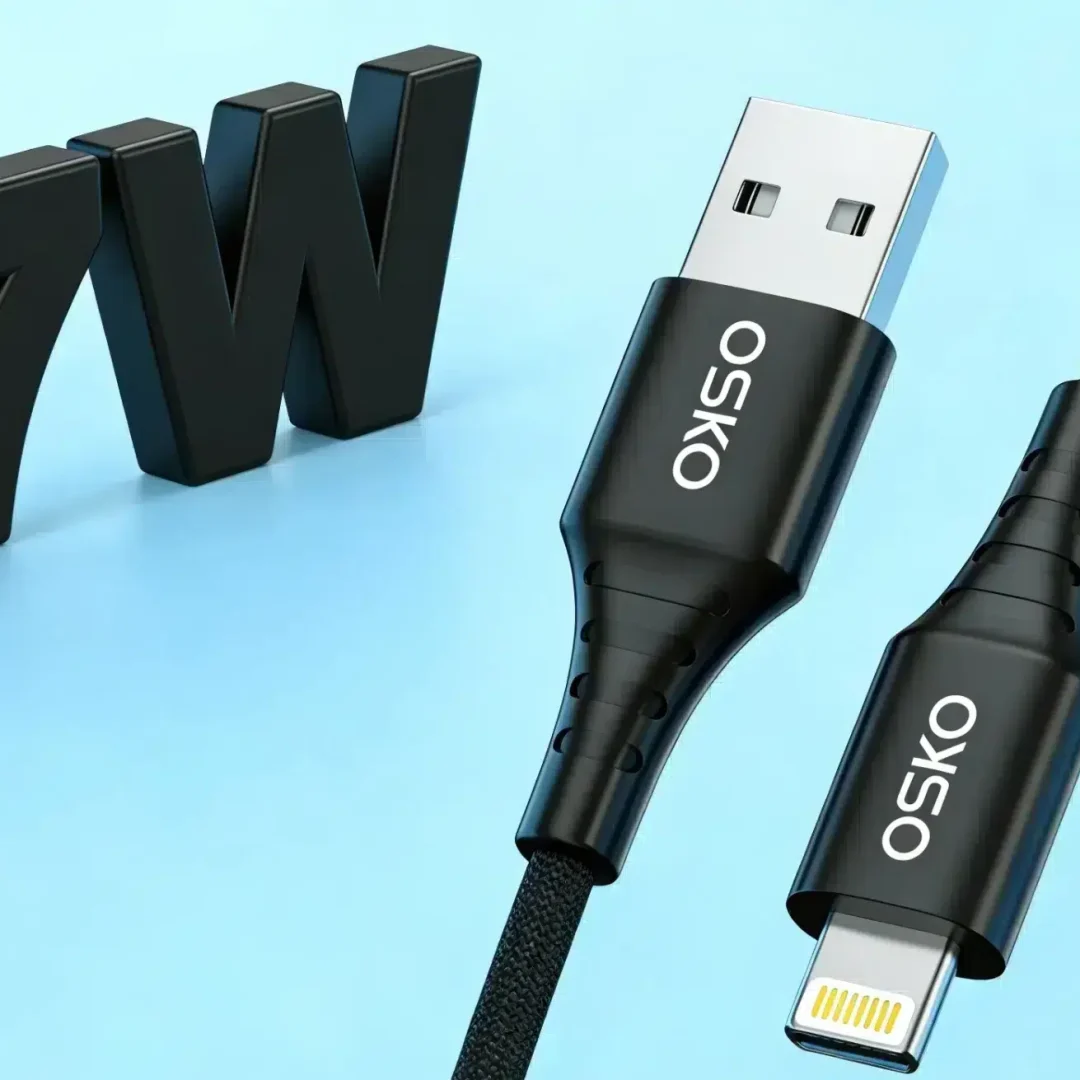
For USB-A to USB-C cables, the color code and pin count are reliable: USB 3.0 USB-A connectors usually have a blue insert and nine pins, while USB 2.0 connectors have black or white inserts and four pins. For USB-C to USB-C cables, visual differences are minimal, but thicker cables and official SuperSpeed logos are strong indicators of USB 3.x support.
In OEM and wholesale sourcing, the most reliable method is to request official specifications from a USB-IF compliant Type C cable manufacturer. For retail and consumer buyers, checking for the SuperSpeed logo and cable thickness is often sufficient.
FAQ
Can a USB-C cable be USB 2.0 even if it looks high-quality?
Yes. Many durable braided USB-C cable designs are USB 2.0 if they are designed primarily for charging rather than high-speed data.
Does a thicker cable always mean USB 3.0?
Thicker cables are more likely to be USB 3.0 because they need extra conductors for SuperSpeed data, but thickness alone is not a guaranteed indicator.
How can US buyers verify USB speed before purchase?
Look for official SuperSpeed logos, check the manufacturer’s specs, and confirm certification from a USB-IF compliant Type C cable manufacturer.
Are all 240W cables USB 3.0?
No. A CE RoHS certified 240W USB C cable can be USB 2.0 if it is a charging-only design.
What is the best method for enterprise buyers?
Enterprise buyers should prioritize certified cables from a verified USB-IF compliant Type C cable manufacturer with documented speed and power ratings.
Summary
To tell if your USB-C cable is 2.0 or 3.0, combine visual checks (logo, “SS” symbol, connector color, pin count), physical inspection (thickness and stiffness), and official specifications from a certified manufacturer. USB 2.0 cables are typically thinner, cheaper, and limited to 480 Mbps, while USB 3.0 cables are thicker, more rigid, and support 5 Gbps or higher speeds.
For OEM buyers, wholesale distributors, and US consumers, the most reliable approach is to purchase from a USB-IF compliant Type C cable manufacturer and clearly label speed class on packaging. This reduces confusion, improves device compatibility, and ensures consistent performance across charging, data transfer, and enterprise applications.
Contact Information
For OEM USB cables, ODM USB cables, USB cable wholesale, bulk customized USB-C cable projects, or speed-classified product lines, partner with a verified manufacturer that provides technical specifications, certification support, and clear labeling for USB 2.0 and USB 3.0 performance classes.