















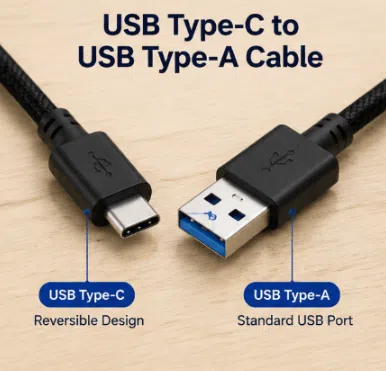
A USB Type-C to USB Type-A cable simply connects a Type-A host power/data source to a modern Type-C target device.

news
Apple's transition to USB-C is reshaping iPhone charging, data transfer, and accessory demand. Learn what [...]
Continue reading
news
Learn how to charge a laptop without a charger using USB-C PD cables, power banks, [...]
Continue reading
news
Discover how USB-C cables deliver more than charging with fast data transfer, USB PD, video [...]
Continue reading
news
Learn what a Lightning cable is, how it compares with USB-C, its types, charging performance, [...]
Continue reading
news
Is USB-C the same as Lightning? Learn the differences in compatibility, charging, data transfer, connectors, [...]
Continue reading
A USB Type-C to USB Type-A cable simply connects a Type-A host power/data source to a modern Type-C target device.
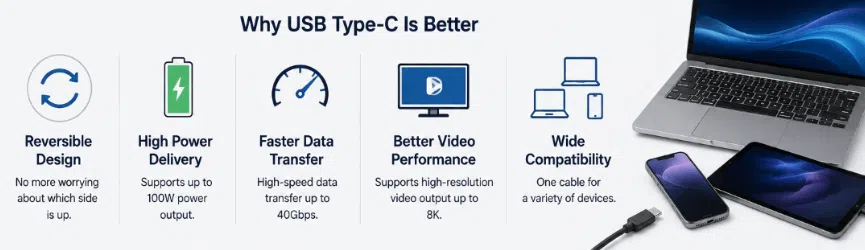
Learn what the Type-C interface means, how the USB Type-C connector works, why it replaced older USB standards, and how USB-C improves charging, data transfer, and device compatibility.
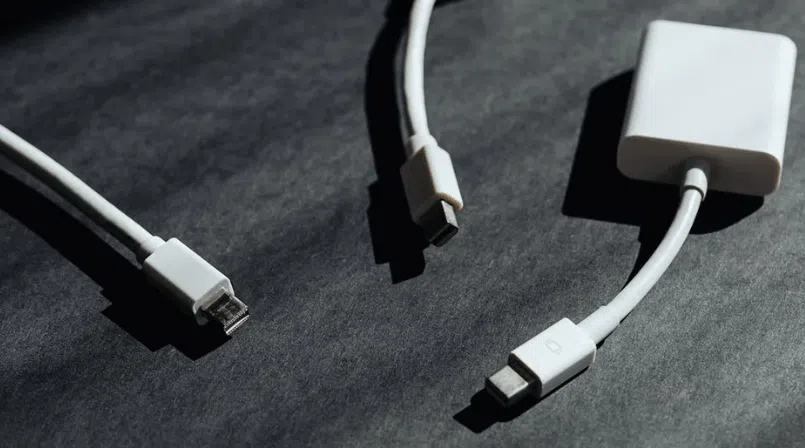
In this article, we’ll break down all those connector ports in a way that anyone can understand. We’ll talk about USB, HDMI, Thunderbolt, Ethernet, and more. You’ll learn what each port does and which devices they are commonly used with

As more devices switch to USB Type-C, many people are confused about the difference between USB-C to USB-C cables and USB-A to USB-C cables. At first glance, they may look similar, but their performance, charging capabilities, and compatibility are very different
