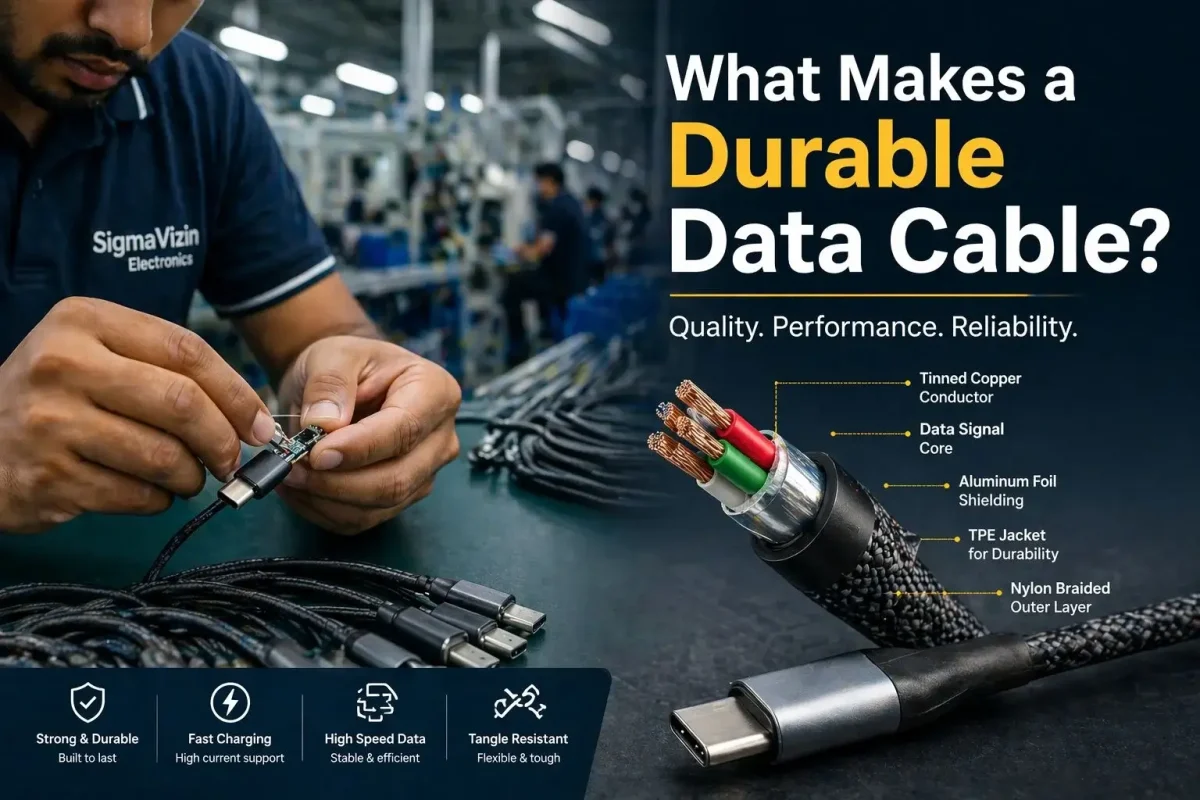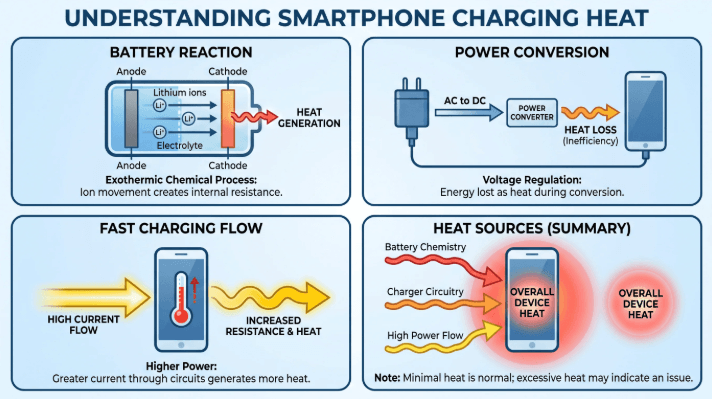

Discover how we reduced charging cable return rates by 80% through engineering optimization, PD compatibility testing, and quality control systems for OEM and Amazon sellers.
OEM USB-C PD 240W cable solution for Amazon sellers. FBA-ready packaging, high-power E-Marker design, private label customization, and fast sampling for US/EU marketplaces.
Professional USB-C 240W PD 3.1 cable solutions for high-power devices. OEM/ODM manufacturing, E-Marker integration, stable supply, and global wholesale support for brands and distributors.
Reliable USB-C cable B2B solutions including OEM customization, wholesale supply, and global manufacturing support. Stable quality, fast delivery, and scalable production for brands and distributors.
This article explains how to choose the right Lightning cable by analyzing MFi certification, material science, conductor quality, shielding design, and fast charging performance. It also covers OEM sourcing standards for US and European markets
This article explains how to choose the right charging cable for iPhone users, covering Lightning vs USB-C compatibility, fast charging requirements, material science, MFi certification, durability, and OEM cable standards for US and EU markets.
This article explains how to choose between 3ft, 6ft, and 10ft charging cables based on usage scenarios, material engineering, signal loss, and charging performance. It covers desk setups, travel use, car charging systems, and OEM cable design considerations for US and EU markets.
This article explains the different grades of USB-C cables from a technical perspective, including material science, power delivery levels, shielding structures, certification standards, and OEM manufacturing differences for North American and European markets.
This guide explains MacBook Pro charger wattage by model, including 13-inch, 14-inch, and 16-inch requirements from 60W to 140W. Learn how to choose the right USB-C or MagSafe 3 charger, understand fast charging support, and select compatible cables for reliable performance in the U.S. market.
Learn how to identify whether a USB-C cable supports USB 2.0 or USB 3.0/3.1/3.2 using visual cues, connector markings, pin count, cable thickness, and certification labels. This guide helps OEM buyers, wholesale distributors, and US consumers select the right cable for charging, data transfer, and enterprise use.