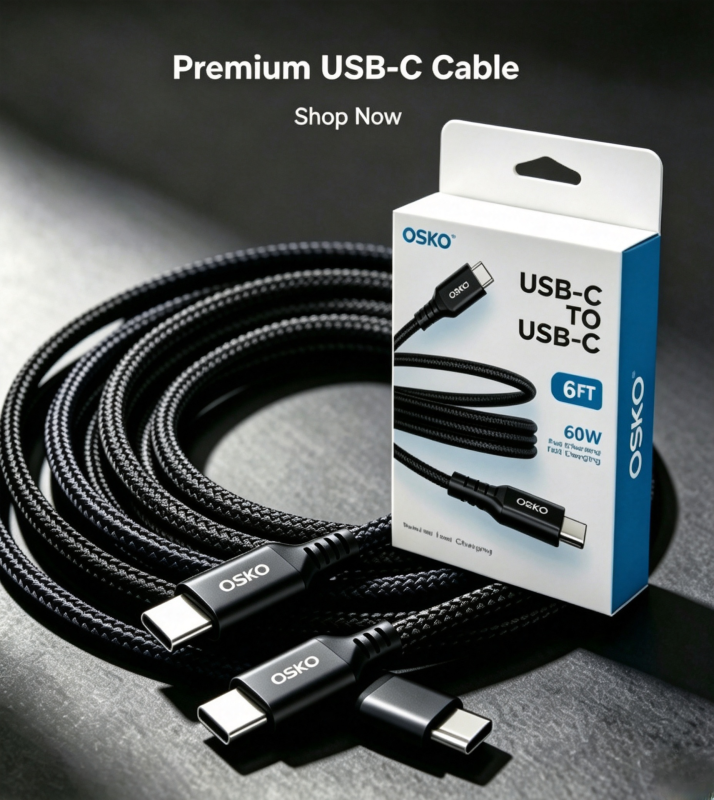
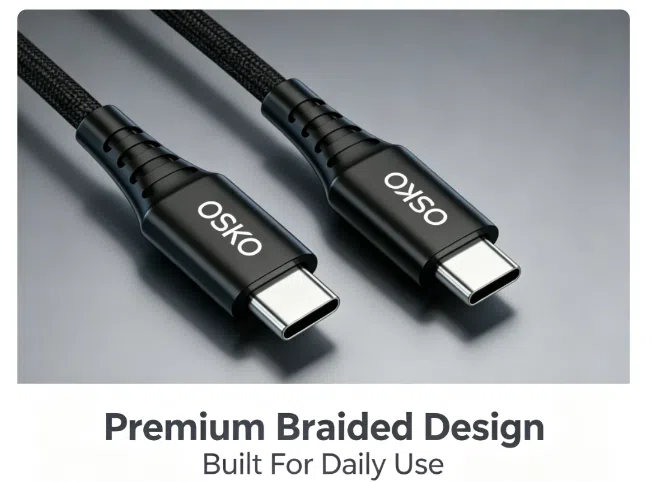
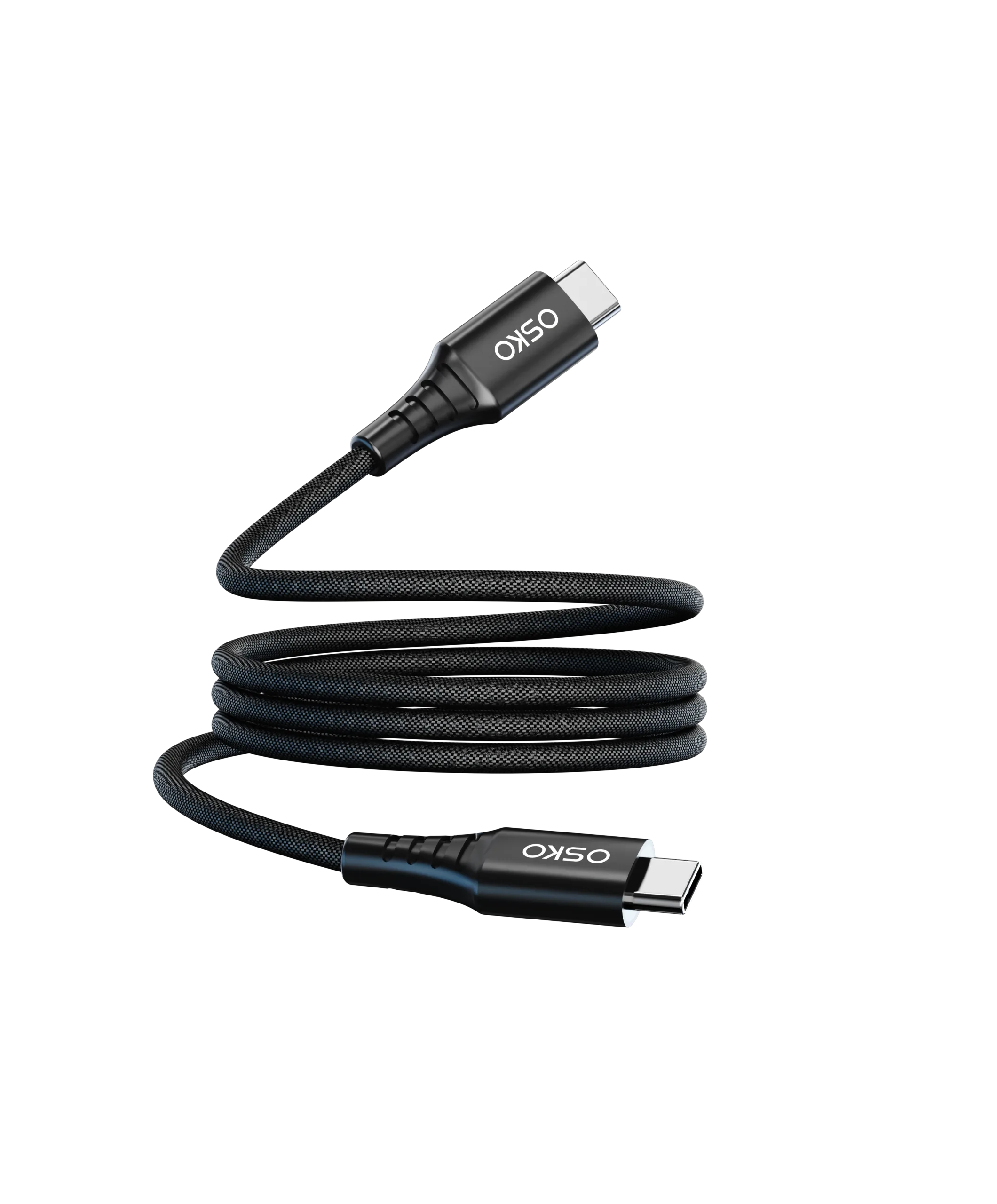
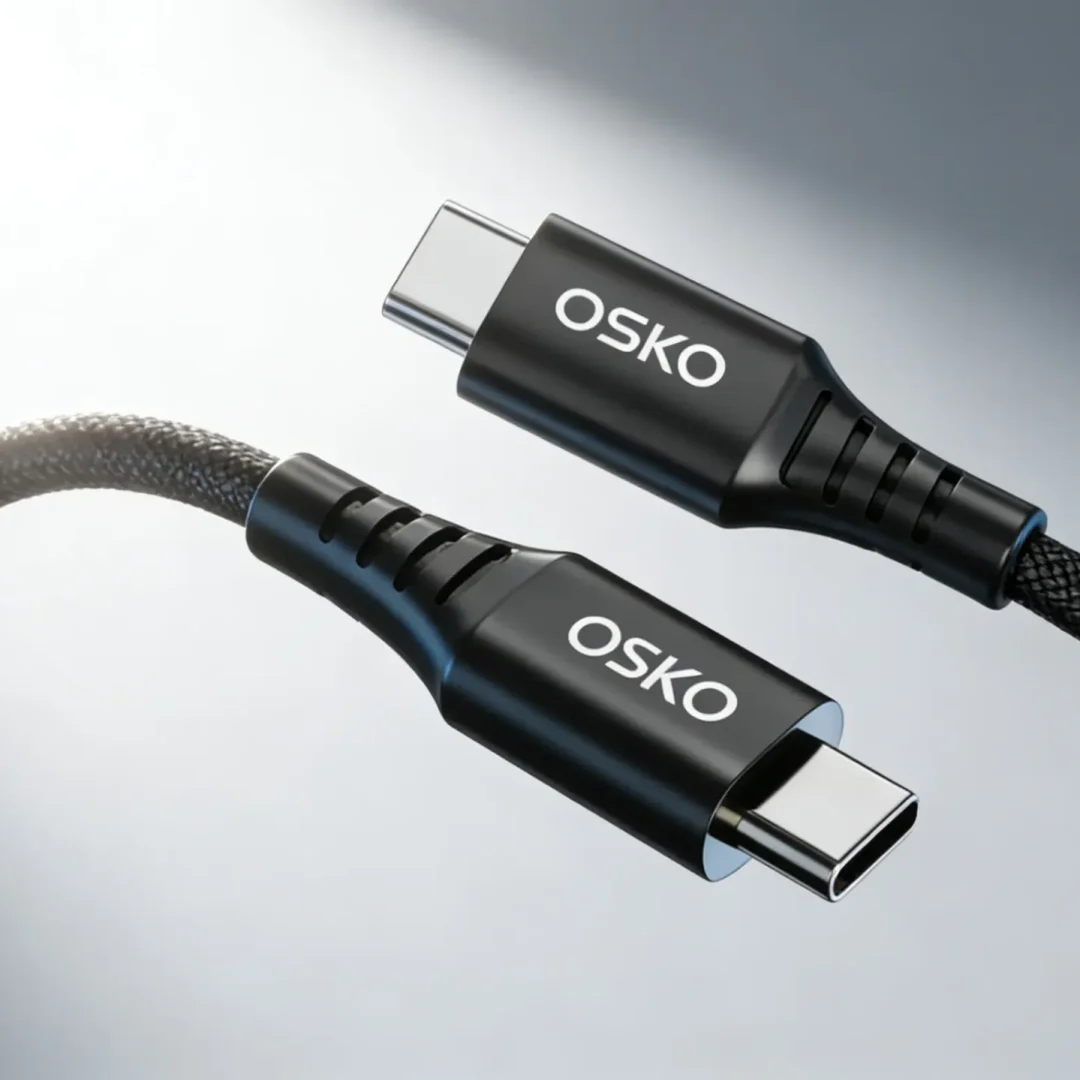
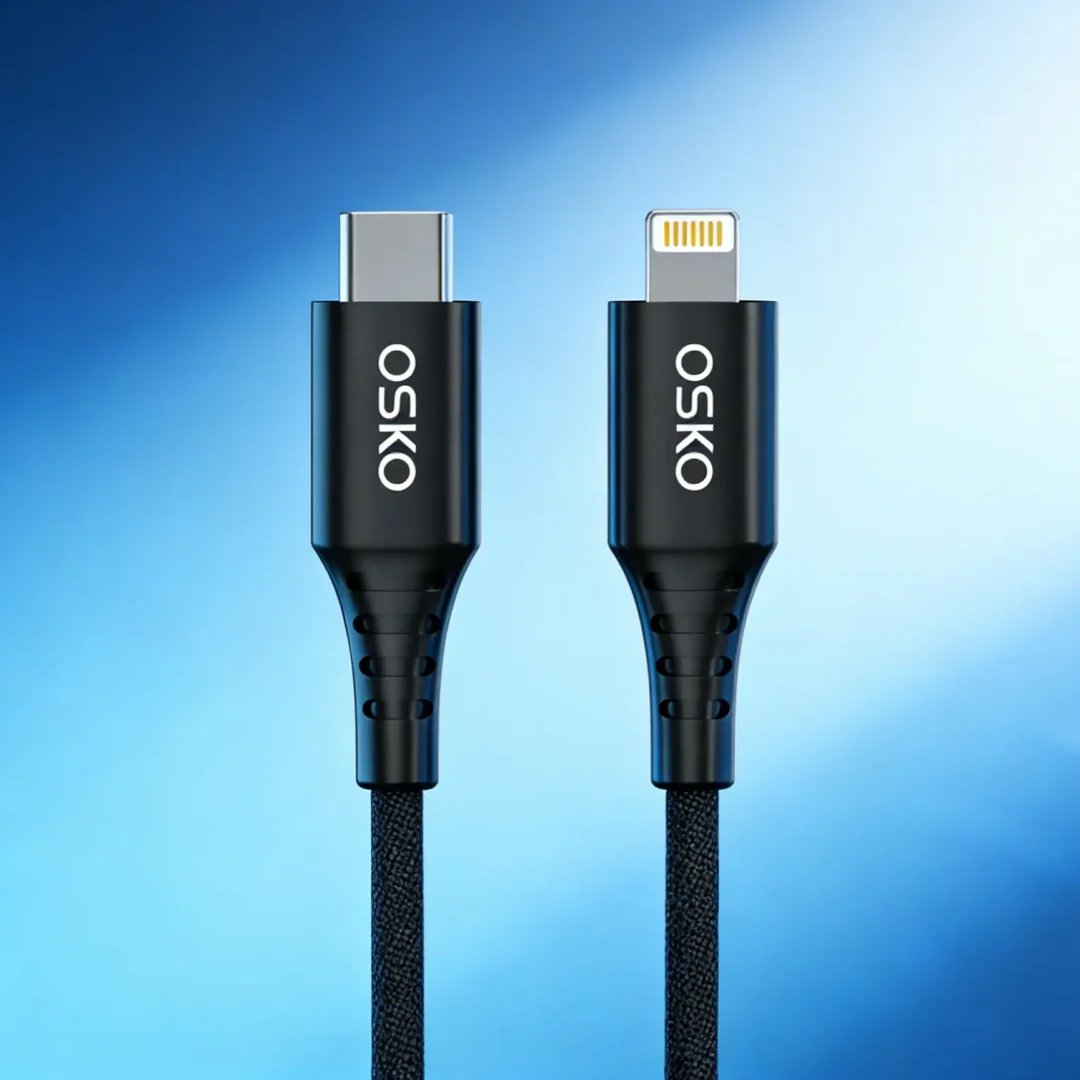
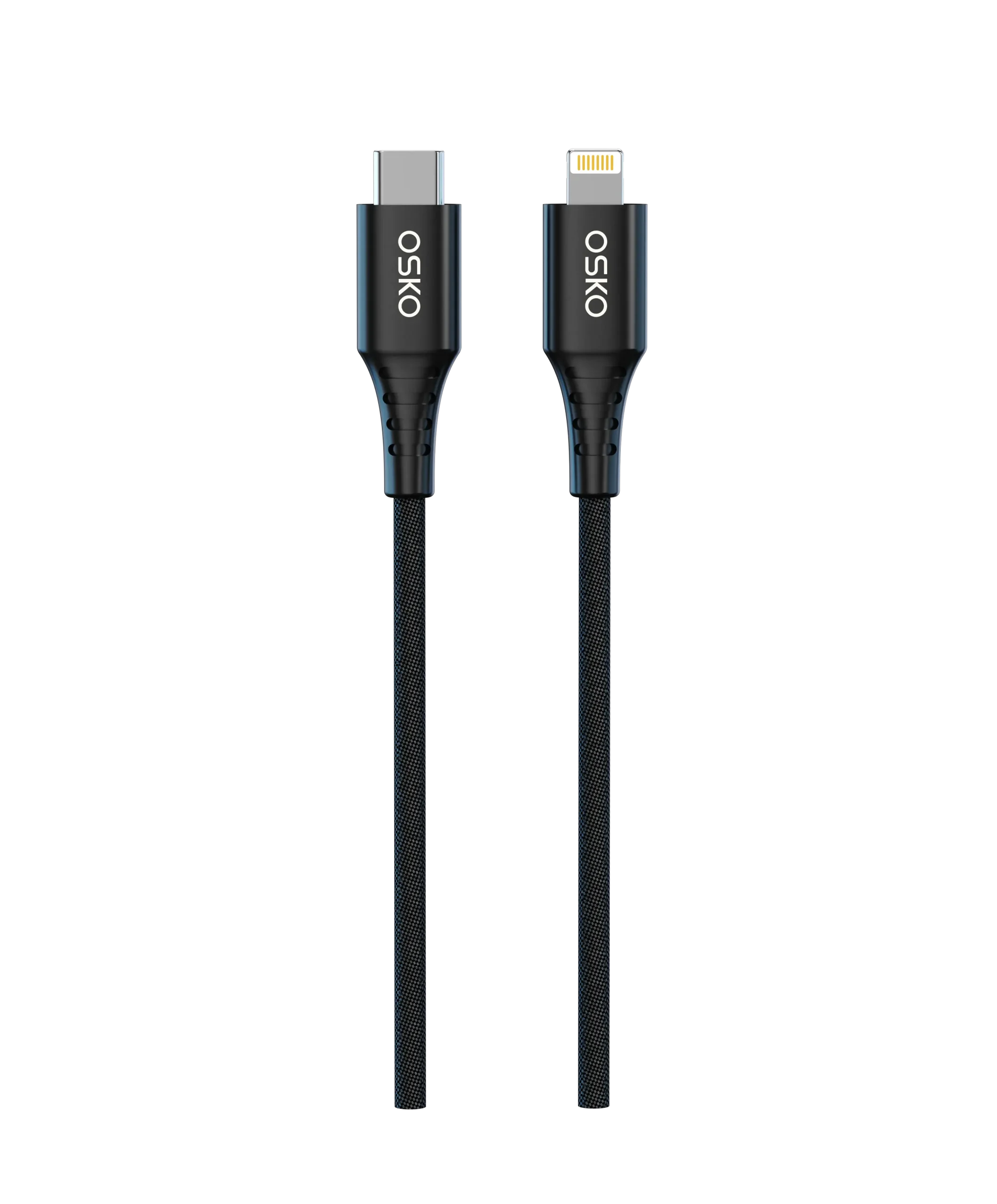
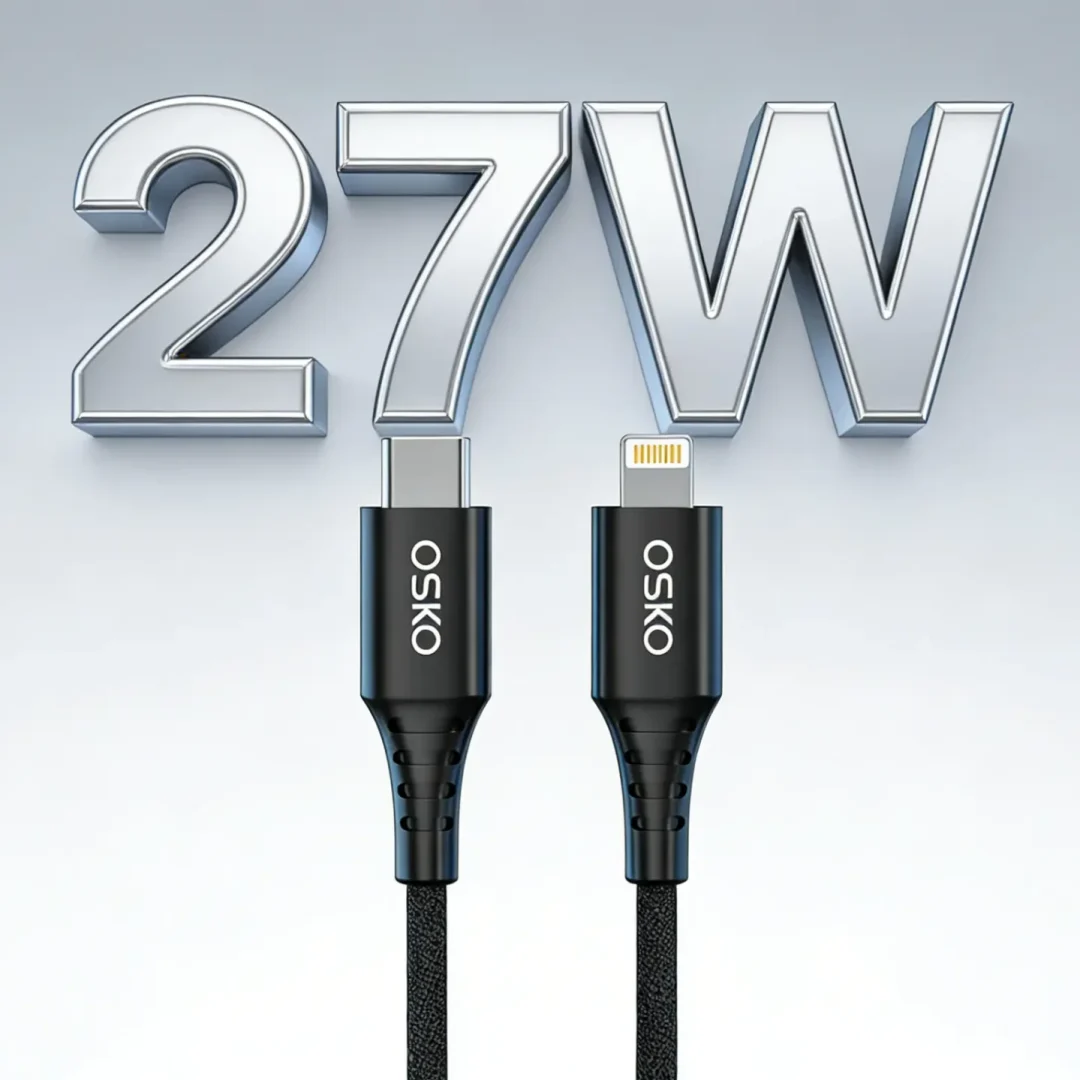
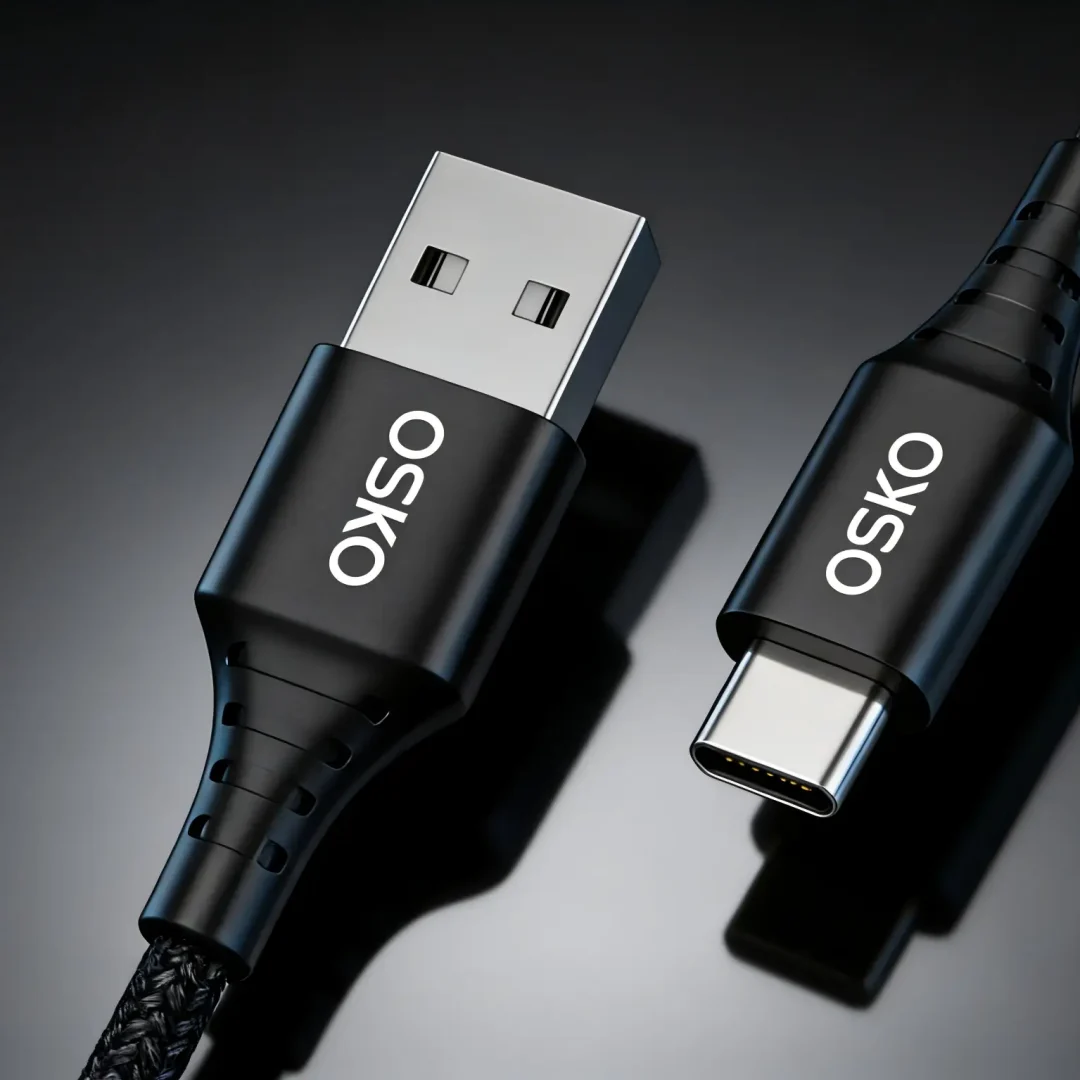
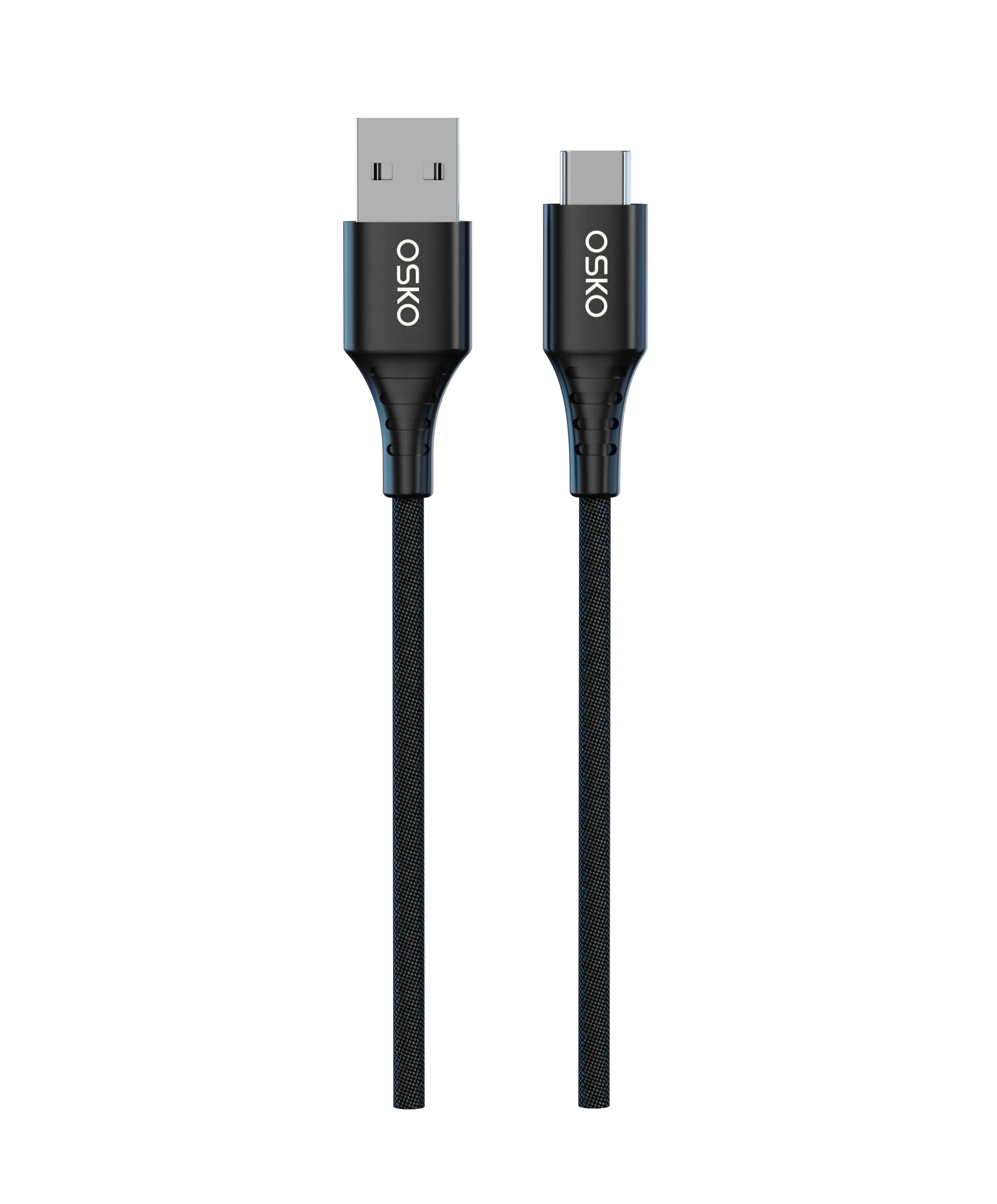
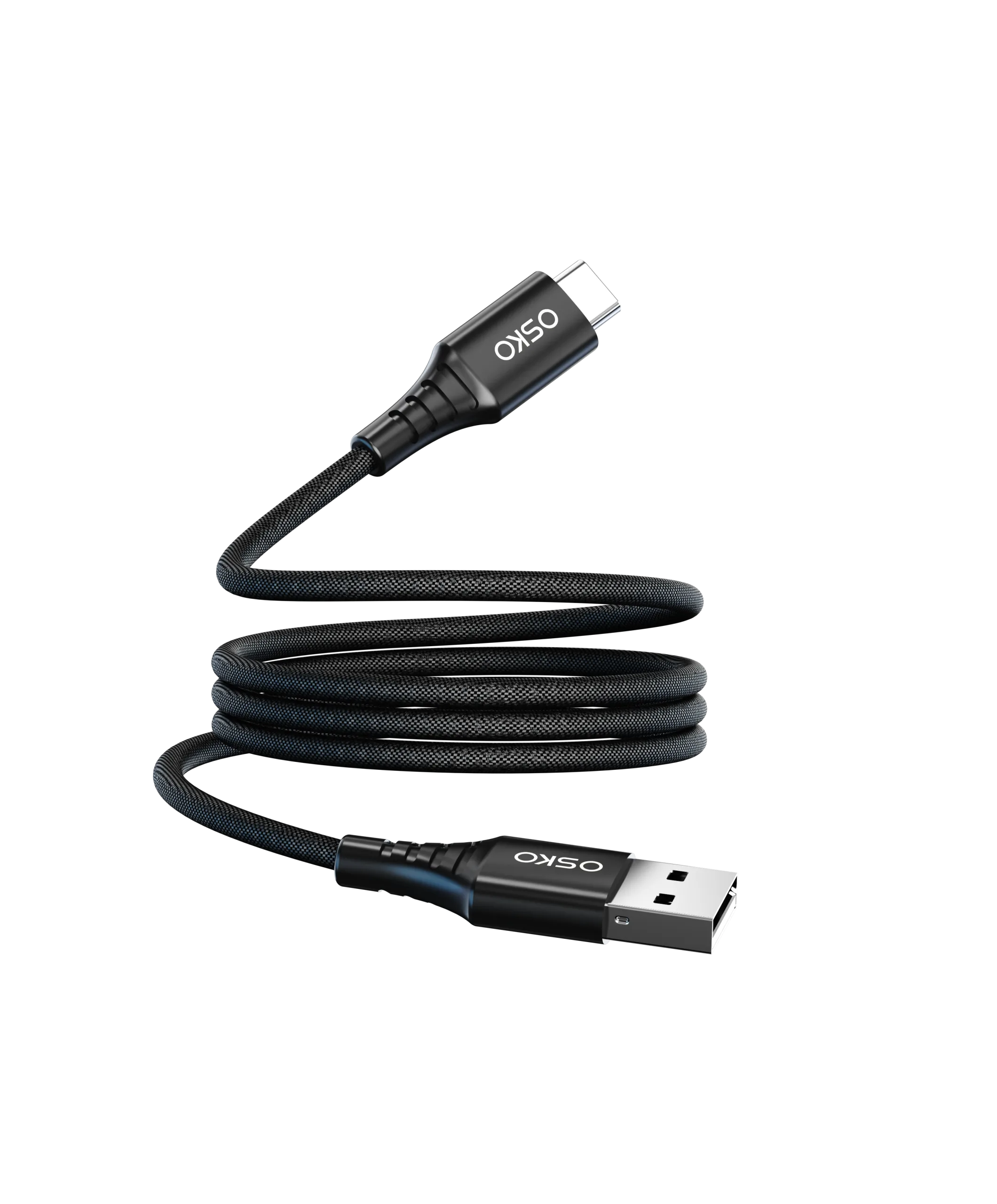
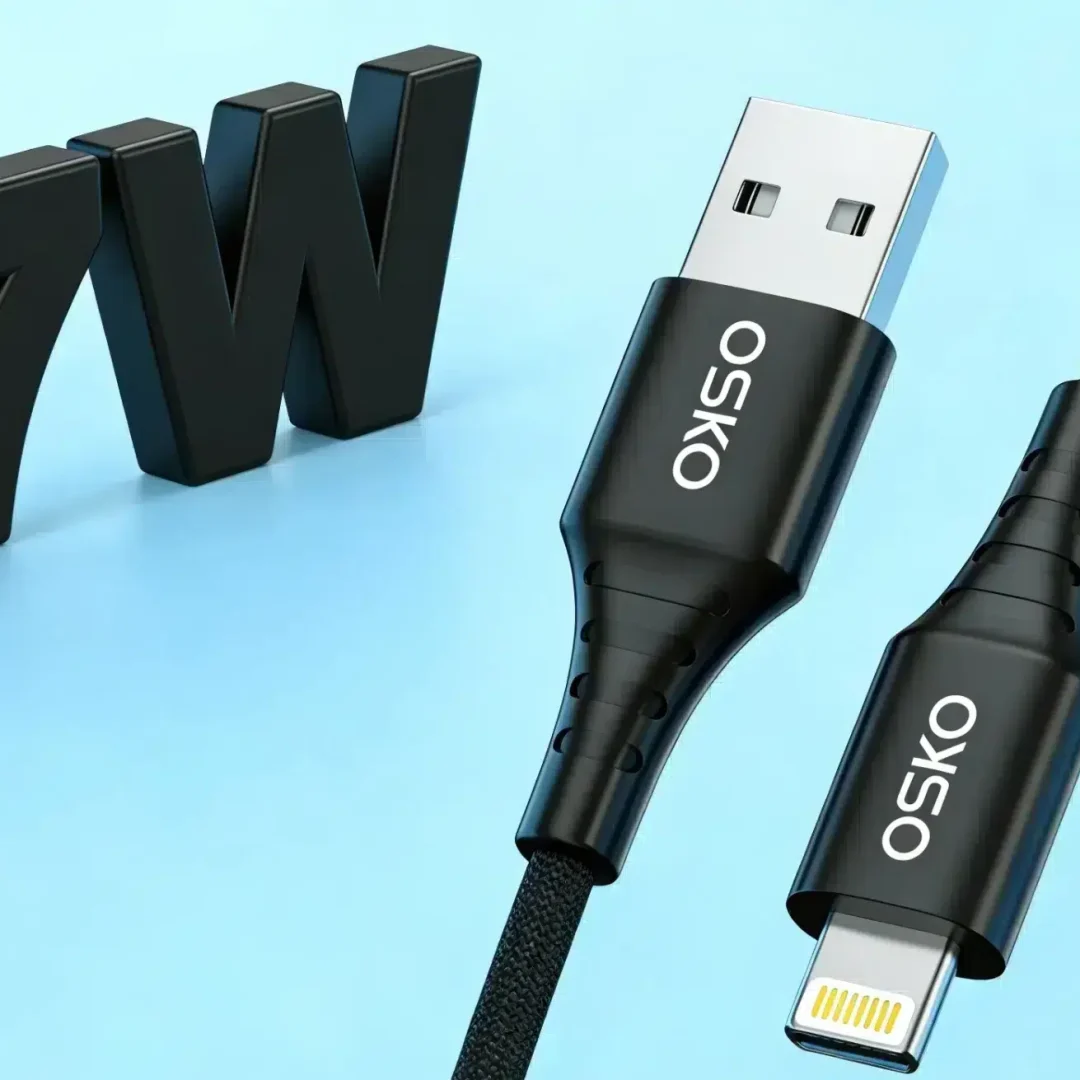
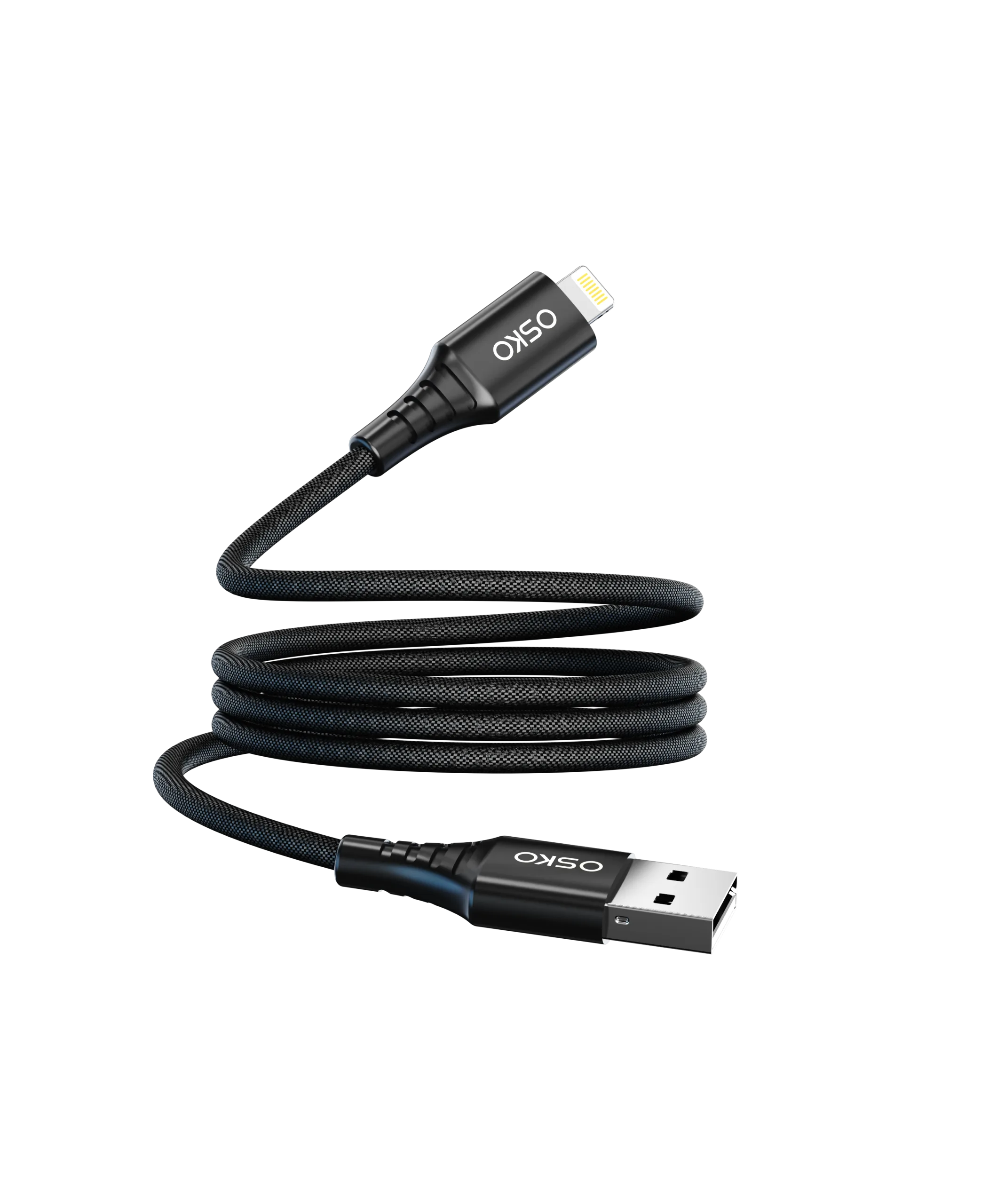
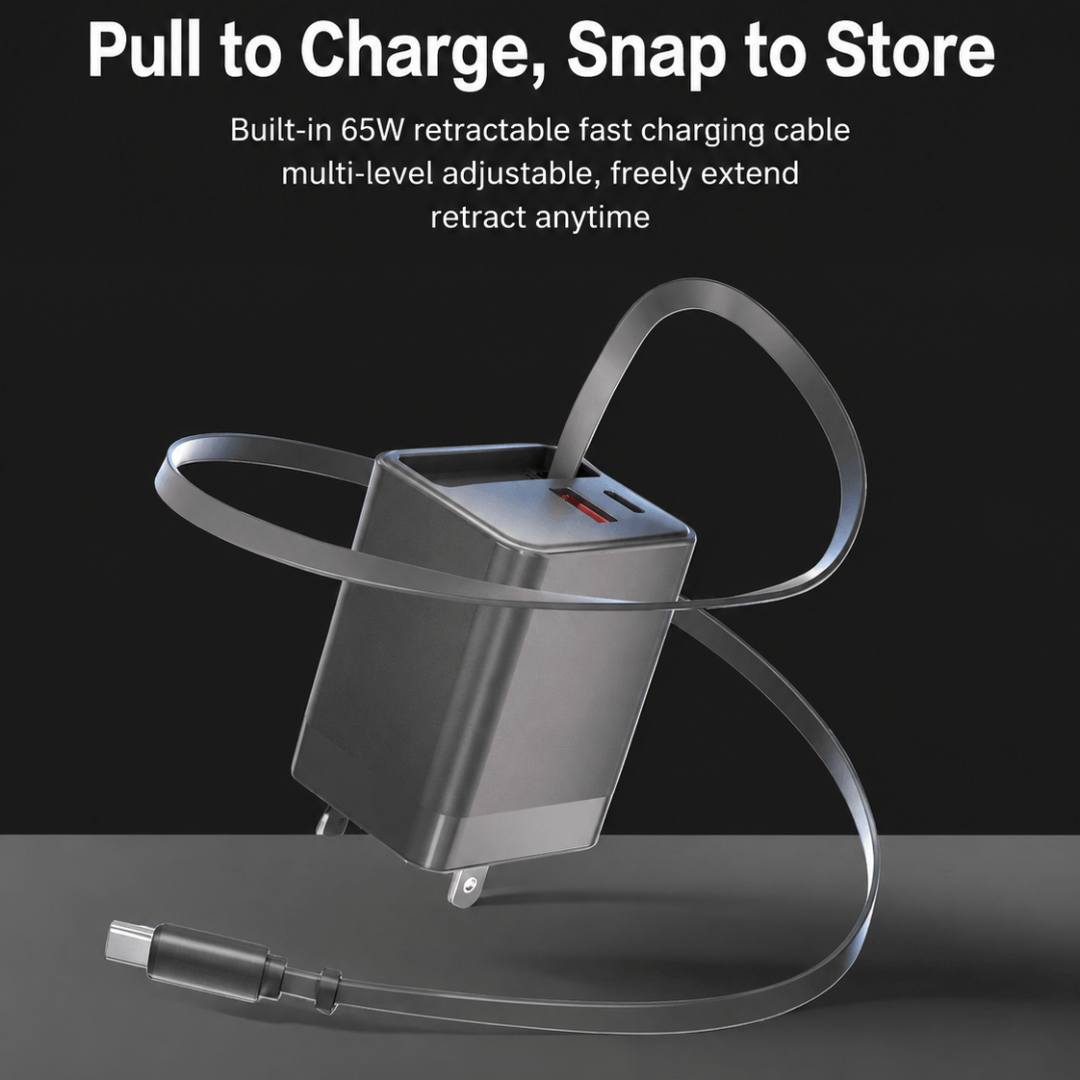
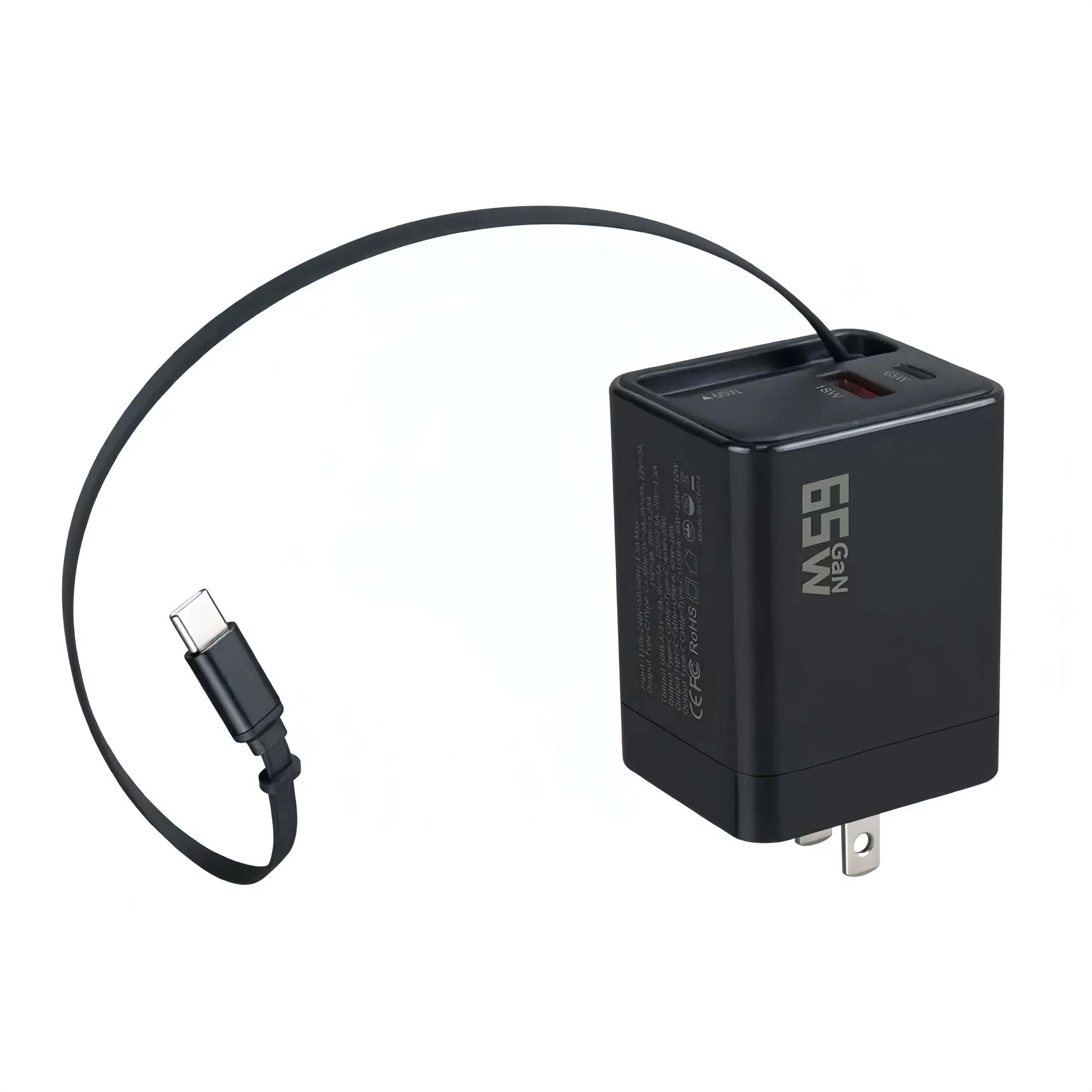

High-speed USB-C fast charging cables have become essential accessories for smartphones, tablets, and laptops. With the rapid adoption of USB PD (Power Delivery), Quick Charge, and high-wattage fast charging, choosing the right cable is critical for performance, safety, and long-term reliability.
Explore USB4 and Thunderbolt 4 specifications in this comprehensive technical guide for high-end electronics brands and B2B buyers. Learn about bandwidth, compatibility, and high-barrier cable manufacturing.
Discover how E-Marker chips in 100W and 240W braided USB-C cables prevent fire hazards. Learn why certified chips and compliance give your brand an edge over low-quality alternatives.
Discover why premium brands are moving from PD 3.0 to PD 3.1 USB-C cables. Learn about 240W high-power delivery, hardware specifications, certifications, and OEM/ODM private label advantages.
Learn the differences between TPE, nylon braided, and fishnet cables. Discover the best materials and professional weaving techniques for durability, fast charging, and high-end cable branding. OEM/ODM insights included for cable brands.
The listings commanding premium price points, stacking tens of thousands of 5-star reviews, and holding the coveted “Amazon’s Choice” badges are almost universally nylon braided USB-C cables.
At OSKO, we specialize in engineering, manufacturing, and legally certifying premium, high-density nylon braided connectivity solutions for leading global tech brands, enterprise distributors, and high-growth e-commerce operations
When sourcing premium charging cables for the US and European markets, global brands instantly think of giants like Anker or Baseus. However, as market competition intensifies, many premium brands, Amazon power-sellers, and tier-1 distributors are facing supply chain bottlenecks: rising costs, rigid minimum order quantities (MOQs), and extended lead times for the latest tech upgrades.
Confused by the world of USB cables? Choosing the wrong one can cripple your high-speed devices, slowing down crucial tasks like video editing, gaming, or large file transfers. This guide cuts through the jargon, explaining the key differences between USB 3.2 Gen 1, Gen 2, and beyond
Okay, let’s talk about USB. You’ve probably seen terms like “USB 3.2 Gen 2” or “USB Gen 1” floating around. It can feel confusing, right? I get it. We see these labels on cables, computers, and all sorts of gadgets. But what do they actually mean for you? I want to help clear things up. We believe understanding this stuff shouldn’t be hard. So, let’s break down what “USB Gen” means in simple terms.